
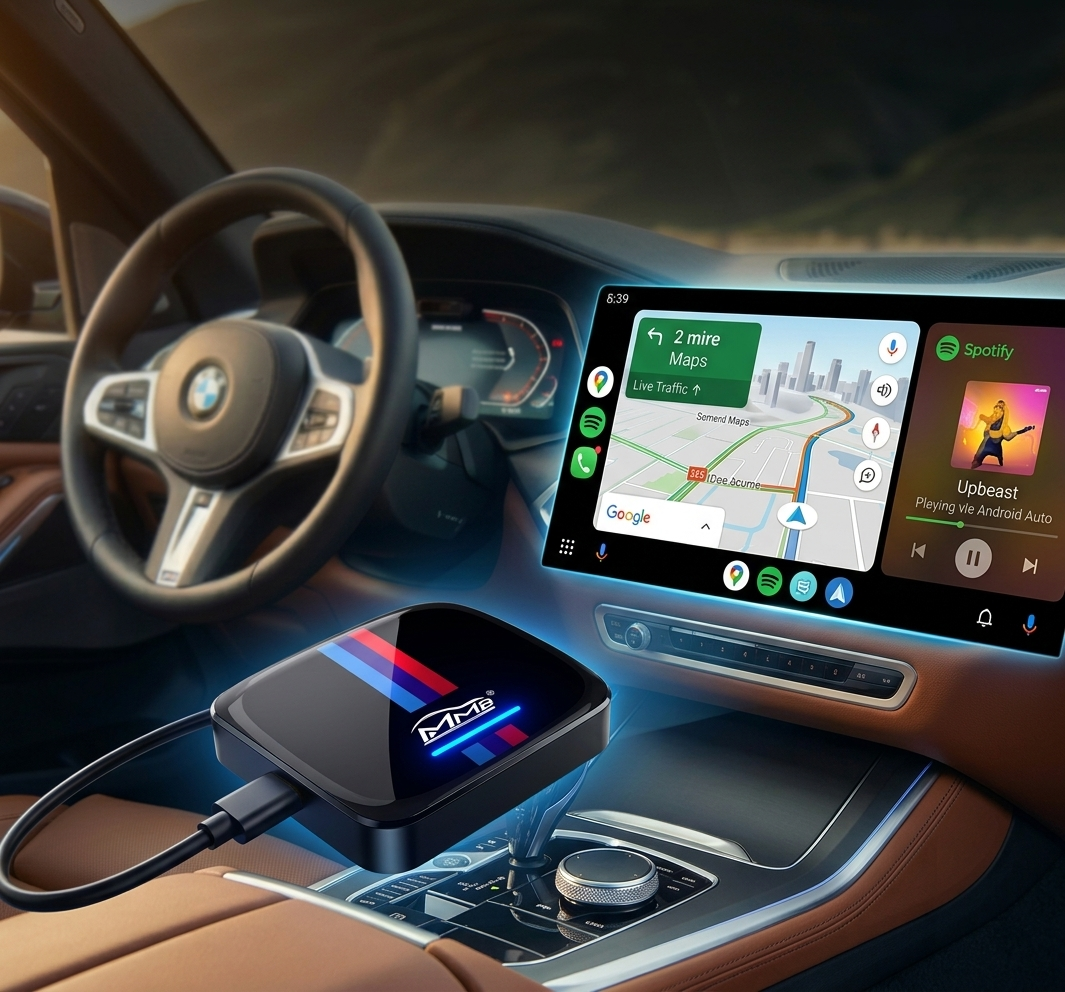
BMW TBOX Review: Add Android Auto to Your BMW Easily
Honest test of the 8GB+128GB Android 13 powerhouse (MMB Edition) for 2018-2025 models.
If you own a 2018-2025 BMW with factory CarPlay but no native Android Auto, you already know the frustration. Your Android phone feels second-class.

In this review, we’ll test real-world performance, walk through the 5-minute install, and share pros, cons, and why it's the top choice for Australian drivers in 2026.
Why BMW Owners Need Android Auto in 2026
BMW’s factory system still favors iPhone users. Most 2018-2025 models ship with CarPlay only, leaving Android drivers with workarounds that feel half-baked.
- Wired adapters add clutter to your console.
- Basic wireless dongles often lag or drop connection on the M1/M2 motorways.
- You still can’t run Netflix, YouTube, or full Google Play apps natively on the iDrive screen.
What Exactly Is the BMW TBOX (MMB)?
This is a dedicated AI Box designed exclusively for BMWs with factory CarPlay. It features the signature M-color tri-stripe design and MMB branding. Inside, it runs full Android 13 with 8GB RAM + 128GB storage.
Unlike full head-unit retrofits, it requires zero disassembly and no coding. Just plug it into your original CarPlay USB port and you’re done.
Unboxing & First Impressions
The unit itself is compact and round-edged with a high-gloss finish. The M-stripes give it a sporty feel that matches your BMW’s interior. First impression: premium build quality.
What’s in the Box?
- Signature MMB BMW TBOX Unit
- High-quality connecting cables
- Quick-start manual
Key Features & Hardware
8GB RAM + Android 13
With 8GB of RAM, the system boots quickly and handles multiple apps without lag. Multitasking feels smooth even when running navigation and music together.
Entertainment & Connectivity
- 4G LTE Support: Insert an Australian 4G SIM (optional) or use your phone's Hotspot.
- Full Play Store: Download any app you need.
- Streaming: Watch Netflix, YouTube, or Disney+ directly on the screen during stops.
Step-by-Step Installation
Compatible with 2018-2025 BMW models equipped with factory CarPlay (supports iDrive ID6, ID7, ID8, and OS9).
- Locate your original CarPlay USB port.
- Plug in the BMW TBOX.
- The system auto-detects and boots in seconds.
No tools, no coding, no voided warranty.
Real-World Performance
Connection is instant. Google Maps / Waze run buttery smooth. Spotify sounds crisp through your BMW audio, and Google Assistant responds perfectly via steering wheel buttons.
True plug-and-play, zero lag, iconic M-sport design, Netflix/YouTube support, works with AU SIM cards.
Requires factory CarPlay, needs hotspot or SIM for streaming apps.
Frequently Asked Questions
Final Verdict
If you want a simple, reliable way to add wireless Android Auto to your BMW without losing factory features, the MMB BMW TBOX is an outstanding choice for any Aussie Bimmer owner.
Buy the BMW TBOX Now