Which Carlinkit to Buy in 2026: A Plain Buying Guide to CarPlay Adapters and AI Boxes
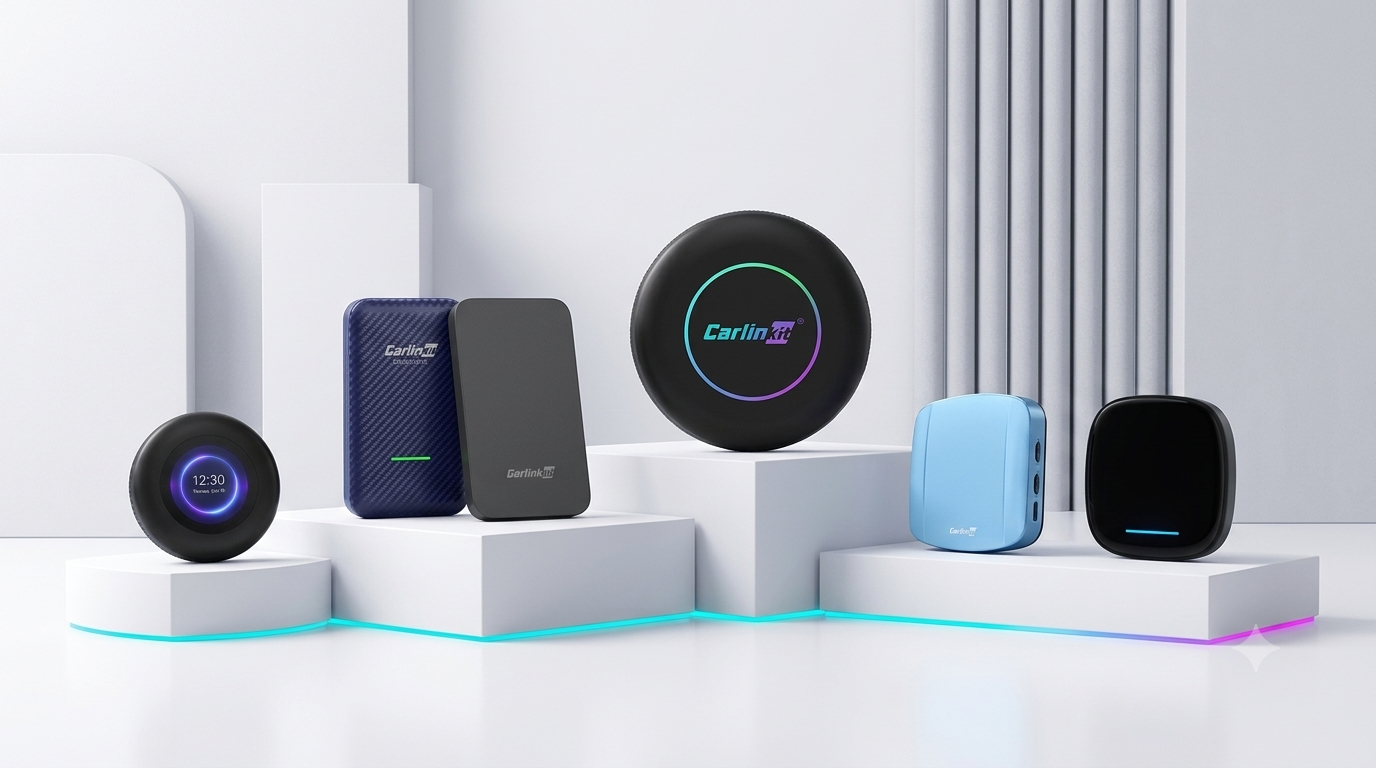
In case you find yourself in a quandary over which Carlinkit to buy from a confusing lineup of models, this buying guide will have you sorted out in no time. You were all set to give your car an upgrade… only to realize the shop had an assortment of the Tbox Ultra, Ultra 2, Ultra 3, a package meant for BMW, the Carlinkit 5.0, and the Carlinkit 4.0.
This is our fault, in all honesty. With so many models, we failed to tell you which product was best suited for whom. So how do you fix this? Just ask these two questions.
Quick picks
In a hurry? Here's the short version, matched to who you are.
- Best if you just want wirelessCarlinkit 5.0 (2air)
- Best for an Android phone in a CarPlay-only carCarlinkit 4.0
- Best smart-screen AI Box for most people (wired CarPlay)Tbox Ultra 2
- Best flagship AI BoxesTbox Ultra 3 (built-in screen and 5G) and the Multimedia AI Box
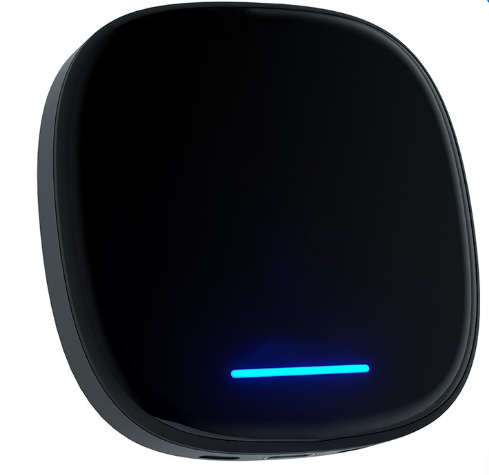
- Best for wireless-CarPlay cars like BYD, Audi, and MercedesMultimedia AI Box
- Best for a BMW with wireless CarPlayTbox Ultra 3 (faster than the original box)
It comes down to two questions
The choice of the right Carlinkit depends on two things: the type of upgrade you want, and whether your vehicle has wired or wireless CarPlay. Answer both, and the choice comes naturally.
The first one divides everything into two. The second is only relevant if you choose to get a smart screen. Let's take each in turn.
Question 1: do you need to ditch the cable, or get a smart screen?
Think of your car radio as an ordinary television set. An adapter can be likened to a wireless casting dongle: the same picture, the same features, but without the cable. An AI Box is more like installing a new smart TV: it has the same display, but now there's an Android operating system running all sorts of apps.
- Need something wireless? Get an adapter. See the next section.
- Need apps, video, and a smart screen? Choose the AI Box. Skip to the smart-screen part.
Lose the cable only: Carlinkit 5.0 vs. 4.0
There are two adapters to consider if you are perfectly happy with your current car connectivity and just don't like the cable: the Carlinkit 5.0 (2air) and the Carlinkit 4.0.
Two cases cover almost everyone. Check which is yours.
- You know and love your car, but can't stand that cable anymore. Navigation and music work perfectly well; the only thing you dislike is plugging in every time, until the port eventually gets loose.
- You're an Android user in a CarPlay-only car. Your car shipped with Apple CarPlay only, so it can't run Android Auto.
Carlinkit 5.0 (2air): the better wireless upgrade
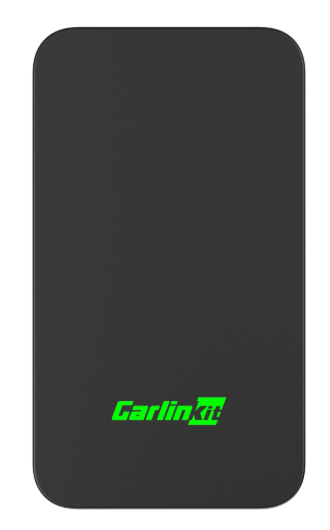
If your car is already compatible with the system you use and you only want to make it wireless, then this is the one for you. This adapter is a straightforward one-to-one upgrade: wired CarPlay becomes wireless CarPlay, and wired Android Auto becomes wireless Android Auto.
It boots up faster, connects much more reliably, and handles interference better than its predecessors, and it is our latest model.
Suitable for: drivers who want to use their existing setup wirelessly, with speed and stability. See the Carlinkit 5.0 (2air) specifications and pricing.
Carlinkit 4.0: wireless Android Auto for a CarPlay-only vehicle
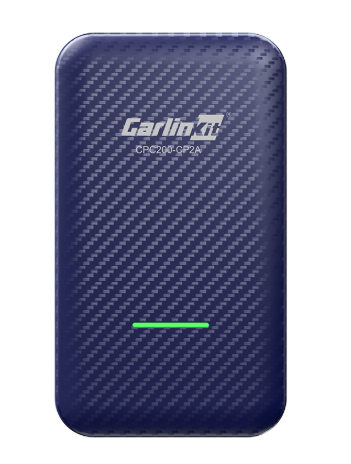
If you have a CarPlay-only vehicle and you'd like to connect your Android phone wirelessly, then the 4.0 is the one to get. Unlike the 5.0, which keeps each input separate, the 4.0 lets you double up: from the same wired CarPlay port, it offers both wireless CarPlay and wireless Android Auto.
This way, you turn your CarPlay-only vehicle into one that supports wireless Android Auto as well. For mixed families with an iPhone and an Android, one 4.0 covers both ends.
Suitable for: Android users driving CarPlay-only vehicles, and mixed-phone households on a limited budget. View the Carlinkit 4.0 product page.
In a single sentence: if your car already supports your phone, choose the 5.0; if you have a CarPlay-only car but want your Android phone wireless too, choose the 4.0.
If you want a smart screen: the Tbox Ultra series and the "BMW" box
If you need apps, video, and an actual Android operating system on your dash, an AI Box is the choice, and the decision comes down to one more thing about your car.
Question 2: is your car's CarPlay wired or wireless?
Settle this first, since it determines which AI Box is right for your vehicle. Think about how CarPlay starts the moment you get in.
- Wired: you connect your phone to the USB port before CarPlay appears on the display.
- Wireless: CarPlay starts automatically, with your phone still in your pocket.
Can't tell which kind it is? A few more ways to check are in the FAQ below.
Wired CarPlay: get a Tbox Ultra
For wired CarPlay, the Tbox Ultra range comes recommended, because it tests the most stable here. It plugs into your car's wired CarPlay or wired Android Auto port, so wired-Android-Auto cars are covered too. There are three models in the range. They all work, but they differ in design, features, and price, so choose by your needs.
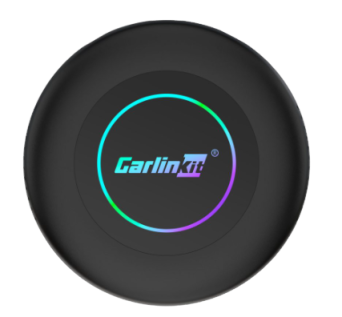
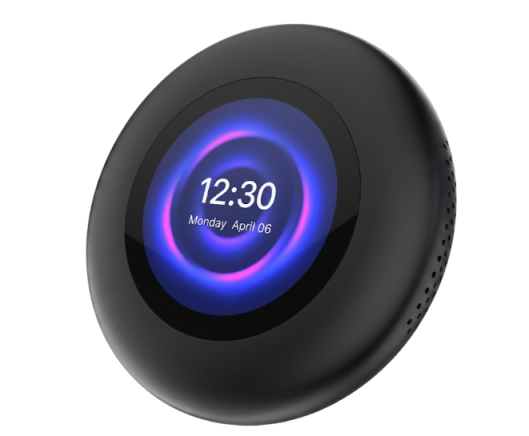
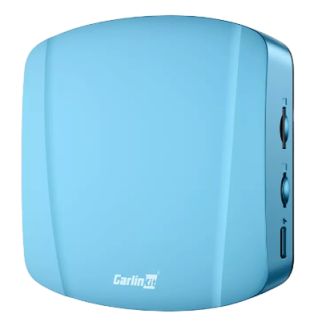
- Tbox Ultra 2, the model for everyone. Unsure? You won't regret it. This is the most versatile of the three and the easiest to use day to day. See the Tbox Ultra 2 specs.
- Tbox Ultra 3, the flagship. It has two features missing from the other two models: a touch LCD screen and 5G support. Worth it if you need them; otherwise the Tbox Ultra 2 is more straightforward. For the real feel, read our Tbox Ultra 3 hands-on, or see the Tbox Ultra 3 specifications.
- Tbox Ultra, the classic. In daily use, it's almost identical to the Ultra 2, and a safe pick if the price suits you better. See the original Tbox Ultra.
Wireless CarPlay: the box marked "BMW"
For those who have factory wireless CarPlay, your AI Box is the one marked "BMW," regardless of the badge on the hood. The box supports both wireless CarPlay and wireless Android Auto. Now here comes the explanation we give out almost daily.