
Modern drivers want their infotainment systems in the car to be quick, easy to use and wire-free. If your car still requires you to plug in to use Android Auto or Apple CarPlay, you know how annoying it is—cables everywhere, flaky connections, and the incessant need to connect and disconnect your phone with every trip. And that’s exactly the reason why the Android Auto Wireless adapter started to be so much demanded.
All the wires are gone with a wireless adapter, but you still get everything you depend on – navigation, music, calls, messaging, and app integration – all on your car’s screen. Among these numerous brands, Carlinkit wins the best reputation for stability, compatibility as well as long-term software support.
In this guide, we’ll compare three of the best Carlinkit solutions available today:
By the end of this article, you’ll know exactly which Android Auto wireless adapter is best for your vehicle, driving habits, and future needs.
Why a Wireless Android Auto Adapter Matters
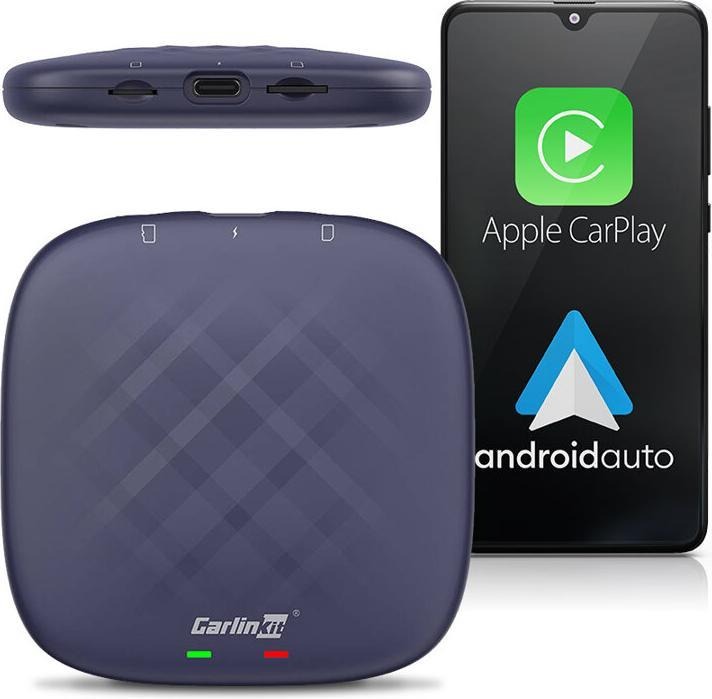
A wireless Android Auto adapter acts as a bridge between your smartphone and your car’s infotainment system. Instead of connecting your phone with a USB cable, the adapter uses Wi-Fi and Bluetooth to establish a stable wireless connection automatically when you start your car.
Why drivers are switching to wireless:
- No more worn-out charging cables
- Faster vehicle startup routines
- Cleaner, clutter-free interiors
- Less distraction when entering or exiting the vehicle
Once paired, your phone connects automatically—no buttons, no cables, no extra steps. For daily commuters, rideshare drivers, and road-trip enthusiasts, this convenience quickly becomes essential.
Carlinkit specializes in this exact space, offering both simple wireless adapters and advanced Android AI Boxes that turn your infotainment system into a full Android experience.
Compatibility Considerations (Read Before Buying)
Before choosing any Android Auto wireless adapter, compatibility is critical.
Supported vehicles
Carlinkit adapters only work with vehicles that already have:
- Factory-installed wired Apple CarPlay, or
- Factory-installed wired Android Auto
If your car does not support wired CarPlay or Android Auto from the factory, these adapters will not work.
Not compatible with:
- BMW
- Tesla
These brands use proprietary infotainment systems that do not support Carlinkit adapters.
Why compatibility verification matters
Buying the wrong adapter can lead to connection issues or complete incompatibility. This is why Carlinkit offers manual vehicle compatibility verification after purchase, ensuring your car works with the selected device before shipment.
Overview of the Best Carlinkit Wireless Adapters
Let’s take a closer look at each product and what makes it unique.
A. Carlinkit 5.0 (2Air) – Simple & Reliable Wireless Conversion
The Carlinkit 5.0 (2Air) is designed for drivers who want one thing done perfectly: converting wired CarPlay or Android Auto into wireless.
Key features:
- Converts wired CarPlay & Android Auto to wireless
- Plug-and-play installation
- Fast Wi-Fi connection with low latency
- Stable performance for daily driving
- Access to official firmware updates
This adapter does not add extra apps or an Android system—it simply removes the cable while preserving your existing interface.
Best for:
Drivers who want a straightforward, stable wireless Android Auto adapter without added complexity.
B. Carlinkit TBox Plus CPC200 – Full Android 13 Infotainment System
The Carlinkit TBox Plus CPC200 goes far beyond basic wireless conversion. It transforms your car’s display into a complete Android 13 system, independent of your phone.
Hardware & performance:
- Android 13 OS
- Snapdragon QCM6125 processor
- Memory options:
- 4GB RAM + 64GB storage
- 8GB RAM + 128GB storage
- 4GB RAM + 64GB storage
Features:
- Wireless Android Auto & wireless CarPlay
- Standalone Android apps (navigation, streaming, media)
- Internet access via Wi-Fi or SIM
- AI-based system optimization
- Smooth multitasking and app switching
This solution is ideal if you want true freedom from your phone, with apps running directly on the device.
Best for:
Small businesses, tech enthusiasts, and drivers who want a powerful Android infotainment upgrade.
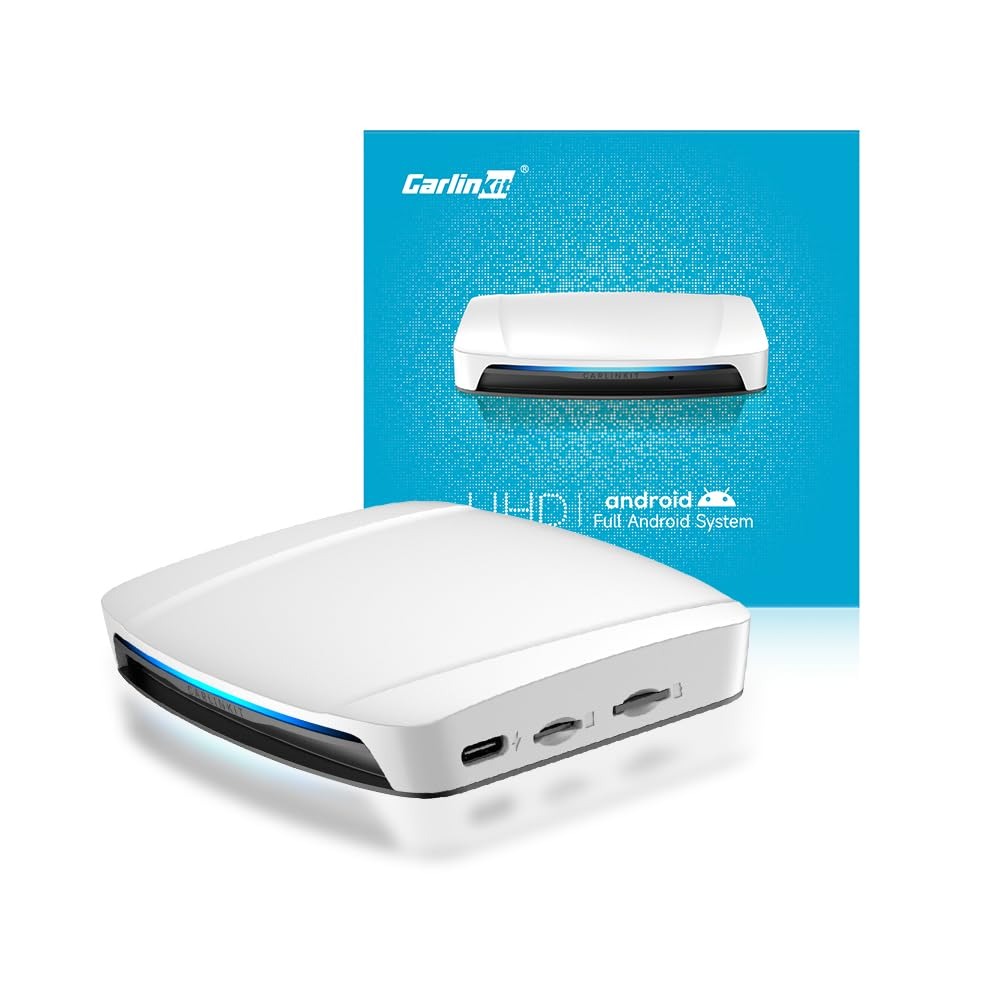
C. Carlinkit TBox UHD – Android 13 with HDMI & Dual-Screen Support
The Carlinkit TBox UHD is built for advanced setups and premium vehicles that require high-resolution output and multiple displays.
Hardware & media focus:
- Android 13 OS
- Qualcomm SDM660 processor
- HDMI output for:
- Rear screens
- Headrest displays
- External monitors
- Rear screens
Features:
- Wireless Android Auto & CarPlay
- Dual-screen and rear-seat entertainment support
- Optimized for high-resolution video playback
- Ideal for family vehicles or luxury setups
This model is perfect when you need more than just the front infotainment screen.
Best for:
Large vehicles, family cars, and advanced multimedia environments.
Comparison Table: Which Adapter Is Right for You?
| Feature | Carlinkit 5.0 (2Air) | TBox Plus CPC200 | TBox UHD |
| Android System | No | Android 13 | Android 13 |
| Wireless Android Auto | Yes | Yes | Yes |
| Wireless CarPlay | Yes | Yes | Yes |
| Processor | Standard chipset | Snapdragon QCM6125 | Qualcomm SDM660 |
| RAM / Storage | N/A | 4+64GB / 8+128GB | Built-in system memory |
| HDMI Output | No | No | Yes |
| Best Use Case | Simple wireless upgrade | Full Android infotainment | Advanced multimedia setup |
Key Features & Exclusive Benefits (All Models)
Every Carlinkit adapter purchased through the official store includes:
- Manual vehicle compatibility verification
- Lifetime access to official firmware & testing privileges
- 2-year manufacturer warranty
- Optional 1-year warranty extension(Requires additional purchase)
- Personalized real-time technical support
- 30-day money-back guarantee
- Free worldwide shipping
These services are exclusive and not available through third-party sellers.
How to Choose the Right Adapter
Choose Carlinkit 5.0 (2Air) if:
- You only want wireless Android Auto or CarPlay
- You prefer simplicity and fast setup
- You don’t need extra apps or screens
Choose TBox Plus CPC200 if:
- You want a full Android 13 system
- You use streaming, navigation, and apps frequently
- You want better multitasking and memory options
Choose TBox UHD if:
- You need HDMI or dual-screen output
- You want premium media playback
- Your vehicle supports rear-seat entertainment
Installation & Setup Overview
All Carlinkit devices use plug-and-play installation:
- Plug the adapter into your car’s USB port
- Pair your phone via Bluetooth & Wi-Fi
- Follow on-screen instructions
- Enjoy automatic wireless connection on every drive
For TBox models, additional steps include internet setup and optional app installation. If needed, Carlinkit’s technical support team provides real-time assistance.
Conclusion: Which Android Auto Wireless Adapter Is Best?
Choosing the best Android Auto wireless adapter depends entirely on how you use your car.
- For simplicity → Carlinkit 5.0
- For full Android freedom → TBox Plus CPC200
- For advanced multimedia → TBox UHD
Yet what each one have in common is Carlinkit’s stability and long-term support, and customer protection. With official firmware updates, extended warranty options and 30 days money-back guarantee, Carlinkit still be one of the most trusted brand in wireless in-car technology.
If your car supports wired Android Auto or CarPlay, an upgrade to wireless is one of the smartest you can make—both for convenience and for the future of your driving experience.