
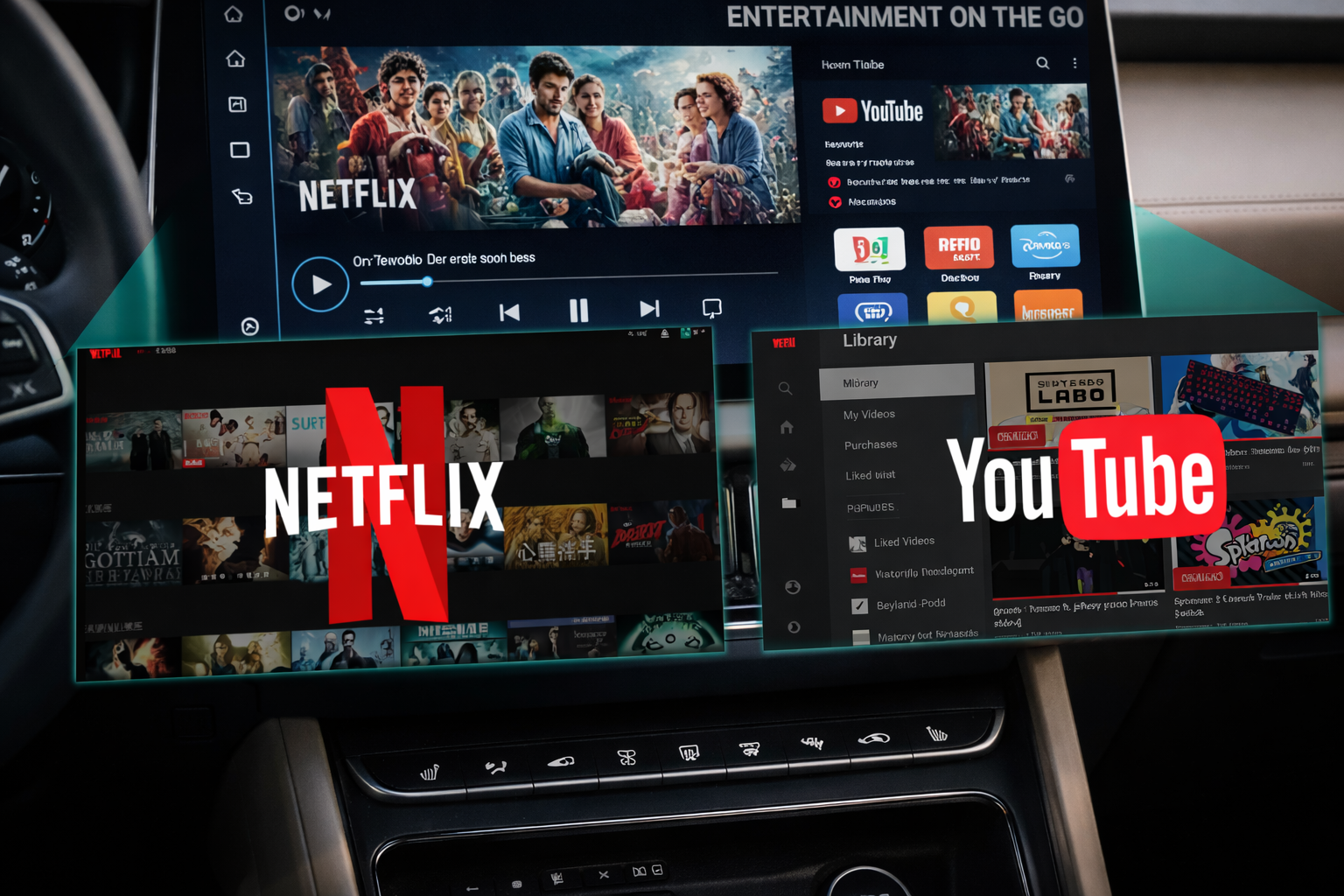
The Best CarPlay AI Boxes for Streaming on the Go
Who hasn’t experienced it? You’re waiting at a charging station for the battery to fill up, stuck in heavy holiday traffic, or parked while waiting for your kids—and the large, high-resolution display in your car goes completely unused. Many car owners ask themselves: “How can I watch Netflix in the car?”
Although modern vehicles are technically capable of video playback, standard systems like Apple CarPlay and Android Auto block streaming services for safety reasons. In this guide, you’ll learn how to legally and easily bypass these limitations using a CarPlay AI Box, what hardware you need, and what to consider when streaming on the road.
Why Does My Car Block Netflix and YouTube?
The answer is simple: safety. Apple and Google only allow apps in their in-car interfaces that do not distract the driver (navigation, music, messaging). Video streaming apps like Netflix are therefore not available.
The solution is not dangerous software “hacking” (jailbreaking) of your vehicle system, but rather an external hardware solution: the Multimedia AI Box. These boxes act as independent mini-computers that connect via your car’s USB port. They simulate a CarPlay device, but actually display a full, open Android system where Netflix, YouTube, and Disney+ are either preinstalled or can easily be downloaded from the Google Play Store.
Top 3 Solutions: Which Carlinkit AI Box Is Right for You?
To enjoy Netflix smoothly and in high quality in your car, choosing the right hardware is crucial. Here are the three best models for 2026:
Carlinkit Tbox Ultra: The Powerhouse with Android 15.0
For users who don’t want to compromise on speed, the Tbox Ultra is the top choice. It is one of the first boxes on the market running Android 15.0.
- Performance: Powered by the Qualcomm SM6350 processor (Dual-Core A77 + Hexa-Core A55) and 8 GB RAM, streaming apps run flawlessly. Netflix loading stutters are a thing of the past.
- Storage: With 256 GB of internal storage (expandable up to 512 GB), you can download entire seasons of your favorite shows and watch them offline.
- Cooling: Improved heat dissipation ensures stable operation even during hours of streaming in summer temperatures.
Carlinkit Tbox UHD: The Cinema Solution for the Whole Family
The Tbox UHD is a specialized solution for family trips. Its standout feature is the HDMI output.
- HDMI Feature: You can use the box not only on the front display but also connect a second monitor or rear headrest screens via HDMI. While navigation runs in front, kids can watch Netflix in the back.
- System: Based on Android 13, it offers a stable platform for unlimited app downloads.
- Connectivity: The Qualcomm SDM660 processor delivers solid performance for high-resolution video playback.
CarlinKit Tbox Max: The Stylish All-Rounder
The Tbox Max (LED USB Plus) is ideal for users who value both design and functionality.
- Multitasking: Thanks to split-screen functionality, you can divide the display—watch Netflix on one side while navigation or vehicle data appears on the other.
- Design: Customizable LED lighting adds a modern tech flair to your car interior.
- Hardware: With 8 GB RAM and 128 GB storage, it offers enough power for all common multimedia applications.
How Can I Keep Netflix Running in the Background?
With the Carlinkit boxes presented here, this is easy. Thanks to the open Android system, these devices support true multitasking. You can use Netflix in picture-in-picture (PiP) mode or activate split-screen functionality. This allows video (or at least audio) to continue while you safely navigate to your destination.
Watching Netflix on the Go: Data Usage and Internet
To use Netflix in the car, the AI Box needs an internet connection. There are two simple options:
- Mobile Hotspot: Share your smartphone’s internet connection via Wi-Fi with the Tbox.
- Dedicated SIM Card: All three models (Ultra, UHD, Max) feature a built-in SIM card slot. Insert a data SIM, and your car becomes an independent streaming center—without draining your phone’s battery.
Tip for use outside your home: Be aware of Netflix’s current “household sharing” policies. Since the AI Box is recognized as a mobile device (similar to a tablet), usage on the go is generally possible as long as you regularly connect to your home network or verify the box as a travel device.
Compatibility: Will These Boxes Work with My Car?
Good news first: these solutions are brand-independent. The only requirement is that your vehicle comes factory-equipped with wired Apple CarPlay or wired Android Auto.
This applies to over 98% of vehicles manufactured from 2016/2017 onward (e.g., VW, Audi, Mercedes, Hyundai, Toyota, Ford, and many more).
Please note: Vehicles from Tesla and BMW are not compatible with these products.
Why Order from Us – Exclusive Service Benefits
The AI Box market is large, but support makes the difference.
- Manual Compatibility Check: After your order, our technicians manually verify that the box is perfectly compatible with your vehicle model.
- 2-Year Warranty: We offer a full manufacturer’s warranty, with the option to extend it by an additional year.
- Real-Time Support: Our technicians are personally available to assist with setup and configuration.
- Lifetime Firmware Updates: Guaranteed access to official firmware updates.
- Risk-Free Purchase: 30-day money-back guarantee and worldwide free shipping.
Conclusion: The End of Boredom at Charging Stops
Watching Netflix in the car has never been easier than in 2026. With a Carlinkit AI Box, you transform your infotainment system into a high-end tablet. Whether you choose the future-proof Tbox Ultra with Android 15, the Tbox UHD for rear passengers, or the Tbox Max as a stylish all-rounder—the installation takes only seconds.
Safety Notice: Please use video functions responsibly. Watching videos while driving is prohibited for the driver and is intended exclusively for passengers or for entertainment during stationary waiting times.
Want to know if your vehicle is compatible? Contact our support team today or visit our product pages for more details!