
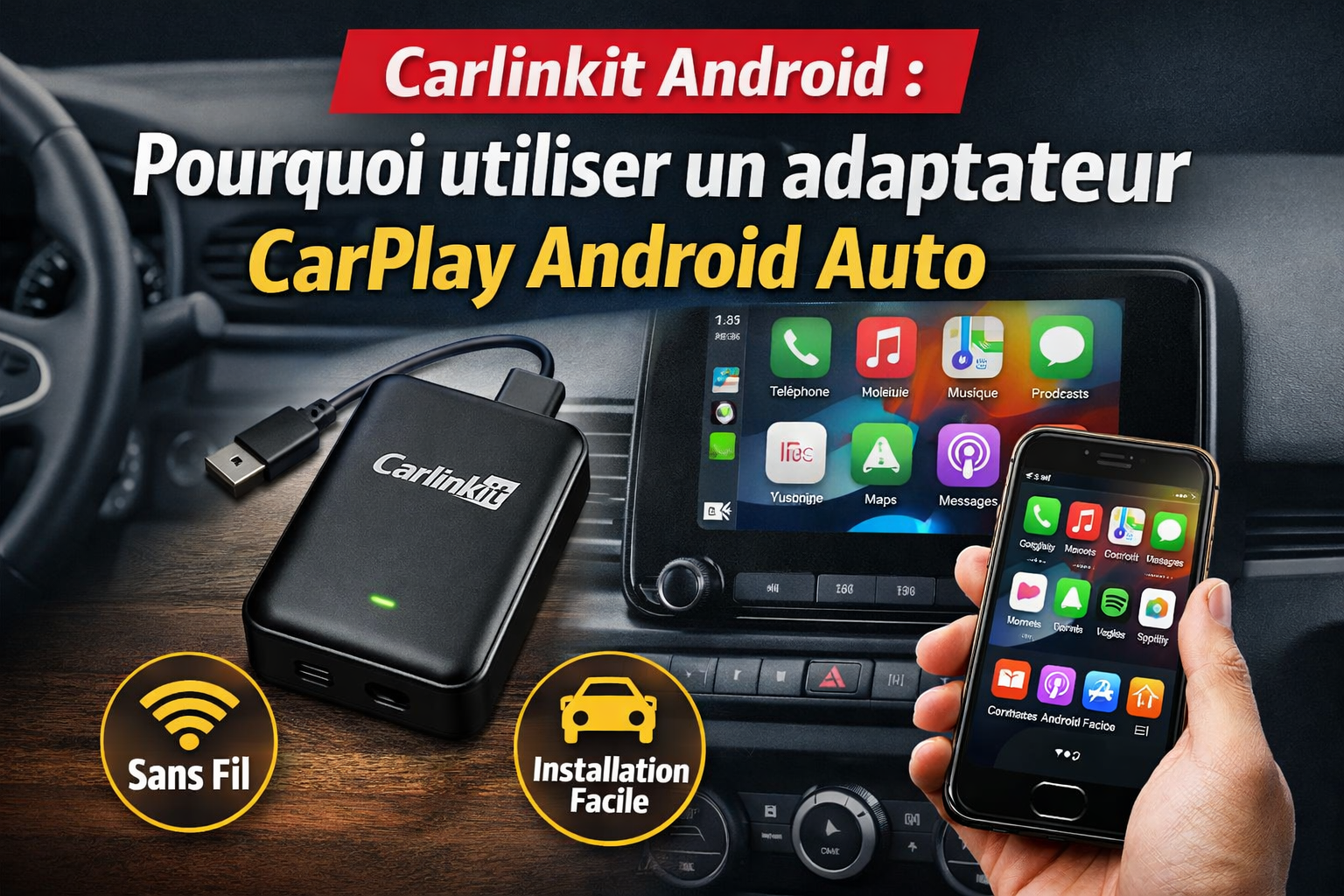
What is Carlinkit Android?
Today, CarPlay and Android Auto are essential parts of most modern cars. But have you ever been annoyed by having to plug in your phone every time you get in? This limitation of wired connections becomes especially noticeable during daily commutes.
That’s where Carlinkit Android comes in. This adapter turns your phone’s connection into wireless CarPlay and Android Auto simply by plugging into your car’s USB port. It works with most vehicles that support wired CarPlay or wired Android Auto.
How Does a CarPlay Android Auto Adapter Work?
- USB Connection: Plug the adapter into your car’s USB port.
- Bluetooth Pairing: The smartphone automatically pairs with the adapter.
- WiFi Data Transfer: The connection is fast and stable.
Example: A customer named Mr. Smith installed Carlinkit Android in his 2022 Toyota Corolla. The first attempt failed because his phone was in power‑saving mode. Once switched to standard mode, the adapter connected perfectly on the first try.
Why Use a CarPlay Android Auto Adapter?
Using Carlinkit Android can significantly improve your daily driving experience. If you are wondering if it is worth it, consider these points:
Switch from Wired to Wireless CarPlay
- No more plugging and unplugging your phone every time.
- The phone connects automatically as soon as you get in.
- Driving becomes more comfortable and focused.
- Small detail: Older iPhones (before iPhone X) may require a first‑time manual sync.
Automatic and Fast Connection
- Your car instantly recognizes your phone.
- Fewer steps to launch your apps.
- Less distraction — keep your eyes on the road.
- One trick: Holding the USB plug in place for 3–5 seconds on the first connection often helps the system recognize the device more reliably.
Keep Your Original Car System
- Your car’s original interface stays intact.
- OEM features remain fully functional.
- Switching back to wired mode is always easy.
- No need to worry about damaging your car’s system; Carlinkit Android is a safe, non-invasive upgrade.
Advantages of Carlinkit Android
Here is why choosing Carlinkit Android is a smart move:
- Plug‑and‑Play Installation: Ready to use in minutes.
- Wide Compatibility: Tested on 2019 Mercedes A‑Class, 2020 VW Golf, and 2021 Audi A3.
- Stable Connection: Minimal dropouts even on winding roads.
- Regular Updates: OTA upgrades improve performance over time.
How to Choose the Right Adapter?
Before buying, make sure:
- Vehicle Compatibility: The car must support wired CarPlay or wired Android Auto.
- Phone Compatibility: iPhones for CarPlay; Android phones for Android Auto.
- Adapter Reliability: Choose a brand known for stability and updates.
- Important: Remember to allow Bluetooth pairing permissions on your phone during the first setup.
FAQ – Frequently Asked Questions
Does a CarPlay Android Auto Adapter Work With All Cars?
No. Your vehicle must support wired CarPlay or wired Android Auto first.
Can You Use Wireless CarPlay With an Adapter?
Yes, Carlinkit Android enables full wireless CarPlay and Android Auto.
Is Carlinkit Android Difficult to Install?
Not at all. It’s plug‑and‑play, and typically installed in minutes.
What’s the Difference Between Carlinkit and Other Adapters?
Carlinkit delivers better stability, broader compatibility, and regular updates, unlike many generic brands.
Conclusion
Using a CarPlay Android Auto Adapter like Carlinkit Android can transform your in‑car experience. It lets you enjoy wireless freedom while keeping your original car interface unchanged. Modernize your vehicle the easy way—simple, effective, and reliable.