
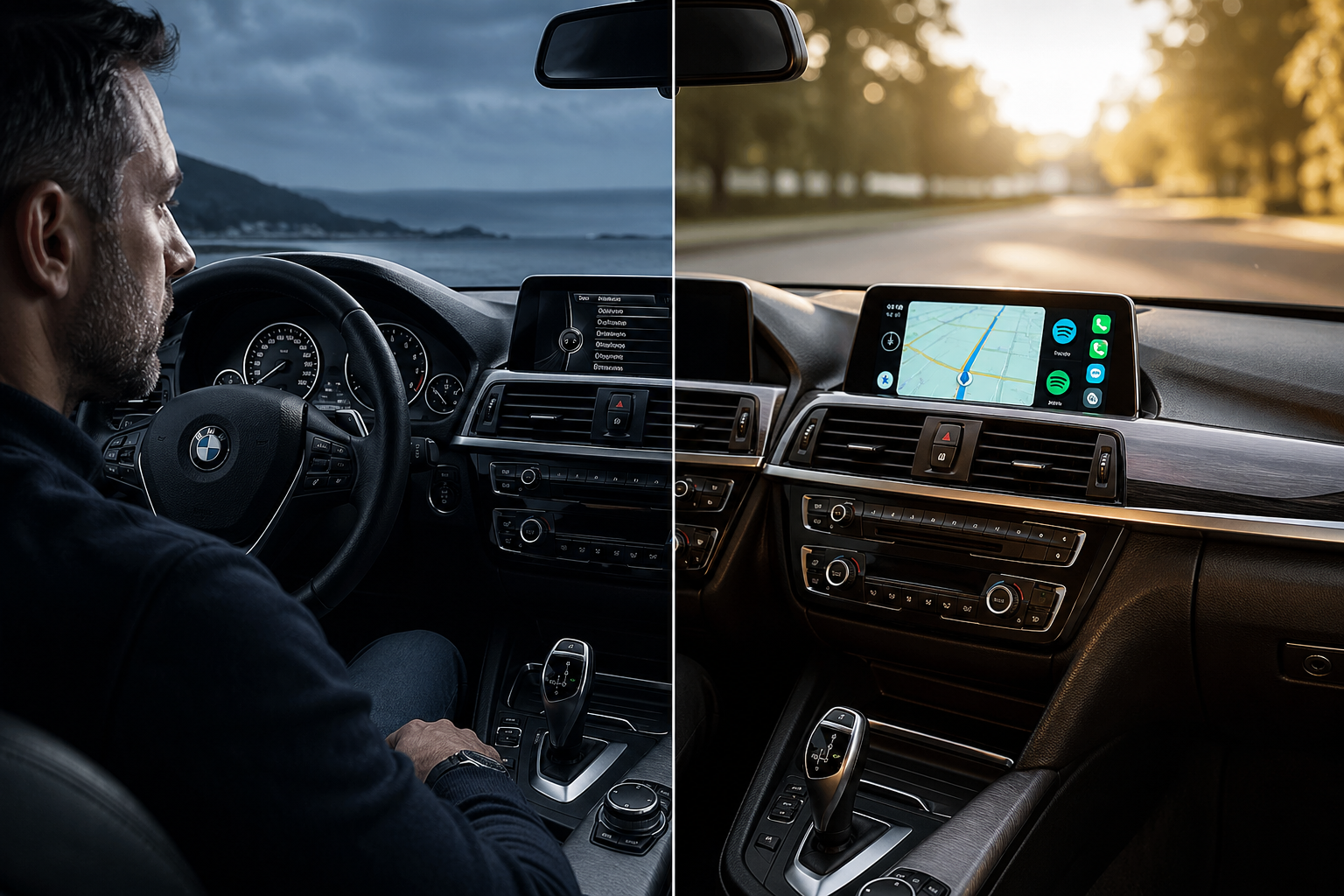
For many BMW owners, 2016 was a bittersweet year. While the cars drove like a dream, the infotainment tech was stuck in a transition period. At that time, BMW famously embraced Apple CarPlay but completely left Android users in the rearview mirror.
If you are driving a 2016 BMW 3 Series, 5 Series, or X5, you've likely felt the frustration of not being able to use Google Maps, Waze, or Spotify natively on your dashboard.
In this guide, we'll show you exactly how to upgrade your Ultimate Driving Machine with the latest Carlinkit technology.
Step 1: Identify Your BMW iDrive System
Before buying any hardware, you must identify your current iDrive version. This determines which BMW Android Auto upgrade is right for you.
Vertical list menu layout. Standard on most 2016 models. Usually lacks any smartphone integration.
Horizontal "Tile" or "Grid" layout. Late-2016 models may already include Wireless CarPlay preparation.
Solution 1: Carlinkit MMI Retrofit
For NBT systems and BMWs with no factory CarPlay
If your BMW has the older NBT system or lacks CarPlay entirely, the Carlinkit MMI Decoder is the most popular and stable solution on the market.
The MMI (Multimedia Interface) installs behind your existing screen and acts as a bridge — letting your original display show a full Wireless Android Auto interface, with no visible aftermarket equipment.
Key Advantages
- Wireless Freedom: Auto-connects via Bluetooth and Wi-Fi every time you enter the car.
- Full Integration: Use your iDrive controller knob, steering wheel buttons, and Google Assistant voice commands.
- Original Features Retained: Factory BMW menu, parking sensors, and reverse cameras stay 100% functional.
- Stealth Install: Everything hides behind the dash — your interior keeps its factory-fresh look.
For Australian owners who want a "set and forget" solution that feels like it came from the factory, the MMI Retrofit is the gold standard.
Explore the BMW MMI RetrofitSolution 2: Carlinkit Android AI Box
For BMWs with active Wireless CarPlay (iDrive 5/6)
Do you have a newer 2016/2017 BMW that already supports Wireless CarPlay, but you use an Android phone? This is where the Carlinkit Tbox series (like the Tbox Ambient) shines.
- Plug & Play: No dash disassembly — simply plug into your car's USB port.
- Full Android 13 System: A complete tablet experience on your factory screen.
- Streaming Freedom: YouTube, Netflix, and Disney+ come pre-installed for use while parked.
- Independent Power: Built-in SIM card slot and GPS — run navigation and music without your phone.
Solution 3: Wireless Dongle for Aftermarket Screens
Some BMW owners have already replaced their original 6.5-inch or 8.8-inch screens with large 10.25-inch aftermarket Android head units.
If your aftermarket screen is laggy or only supports wired connections, the Carlinkit CCPA (Autokit) is your best friend. It provides a stable, high-speed wireless link for Android Auto, ensuring your Google Maps never freezes mid-turn.
BMW owners who have already invested in a third-party Android screen but suffer from laggy wired connections or unreliable wireless protocols.
Installation & Support in Australia
At au.carlinkitfactory.com, we understand that Australian drivers face unique conditions — from the heat of Perth to long coastal drives between Sydney and Melbourne.
Fast shipping across Australia and dedicated technical support — your 2016 BMW Android Auto setup will work perfectly from day one, whether you're in Melbourne, Brisbane, or Perth.
FAQ: Common Concerns for 2016 BMW Owners
Conclusion
Upgrading your 2016 BMW to Android Auto is the single best way to modernise your driving experience. Whether you choose the seamless MMI Retrofit or the powerful Tbox AI Box, you're reclaiming the convenience of modern navigation and entertainment.
Plug & Play options · MMI Retrofit · Fast Australian shipping
Shop BMW Solutions →