
BYD · Model-Specific Page
Put every app you want on your BYD's screen
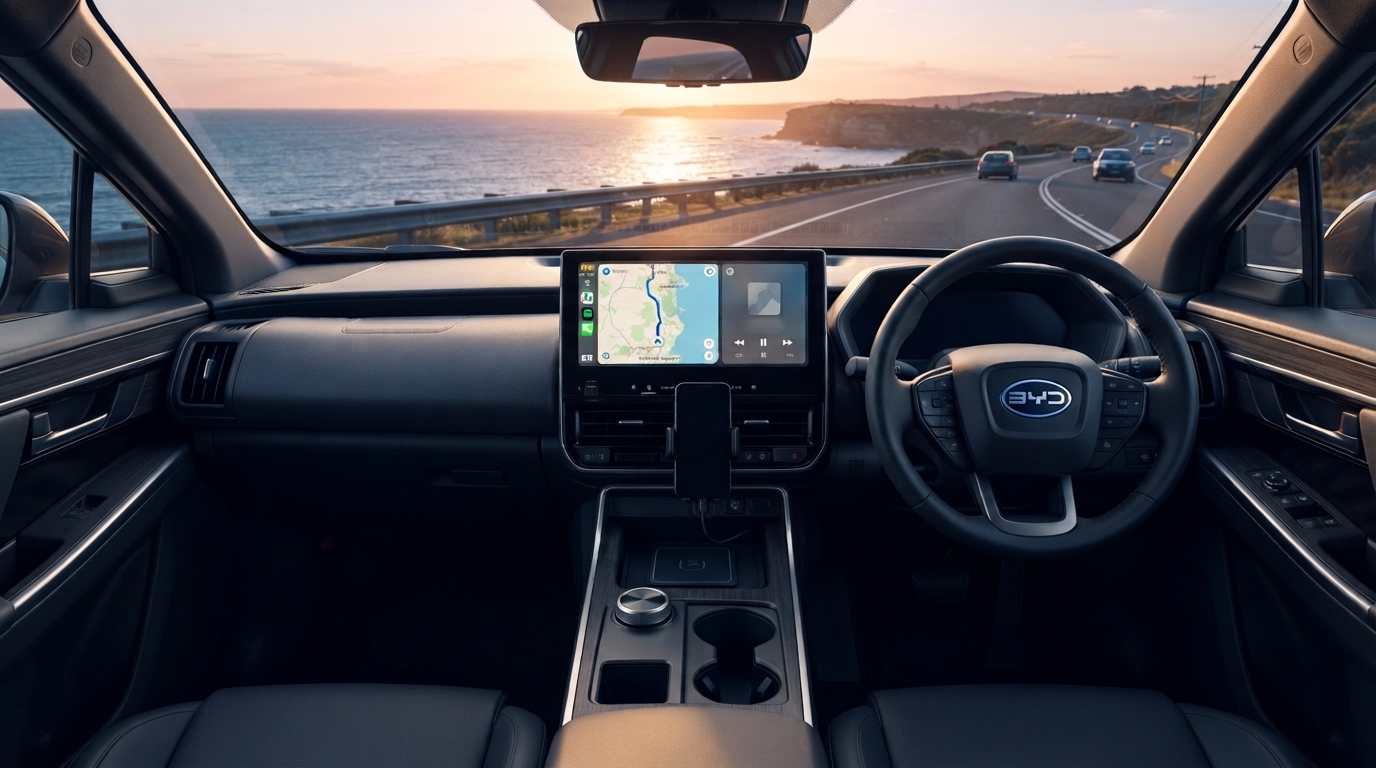
Keep your factory CarPlay / Android Auto connection untouched — wireless or wired — while adding a full standalone Android system: watch YouTube, stream Netflix, run Google Maps. Pick the version that matches your car below.
30-day returns for defects
2-year warranty
Factory warranty unaffected
Your model (products are shared across the group, tap to switch)
Choose the Right AI Box for Your Car
Two systems, split by one thing only: does your BYD's factory CarPlay / Android Auto run wirelessly, or only with a USB cable? Not sure — use the one-minute check below.
Will it fit? A one-minute check
- Start the car and open the CarPlay / Android Auto screen on the head unit, with your phone nearby but NOT plugged in
- If it connects and runs with no cable at all, your car has wireless CarPlay / Android Auto from the factory
- If it only starts working once you plug in a USB cable, your car has wired-only CarPlay / Android Auto
- If nothing happens even with a USB cable plugged in, try a different cable first. If it still does not respond, your car likely has no factory CarPlay / Android Auto, and these boxes will not work
✓ Connects with no cable
Your car already has wireless CarPlay / Android Auto.
→ Get the BYD-Specific AI Box
✓ Needs a USB cable
Your car only supports wired CarPlay / Android Auto.
→ Get the Max Ultra AI Box
Not sure about your model? Email us and we'll confirm within 12 hours:
📧 service@carlinkitfactory.comComplete Your Setup
Optional add-ons below — priced separately and on top of the AI Box above
Ready in 3 Simple Steps
Up and running in three steps, no professional installation needed
01
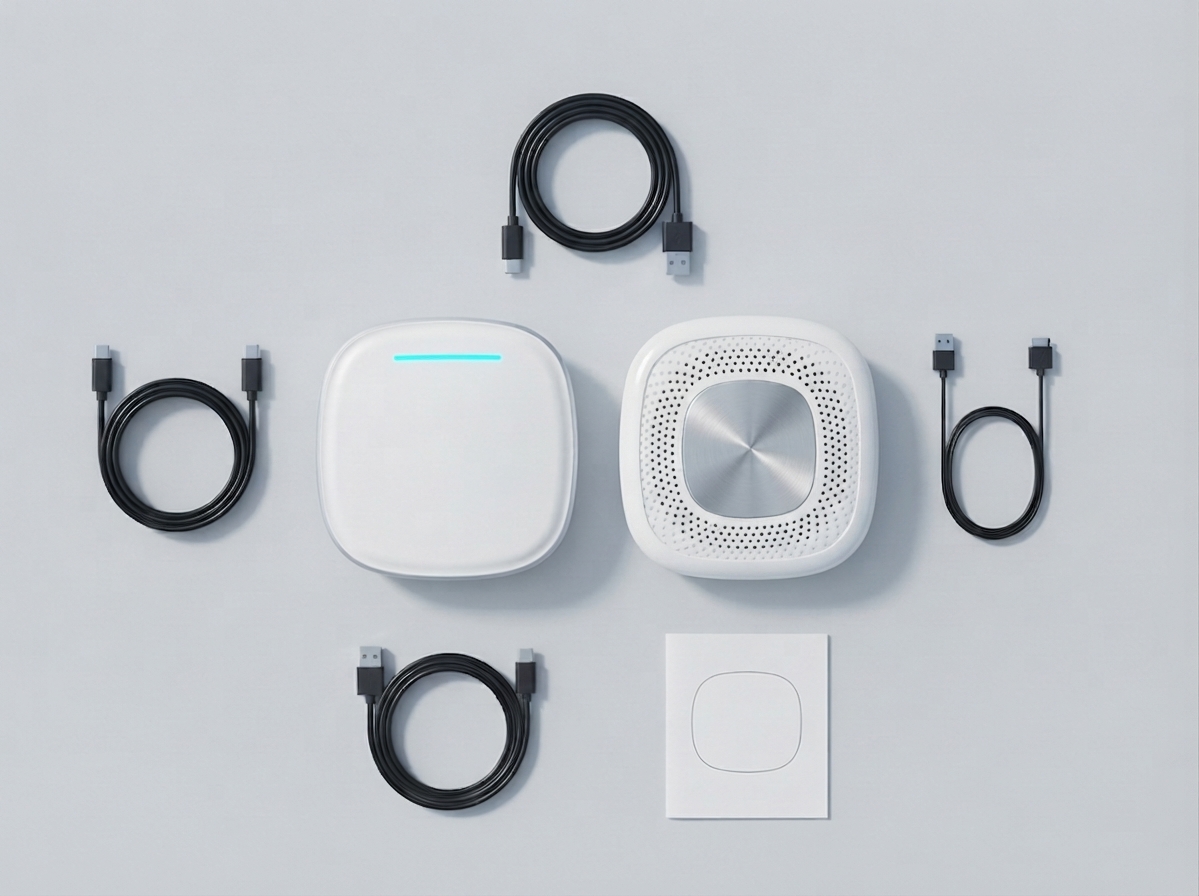
Plug It In
Plug into your car's USB port, done in 10 seconds
02
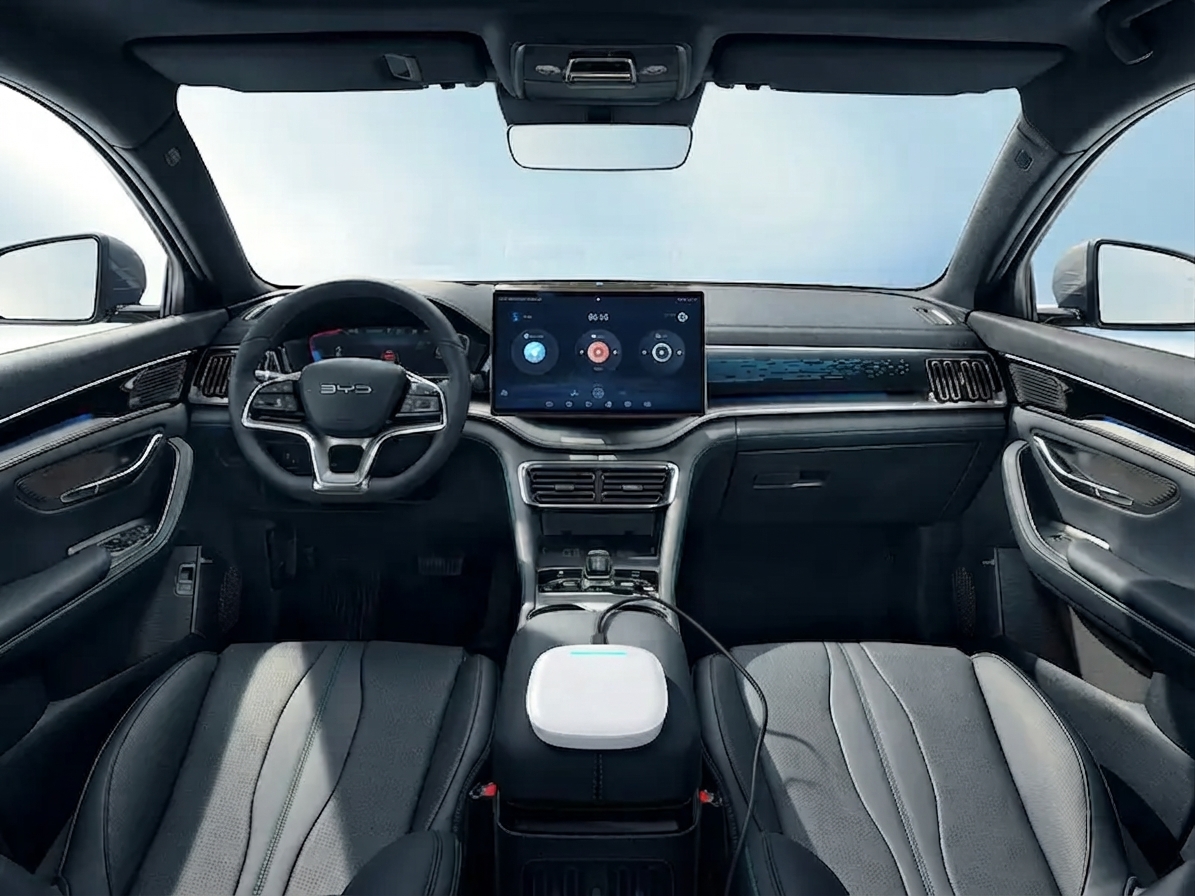
Auto Connect
Your screen detects it automatically, no setup needed
03
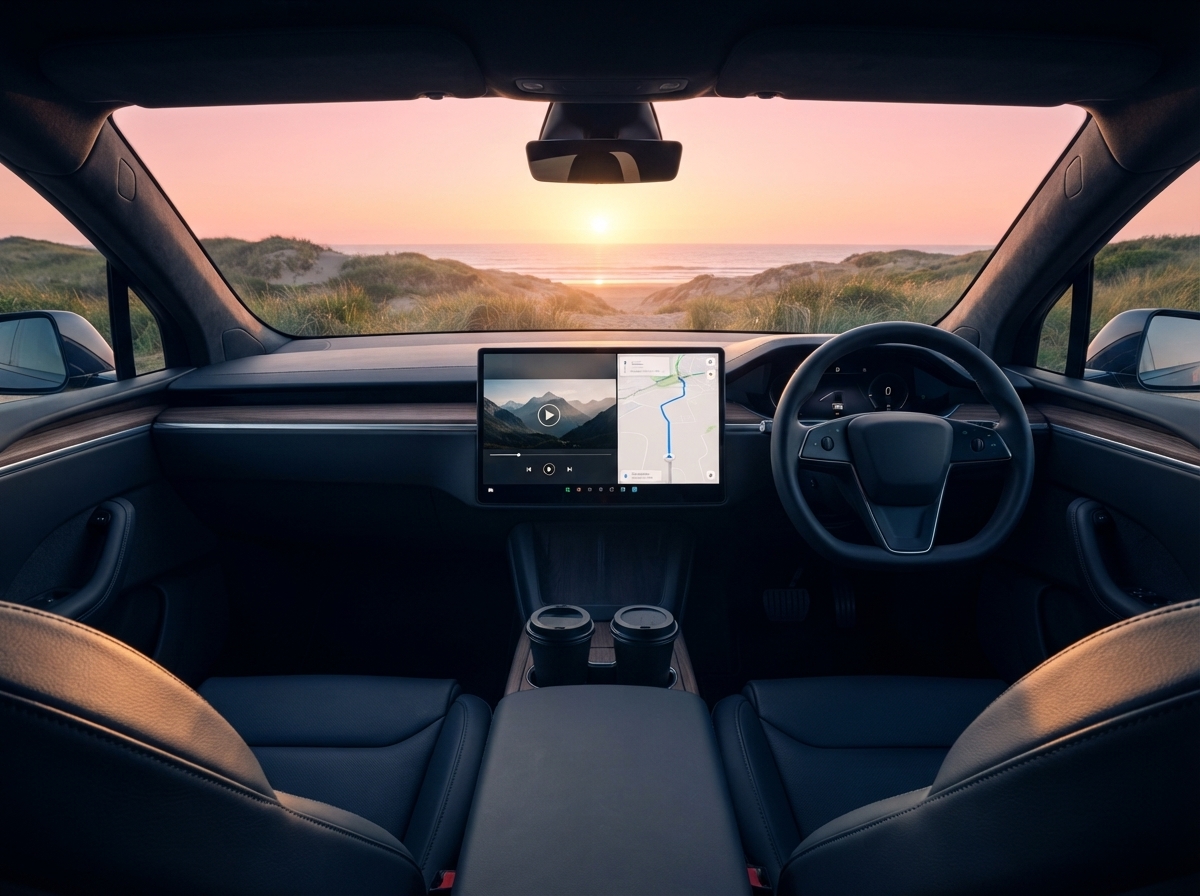
Enjoy Everything
YouTube, maps and Netflix ready instantly