
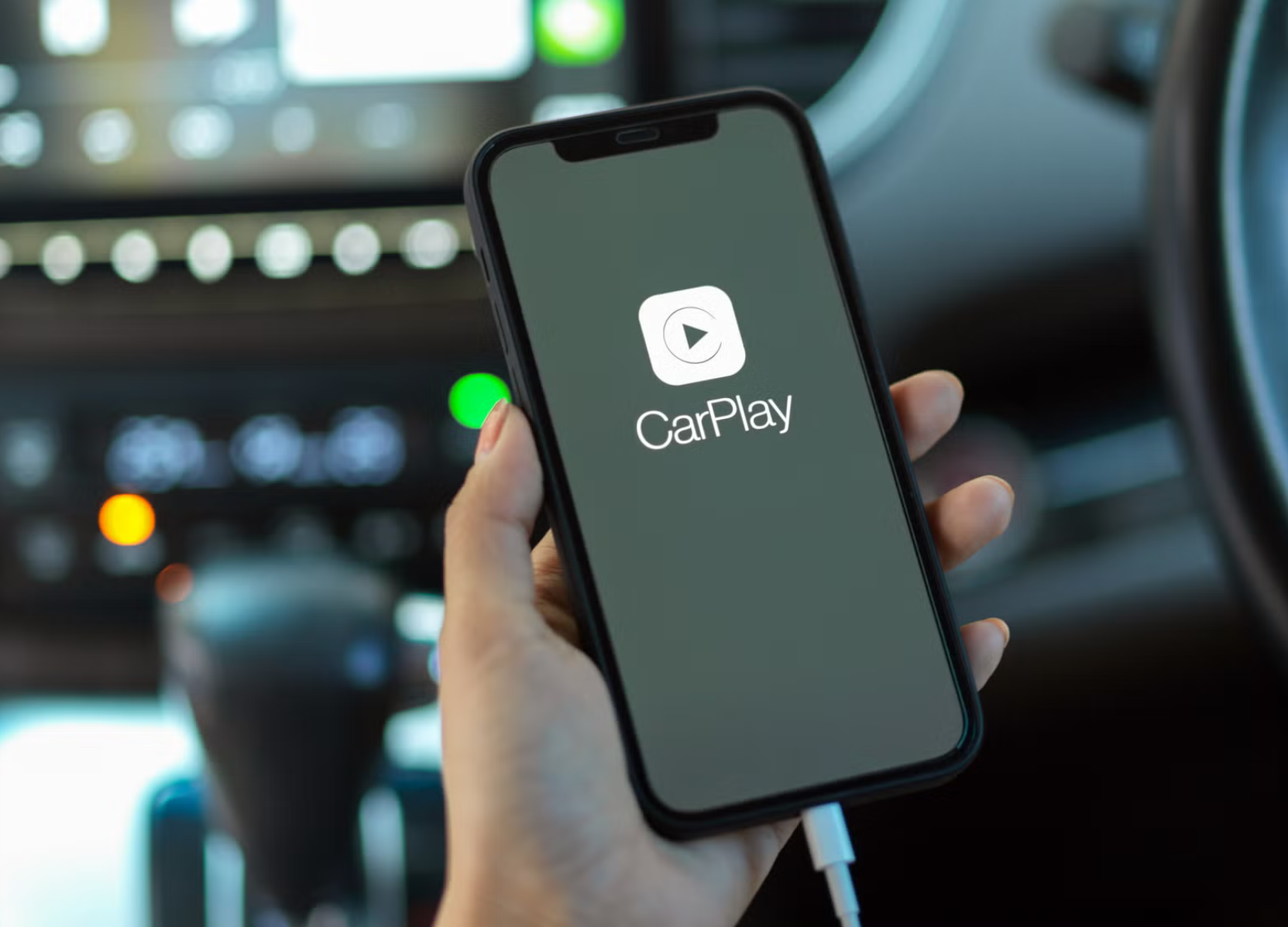
A seamless in-car experience is now more than ever before because of the connected world that we live in today. CarPlay Wireless adapters enable drivers to use Apple CarPlay or Android Auto without cords. Understanding their mode of operation may enable you choose whether they are suitable to your car or not.
What Is a Wireless CarPlay Adapter?
A wireless CarPlay adapter is a little device that fits into a USB port of your vehicle where the wired CarPlay or Android Auto are connected. It converts that wired connection into wireless connection, and therefore you do not need to plug every time you get in. The adapter operates on Bluetooth and Wi-Fi to maintain the high and steady connection that feels like the wired one and enables the daily driver to drive with ease.
Wired CarPlay vs Wireless CarPlay
The distinction between wired and wireless CarPlay is obvious: one has a cable, the other one does not. It is highly dependable as the information remains in the cable but it is frustrating when numerous individuals use the same car and they have Wired CarPlay. The wireless adapters eliminate the use of the cable thus the phone connects automatically when in its presence. The interior is clean and more convenient to users on short trips or frequent visits.
The Rationale behind the Existence of Wireless CarPlay Adapters
Although this is desired by a large number of individuals, in most cars, CarPlay and Android Auto remain wired. The reason manufacturers usually retain wired is because it is cheaper or perceived to be more reliable. Wireless adapters bridging that gap allow the drivers to connect to their devices without using cords and enhancing the overall technological experience in the vehicle.
Which Vehicles Require a Wireless CarPlay Adapter
Wireless adapter can be used in cars that have already wired factory CarPlay or Android Auto. It does not include CarPlay to cars without factory support, it simply transforms an existing wired connection to a wireless one. It is convenient with families or shared cars where numerous phones are to be easily connected.
What Are the Operation Principles of the Wireless CarPlay Adapters?
Bluetooth and Wi-Fi Wireless CarPlay adapters are used to connect your phone to your car.
Step 1 – Plug the Adapter in the USB Port of the Car
The adapter is inserted into the USB wire connection, which would have been used to connect to the wired factory CarPlay or Android Auto. That allows the adapter to communicate with the infotainment system of the car directly.
Step 2 – Bluetooth Pairing with Your Phone
Bluetooth identifies your phone and does the log-in. This low power connection brings the adapter to life and ensures that it recognizes your phone promptly on getting into the car.
Step 3 – Ability to Connect to Wi-Fi Automatically in Order to Transmit Data
When paired, the adapter transitions to Wi-Fi which transmits high-speed audio, video, and touch information. Wi-Fi provides a hassle-free working experience and therefore you can surf, listen to music or use applications without delays.
Step 4 – CarPlay Interface Shows Itself on the Car Screen
When the connection is established, an automatic display of CarPlay or Android Auto is displayed. There you are in control of the apps, you can also make calls and do navigation entirely wirelessly.
What Are the Technologies Used by Wireless CarPlay Adapters?
Pairing and Wake-Up Bluetooth
The initial handshake with your phone is done by Bluetooth. Its energy-saving power consumption makes its connection energy-efficient and trustworthy in locating your phone.
High-Speed Data Streaming Wi-Fi
Wi-Fi transfers audio, video and touch rapidly. And without Wi-Fi, the whole experience would be slow and choppy, particularly during navigation or streaming.
Smarter Bluetooth and Wi-Fi Switching
Once the Bluetooth connection is hit, the adapter goes into Wi-Fi without any hitch. This ensures that in-car experience is quick and dependable and you suddenly do not have to do anything.
Does Your Car Have a Wireless CarPlay Adapter?
Wired Factory CarPlay / Wired Android Auto Cars
A majority of cars sold with wired CarPlay or Android Auto are compatible with wireless adapters. You have all options, automatic connection, and in-car experience.
Cars That Do Not Support CarPlay
The cars that lack factory support cannot be added to CarPlay. Note: Tesla cars and BMW cannot use wireless CarPlay adapters. Attempts to use one in such cars will not work and can lead to difficulties.
Popular Compatibility Restrictions
Part of such limits can be imposed by the software of the car maker or by the USB port. Before purchasing an adapter, always examine the list of compatibility of the car.
Advantages of using a wireless CarPlay adapter
- No more cables
- The automatic connection occurs when you enter
- Cleaner interior
Wireless CarPlay Adapter: Worth It?
Wireless adapters can be used by any typical driver, family, who can use a single car, or by anyone who does not travel long distances regularly. In case you are interested in a handy and cableless connection between your phone and car, a wireless adapter can be considered.
Most of the Questions Posed About the Wireless CarPlay Adapters
Is wireless CarPlay adapter sound quality affected?
No, the sound remains the same as wired CarPlay since the adapter transmits data effectively on Wi-Fi.
Will it consume more of my phone battery?
It may take a bit more battery due to Wi-Fi and Bluetooth, however, it is typically small to fit a regular driving.
Is it possible to use several phones on a single adapter?
Yes, the majority of adapters allow a number of phones to be linked together. Bluetooth pairing allows every phone to automatically connect with each other in proximity.
Are wireless CarPlay adapters required to be connected to the internet?
The adapter does not need any internet. CarPlay applications may require internet, although the connection between the phone and car is local.