
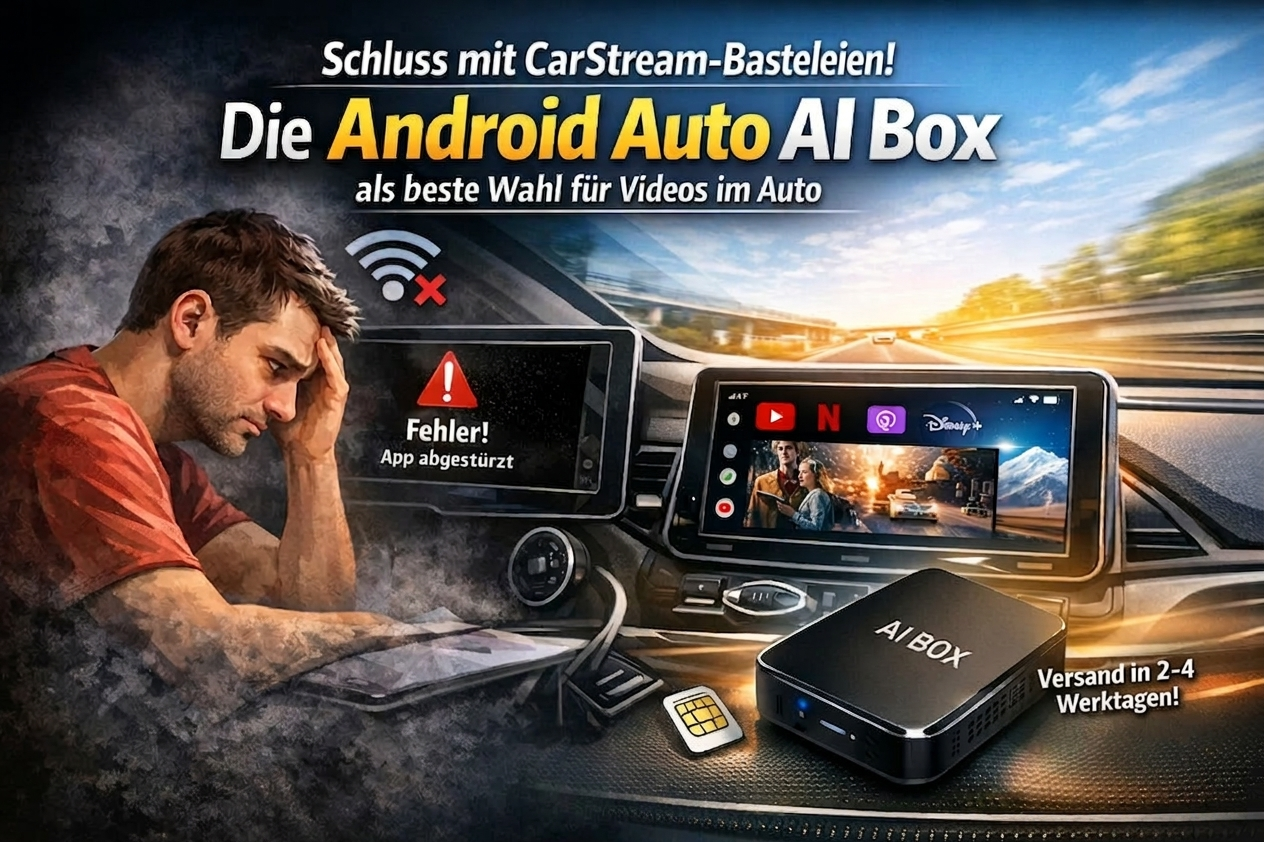
How many hours have you already spent trying to get CarStream or AAAD to work properly? You settle comfortably into your car seat, wanting to quickly start a video on YouTube… and then it happens:
- The screen stays black.
- The app stops working after the latest Google update.
- The system freezes right in the middle of a video.
Unfortunately, many Android Auto users are desperately searching for a perfect solution to this video problem. Often, a software hack only leads to frustration. Today, I will show you why there is only one reliable method for video in Android Auto.
1. Why does CarStream disappoint so often?
Anyone who uses CarStream knows that frustrating feeling when the tech fails exactly when you need it. This is due to three massive hurdles:
- System Compatibility: Google closes the loopholes for third-party APKs with every security patch (e.g., for Android 14 or 15). What works today is worthless tomorrow.
- Video in Motion (Safety Lock): Software hacks often only trick the system on the surface. As soon as the GPS antenna detects movement, the screen switches to black.
- Complexity: Do you really want to deal with root access or developer mode? Most users just want it to work—Plug & Play.
A Case from Our Practice: Last month, we received a call from Marc in Sydney. He had installed three different versions of AAAD on his new Samsung S24. The result: The image froze every 10 minutes. After switching to our AI Box, the system now runs perfectly stable.
2. What exactly is an Android Auto AI Box?
In contrast to a simple adapter, an AI Box is a real mini-computer with its own operating system (usually Android 13 or 14).
- Simple Connection: You simply plug the mini-computer into your car’s USB port—exactly where your smartphone cable usually goes.
- The Clou: The device uses the existing CarPlay/Android Auto connection to bring its own open Android interface to your display. Your smartphone is relieved of the heavy lifting.
3. Why the Carlinkit AI Box is the Gold Standard for Australia
Our workshop tests have shown: Quality pays off. The hardware of the Carlinkit Box is perfectly tuned for vehicles popular in Australia, such as Toyota, Ford, and Mazda, as well as European brands like Mercedes-Benz, VW, or Audi.
Three Practical Tips for You:
- The Connectivity Trick: If the box is not recognised immediately, the included “Y-cable” helps. Some USB ports do not supply enough power—this cable solves the problem instantly.
- Avoid Mistakes: Pair your phone only with the box, not simultaneously with the car via Bluetooth. This avoids annoying audio conflicts.
- Model Check: The box works perfectly with models that have factory-wired Android Auto. On many Mercedes models (MBUX), even the touchpad control remains functional.
4. FAQ – Frequently Asked Questions
- Will I lose my vehicle warranty by using it?
- No. It is an external accessory. As soon as you unplug it, everything is back to its original state.
- How does the box get internet?
- Either via your phone’s hotspot mode or by inserting a Nano-SIM directly into the slot of the box for full autonomy.
- Can I watch movies while driving?
- Technically yes, but we recommend this only for passengers. Safety first!
Conclusion: Stop Tinkering and Start Enjoying!
The era of unstable apps like CarStream is coming to an end. Why waste valuable time on sideloading apps? If you are looking for a high-resolution solution for YouTube, Netflix, or Disney+, you’ve come to the right place.
👉 [Visit our shop and put an end to the black screen!]