
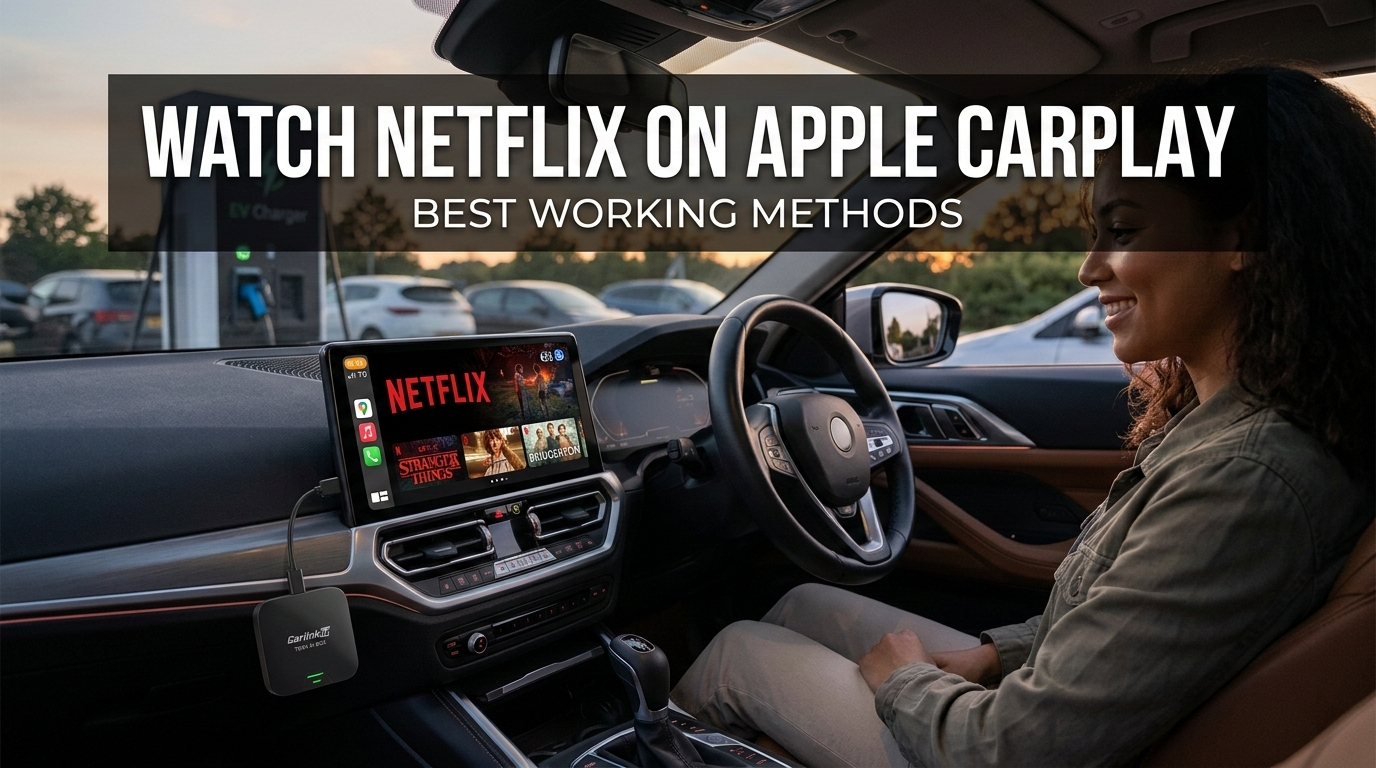
More and more drivers want to use Netflix in their cars, especially during breaks, while charging their electric vehicles, or on long journeys. However, after starting the system, Netflix is missing from the CarPlay interface. The reason is simple: Apple CarPlay does not support video apps by default.
Despite this, many users are looking for ways to watch Netflix via Apple CarPlay. This article explains why CarPlay blocks videos and what solutions are available. Currently, using a CarPlay AI Box (such as the Carlinkit TBox series) is particularly popular.
Can You Watch Netflix on Apple CarPlay?
The short answer is: No—at least not directly through the original CarPlay system.
Apple CarPlay was developed to give drivers quick access to essential functions without distracting attention from road traffic. Therefore, only certain app categories are allowed.
Typical supported apps include:
- Navigation (e.g., map apps)
- Music Streaming
- Phone and Messages
In contrast, video streaming platforms like Netflix, YouTube, or Disney+ do not appear in the CarPlay interface. This restriction applies to all iPhones and vehicles that support Apple CarPlay.
Why Apple Blocks Video Apps on CarPlay
Apple pursues a clear safety strategy with CarPlay, aiming to keep distractions during driving as low as possible.
For this reason, only apps that can be used sensibly while driving are allowed to be integrated, such as navigation services, audio streaming, and communication apps. Video content would distract drivers significantly more, which is why Apple prohibits video streaming directly within CarPlay.
When Do People Actually Watch Netflix in the Car?
Although videos are problematic while driving, there are many situations where drivers want to use Netflix in the car.
Typical examples include:
- Waiting times in a parked vehicle
- Breaks on long road trips
- Camping or traveling
- Charging breaks for electric cars
Owners of electric vehicles, in particular, often spend 20 to 40 minutes at charging stations. In such moments, a streaming service in the vehicle can be very practical.
Best Working Methods to Watch Netflix on Apple CarPlay
Even though Apple CarPlay itself does not support video apps, several solutions exist to enable streaming in the car.
The most well-known methods are:
- Using a CarPlay AI Box
- Screen Mirroring from a smartphone
- Connecting external HDMI devices
All variants work to varying degrees, but some are significantly easier and more stable than others.
Method 1 – Use a CarPlay AI Box (Most Recommended)
The most popular solution currently is a CarPlay AI Box. This is a small device connected to the vehicle via the CarPlay USB port.
Essentially, an AI Box works like a mini Android computer that runs directly on the vehicle display. This allows for the installation of apps that are not normally available in CarPlay.
Typical applications include:
- Netflix
- YouTube
- Spotify
The major advantages of this solution are:
- No jailbreak required
- No modification to the vehicle necessary
- Easy plug-and-play installation
Many devices also retain the original Apple CarPlay functionality.
Method 2 – Screen Mirroring from Your Phone
Another possibility is screen mirroring, where the smartphone screen is mirrored directly onto the vehicle display.
However, this method has several disadvantages:
- Additional apps are necessary
- Possible connection problems
- Noticeable video delay
- Not all vehicles support mirroring
For these reasons, this solution is often perceived as less stable.
Method 3 – Using HDMI or External Media Devices
Some drivers use external streaming devices such as a Fire TV Stick, Android TV Box, or other media players.
These devices are connected to the vehicle display via HDMI. The problem, however, is that many vehicles do not have an HDMI input. Additionally, installation is often more complicated and requires extra adapters.
Best Device to Watch Netflix on Apple CarPlay
Drivers looking for a simple solution often choose a CarPlay Android Box. These devices practically turn the vehicle display into an Android entertainment system. Well-known options include devices from the Carlinkit TBox series.
The Carlinkit TBox Plus is a popular choice for users who want to use streaming apps in their car.
- Key Features: Android operating system, support for Netflix, YouTube, and Disney+, internet via WiFi or SIM card, and access to apps via the Google Play Store.
- It is well-suited for everyday in-vehicle entertainment.
The Carlinkit TBox Ultra 2 offers even more power.
- Key Advantages: Stronger processor, faster app starts, better streaming performance, and suitability for running multiple apps simultaneously.
- This is a particularly powerful solution for users who want to use their vehicle display more intensively.
How to Watch Netflix on Apple CarPlay (Step-by-Step)
With a CarPlay AI Box, using Netflix in the car is relatively easy.
Setup Steps:
- Plug the AI Box into the CarPlay USB port.
- Let the system start up.
- Connect WiFi or a SIM card.
- Open the Google Play Store.
- Install Netflix.
- Log in to your account and start streaming.
In most cases, setup takes less than a minute.
Is It Safe to Watch Netflix on CarPlay?
Streaming should never be used while driving. Use is only safe:
- In a parked vehicle
- During a break
- While charging an electric car
Drivers should always observe local traffic regulations and avoid distractions.
Frequently Asked Questions (FAQ)
Can Netflix run directly on Apple CarPlay? No. Apple does not allow video streaming apps within CarPlay.
Do I need to jailbreak my iPhone? No. A CarPlay AI Box operates independently of the iPhone.
Does Netflix work in every car with CarPlay? In most cases yes, as long as the vehicle supports wired Apple CarPlay.
Do I need internet to watch Netflix in the car? Yes. Streaming requires WiFi or mobile data; alternatively, content can be downloaded in advance.
Final Thoughts
In summary, Netflix is not available on Apple CarPlay by default because Apple blocks video apps for safety reasons. However, with modern solutions like a CarPlay AI Box, a full CarPlay entertainment system can be used in the car. Devices like the Carlinkit TBox series enable streaming apps directly on the vehicle display. For those who want to watch Netflix in the car, an AI Box is currently one of the simplest and most stable solutions.