
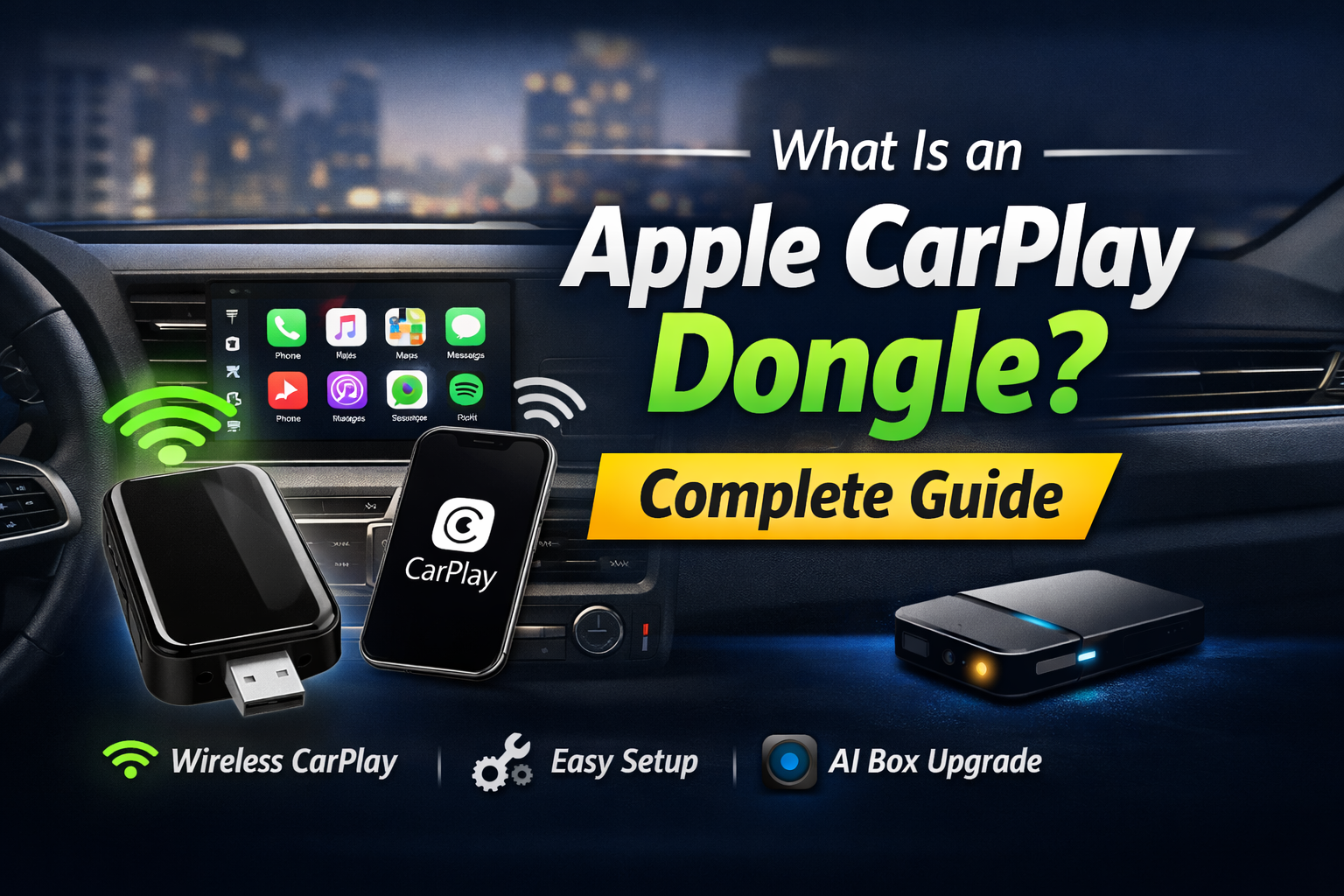
Have you ever jumped into your car, ready to hit the road, only to spend three minutes wrestling with a frayed lightning cable? We’ve all been there. While Apple CarPlay has completely changed how we drive, that pesky “wired” requirement feels like a relic from the past.
An Apple CarPlay dongle is the simple, elegant solution to this daily headache. In this guide, I’ll walk you through everything from basic wireless adapters to the high-performance T-Box AI Box series. Let’s transform your dashboard into a true smart hub.
How Does an Apple CarPlay Dongle Work?
From Wired to Wireless: The Basic Dongle
Think of a CarPlay dongle as a high-speed bridge. It uses a Bluetooth handshake to find your phone the moment you open the car door. Once identified, it switches to 5GHz Wi-Fi to handle the heavy lifting of maps and music.
The Pro Tip: When you first plug it in, make sure your iPhone’s “Personal Hotspot” is turned off. I’ve seen many users struggle with the initial pairing simply because the phone was trying to share data instead of connecting to the dongle’s Wi-Fi signal.
The Evolution: Why the T-Box Series Is the Future
A standard adapter just mirrors your phone. But the T-Box (AI Box)? That’s a game-changer. It’s essentially a standalone Android-powered mini-computer tucked away in your console.
Our Testing Experience: Last month, we tested the latest T-Box model in a 2024 Toyota Hilux near Sydney Harbour. Even in areas with dense signal interference, the built-in GPS module kept our navigation pinpoint accurate without draining the iPhone’s battery. It’s a total shift in how you use your car’s screen.
Key Benefits of Using a CarPlay Dongle
Why are so many Aussie drivers ditching the cord? It comes down to pure convenience.
- Wireless Freedom: Keep your centre console clean and clutter-free.
- Save Your Port: You won’t wear out your iPhone’s charging port by plugging and unplugging it ten times a day.
- Automatic Launch: By the time you’ve buckled your seatbelt, your Spotify playlist is already humming.
Advanced Perks (T-Box Exclusive)
If you step up to a T-Box, your car becomes a mobile cinema:
- Streaming on the Go: Watch Netflix or YouTube while parked at a charging station or waiting for the kids.
- The App World: Access the Google Play Store directly on your dash. Want to check a weather radar or a local parking app? You can.
- Smart Split-Screen: Ever wanted to see your Waze directions and your passenger’s YouTube Music at the same time? The T-Box makes this effortless.
T-Box Series: The Ultimate Apple CarPlay Dongle for Power Users
Performance That Matters: Snapdragon Chips & RAM
Don’t settle for laggy interfaces. We recommend looking for units with Qualcomm Snapdragon chips (specifically the QCM6225). In our lab trials, these 8-core processors handled 4K video playback with zero stuttering.
A Detail to Watch: Always check the RAM. If you plan on multitasking, 8GB of RAM provides a significantly snappier “tablet-like” feel compared to the entry-level 4GB versions.
Transforming Your Dashboard into a Smart Hub
The best part? You don’t lose your original car settings. You can flick between the independent Android interface and your standard Apple CarPlay with one tap. It gives you the freedom of a tablet with the reliability of your car’s factory system.
How to Choose the Right Dongle for Your Car
How do you pick the “winner” for your specific ride? Ask yourself these three questions:
- Does my car have a wire? Your car must have factory-wired CarPlay already. If your screen doesn’t respond to a cable, a dongle won’t fix it.
- What’s my “Wait Time”? Do you spend a lot of time waiting in your car? If yes, the video-capable T-Box is worth every cent.
- Is it “Aussie Ready”? Make sure the device supports B28 4G bands. This is crucial for maintaining a strong signal with Telstra or Optus in rural Australia.
Step-by-Step: How to Set Up Your New T-Box
Setting up is faster than making a cup of coffee:
- Plug In: Use the primary data USB port (usually marked with a phone or lightning icon).
- The “Blue Light” Check: Most T-Boxes have a small LED. If it’s flashing red, it’s not getting enough power—try a different cable!
- Pair: Open Bluetooth on your iPhone and select the “Carlinkit” or T-Box ID.
- Confirm: Tap “Use CarPlay” when the prompt pops up. You’re done!
Frequently Asked Questions (FAQ)
Q1: Will an Apple CarPlay dongle work with my car?
It will, provided your vehicle has factory-installed wired CarPlay. If you’re unsure, try plugging your phone in with an original Apple cable first.
Q2: Does the T-Box support both iPhone and Android?
Yes. These are “cross-platform” heroes. You can switch between Wireless CarPlay and Wireless Android Auto without rebooting the whole system.
Q3: Is there any lag when using a wireless adapter?
With 5GHz Wi-Fi, the lag is virtually invisible. You might notice a 1-second delay when skipping songs via steering wheel buttons, but the navigation is real-time.
Conclusion: Is It Worth the Upgrade?
Modernizing your car doesn’t require a brand-new vehicle. Upgrading to a CarPlay dongle or a T-Box AI Box is the smartest “quality of life” tweak you can make in 2026.
Are you ready to cut the cord and unlock your car’s true potential? Check out our T-Box Series today and see the difference for yourself. Your dashboard is capable of so much more!