
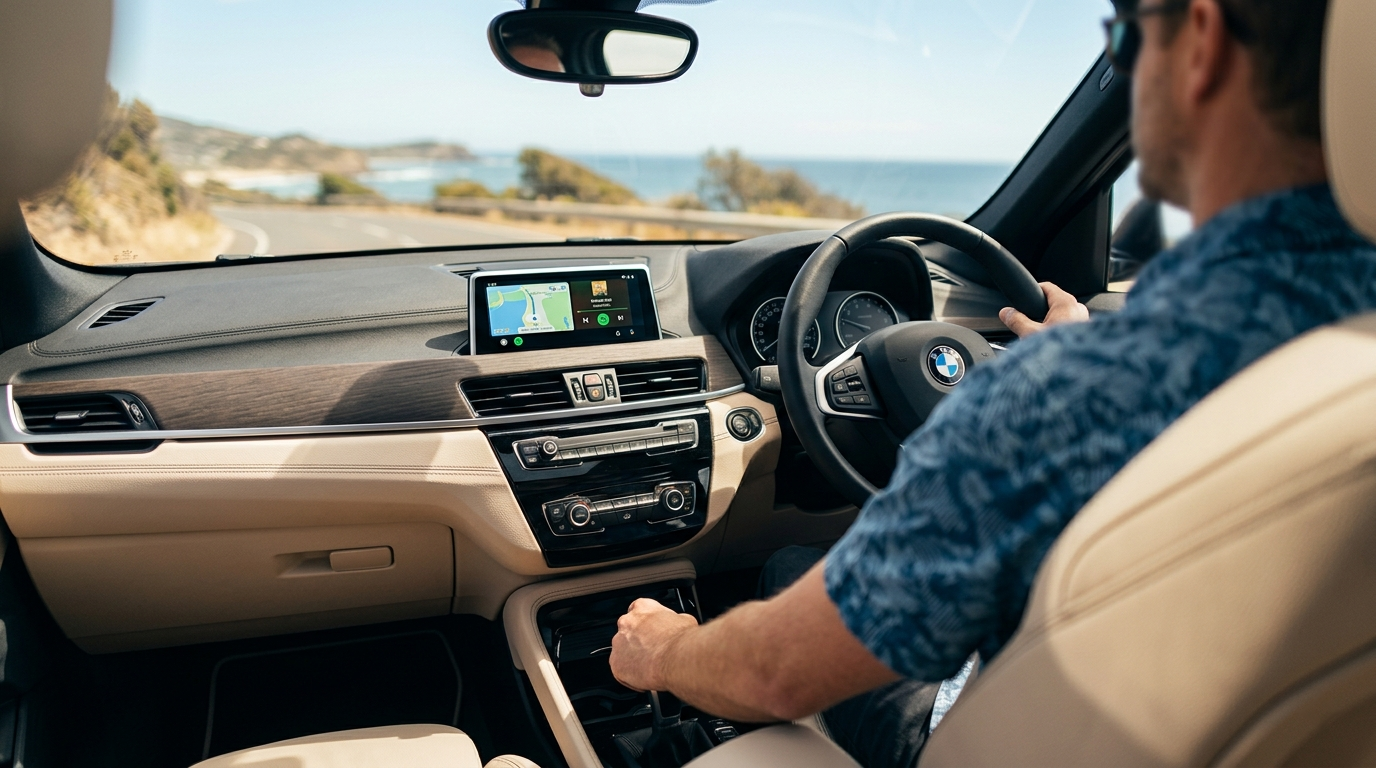
BMW Android Auto Guide
Does the 2020 BMW X2 Support Android Auto? Yes, and Here Is How
The iDrive 6 Situation: CarPlay Only
The 2020 BMW X2 ships with BMW's iDrive 6.0 infotainment system and a 6.5-inch or 8.8-inch central display depending on trim level. Out of the box, it supports wired Apple CarPlay through BMW's Connected Package, but Android Auto is not available on any iDrive 6 vehicle from the factory. BMW did not add Android Auto support to the X2 until the larger display refresh models began rolling out on later platforms.
This is not a hardware limitation of the X2 itself. The iDrive 6 processor and display are fully capable of rendering the interface. The restriction is a software and licensing decision on BMW's part, one that left a large portion of Android users without the phone integration they expected in a premium vehicle at this price point.
Why Android Auto Matters for X2 Owners
The frustration is real. Reaching for your phone while driving to check navigation or switch tracks is not just inconvenient, it removes the premium feel that the X2 is supposed to deliver. Most of the gap comes down to three specific things Android users lose without native support:
Navigation
Google Maps and Waze cannot project onto the iDrive screen, so you either use BMW's own maps or prop your phone up separately.
Music Control
Spotify, YouTube Music, and Pocket Casts can only stream over Bluetooth, with no app-native controls on the head unit.
Google Assistant
Hands-free messaging, reminders, and search responses stay on your phone rather than coming through the car speakers.
None of these are deal-breakers on their own, but together they represent a meaningful step down from what the same budget buys in a non-BMW vehicle, and there is no official BMW software update that resolves this for the 2020 model year.
The Fix: A Wireless Android Auto AI Box
The most reliable retrofit option for iDrive 6 vehicles is an Android Auto AI Box that plugs into the car's existing USB port and HDMI output, then mirrors a full Android Auto interface onto the factory screen through the CarPlay input channel. The device runs its own Android operating system and handles the wireless connection between your phone and the head unit without any changes to the car's original software or wiring.
The result is full wireless Android Auto on the factory iDrive 6 display, with the iDrive knob and steering wheel buttons continuing to work as normal. Switching back to the original BMW interface takes a single button press.
What you get after installation
- ✓ Full Android Auto interface on the factory iDrive screen, accessed wirelessly from your phone
- ✓ Google Maps, Waze, and all standard Android Auto apps available natively
- ✓ iDrive rotary knob and steering wheel controls remain functional within the Android Auto interface
- ✓ Original BMW iDrive system fully preserved, switchable at any time
- ✓ No cutting of factory wiring or modification of the head unit
Installation Overview
The AI Box connects to the X2 through two points: the USB-A port in the centre console and the HDMI input on the iDrive unit. On the 2020 X2, the module is typically routed behind the glovebox or secured in the lower console cavity, keeping it out of sight without occupying any interior space.
The install does not require any cable cutting, splicing, or ECU coding. The module passes through the existing factory connectors, which means a BMW technician running routine diagnostics at the dealership will see no software anomaly. If you ever take the car in for service and want to revert completely, unplugging the module restores the original state in under two minutes.
A note on the trim removal step
Routing the cables neatly does involve briefly removing the air vent trim panel. Use a plastic trim pry tool rather than a flathead screwdriver. The 2020 X2's vent surround is finished in a soft-touch material that marks easily, and a metal tool will leave scratches that are visible in daylight. A good plastic spudger costs a few dollars and makes this step entirely straightforward.
Frequently Asked Questions
Ready to add Android Auto to your X2?
Browse Carlinkit's AI Box range, compatible with iDrive 6 and other BMW systems, with Australian stock and support.
Shop Carlinkit Australia