
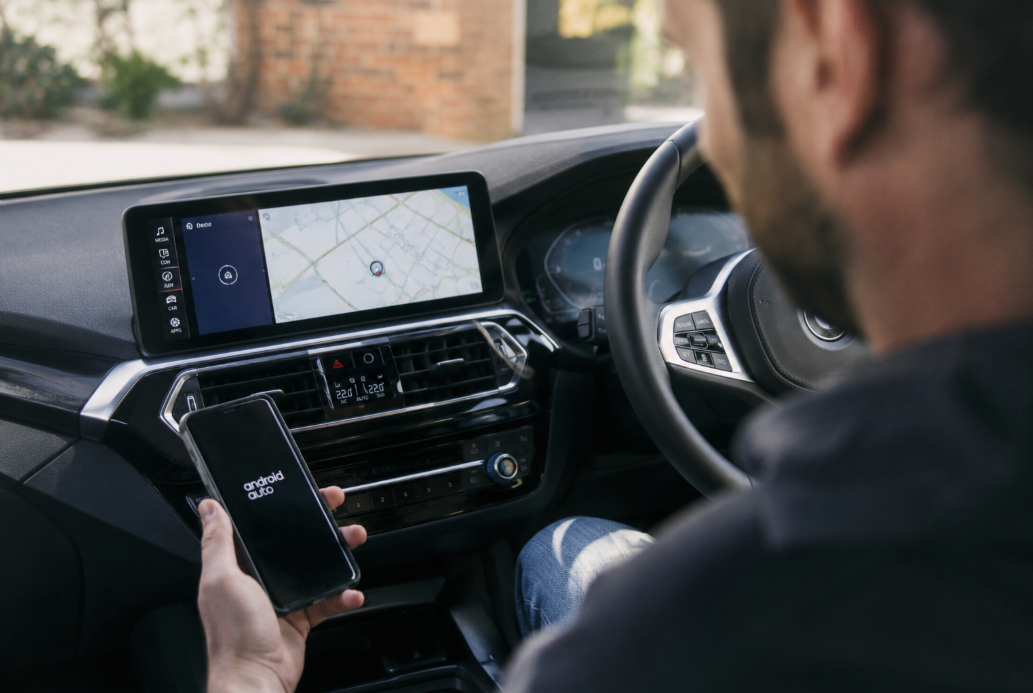
Why Your 2021 BMW X3 Android Auto Keeps Disconnecting (and the Fix That Actually Sticks)
Your 2021 BMW X3 Android Auto keeps disconnecting mainly for three reasons: iDrive 7 firmware falling behind newer Android security patches, congested 5 GHz Wi-Fi in dense urban areas, and thermal shutdowns from the wireless charging tray. None of these are your phone's fault, and none of them get fixed by another factory reset.
If you're an X3 owner who has already reset the head unit, re-paired your phone, and re-installed Android Auto, you already know a temporary fix isn't a fix. Below, you'll get the actual root causes, a five-minute troubleshooting checklist, and the plug-and-play hardware upgrade most X3 owners land on after everything else stops working.
Does the 2021 BMW X3 Actually Support Wireless Android Auto?
Yes, but only if your X3 was built from July 2020 onwards and has both iDrive 7 (BMW Operating System 7) and Live Cockpit Professional. Even then, X3 and X4 owners usually need a dealer software update to switch it on, it isn't always active from the factory.
BMW rolled out wireless Android Auto to iDrive 7 vehicles from July 2020. Unlike most BMW models that could grab the update over the air, the X3 and X4 lines needed a dealership-side flash to activate the feature. If your Android Auto works most of the time and just drops mid-drive, you're already past this gate, this article is for you.
Compatibility also depends on your phone: BMW requires Android 11.0 or higher, with Android 10 accepted on Google Pixel and Samsung Galaxy devices. Your phone must also support 5 GHz Wi-Fi. That last requirement is where a lot of the disconnect problems start, and it is one of the reasons the "2.4 GHz interference" explanation you'll see on some forums is misleading.
Why Your 2021 BMW X3 Android Auto Keeps Disconnecting
Three technical bottlenecks account for most 2021 X3 Android Auto disconnects: outdated iDrive 7 firmware, 5 GHz Wi-Fi congestion, and wireless charging pad thermal throttling. It is rarely your phone alone.
1. iDrive 7 firmware lagging behind your phone
Your Android phone updates every month. Your car probably has not seen a firmware update since delivery.
Wireless Android Auto is a delicate handshake between Android's connection protocol and BMW's iDrive session manager. When Google or Samsung ships a security patch that tightens Wi-Fi Direct handling, an older iDrive 7 build can misinterpret the session and drop the projection. This is why the same X3 that ran fine last year suddenly disconnects twice a trip.
The fix is a BMW Remote Software Upgrade or a dealer visit, not a phone reset.
2. Congested 5 GHz Wi-Fi in urban zones
If you drive in the Sydney or Melbourne CBD, this one is hard to avoid.
Wireless Android Auto streams video and audio over 5 GHz Wi-Fi Direct after an initial Bluetooth handshake on 2.4 GHz. In dense areas, thousands of 5 GHz networks compete for airtime, and your car's Wi-Fi Direct link can lose priority or drop when a stronger nearby signal appears. Underground car parks, multi-storey shopping centres, and stadium precincts are the worst offenders.
You cannot fix ambient RF congestion. You can only remove the wireless projection layer from the equation.
3. Wireless charging pad thermal shutdown
If your X3 is fitted with the optional wireless charging tray, this is often the actual culprit.
Wireless charging generates heat. Wireless Android Auto also loads the phone's Wi-Fi radio and CPU. Stack them together on a 32 °C Australian summer day, and your phone throttles or shuts down the Wi-Fi radio to protect itself. Android Auto sees the connection drop and disconnects.
A quick self-check: if your disconnects almost always happen after 15 to 20 minutes of driving with the phone on the charging pad, you have found your cause.
Quick Troubleshooting Checklist (5 Minutes)
Before you consider a hardware upgrade, run through the five steps below in order. If two or more disconnects per trip still happen after all five, the wireless projection itself is the bottleneck.
- Update your BMW's software. Car menu → Settings → Software Update, or book a Remote Software Upgrade with your dealer.
- Remove your phone from the wireless charging tray and cable it for one week. If disconnects stop, you've isolated the thermal cause.
- Clear Android Auto data on your phone. Settings → Apps → Android Auto → Storage → Clear Data, then re-pair from scratch in the iDrive COM menu.
- Turn off battery optimisation for Android Auto in your phone's app settings so the OS does not sleep the connection.
- Confirm 5 GHz Wi-Fi is enabled on your phone. Some carrier builds ship with 5 GHz disabled by default.
The Plug-and-Play Fix: A Dedicated In-Car Android System
The most reliable fix at this point is to bypass wireless Android Auto entirely by installing an independent Android system through your factory CarPlay port. The Multimedia Android iOS Box For BMW (MMB) is the plug-and-play device most X3 owners land on for this.
How the MMB actually works
The MMB plugs into your 2021 X3's CarPlay USB port. From there, it runs a full Android 13 operating system on your iDrive screen, using your factory wireless CarPlay as the display gateway. Your steering wheel controls, iDrive knob, and touchscreen all keep working exactly as before.
It is important to understand what this device is, and what it isn't:
- It's not a "better Android Auto." It's an independent Android 13 system running on your iDrive screen.
- Your phone is no longer required to project Android Auto. The box has its own storage, GPS module, and optional 4G SIM slot.
- You can still connect your phone if you want to. The box supports wired and wireless CarPlay and Android Auto through it, but you don't have to use them.
That design is what ends the disconnect problem: there is no wireless projection from your phone to your car anymore. The Android environment lives in the car.
Factory wireless Android Auto vs. Multimedia Android iOS Box (MMB)
| Feature | Factory Wireless Android Auto | Multimedia Android iOS Box (MMB) |
|---|---|---|
| Connection stability | Depends on phone Wi-Fi, prone to drops | Independent, no phone Wi-Fi dependency |
| Processing power | Phone-dependent | Onboard Android 13, dedicated CPU and RAM |
| GPS | Uses phone GPS | Built-in GPS, GLONASS, and BEIDOU |
| App access | Android Auto whitelist only | Full Google Play Store on Android 13 |
| Video streaming | Not supported | YouTube, Netflix, and Prime Video supported |
| Steering wheel controls | Yes | Yes |
| Phone required each drive | Yes | No, phone is optional |
What it requires from your car
Your 2021 X3 needs to have factory Apple CarPlay (wired or wireless). Australian-delivery X3s from 2018 onwards ship with CarPlay as standard, so most owners are compatible. If you're unsure, plug an iPhone into your iDrive USB port and see if CarPlay launches. If it does, the MMB will work.
Frequently Asked Questions
A few of the questions we get most often from X3 owners before they buy.
Will installing the MMB void my BMW warranty?
The MMB is plug-and-play through the factory CarPlay USB port and does not modify your BMW's software or wiring. Under Australian Consumer Law, an accessory that does not cause a defect cannot on its own void the vehicle warranty, but check with your dealer for cover on the CarPlay port itself.
Do my steering wheel controls still work?
Yes. The MMB integrates with your existing iDrive knob, touchscreen, and steering wheel buttons for volume, track skip, and call handling on the 2021 X3.
Do I need a data SIM to use the MMB?
No. You can tether from your phone's hotspot, or use the built-in 4G SIM slot if you want the car to stay online independently.
Why is the MMB more reliable than factory wireless Android Auto?
Because it removes the wireless projection layer entirely. Your Android environment runs on the box's own hardware, so 5 GHz congestion, phone thermal throttling, and iDrive-to-Android compatibility bugs no longer affect it.
Can I still use Apple CarPlay after installing the MMB?
Yes. You can switch between the MMB Android system and your factory Apple CarPlay from the iDrive menu at any time.
The Bottom Line
Your 2021 BMW X3 Android Auto keeps disconnecting because wireless projection is a fragile link between three moving parts: your phone, your iDrive 7 firmware, and the 5 GHz airspace around you. Software updates and phone resets buy you weeks, not a fix.
If you have reached the point where you check whether your phone reconnected before every trip, the cleanest end to the problem is to move the Android system into the car itself. The Multimedia Android iOS Box For BMW is the plug-and-play route most X3 owners take.