BYD Sealion 7 · Model-Specific Page

Put Every App You Want on Your BYD Sealion 7's Screen

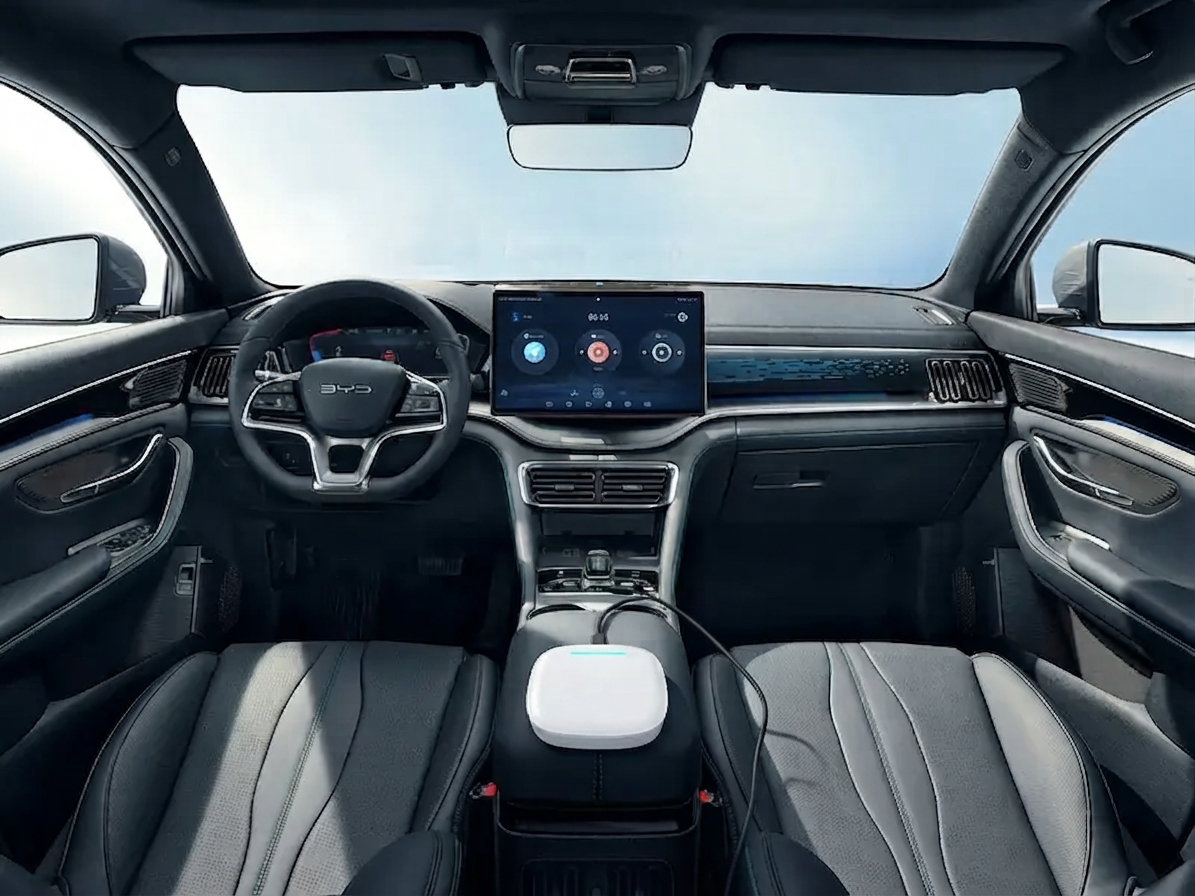
Don't settle for a restricted screen. Our plug-and-play AI Box unlocks the full potential of your Sealion 7's rotating display. Watch Netflix, stream YouTube, or use any Android app right on your dashboard, while your factory CarPlay / Android Auto stays untouched.

30-day returns for defects 2-year warranty

Factory warranty unaffected • Ships within 1–2 days

BYD Sealion 7 rotating screen running the Carlinkit AI Box

Choose the Right AI Box for Your Sealion 7

Two systems, split by one thing only: does your Sealion 7's factory CarPlay / Android Auto run wirelessly, or only with a USB cable? Not sure — use the one-minute check below.

Will it fit your Sealion 7? A one-minute check

  1. Start the car and open the CarPlay / Android Auto screen on the head unit, with your phone nearby but NOT plugged in
  2. If it connects and runs with no cable at all, your car has wireless CarPlay / Android Auto from the factory
  3. If it only starts working once you plug in a USB cable, your car has wired-only CarPlay / Android Auto
  4. If nothing happens even with a USB cable plugged in, try a different cable first. If it still does not respond, your car likely has no factory CarPlay / Android Auto, and these boxes will not work
✓ Connects with no cable
Your car already has wireless CarPlay / Android Auto.
→ Get the BYD-Specific AI Box
✓ Needs a USB cable
Your car only supports wired CarPlay / Android Auto.
→ Get the Max Ultra AI Box

Not sure about your car? Email us and we'll confirm within 12 hours:

📧 service@carlinkitfactory.com
Still unsure? Send us a photo of your dashboard Email service@carlinkitfactory.com with a photo of your head unit screen and we will double-check for you.

Complete Your Setup

Optional add-ons below — priced separately and on top of the AI Box above

Why Sealion 7 Owners Add It

▶
Keeps your factory interface
Keep your Sealion 7's sport-luxe cabin, original BYD DiLink interface, steering wheel buttons and climate controls. Switch back to DiLink at any time with one tap.
⚡
The perfect charging companion
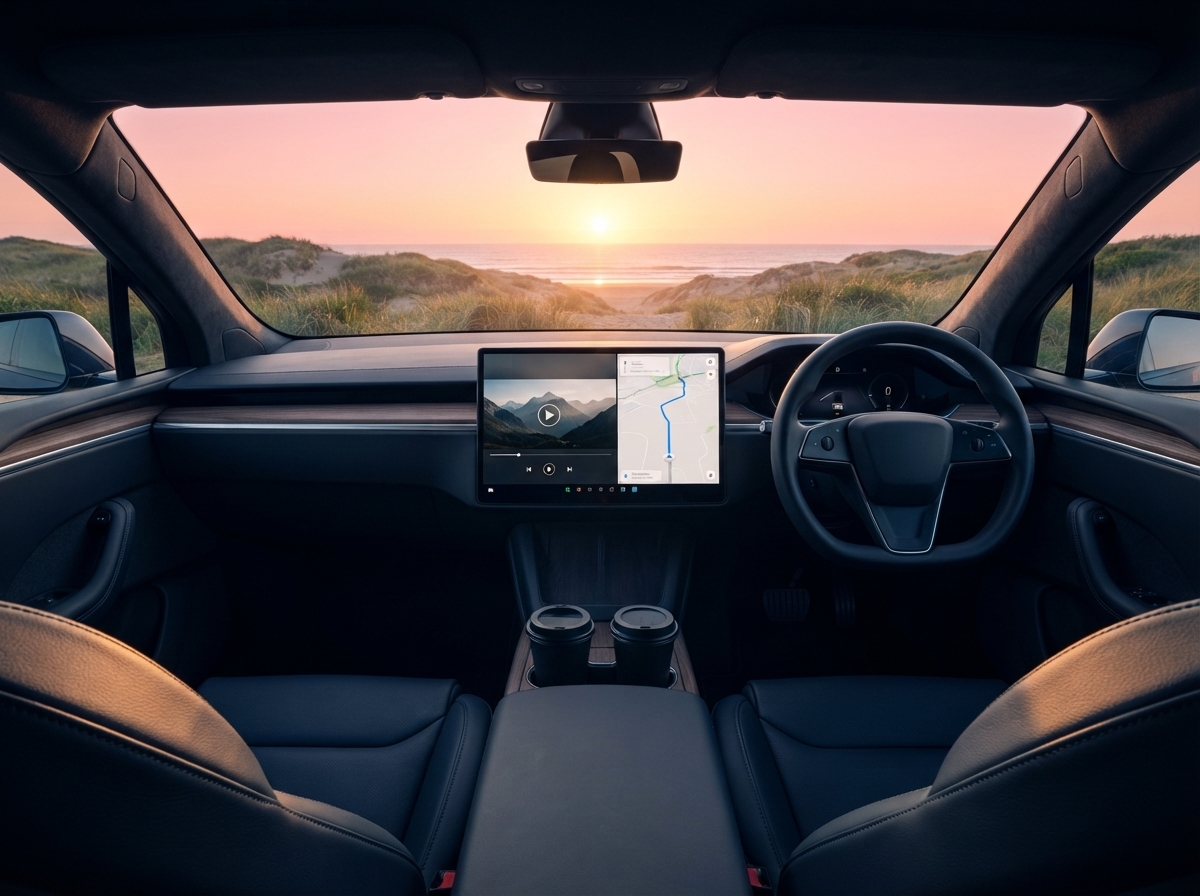
Waiting at a Jolt or Evie station? Turn your Sealion 7 into a private cinema and stream your favourite shows on the rotating screen while you top up your range.
🔧
No dash dismantling, no cable cuts
It plugs into the USB port. Nothing is taken apart and no factory wiring is touched, and both AI Boxes come with a 2-year warranty.
Warranty & Returns
Both AI Boxes come with a 2-year warranty. If your product arrives with a defect, contact us within 30 days of delivery and we will provide a return label.
Choose My AI Box

Built for the Sealion 7 Lifestyle

Charging and waiting in a BYD Sealion 7
Charging & Waiting
Turn fast-charging sessions into a private cinema. Stream Netflix or Disney+ directly on your display.
Road trips in a BYD Sealion 7
Road Trips
Big-screen navigation with Google Maps or Waze while passengers enjoy Spotify, without draining or overheating your phone.
Family entertainment in a BYD Sealion 7
Family Entertainment
Keep the family happy with cartoons and educational apps while parked.
AI Box receiving software updates
Always Up to Date
OTA firmware updates keep your AI Box running smoothly as BYD updates its software.

Ready in 3 Simple Steps

Up and running in three steps, no professional installation needed
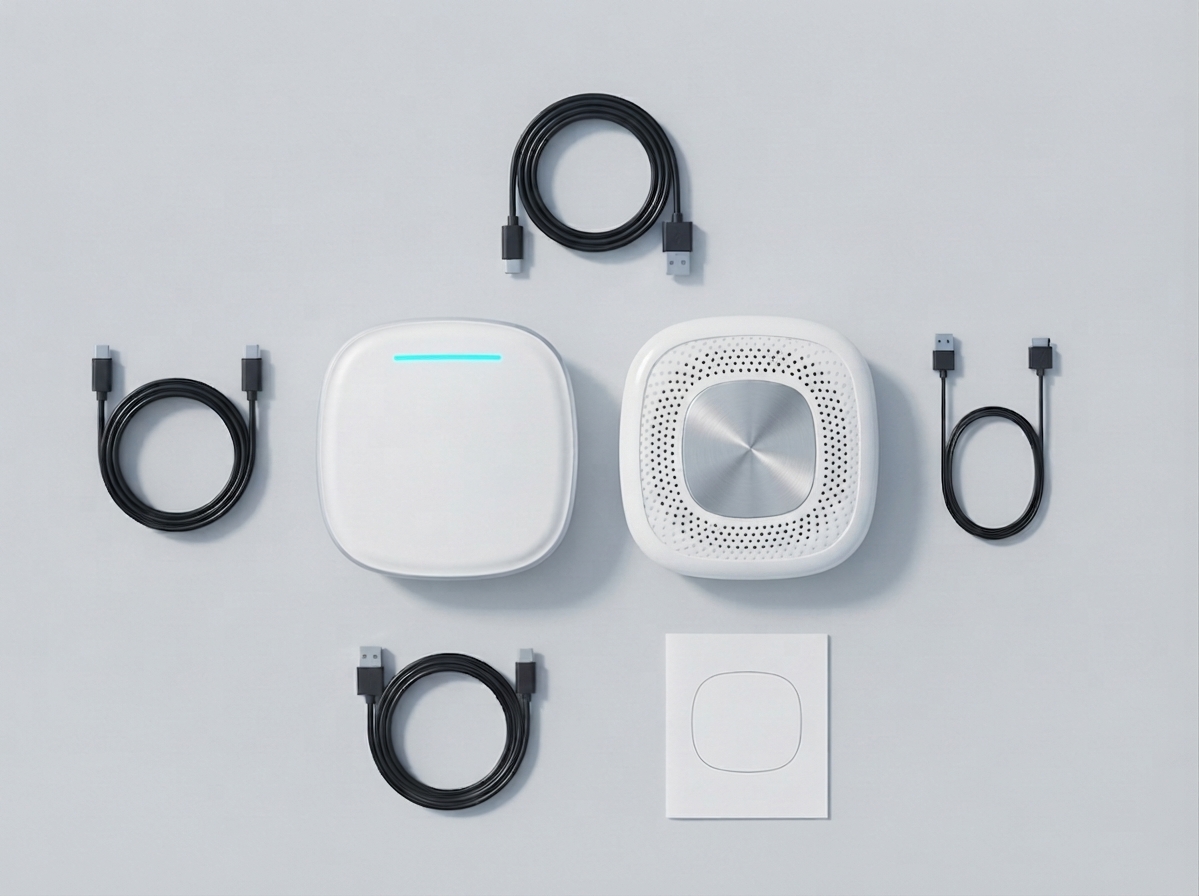
Plug It In
01
Plug It In
Plug into your car's USB port, done in 10 seconds
Auto Connect
02
Auto Connect
Your screen detects it automatically, no setup needed
Enjoy Everything
03
Enjoy Everything
YouTube, maps and Netflix ready instantly

Frequently Asked Questions

Get My Sealion 7 Upgrade Today

30-day returns for defects • 2-year warranty • Ships within 1–2 days