
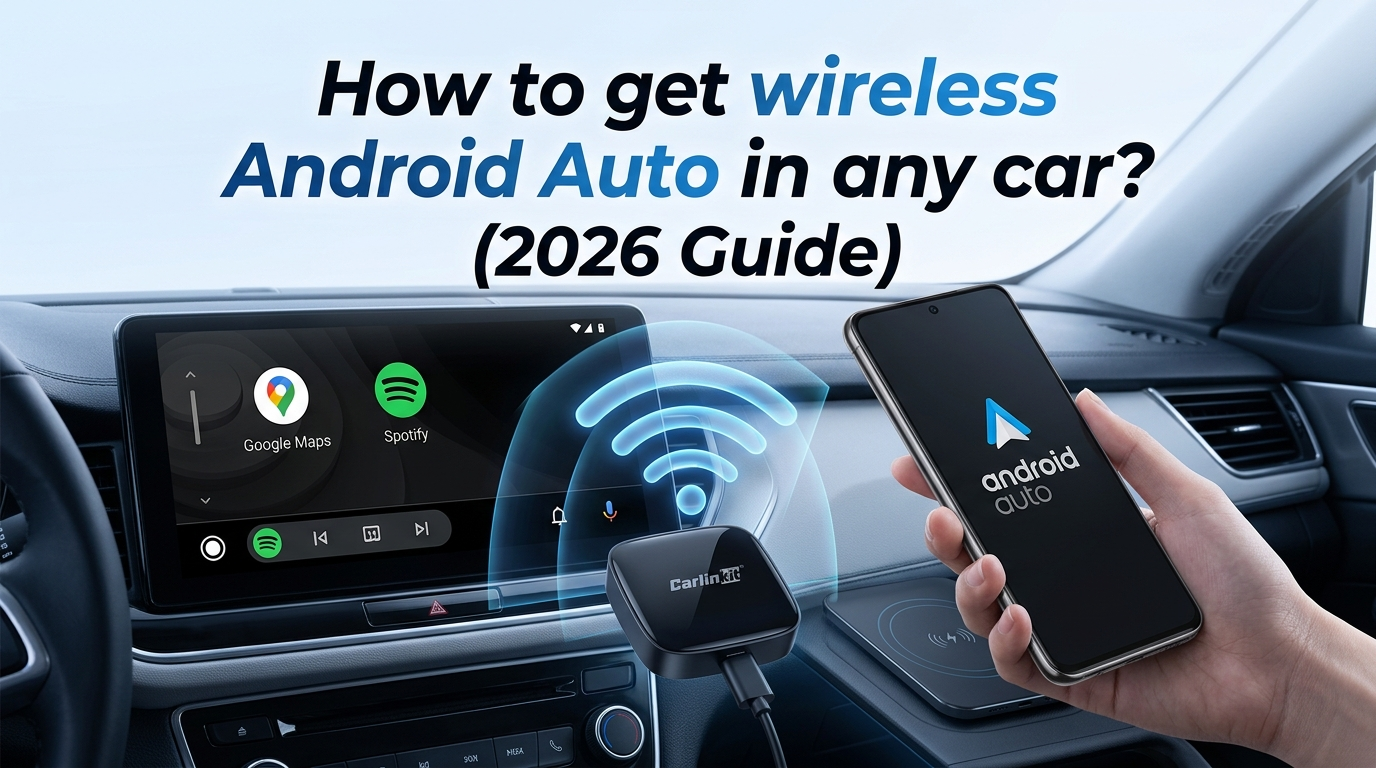
Are you tired of struggling with that USB cable hanging between your gear lever and cup holder? We have all had these experiences: getting into the car, buckling up, and then realizing we forgot to plug in the phone. Wireless Android Auto is no longer a gadget; it is a relief for your daily life. Here is a little secret: a driver spends an average of 4 minutes per week dealing with cables. In one year, that is nearly 4 hours wasted!
Why switch to wireless Android Auto?
Comfort in your daily life
Have you already spent hours with your phone in your pocket, waiting for your Waze to magically appear? Well, with wireless Android Auto, that is exactly what happens! As soon as you turn on the ignition for your car, your music and your maps are there. It is natural and clean.
Preservation of your hardware
Your USB-C cables are fragile. By no longer plugging your phone into your car, you avoid the famous “loose connection” that very often appears after a year of use.
How to know if your car is compatible?
Let’s try a small test: does your car display Google Maps when you plug in a cable? If the answer is yes, then you have a 99% chance of getting the wireless version.
- Hardware verification: Your car must have original wired Android Auto.
- Smartphone verification: I just tested some recent smartphones: a Google Pixel 7 or Samsung S23 with Android 14 as the operating system connects in less than 15 seconds. You just need to be on Android 11.0!
The magic solution: Wireless Android Auto with our adapter
Feedback from Marc (Paris):
Marc owns a 2021 Peugeot 208. He was frustrated by the need to plug in his smartphone for a 10-minute trip. We sold him our Carlinkit A2A adapter, which allows him to have wireless Android Auto. Marc called me saying: “It’s as if I bought a new car; the connection is made before leaving my underground garage.”
Why choose a Carlinkit adapter?
We don’t just sell a box; we improve the quality of the connection.
- The technical detail: We use the 5.8GHz frequency. Why? Because the 2.4GHz frequency (used by standard Wi-Fi) is saturated in cities and causes micro-disconnections. With us, the connection is stable even on the Parisian ring road.
Steps to install wireless Android Auto in 2 minutes
It is Plug & Play, but here is a small secret to succeeding on the first try:
- Cleaning: Before plugging in our box, go to your phone’s “Settings” for Bluetooth and delete your car’s old profile.
- Connection: Insert our dongle into the “USB Data Port” marked with a smartphone logo.
- Pairing: Find your Bluetooth signal, generally called “Autokit-xxx”.
- Expert tip: Once your box is connected, secure it with the provided double-sided adhesive. Do not forget to avoid letting it hang, as you risk damaging your car’s socket with vibrations.
Troubleshooting common problems: We tell you everything
Do you see a black screen? Do not panic. This is often due to a misinterpreted screen resolution. In the box’s configuration interface , force the resolution to “Auto”. This will solve your problem in 9 out of 10 cases.
FAQ: Everything you need to know
- Does it consume a lot of battery? Yes, Wi-Fi and GPS solicit your phone. For trips longer than 2 hours, we advise you to place your phone on an induction charging base.
- Can I switch from Spotify to FM radio? Of course! The adapter does not block your car radio’s original functions. You can listen to RTL and keep Waze in view without any worries.
Conclusion: Enjoy a connected drive
Wireless Android Auto completely revolutionizes your experience at the wheel. It is simple, effective, and above all, secure for your travels because you will not have to handle your phone. Ready to take the plunge? Then go to au.carlinkitfactory.com.