



Description
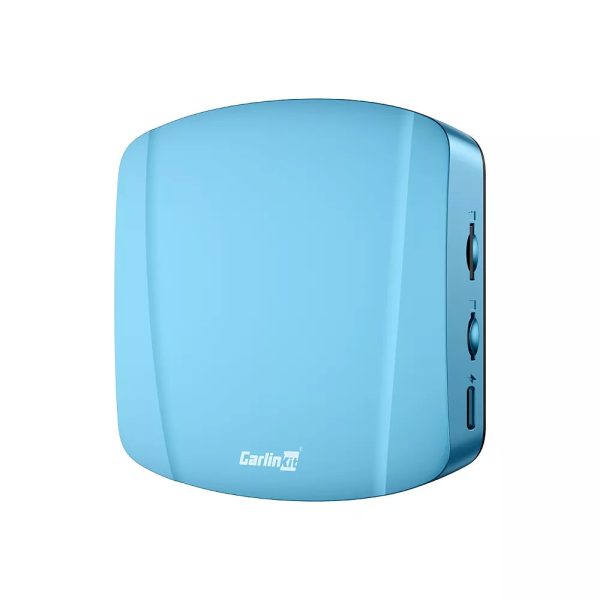
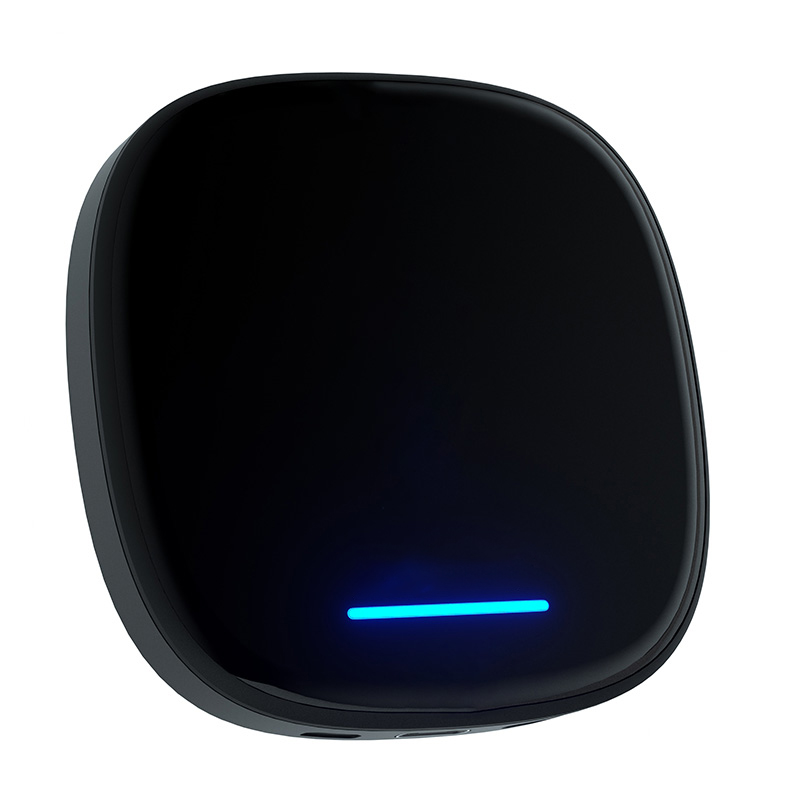
Carlinkit BYD Multimedia AI Box (Android 13 · 8GB + 128GB)
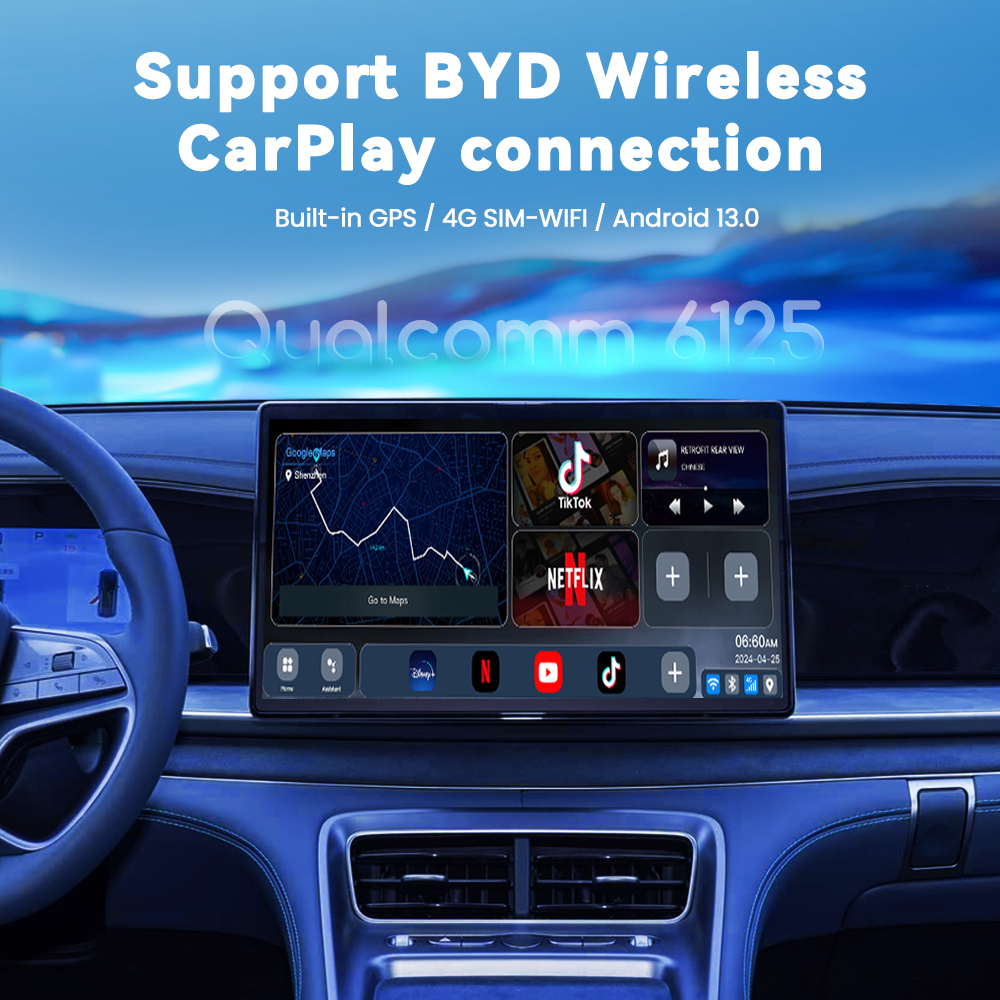
Built for Australian BYD owners (including Seal, Sealion 6, Sealion 7, Atto 3, Dolphin & Shark 6 with factory wireless CarPlay). Plug into USB to unlock full Android apps, Netflix, Kayo, and wireless Android Auto.
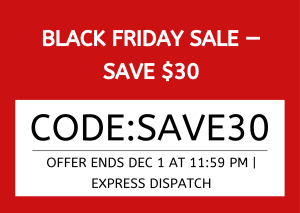
Black Friday Offer: Use code SAVE30 at cart for A$30 off (ends 30 Nov)
✓Every app from Google Play
✓Netflix, YouTube, Stan, Kayo
✓Wireless CarPlay and Android Auto
✓Maps and video side by side
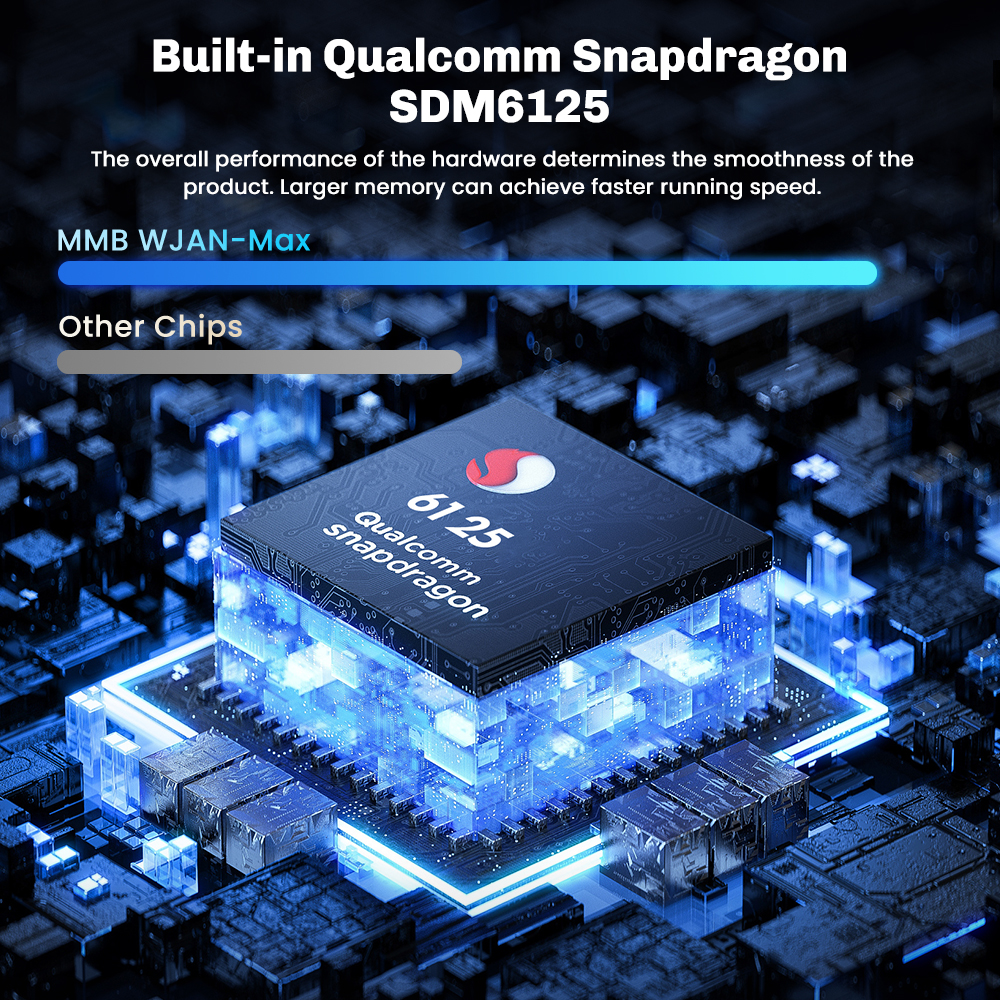
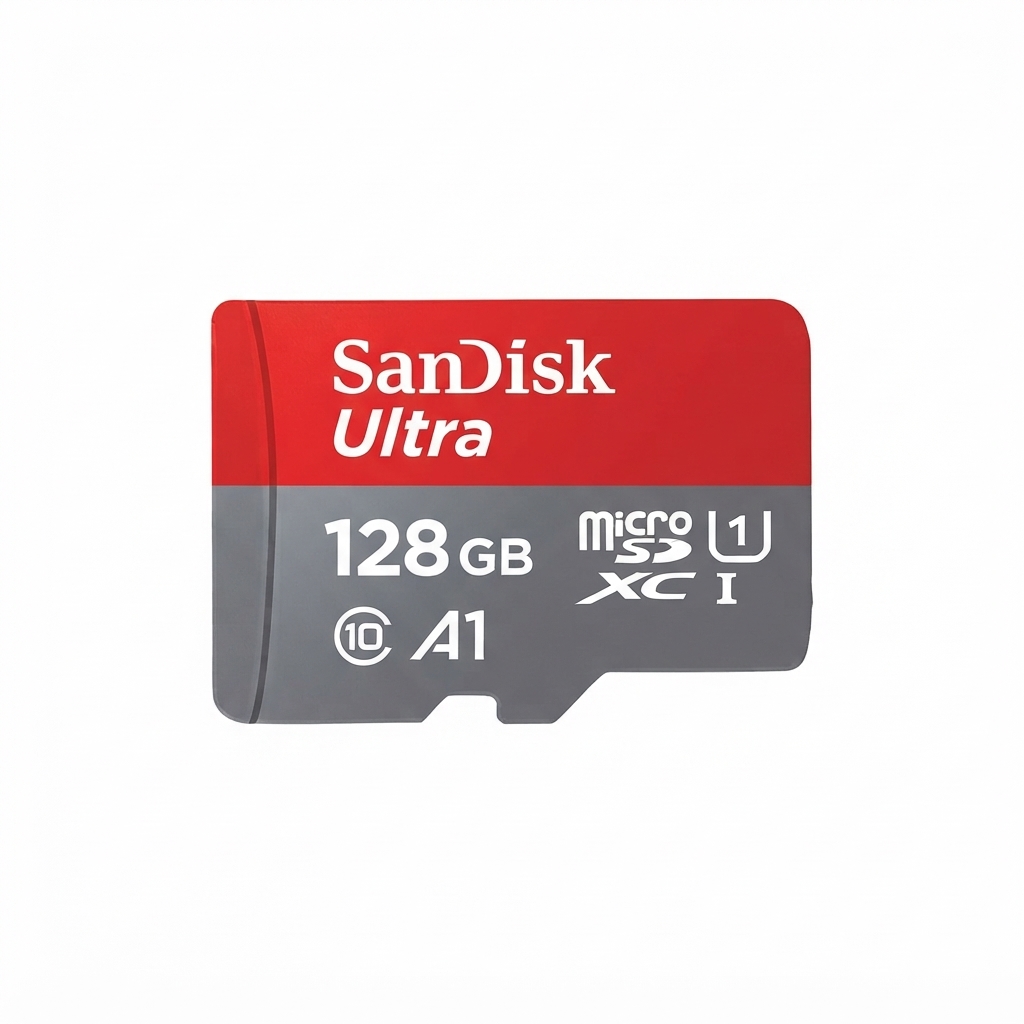
✓8 GB RAM + 128 GB
✓Internet via SIM (4G) or hotspot
✓Switch back to BYD system anytime
✓Nothing in the car is changed
What does it add to your BYD?
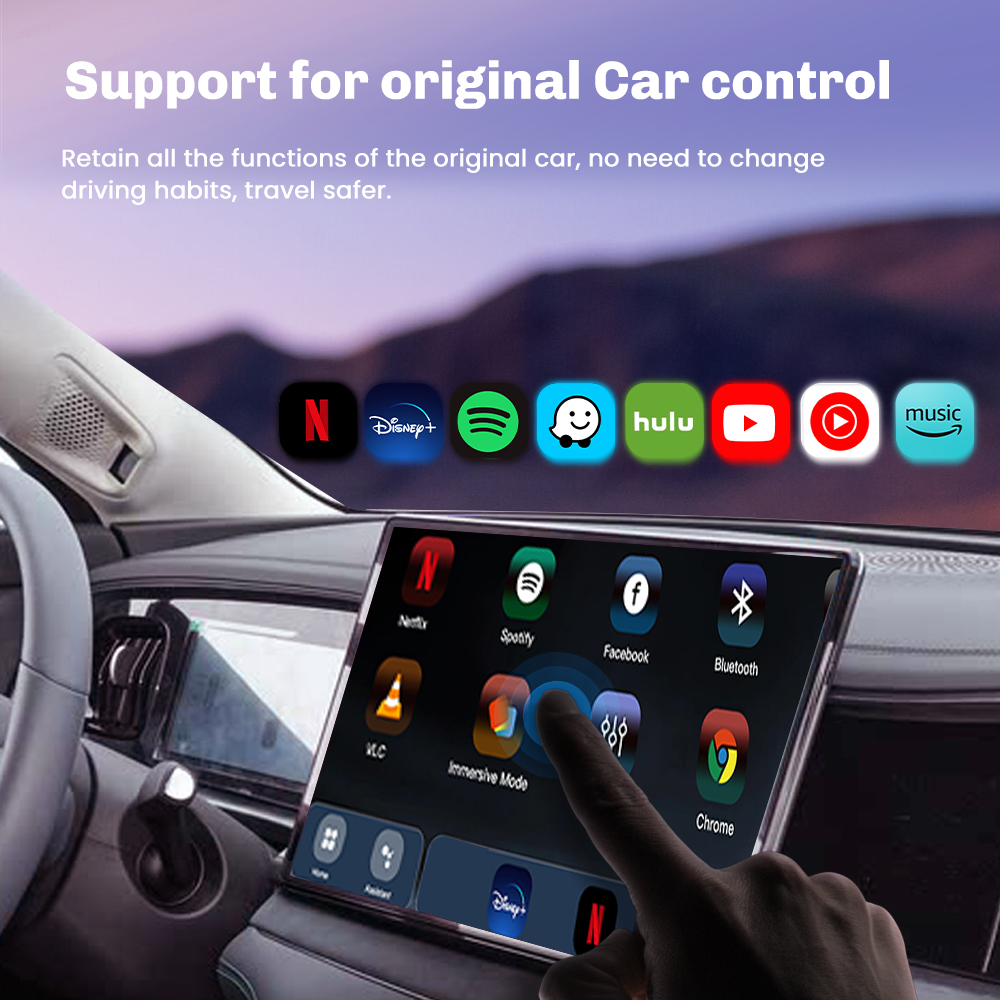
The BYD AI Box adds a full Android system to your BYD’s screen. The original BYD system keeps working, and you can switch back anytime with a tap or your voice.
NetflixYouTubeStanBingeKayoABC iviewSBS On DemandDisney+SpotifyGoogle MapsWaze
Android Auto in your BYD
Got an Android phone? Use wireless Android Auto through the box, even though your BYD only has CarPlay.
Connects automatically
After the first pairing, your phone connects as soon as you get in. No cables.
Its own 4G internet
Pop in a data SIM and the box is online by itself, without draining your phone’s battery or data. Wi-Fi and hotspot work too.
Split screen
Waze or Google Maps on one side, Spotify or a video for your passenger on the other.
Voice control
Use Google Assistant and your BYD’s own voice button for hands-free commands.
Phone mirroring
Mirror your phone wirelessly for apps that aren’t available in CarPlay or Android Auto.
Made for how Australians drive
At the charger
Catch up on Netflix, Stan or the footy on Kayo on the big BYD screen while the battery tops up.
Long road trips
Maps always on screen, music beside it. At the rest stop, the kids can watch a movie.
Leased or novated car
No wiring and no coding. Unplug the box and your BYD is exactly as it was.
For your safety, watch video only when parked or let your passengers enjoy it.
Ready in 3 steps
1
Clear old connections
Remove existing CarPlay, Bluetooth and Wi-Fi pairings between your phone and your BYD.
2
Plug into the USB port
Turn on wireless CarPlay on your BYD and wait for the box to start.
3
Done
Sign in to Google Play, install your apps and pair your phone for CarPlay or Android Auto.
Will it fit your BYD?
Check it in 30 seconds in your car.
✓
Does your BYD have factory wireless Apple CarPlay (check your BYD screen for the CarPlay icon, or ask us if you use Android)? Then the BYD AI Box fits and lets you run wireless Android Auto & full Android apps.
✕
Does your BYD have wired CarPlay or wired Android Auto (only works with a USB cable)? Then choose Max Ultra – see below.
?
Not sure about your model or year? Email us your model and year (a dashboard photo works too) and we’ll check it for you.