
Quick answer
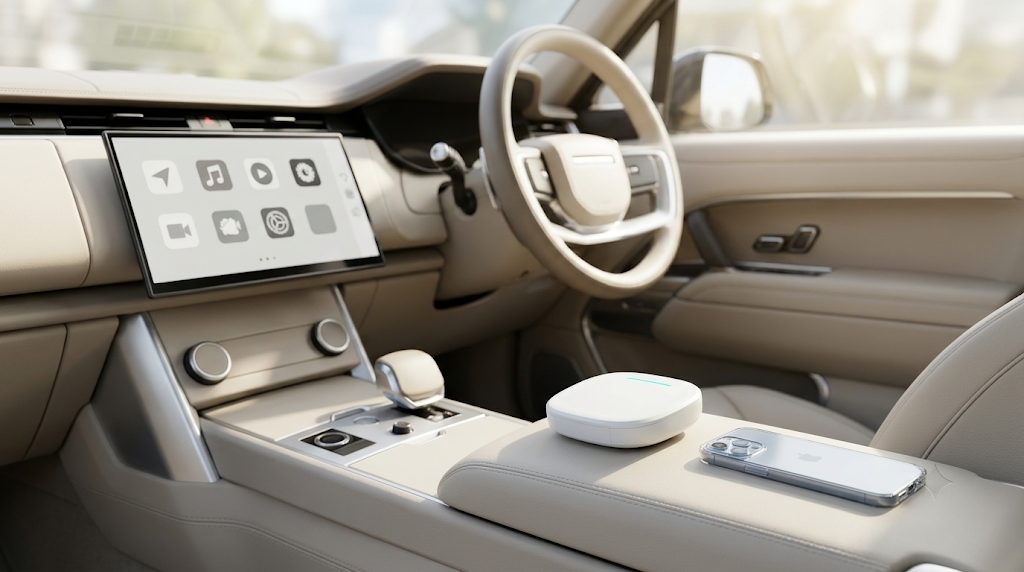
If your car has factory wired CarPlay, the easiest way to go wireless is a plug-and-play adapter in the same USB port. Pick the Carlinkit 5.0 (2Air) if you only want to lose the cable, or the Max Ultra AI box if you also want an Android 15 system with streaming apps on the car screen.
The Reason to Go Wireless with Apple CarPlay
Apple CarPlay has already changed the way we drive. Navigation, music, calls and messages on the car screen make every trip safer and easier. For most drivers, the one thing that still gets in the way is the cable.
With wired CarPlay, every drive starts the same way: get in, pull out your iPhone, plug in the cable and wait for it to connect. Over time cables twist, connectors work loose and USB ports wear out. The centre console gets cluttered, and plugging in your phone every time feels out of place in an otherwise modern car.
Wireless CarPlay removes the cable completely. Your phone stays in your pocket or bag, and CarPlay connects by itself shortly after you start the car. The cabin is tidier and every trip starts faster.
The best part: you don’t need to replace your factory head unit or modify your car. With the right device, upgrading from wired to wireless CarPlay is simple, and this guide shows you how. You can browse all options in our wireless CarPlay adapters and AI boxes range.
How to Make Apple CarPlay Wireless: The Easiest Options
Car upgrades without modifying your vehicle
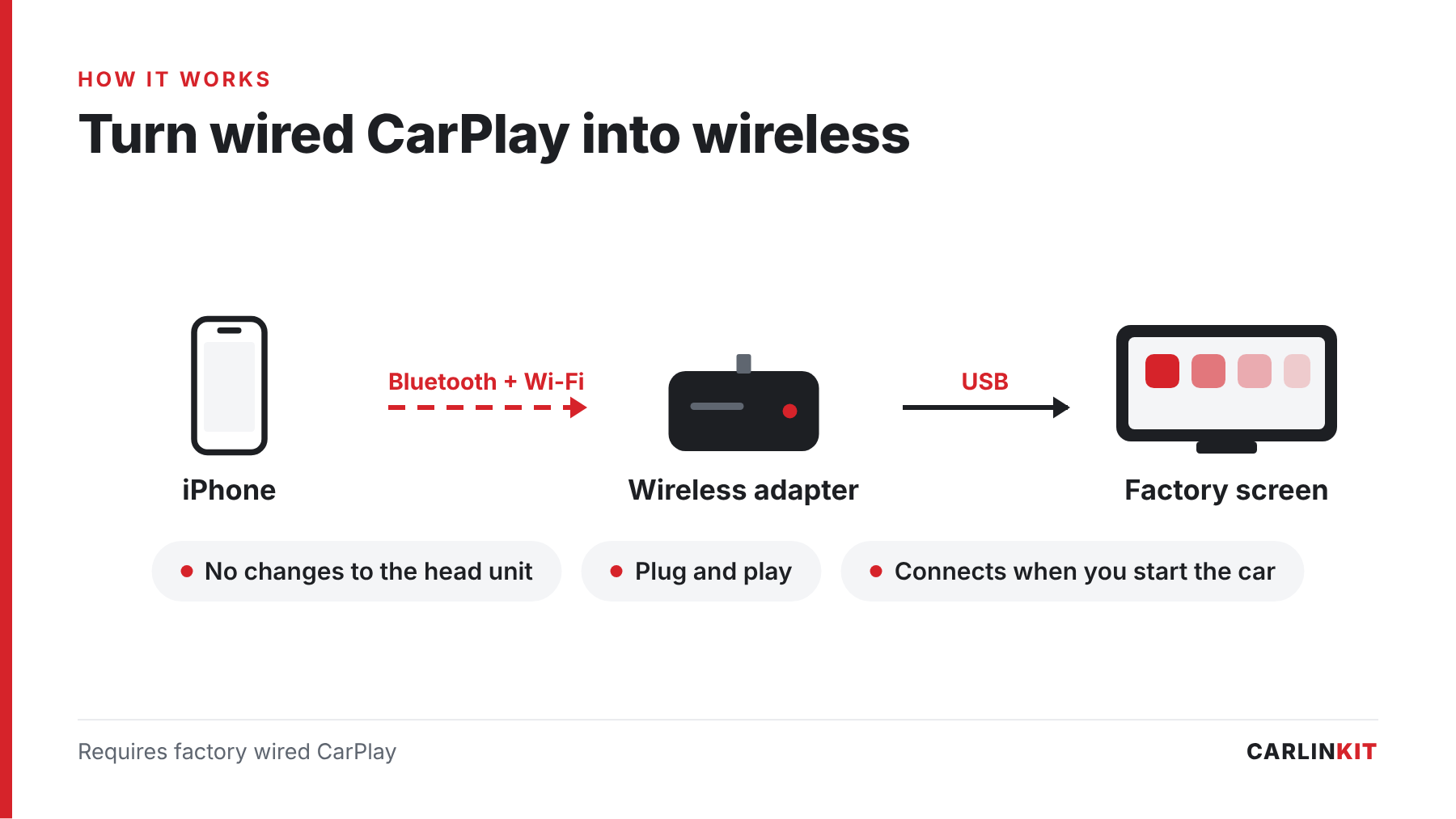
A wireless CarPlay adapter is the easiest and safest way to make CarPlay wireless. It doesn’t change your car’s original system; it simply works with the system you already have.
Carlinkit devices are designed for exactly this. They turn factory wired Apple CarPlay or Android Auto into a wireless connection without removing anything from your car.
- Plug and play: no technical knowledge required
- No disassembly: no panels or screens to remove
- No system replacement: your factory head unit stays as it is
Once connected, your car works exactly as before. The only difference is that there is no cable.
Keep the Original CarPlay Experience
Many drivers worry that wireless CarPlay will feel different from wired. With a Carlinkit device, it doesn’t. You still use:
- Your original touchscreen, steering wheel buttons or rotary controller (depending on the car)
- The same CarPlay interface
- The same apps and functions
Important Compatibility Requirements (Read This Carefully)
Compatibility is the most important thing to check before you buy. Here is what these devices can and cannot do.
Compatible Vehicles
- Your car must have wired CarPlay or wired Android Auto from the factory
- The adapter turns that existing wired connection into a wireless one
- It does not add CarPlay to a car that never had it
Not Compatible With the Following
- Tesla
- BMW (use the dedicated BMW box instead)
- Cars without factory wired CarPlay or Android Auto
⚠️ Not sure about your car?
After you order, our team manually checks compatibility with your car’s make, model and year before shipping, so you avoid an unnecessary return.
How Easy Is the Installation?
Truly Plug-and-Play Setup
Setup usually takes just a few minutes:
- Plug the device into your car’s USB port. Use the same port you normally use for wired CarPlay.
- Pair your iPhone via Bluetooth (first time only). Follow the prompt on the car screen.
- Done. From then on, your iPhone connects automatically every time you start the car.
The Lowest-Risk Upgrade Option
Compared with replacing the head unit or installing aftermarket hardware, a wireless adapter is the lowest-risk way to upgrade:
- No permanent changes to your car
- No wiring modifications
- No changes to the factory software
Which Product Should You Choose?
Carlinkit offers two kinds of solutions, depending on how far you want to take the upgrade.
Option 1: Carlinkit 5.0 (2Air) — Simple Wireless CarPlay Upgrade

Carlinkit 5.0 (2Air)
- Turns wired CarPlay and Android Auto into wireless
- Keeps the original factory interface
- Compact, quick to install, almost no learning curve
Ideal for: drivers who are happy with CarPlay and just want to get rid of the cable.
View Carlinkit 5.0 (2Air) →Want more detail? Read our guide to wireless CarPlay adapters.
Option 2: Max Ultra — A Full Smart In-Car Upgrade
⚠️ Product updated
Earlier versions of this guide recommended the Tbox Ultra, which is no longer available. The Max Ultra is its current replacement, with the same Snapdragon 6350 platform.
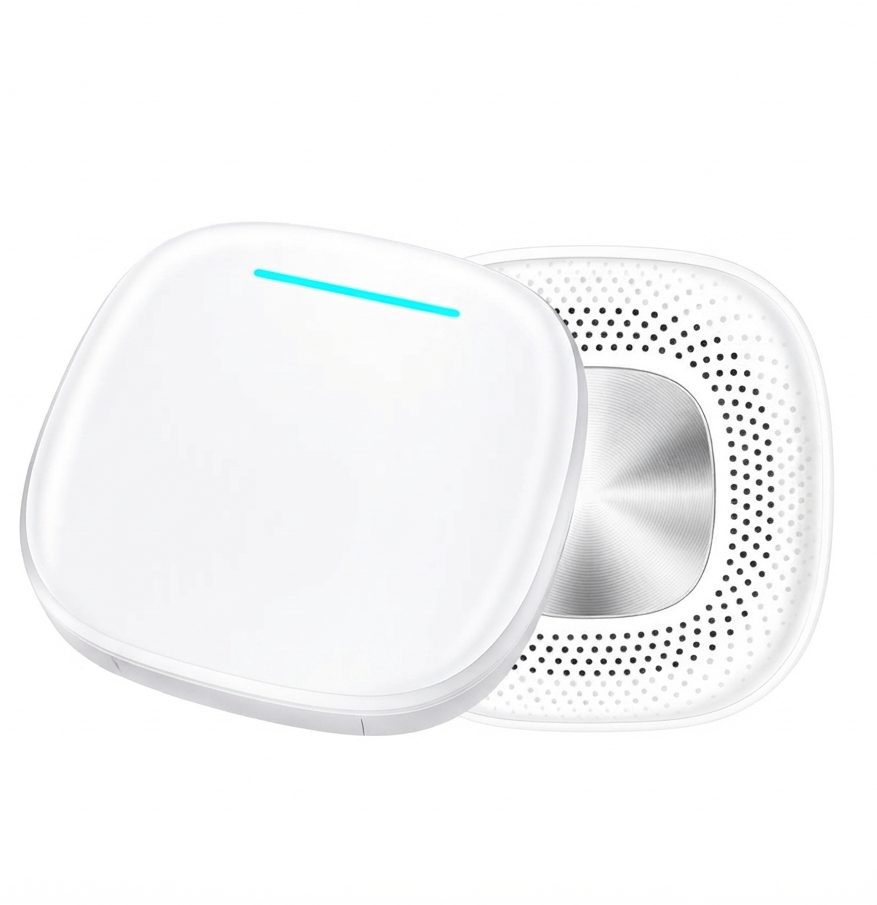
Max Ultra
- Wireless CarPlay and Android Auto
- Android 15, 8 GB RAM + 128 GB storage
- Netflix, YouTube, Stan, Kayo and ABC iview on the car screen
- Split screen and 5G SIM slot (SIM not included)
Ideal for: drivers who want CarPlay plus a full Android system with apps.
View Max Ultra →Setup takes a few more steps than a basic adapter, but you get far more: apps run directly on the car’s screen, and with a SIM card the box can go online without your phone. Videos are for passengers or when parked only.
Still deciding? Our 2026 adapter vs AI box selection guide compares every option side by side.
Our Exclusive Store Services
When you order through our official website, you get:
- Manual compatibility check of your car after you order
- Lifetime access to official firmware and test versions
- 2-year manufacturer warranty, with an optional 1-year extension
- One-on-one, real-time technical support
- 30-day money-back guarantee and free shipping
These services are only available for orders placed on our official website.
Worry-Free Purchase Policy
- 30-day money-back guarantee: try the product risk-free
- Free shipping with tracking
- Official support: full warranty coverage, firmware updates and technical help
Upgrade to Wireless CarPlay with Confidence
Wireless Apple CarPlay is one of the easiest ways to modernise your car. You lose the cable, gain a tidier cabin and get to your apps faster, without touching your factory system.
- The upgrade is simple
- The installation is safe
- Your factory system stays untouched
Check that your car has factory wired CarPlay or Android Auto, choose the Carlinkit 5.0 (2Air) or the Max Ultra, and enjoy a cable-free drive. After you order, our team double-checks compatibility with your car.