
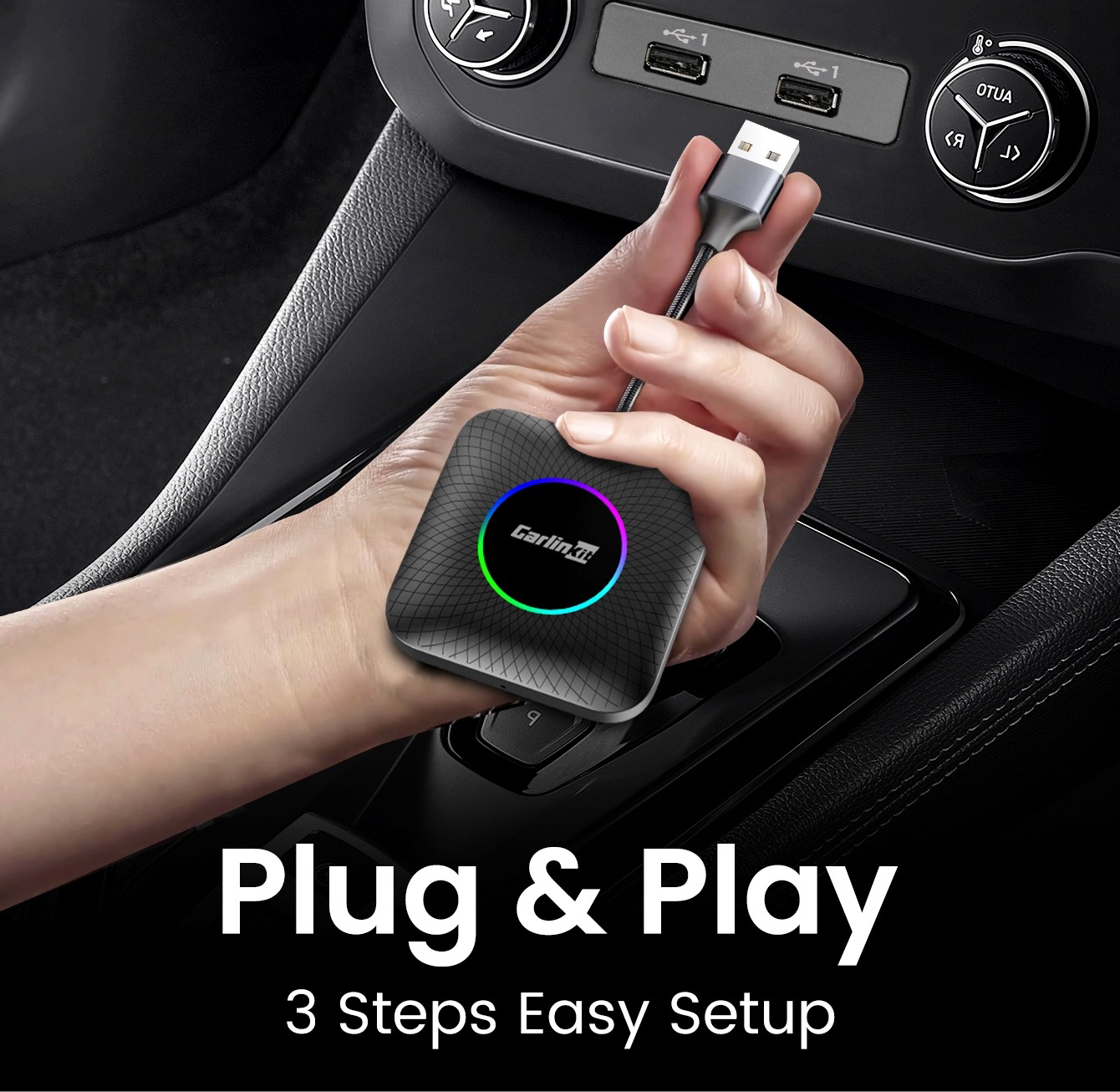
Imagine getting into your car on a busy morning. Instead of fumbling in your pockets for that temperamental USB cable that always seems to disconnect at the slightest turn, your dashboard screen lights up instantly. Thanks to the Carlinkit Android adapter, your favorite interface launches wirelessly before you’ve even left your parking spot. Installing a wireless Android Auto adapter is the simplest and most effective technological revolution for transforming your daily driving experience into a moment of pure digital comfort.
Why go wireless with Carlinkit?
The frustration of cables is universal. Between worn-out charging ports, tangled cables, and the unsightly look of your center console, switching to a wireless solution is no longer a luxury, but a necessity. Carlinkit has established itself as the global leader in this transition, offering plug-and-play solutions that breathe new life into factory infotainment systems.
The major advantage of a Carlinkit Android adapter lies in its stability. Where lower-end adapters suffer from latency or unexpected disconnections, Carlinkit products use 5.8GHz Wi-Fi modules to ensure that Waze navigation remains smooth and your Spotify music never skips.
Step-by-Step Carlinkit Android Setup Guide: Your Android Auto Adapter Ready in Minutes
One of Carlinkit’s greatest strengths is its remarkable simplicity. You don’t need to be a computer expert or a mechanic to transform your car. Here’s how:
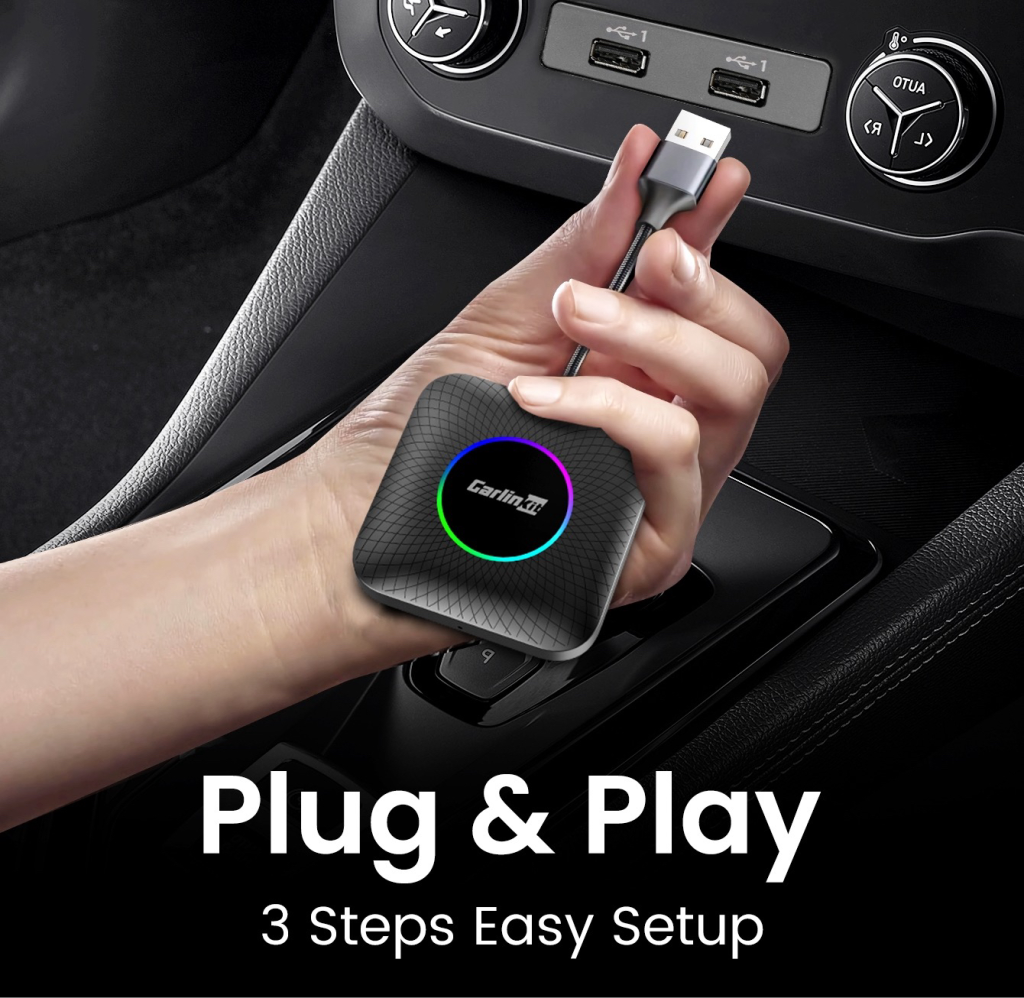
- Initial Connection: Insert the adapter into your car’s USB (or USB-C) port, which is usually dedicated to wired Android Auto.
- Bluetooth Pairing: Enable Bluetooth and Wi-Fi on your smartphone. Search for the signal emitted by the Carlinkit device and pair them.
- On-screen confirmation: A notification will appear on your dashboard asking you to authorize the connection. Confirm, and you’re all set!
- Automation: Now, every time you get into your car, the Carlinkit Android will recognize your phone and launch the interface automatically in less than 15 seconds.
Detailed comparison: Which device should you choose for your vehicle?
At our Carlinkit Factory store, we offer various solutions tailored to every type of driver. Let’s analyze two of our flagship models to help you choose.
The AI Multimedia Device for BYD (and universal CarPlay)
The AI Multimedia Device for BYD is a cutting-edge solution, specifically optimized for modern vehicles.
- Target audience: Owners of BYD vehicles or vehicles with large touchscreens.
- Performance: This device does more than just make Android Auto wireless; It transforms your screen into a true Android 13 tablet.
- Highlights: It’s extremely thin, generates very little heat, and offers exceptionally smooth swiping, essential for the rotating screens in BYD vehicles.
Carlinkit CarPlay AI TV Box LED USB Plus (Android 13)
The Carlinkit CarPlay AI TV Box LED is the powerhouse of our range. Equipped with a Qualcomm 8-core processor and Android 13, it’s much more than just an Android Auto adapter.
- Target audience: Multimedia enthusiasts, families who travel frequently, and those who want Netflix or YouTube while parked.
- Performance: This box comes with 4GB of RAM and 64GB of storage, or 8GB of RAM and 128GB of ROM, expandable via microSD card, capable of running demanding streaming and gaming applications.
- The “Design” highlight: Its integrated LED lights add a futuristic touch to your car’s interior.
Understanding Compatibility: The Secret to a Successful Installation
Before succumbing to the futuristic design of our boxes, it’s essential to understand that their technology relies on the protocol already present in your vehicle. The choice between these two Carlinkit Android models will depend primarily on the original configuration of your car radio.
The BYD Special Box: The Solution for Original Wireless CarPlay
This box is technologically unique. Unlike most adapters, it’s designed specifically for vehicles that already have factory-installed wireless CarPlay.
- The Requirement: Your vehicle must absolutely support wireless Apple CarPlay for this box to convert the system into an open Android interface.
- Why is this important? Many recent vehicles (like BYD models) don’t always offer a stable Android Auto connection, but they do have an excellent wireless CarPlay protocol. This box uses this “entry point” to inject the Android system.
Carlinkit AI TV Box LED: For systems with a connection
Wired
Conversely, this model is the king of wired-to-wireless conversion.
- The requirement: This device requires your car to be equipped with wired CarPlay or a factory-installed wired Android Auto.
- How it works: You plug it into the USB data port, and it transforms this physical connection into a powerful Wi-Fi signal, allowing you to use a wireless Android Auto adapter.
⚠️ Important Note: Compatibility Restrictions (BMW & Tesla)
While the Carlinkit Android is compatible with over 98% of equipped vehicles, there are two notable exceptions:
- BMW: BMW vehicles use a closed, proprietary system that is not compatible with external conversion devices such as AI Boxes.
- TESLA: Tesla does not natively integrate Apple CarPlay or Android Auto. Therefore, installing a standard USB adapter is not possible on these models.
Optimize your user experience
To get the most out of your Carlinkit Android, here are some expert tips:
- Firmware Update: Connect to the device’s IP interface via your mobile browser to check for the latest updates and improve compatibility.
- Battery Management: For journeys longer than 4 hours, use a fast charger in the cigarette lighter socket to keep your phone charged while using Wi-Fi.
- 4G Usage: The AI TV Box version has a SIM card slot, making the device self-contained for GPS navigation and streaming (Netflix/YouTube) without using your phone’s data.
The Visual Impact: A Clean Interior
By installing a Carlinkit Android, you restore the “showroom” aesthetic of your vehicle. The device is so small that it can be hidden in the center armrest, leaving your driving space clean, uncluttered, and safe. No more cables dangling across the leather or glossy plastic!
Frequently Asked Questions (FAQ)
Is my car compatible? If it has wired Android Auto or CarPlay (post-2016), compatibility is 98%.
Is there any latency? Thanks to the Qualcomm chip, latency is virtually imperceptible for navigation and music.
Can I easily switch phones? Yes, our adapters support both systems, ideal for families using iPhones and Android devices.
In conclusion: Take the leap into the future of driving. Upgrading to a wireless Android Auto adapter is a major comfort upgrade. Whether you choose the discreet BYD model or the powerful LED version, the Carlinkit Android will transform every journey.
Expert tip: Before finalizing your purchase at Carlinkit Factory, check that your CarPlay/Android Auto icon is active in wired mode.
If you have any doubts, our team is here to help!Ready to cut the cord? Visit our shop today.