
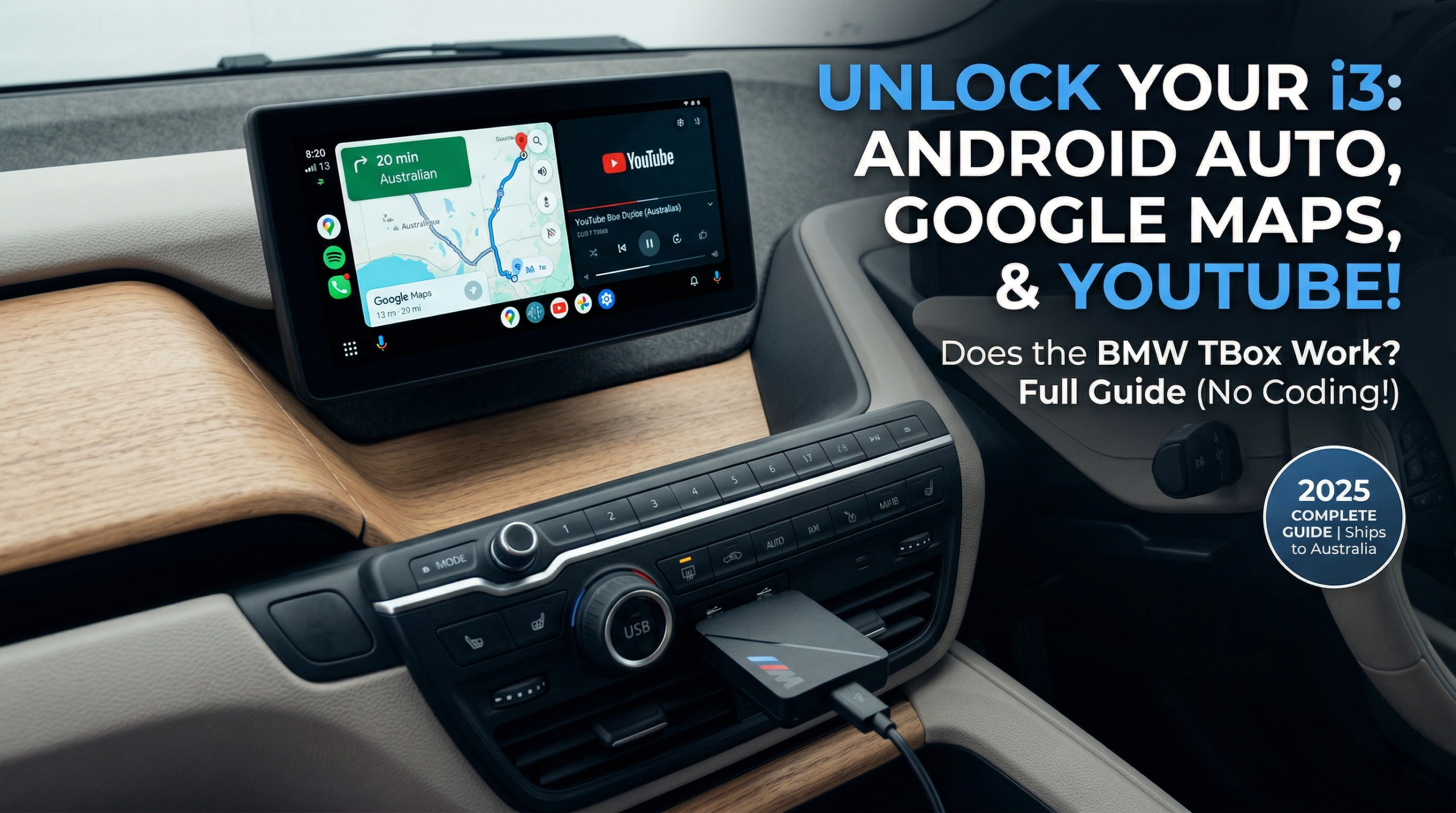
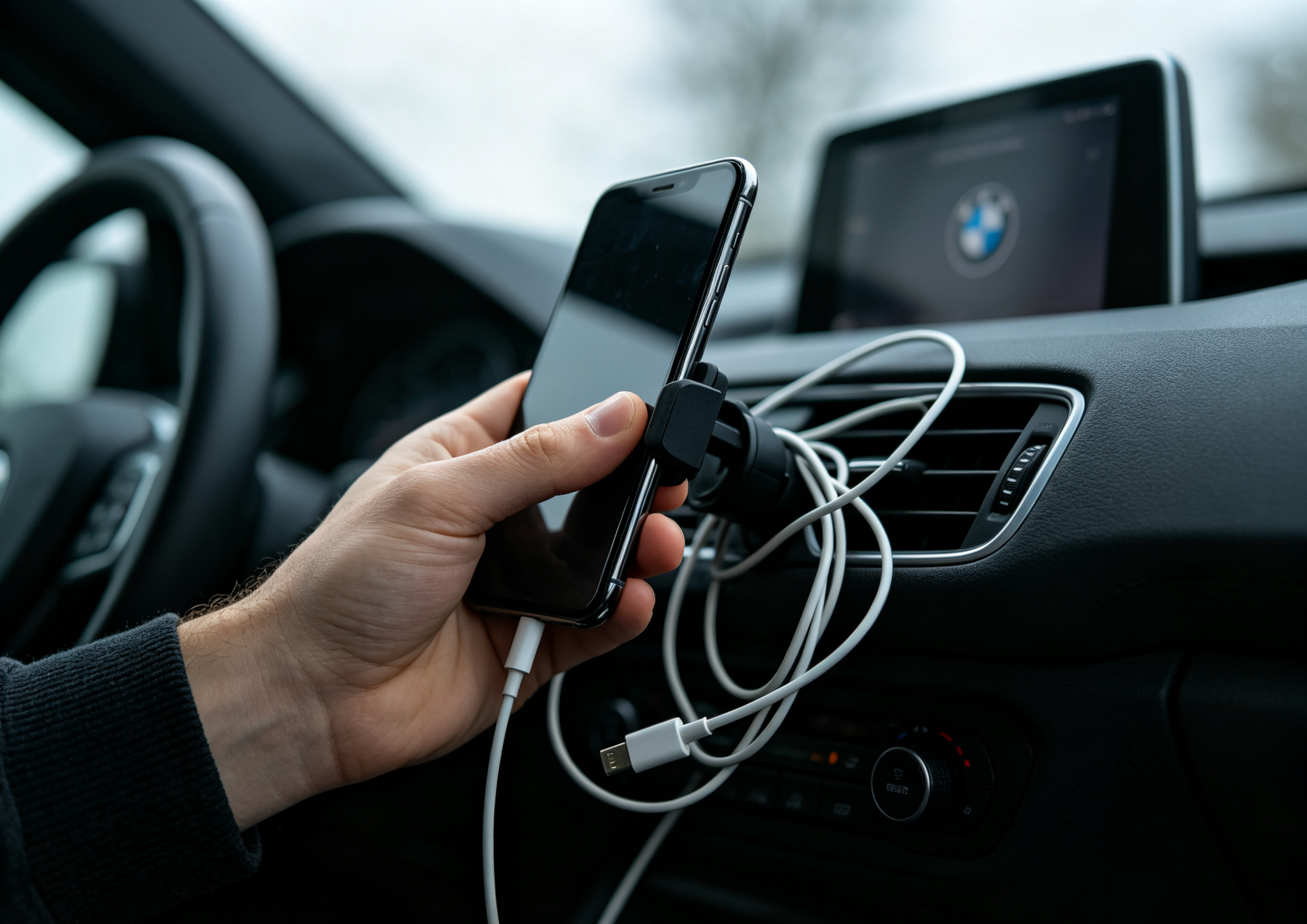
You drive a BMW i3. You use an Android phone. And every time you get in, you feel it — that quiet frustration of a stunning iDrive screen that refuses to run Google Maps natively.
YouTube during a charging stop? Not happening. Waze? Blocked. You're left with a Bluetooth connection that belongs in a 2012 hatchback — all while BMW ConnectedDrive quietly reminds you how much potential is locked behind Apple-only gates.
The BMW TBox (MMB Multimedia Android iOS Box) was built specifically for this. But does it actually work on the i3 — and what if your i3 is an older model without wireless CarPlay at all? Let's break it down properly, option by option.
The Problem: Why BMW i3 Owners Are Stuck
The BMW i3 ships from the factory with Apple CarPlay only. Android users face genuinely poor options:
- Bluetooth audio — functional but frustratingly basic
- Wired workarounds — cable clutter, unreliable connections
- Generic wireless dongles — completely blocked by BMW's closed system
The historical reason: BMW added factory Android Auto support to its lineup in July 2020 — but only for cars running iDrive 7.0. The i3 (I01 generation, 2013–2021) never left NBT or NBT EVO, so it was never eligible for that update. There's no firmware fix waiting and no dealer option — the factory path is permanently closed. Everything from here on is an aftermarket solution.
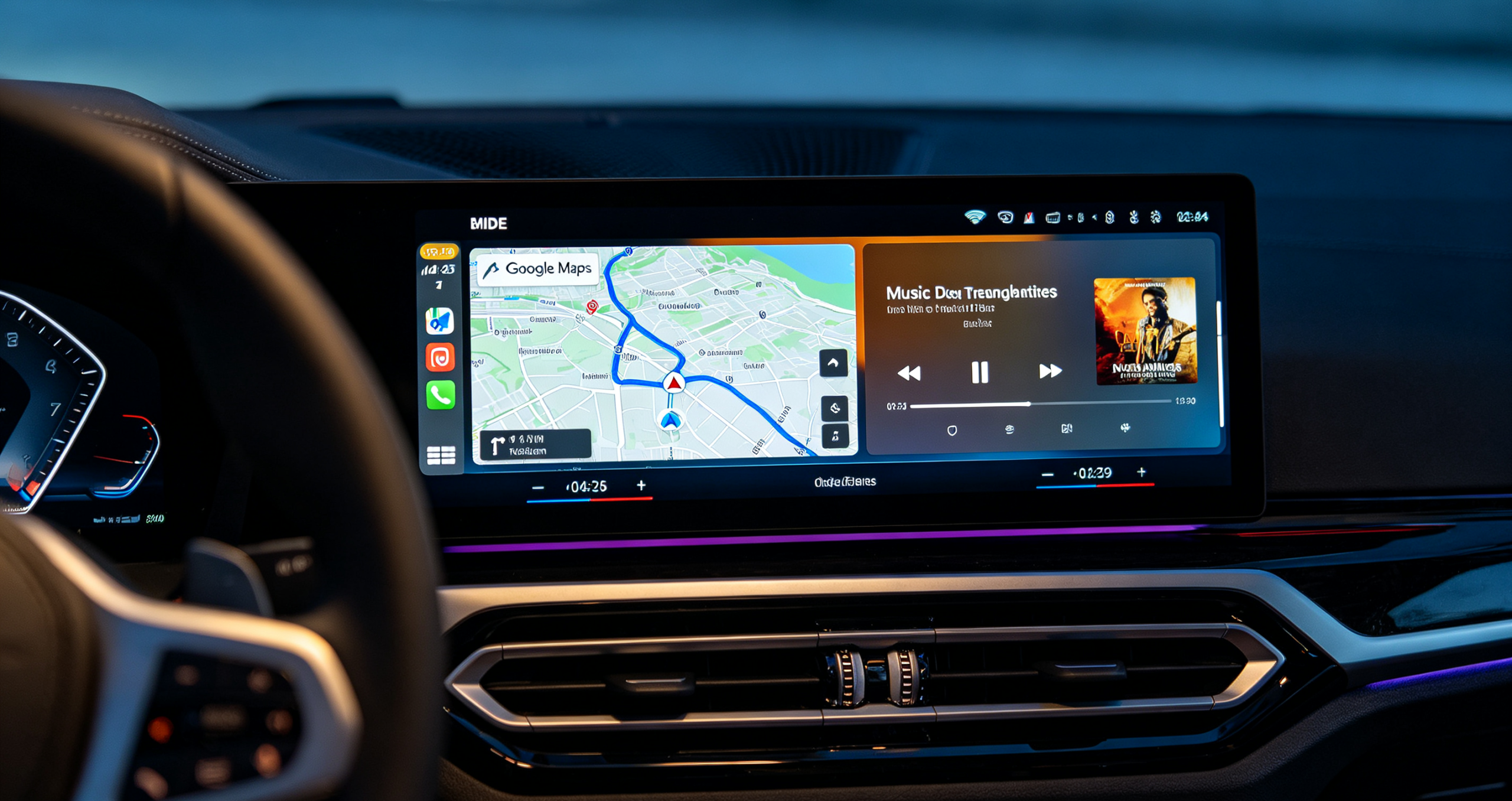
This is why i3 owners need a BMW-specific solution. To understand why factory Android Auto still isn't enough on newer models, read our full breakdown here.
Your Four Real Options for Android Auto on the i3
Not every i3 qualifies for the plug-and-play TBox — it depends heavily on which iDrive system and CarPlay setup your car shipped with. Here's an honest look at all four upgrade paths, from free to full screen replacement.
| Solution | Best For | Estimated Cost (AUD) | Install Time |
|---|---|---|---|
| Phone Mount + BT | Minimalists | $0 | — |
| NBT Decoder Module | i3 2013–2017 (NBT system) | $300–$550 | 2–3 hours |
| BMW TBox (MMB Box) | i3 2018+ with wireless CarPlay | $320–$420 | 15 minutes |
| Android Screen Swap | Large-screen seekers | $600–$950 | 3–5 hours |
What Is the BMW TBox (MMB Box)?
The MMB Multimedia Android iOS Box is a dedicated AI Box engineered exclusively for BMW models with factory CarPlay. It's not a dongle. It's not a screen mirror.
Think of it as a standalone Android 13 computer that slots into your BMW's USB port and runs completely independently — integrating directly with the i3's iDrive NBT EVO system without touching the Harman Kardon audio system or any OEM settings. For a deep dive, see our full BMW TBox review.
How It Works
- Uses your BMW's wireless CarPlay channel as the entry point
- Runs all apps on its own 8GB processor — your phone stays in your pocket
- One tap on the floating button switches you back to original iDrive instantly
Quick Specs
| Spec | Detail |
|---|---|
| OS | Android 13.0 |
| RAM / Storage | 8GB RAM + 128GB |
| Storage Expansion | TF card up to 256GB |
| GPS | GPS + GLONASS + BEIDOU (triple-mode) |
| Connectivity | 4G SIM card or phone hotspot |
| Certifications | CE, FCC, RoHS |
| Compatible iDrive | ID6 / ID7 / ID8 / ID8.5 / OS9 |
| Price |
Does the BMW TBox Work on the BMW i3?
Yes — but there's one non-negotiable requirement.
Your BMW i3 must have factory wireless CarPlay enabled. This is the single most important thing to verify before purchasing — and the step most people skip.
BMW i3 Compatibility by Trim
| Model | Wireless CarPlay | MMB Box Compatible |
|---|---|---|
| 2018–2019 BMW i3 | Select trims only | ⚠️ Verify VIN first |
| 2020–2021 BMW i3 | Most trims | ✓ Compatible |
| 2022 BMW i3 | Standard | ✓ Compatible |
| BMW i3s (all years) | Same as i3 | ✓ Compatible |
Not sure about your trim? Send your VIN to the Carlinkit support team — they'll confirm compatibility before you purchase.
Which iDrive Version Does the BMW i3 Run?
The i3 shipped with one of three systems: EntryNav (small screen, very limited options), NBT (large screen, vertical menu UI, most 2013–2017 i3s), or NBT EVO (horizontal tile UI, 2018–2021). To confirm yours: iDrive Settings → System → About, or check Settings → Software Information — if it reads "Road Map AUSTRALIA/PACIFIC Next" you're on NBT; "...EVO" means NBT EVO. This matters because the system version determines which connector your car uses, so it's worth checking before ordering anything.
How to Install the BMW TBox on Your i3 (5 Steps)
No tools. No coding. Under 10 minutes, start to finish.
Will It Void My BMW i3 Warranty?
No. External USB device — zero changes to the ECU, software, or wiring. CE, FCC, and RoHS certified. Leaves BMW ConnectedDrive and all factory services fully intact. Note this only applies to plug-in modules like the TBox — a full screen swap (Option 04 above) is a hardware change and may affect infotainment-specific warranty coverage, so weigh that trade-off if you're considering it.
What Can You Do After Installing?
🗺️ Navigation
- Google Maps and Waze running natively — no phone needed at all
- Triple-mode GPS stays accurate in tunnels and multi-storey car parks
📺 Entertainment
- YouTube and Netflix on your iDrive screen during EV charging stops
- Full Google Play Store — any Android 13-compatible app
🎙️ Smart Controls
- Google Assistant via your i3's steering wheel voice button
- Smart split-screen: Google Maps + Spotify simultaneously
- Audio routes through the Harman Kardon speakers at full quality
- One-tap toggle back to iDrive — BMW ConnectedDrive, climate, radio all untouched
BMW TBox vs. Stock Android Auto: The Honest Comparison
Can't you just use standard Android Auto? Here's the straight answer. For a full analysis, see our BMW MMB Box vs Stock Android Auto comparison.
| Feature | Stock Android Auto | MMB Box |
|---|---|---|
| Google Maps / Waze | ✓ | ✓ |
| YouTube / Netflix | ✗ Blocked | ✓ Full access |
| Runs off your phone | ✓ Drains battery | ✗ Independent |
| Works without phone | ✗ | ✓ |
| Full Google Play Store | ✗ | ✓ |
| Harman Kardon audio | ✓ via phone | ✓ Direct |
| BMW ConnectedDrive | ✓ Parallel | ✓ Preserved |
| Connection stability | Drops common | Consistent |
Stock Android Auto is a projection of your phone. The MMB Box is a second brain inside your dashboard. Different technology. Different ceiling.
FAQ – BMW i3 Android Auto & BMW TBox
Final Verdict: Is the BMW TBox Worth It for i3 Owners?
If your BMW i3 has wireless CarPlay and you're on Android — this is the most capable, least invasive upgrade available right now. If your i3 is a pre-2018 NBT model without wireless CarPlay, a decoder module gets you there instead; a screen swap is only worth considering if you specifically want a larger display.
✓ Perfect fit if
- You rely on Google Maps or Waze daily
- You want YouTube / Netflix at EV charging stops
- You won't recode, disassemble, or risk your warranty
- You want stable connection independent of your phone
✗ Skip it if
- Your i3 has wired CarPlay only or is pre-2018 NBT — start with a decoder module or wireless CarPlay activation first
- You primarily use an iPhone — CarPlay already covers you
Ready to Unlock Your BMW i3?
Plug-and-play Android 13 for your iDrive screen. No coding. No tools. No warranty risk.