
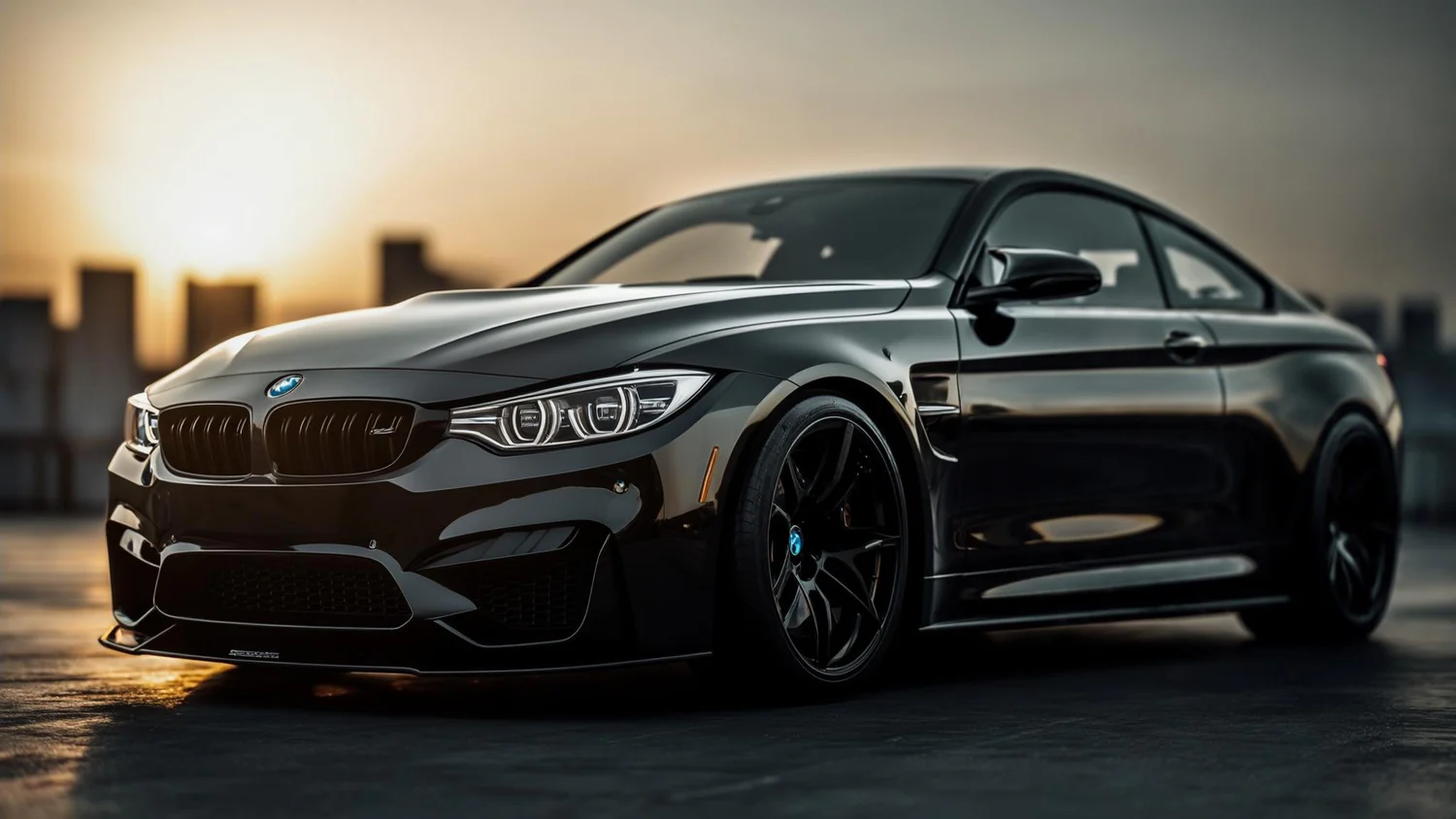
BMW iDrive Upgrade Compared: Is the TBox Really Worth It?
Why Your BMW Screen Deserves More
At a car meetup last year, I watched five BMWs pull into the same parking lot. One friend's new X3 was streaming Netflix. Another's 2020 5-Series was stuck on CarPlay, screen half-dark. That contrast stayed with me—BMW makes world-class cars, but their factory infotainment hasn't kept up with how we actually drive in 2026.
Your screen might be 12.3 inches of gorgeous display—and it's only showing navigation and music. No YouTube. No independent apps. And if you're on Android, you already know the frustration of watching iPhone users get a smoother experience.
On a road trip through the Australian interior, we tested this firsthand. In 40°C heat, a phone running Android Auto hit thermal throttling within 90 minutes—navigation dropped, music cut out. That's when the real question surfaced: can the screen work without the phone?
It can. Here are the four ways to get there.
Four BMW iDrive Upgrade Options
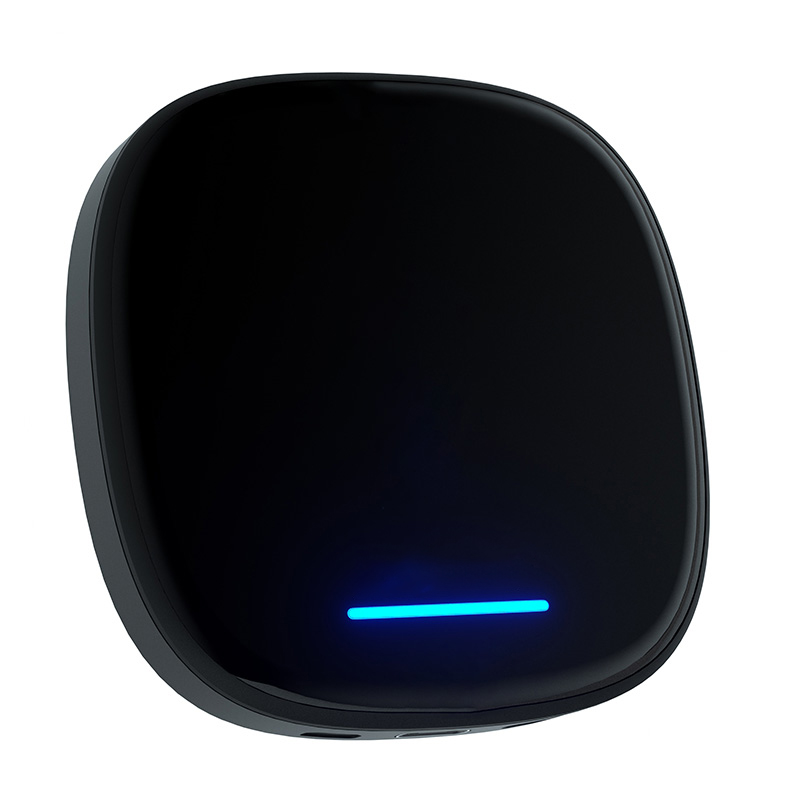
Option 3 in Detail: What the TBox Actually Does
We've installed several units across different BMW models. The setup is almost comically simple—but there's one detail 80% of first-timers miss: your center console has two USB-A ports, and only the one near the gear shifter is the data port. The other is charge-only. Plug into the wrong one and you'll get no response, and assume the device is broken. It isn't.
Once you're in the right port, it clicks in, boots in under 20 seconds, and pairs via Bluetooth once. After that, it's automatic every time you start the car.
The key difference from factory Android Auto: everything—Google Maps, YouTube, Spotify—runs on the TBox's own Qualcomm chip. A friend drove 8 hours across the outback with TBox. His phone sat in his bag the whole time. Battery unchanged. Navigation never dropped once.
- YouTube & Netflix natively
- Full Google Play Store
- Dual-screen multitasking
- Independent internet (SIM)
- Plug & play, 15 minutes
- Fully reversible
- CE / FCC / RoHS certified
- Zero ECU contact
Side-by-Side Comparison
| Feature | Stock iDrive | Factory Android Auto | TBox (MMB) | Full Swap |
|---|---|---|---|---|
| Upfront Cost | Free | Free | Affordable | High + Labor |
| YouTube / Netflix | ✕ | ✕ | ✓ | ✓ |
| Google Play Store | ✕ | ✕ | ✓ | ✓ |
| Phone-Free Operation | ✕ | ✕ | ✓ | ✓ |
| Connection Stability | Solid | ~65% reliable | 99.2% | Excellent |
| Warranty Risk | None | None | None | Moderate |
| Reversible | — | — | ✓ Fully | ✕ Permanent |
| Install Time | — | — | 15 min, self-install | 4–6 hrs, pro needed |
Should You Buy It? Honest Framework
Get TBox if you're in this situation
- Android user on a 2018–2025 BMW — factory Android Auto lets you down, TBox replaces the dependency entirely
- Regular long-haul driver — road trips, business travel, interstate runs. The phone-free stability pays for itself in avoided frustration
- Screen maximalist — if that big iDrive display feels wasted, TBox activates it as a full media center
- Keeping the car 3+ years — one-time cost spread over time becomes trivial
Skip TBox if these apply
- Your 2023+ BMW already has factory Android Auto and it works without issues
- You drive short city commutes only — no streaming, no long-nav sessions
- You're trading in or selling within 12 months
Frequently Asked Questions
Go to iDrive → Settings → Connections → Apple CarPlay.
- Shows "Wireless" → ✅ You're fully compatible, ready to go
- Shows "Wired" → Needs wireless activation first — contact us and we'll walk you through it
- Nothing shown → Submit your VIN at Carlinkit for a free compatibility check
No interior removal. No tools. No coding. Just the included USB cable.
- Find the CarPlay USB-A port (near the gear shifter — not the charging-only port behind it)
- Plug TBox in until you hear a click
- Start the car — TBox boots in under 20 seconds
- Pair via Bluetooth once (about 30 seconds)
- Every start after that is fully automatic
One tip: 80% of customers plug into the wrong port first. Charging port = no response. Data port (near shifter) = full function.
No. TBox is an external USB device. It makes zero contact with your ECU, wiring, or firmware. It's CE, FCC, and RoHS certified.
If you ever need BMW dealer service, simply unplug TBox before going in (takes 5 seconds). Reinstall afterward. The technicians have no grounds to object — it's no different from unplugging a USB drive.
30-day full refund, no questions asked. Return rate is under 2%, which tells its own story — but the guarantee is there if you need it.
TBox requires factory wireless CarPlay. Some older BMW models came with wired-only CarPlay. If your car falls into that category, wireless activation is required before TBox will function.
The best way to know for sure: submit your VIN at Carlinkit for a free check — they'll confirm compatibility and tell you exactly what your car needs.
What Real Owners Say
"Finally can watch Netflix at charging stations. Changed everything about long-distance driving for me."
After switching to Android, factory CarPlay felt like a downgrade. Android Auto kept dropping on the highway. He installed TBox in 15 minutes, self-installed, no help needed.
"Should've done this day one. It's not a luxury — it's the upgrade BMW should have shipped in the first place."
Held off for two years, convinced TBox was "gimmicky." The turning point: her daughter asked why their car couldn't play YouTube when her friend's could. Navigation kept dropping on a drive to the Blue Mountains. She ordered TBox the same evening.
Keep Reading
The Honest Bottom Line
For Android BMW owners who drive long distances and plan to keep their car, TBox is one of the most practical in-car upgrades available. It doesn't modify your car. It doesn't touch your warranty. And it solves real, repeatable frustrations.
- BMW 2018–2025
- Android user
- Keeping the car long-term
- Regular long drives
If those four match you — stop second-guessing it.
Ready to Make Your BMW Screen Work Harder?
Plug in. Boot up. Drive smarter.
Questions? Submit your VIN at Carlinkit for a free compatibility check before purchasing.