
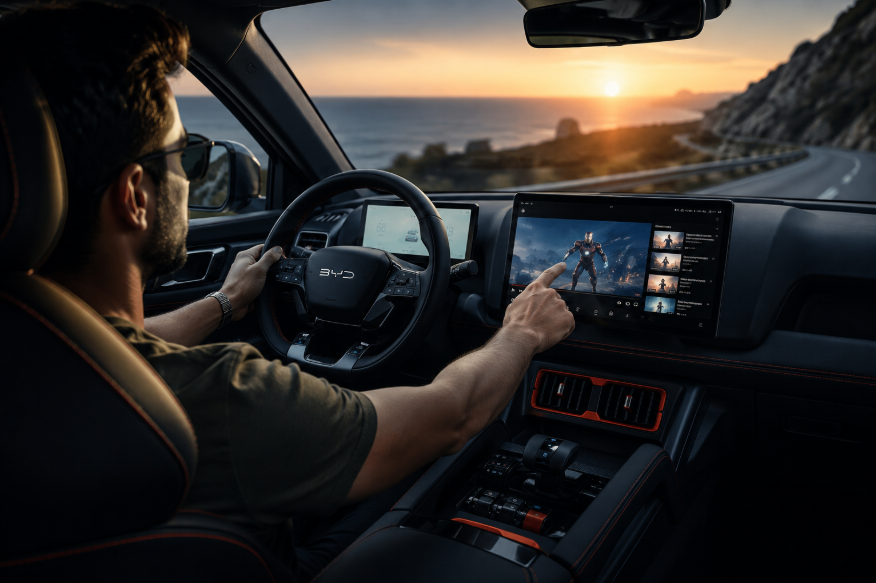
Beyond Mats & Tonneau —
You Need This Mobile Cinema
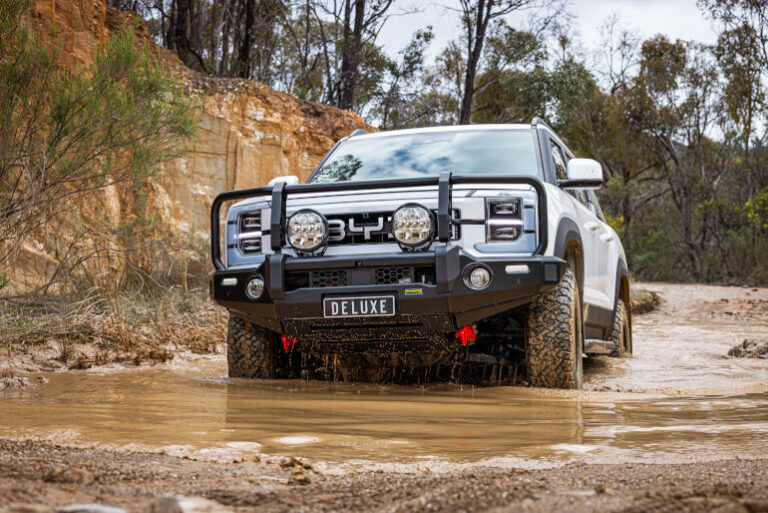
The BYD Shark is already one of Australia's most capable PHEV utes. Now turn that big factory screen into a full Android entertainment hub — without touching the factory warranty.
The BYD Shark has quickly become a favourite among Australian long-distance travellers. Many owners switching from a Tesla or Rivian choose it as their primary road-trip ute — the efficient PHEV system keeps running costs down on big drives. But the factory multimedia system remains a weak point that no floor mat or tonneau cover can fix.
This guide covers the full spectrum of BYD Shark aftermarket accessories. We'll run through the most-recommended protective gear, then dive deep into the upgrade that most owners wish they'd known about sooner: a mobile cinema-grade AI Box.
What's missing from the BYD Shark on long drives
The Shark's pure-EV range is impressive and highway cruising is whisper-quiet — but after a few hundred kilometres, passengers in the back are staring at the headrests. Here's what owners consistently flag:
Protection vs. entertainment:
what each upgrade actually solves
🛡️ Top protective accessories (most recommended by owners)
These cover the essentials — keeping the interior clean and the tray secure:
| Accessory | Recommended Brands | Protects the Vehicle | Improves Entertainment |
|---|---|---|---|
| 🛡️ Custom Floor Mats | Savage Tech · ASAP Autocare · AliExpress custom | ✓ Excellent | ✗ |
| 🏗️ Tonneau Cover | Savage Tech · HSP Protection | ✓ Excellent | ✗ |
| 📸 Dash Camera | Various | ✓ Safety recording | ✗ |
| 🌞 Windscreen Sun Shade | Universal fit | ✓ Heat reduction | ✗ |
| 🪟 Window Tint | Local auto shop | ✓ UV & privacy | ✗ |
| 🎬 CarLink AI Box | Carlinkit Australia | ✓ Warranty-safe | ✓ Full upgrade |
Protective accessories do a great job of keeping your Shark in top condition — but none of them answer the question: "How do we make the drive actually enjoyable?" That's the gap an entertainment upgrade fills.
CarLink AI Box —
your BYD Shark's mobile cinema
The CarLink AI Box is the most effective long-trip entertainment upgrade for the BYD Shark. One sentence summary: it turns your factory touchscreen into a giant Android tablet — without replacing anything.
Download and run any app — Netflix, YouTube, Disney+, Kayo Sports, podcasts, and more
Switch seamlessly between Android and your factory CarPlay. Steering wheel controls work in both modes
Insert any SIM card for independent internet — no phone hotspot required, even in remote areas
Pre-download content before you leave — perfect for outback stretches with no mobile coverage
Navigate with Google Maps while rear passengers stream a movie simultaneously
No cutting wires, no workshops. Most owners install it in under 10 minutes
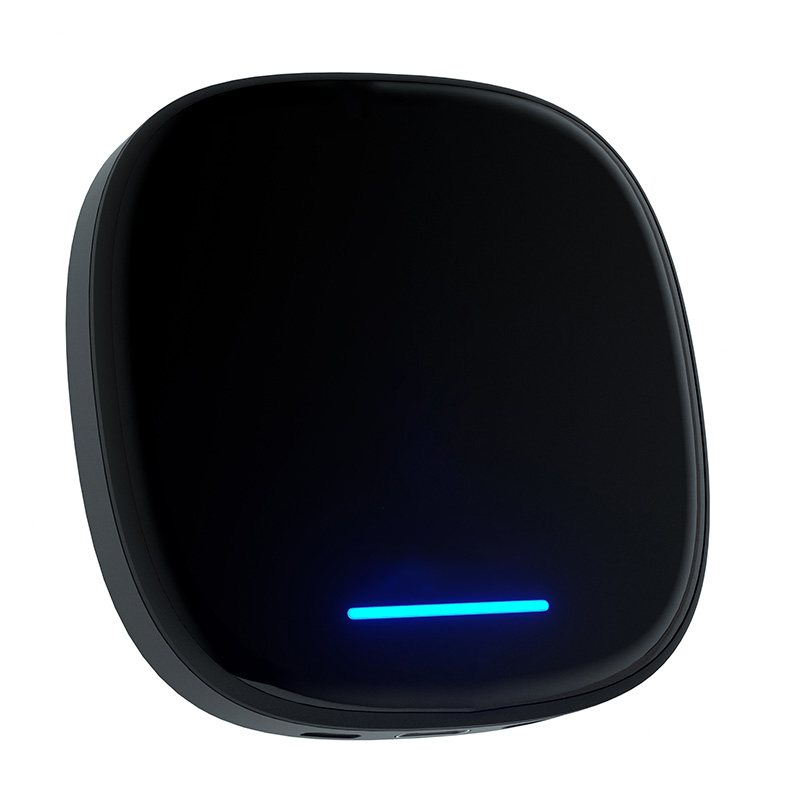
BYD Wireless CarPlay Android Box
Full Android · Wireless CarPlay · 4G SIM · Local warranty support
What a long drive looks like
after the upgrade
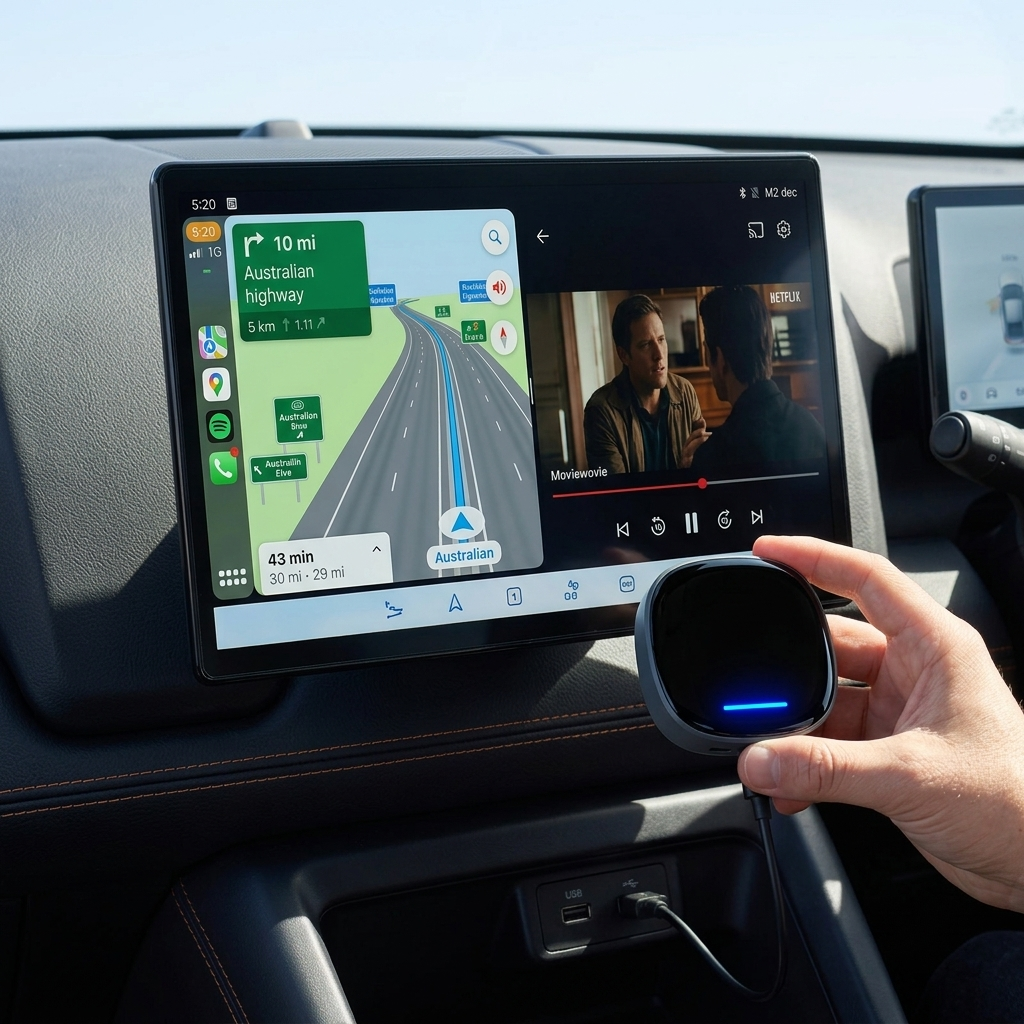
Multiple owners report that after fitting the AI Box, long trips stopped being a chore and became something the whole family looks forward to. Combined with floor mats and a tonneau cover, you have a complete BYD Shark accessory setup for Australian conditions.
What stays completely unchanged
BYD Shark 6 installation guide —
no workshop needed
The entire setup takes most owners under 10 minutes. Carlinkit provides a step-by-step video guide, and Australian support is available if you need it.
Common questions before you buy
Your complete BYD Shark
aftermarket accessories checklist
✅ Recommended buying order
-
1Floor Mats + Tonneau Cover Savage Tech / HSP — essential protection against Australia's sand, mud and weather. Buy these first.
-
2Dash Cam + Windscreen Sun Shade Safety recording and heat protection — great value additions for Australian conditions.
-
3CarLink AI Box — Entertainment Upgrade Turn the factory screen into a full Android system. Netflix, YouTube, 4G SIM, offline downloads — the upgrade that makes every long drive enjoyable.
With all three layers covered, your BYD Shark isn't just a capable PHEV ute — it's a genuinely comfortable mobile living space for long-haul Australian adventures.
Add the mobile cinema
to your BYD Shark today
Australian stock · 2-year warranty · 30-day returns · local support