
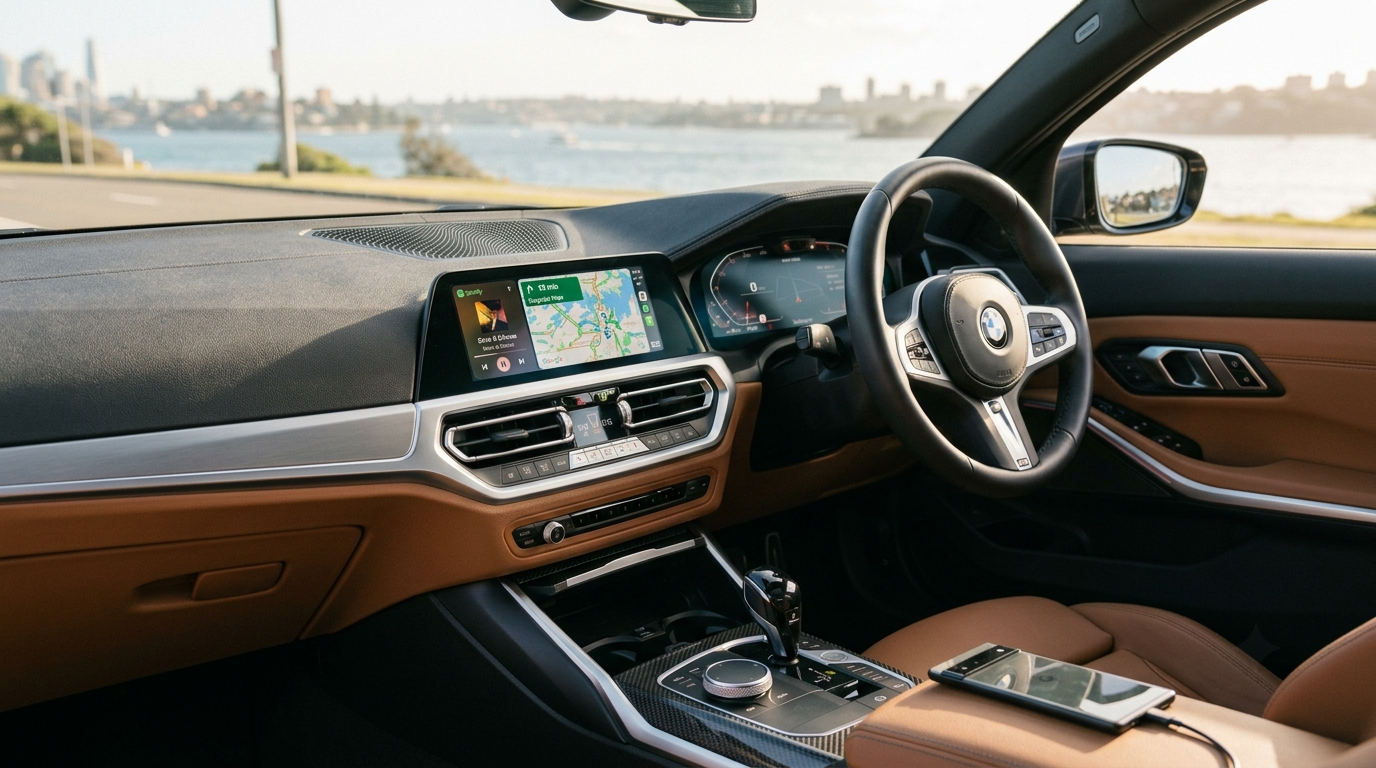
No Android Auto in Your 2020 BMW? Here's the Fix That Actually Works
In this article
If you've dug through your iDrive 7 menus looking for Android Auto and come up empty, you're not imagining it. A lot of 2020 BMW owners assume this feature should just be there, and on paper the hardware usually can handle it. The real problem is almost always software — regional restrictions, outdated firmware, or a system that was never switched on for it.
Why isn't Android Auto showing up?
Last summer at a BMW workshop in Sydney, I helped a 3-Series owner troubleshoot this exact issue. His firmware was a couple of versions behind, and that alone was enough to hide the option from the menu entirely. So if you've searched everywhere and still can't find it, the car probably isn't broken. The feature is just locked behind software you don't currently have.
What you're missing without it
Once you've used Android Auto for a week, going back to propping your phone on the dash feels like a step backward. Google Maps usually routes around traffic better than BMW's built-in nav. Spotify and YouTube Music play through the car's speakers without you touching your phone at a red light. And Google Assistant handles calls and texts hands-free — small thing, but it matters more than you'd think on the freeway.
Check this before doing anything else
Open iDrive's Settings menu and look at your firmware version. If "Android Auto" doesn't show up anywhere in your mobile device list, your car likely needs either a firmware unlock or an external adapter.
The fix: a wireless CarPlay adapter
Here's the part worth knowing upfront: these adapters give you wireless Apple CarPlay, but Android Auto still runs through a USB cable. That's true across this category of adapter, not just ours. So iPhone users can leave their phone in their pocket, while Android users plug in via USB and get the same in-car experience.
The adapter connects through your existing USB port and sits as an external add-on. It doesn't touch your factory wiring, so your warranty stays intact.
Installation tip
After plugging it in, wait about 30 seconds before trying to pair via Bluetooth. The infotainment system needs that time to recognize the device. Skip it and you'll likely hit an "unrecognized device" error and have to start over.
Common questions
Will it mess with my factory system?
No. It's a plug-in peripheral, and your original BMW interface stays exactly as it was. Press Home anytime to switch back.
Is there any lag?
With a decent adapter it's barely noticeable, even running Waze.
Does my phone need to be new?
Android 10 or newer is the general baseline; older phones may run into issues.
Will Android Auto be wireless too?
Not yet. Wireless support on these adapters currently covers Apple CarPlay only. Android Auto connects over USB.
Bottom line
A 2020 BMW with no Android Auto isn't broken, just missing a piece. A wireless adapter gets you wireless CarPlay instantly, with Android Auto over USB, no dealer visit needed.
BMW Wireless Adapter Collection
Wireless CarPlay, Android Auto over USB, plug-and-play install.