
Does My Car Have CarPlay? How to Check (Plus What It Actually Does)
Everything you need to know about Apple CarPlay — what it is, how to check compatibility, and how it compares to Android Auto.
Ever wondered whether your car actually supports Apple CarPlay — or maybe you're not entirely sure what CarPlay even does beyond "putting your phone on the screen"? This guide covers it all.
What Is Apple CarPlay?
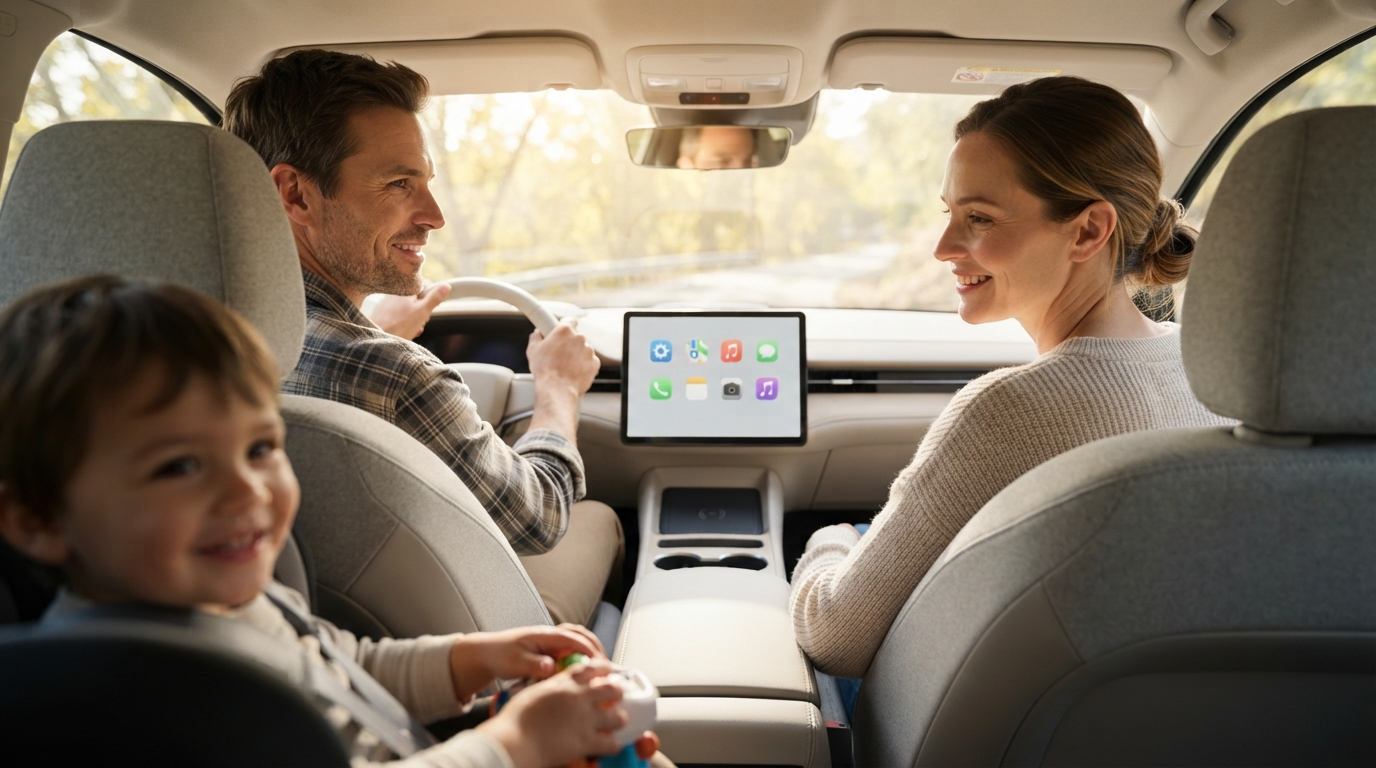
Apple CarPlay is a system Apple built to connect your iPhone to your car's built-in display, showing a simplified version of your phone's interface instead of the car's native infotainment system. The idea is simple: it surfaces the apps you actually need while driving — navigation, music, calls, messages — in a layout built specifically to cut down on distraction behind the wheel.
One thing worth clearing up right away: CarPlay doesn't replace your car's operating system. It's an extra interface layer that sits on top of or alongside your car's native system, and you can flick between the two whenever you want.
How to Check If Your Car Has CarPlay
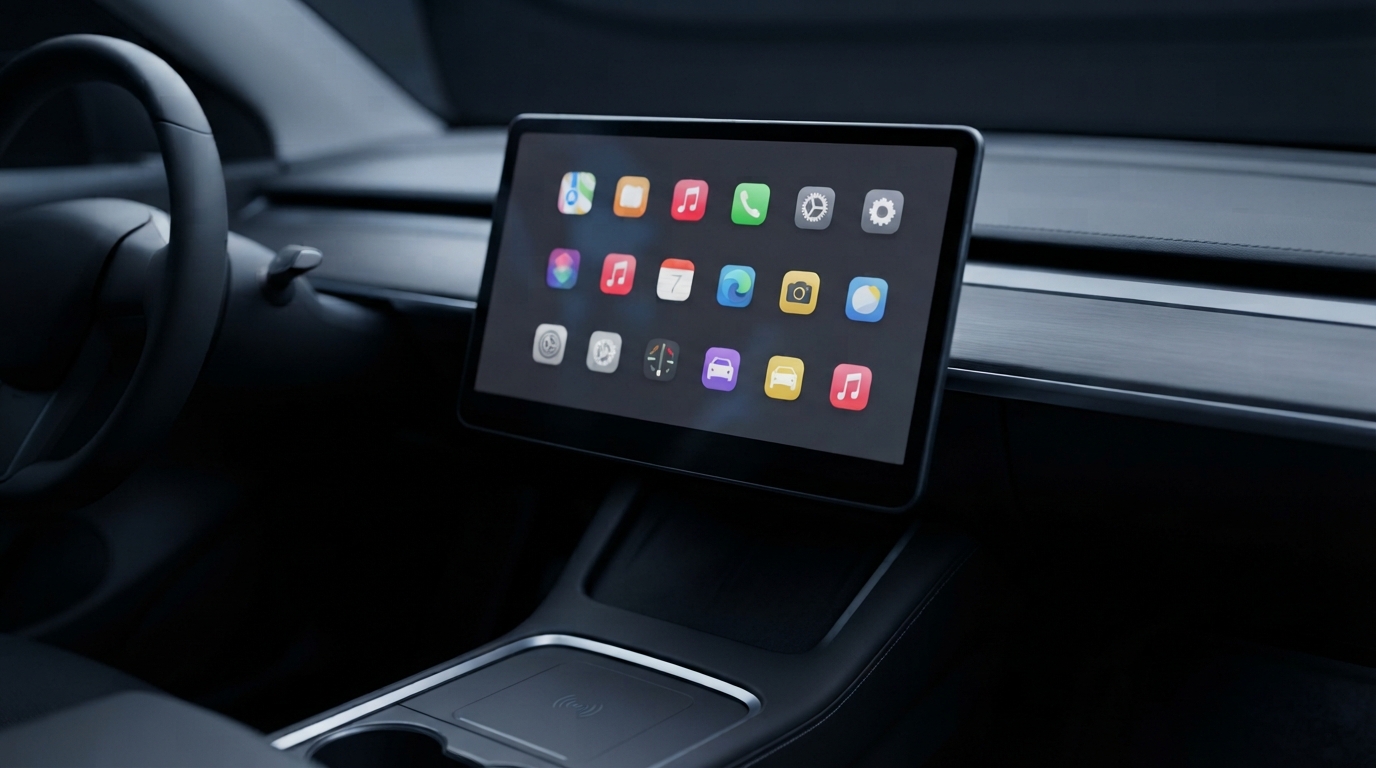
The most reliable way to confirm CarPlay support is to check directly in your car, rather than going off the model year or trim level alone:
- Check your car's connection menu: Look for an "Apple CarPlay" option under "Phone," "Connectivity," or "Smartphone Integration."
- Check your owner's manual: Most manufacturers list CarPlay compatibility explicitly.
- Ask your dealer directly: Give them your VIN for an exact answer.
Don't assume compatibility purely based on your car's year of manufacture — trim levels and optional packages can differ even within the same model year.
What CarPlay Can (and Can't) Do
✅ What it can do
- Navigation (Apple Maps, Google Maps, Waze)
- Music (Apple Music, Spotify)
- Calls & messages via Siri
- Hands-free message reply
❌ What it can't do
- Stream Netflix or YouTube
- Show every app on your phone — only pre-approved categories make the cut (see our list of the best CarPlay apps that do work)
- Run without an iPhone connected
- Control climate/drive settings
Wired vs Wireless CarPlay: What's the Difference
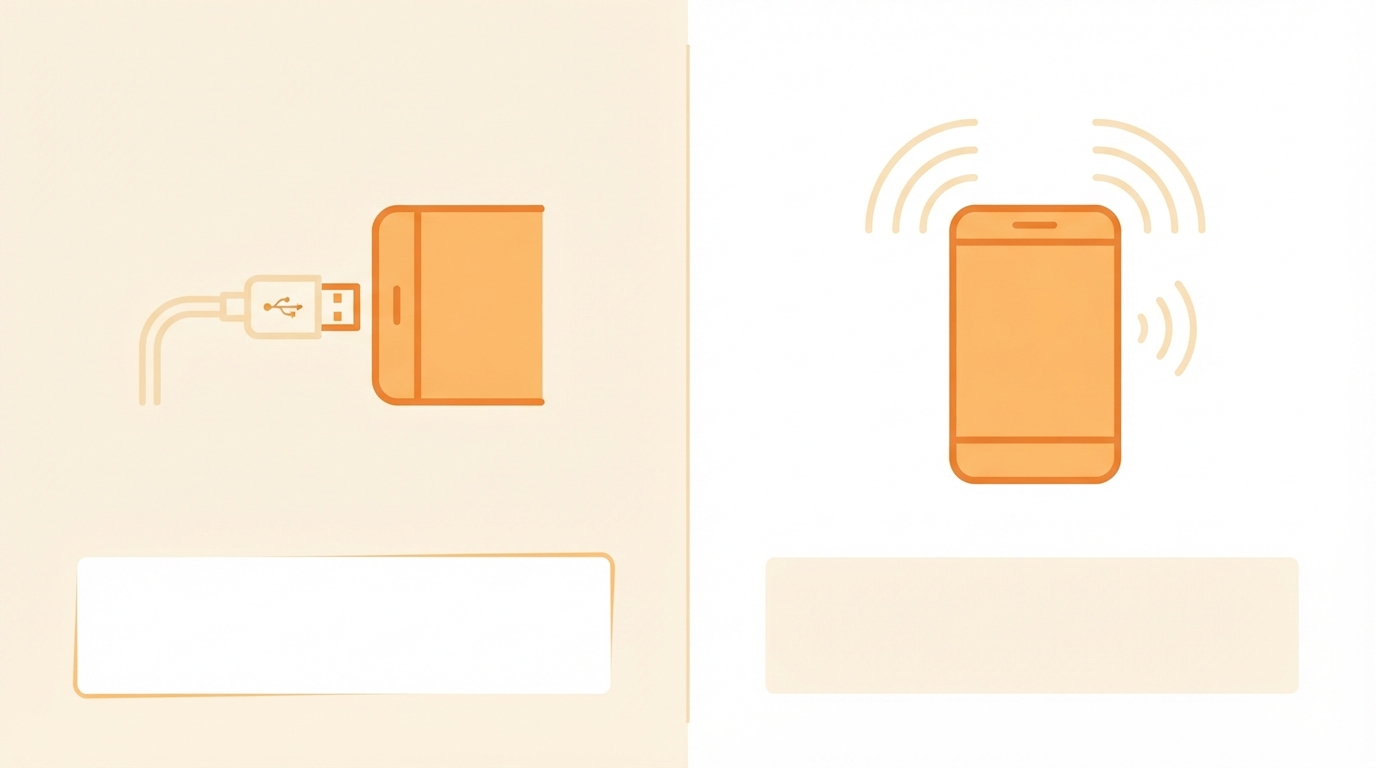
Wired CarPlay: USB connection to your car's port. More stable, the baseline version in most CarPlay cars.
Wireless CarPlay: Runs over Wi-Fi and Bluetooth. Needs both your car and phone to support it specifically.
How to tell which version you've got: Check your car's connection menu for a "Wireless CarPlay" option.
Want the deeper dive on how wireless CarPlay actually works? See our full guide to wireless Apple CarPlay.
CarPlay vs Android Auto: Quick Comparison
CarPlay is iPhone-only; Android Auto is Google's version for Android phones. Both do roughly the same job, but they're built on completely different systems and don't cross over.
My Car Doesn't Have CarPlay — What Are My Options?
You don't necessarily need a whole new dashboard or a new car. There are two different starting points:
- Basic screen, no smart features: usually means installing a new head unit or aftermarket touchscreen.
- Already has CarPlay but only wired: a small wireless adapter can convert the connection.
Full breakdown of paths, costs, and what works for older Australian cars in our guide to installing Apple CarPlay in an old car.