



Description
DashVue at a glance
👀
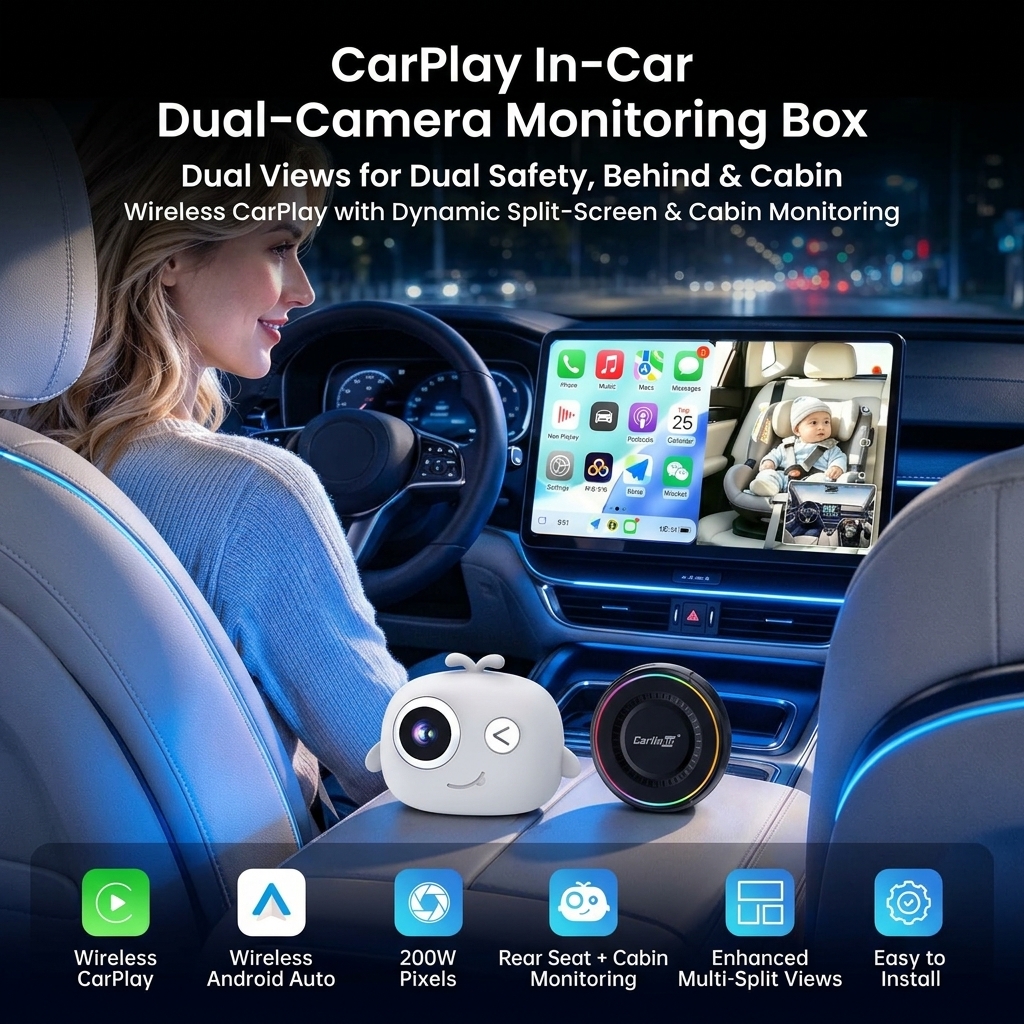
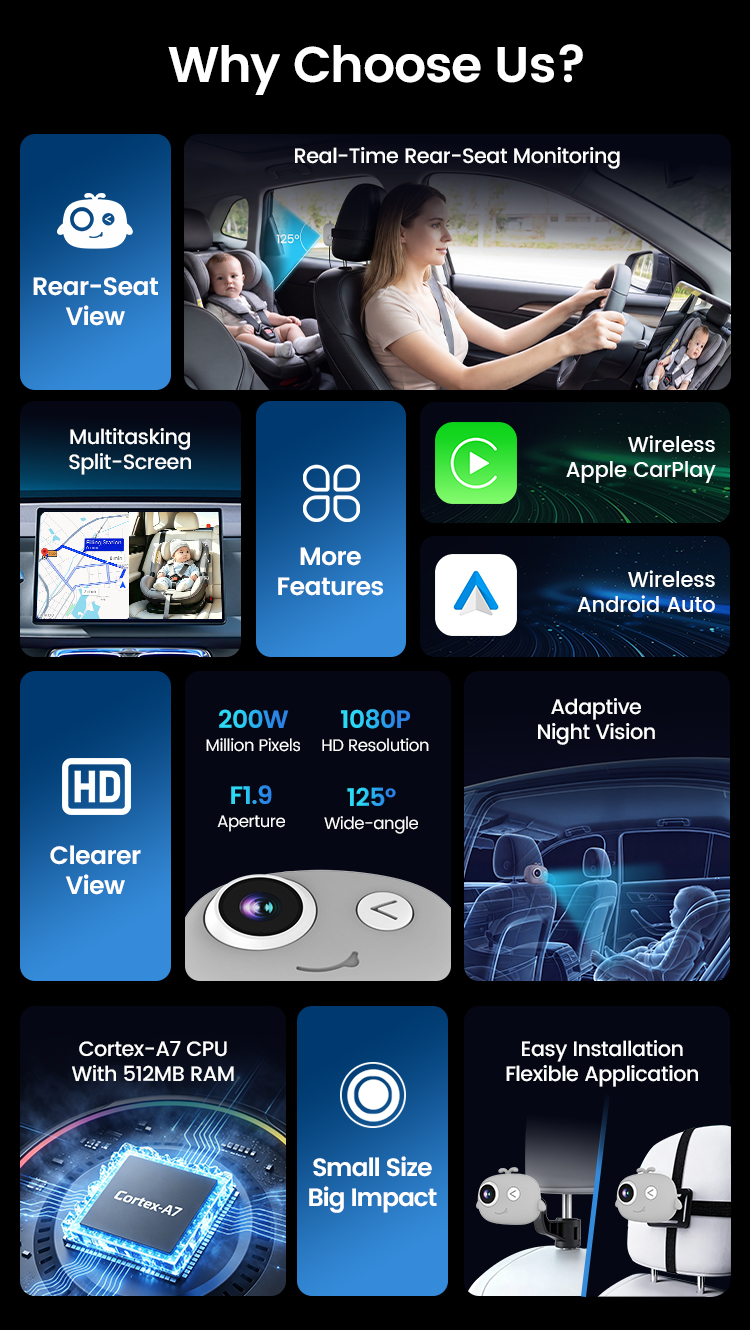
Live rear seat view
See the back seat on your car's own screen
📱
Wireless CarPlay
iPhone 6+ (iOS 10+) connects automatically
🤖
Wireless Android Auto
Android 11+ phones
🗺
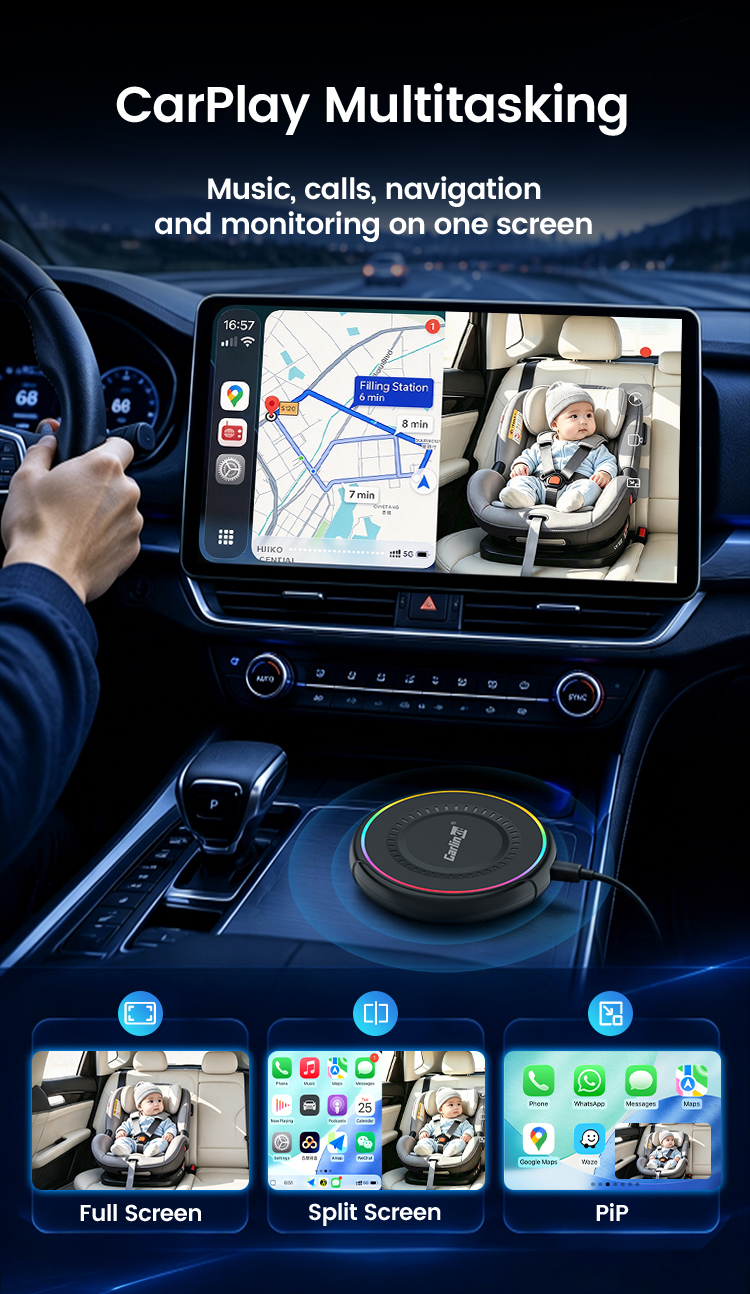
Split screen & PiP
Navigation and baby view together
🌙
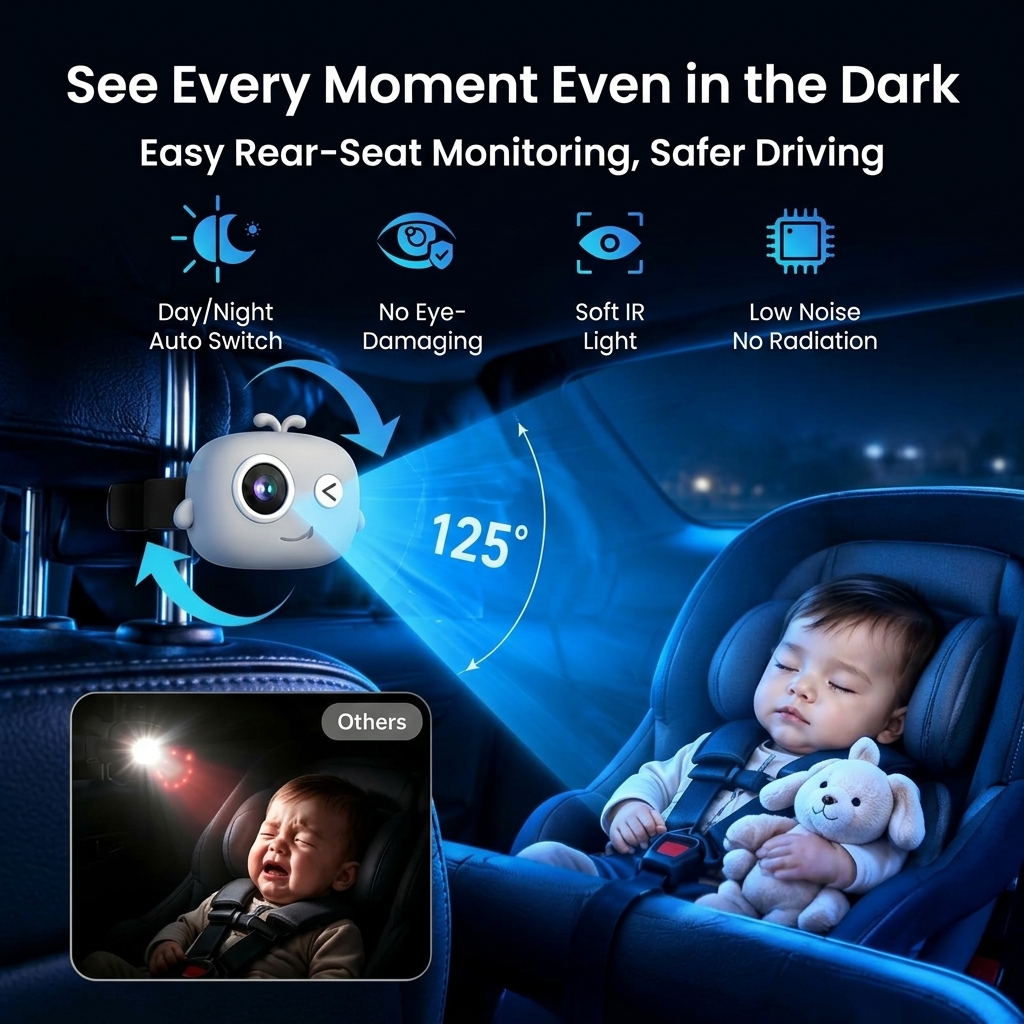
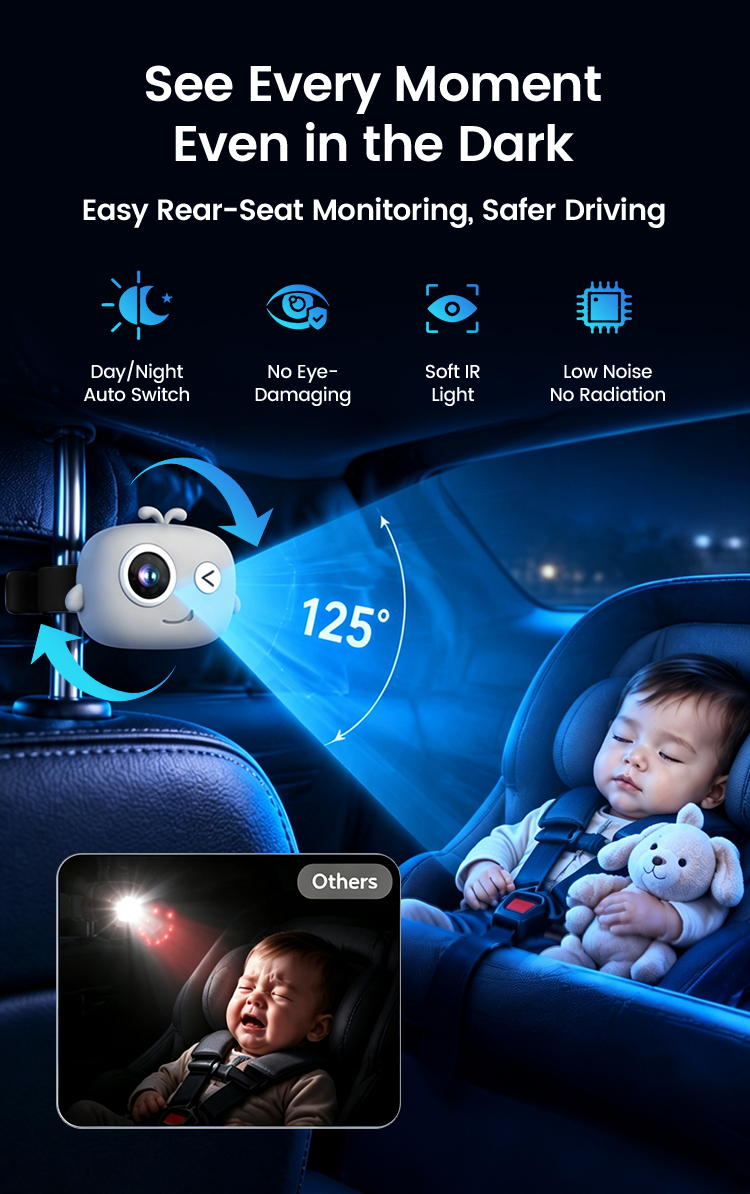
Infrared night vision
Auto day/night switching
📐
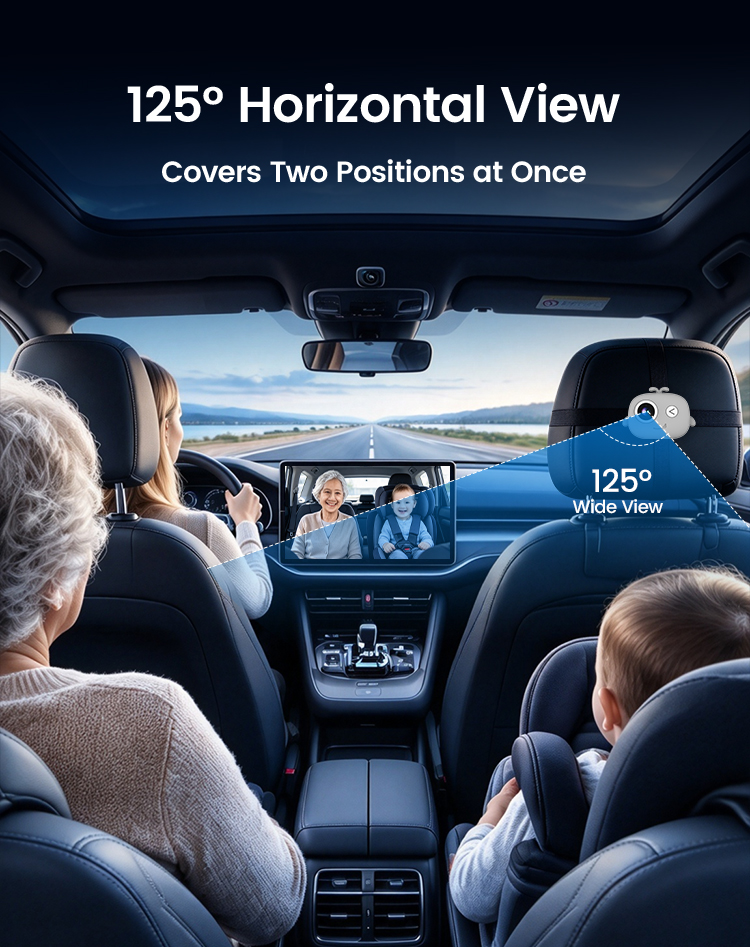
125° wide angle
Covers two rear seats
🎥
Loop recording
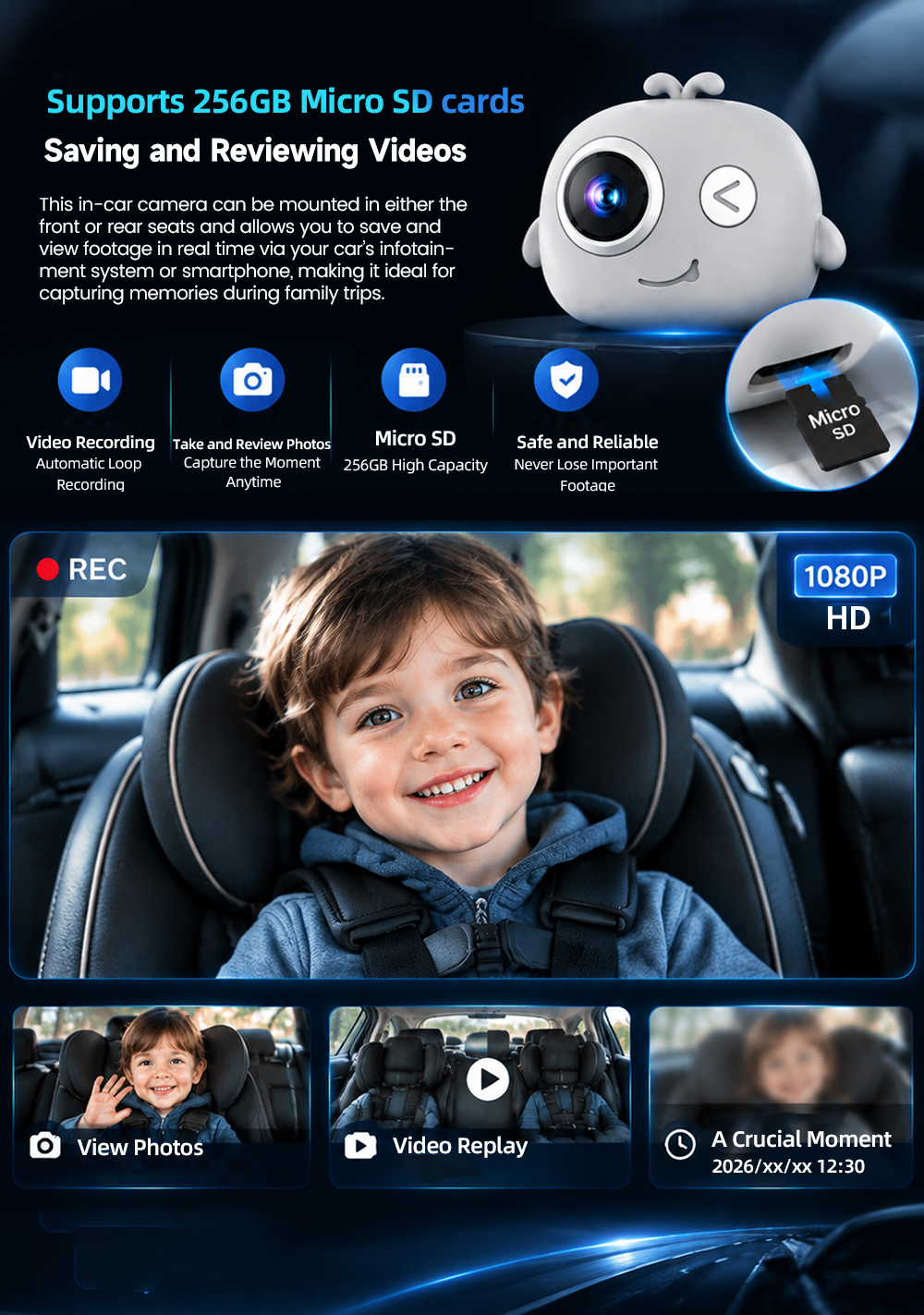
Micro SD up to 256GB + phone app
🔧
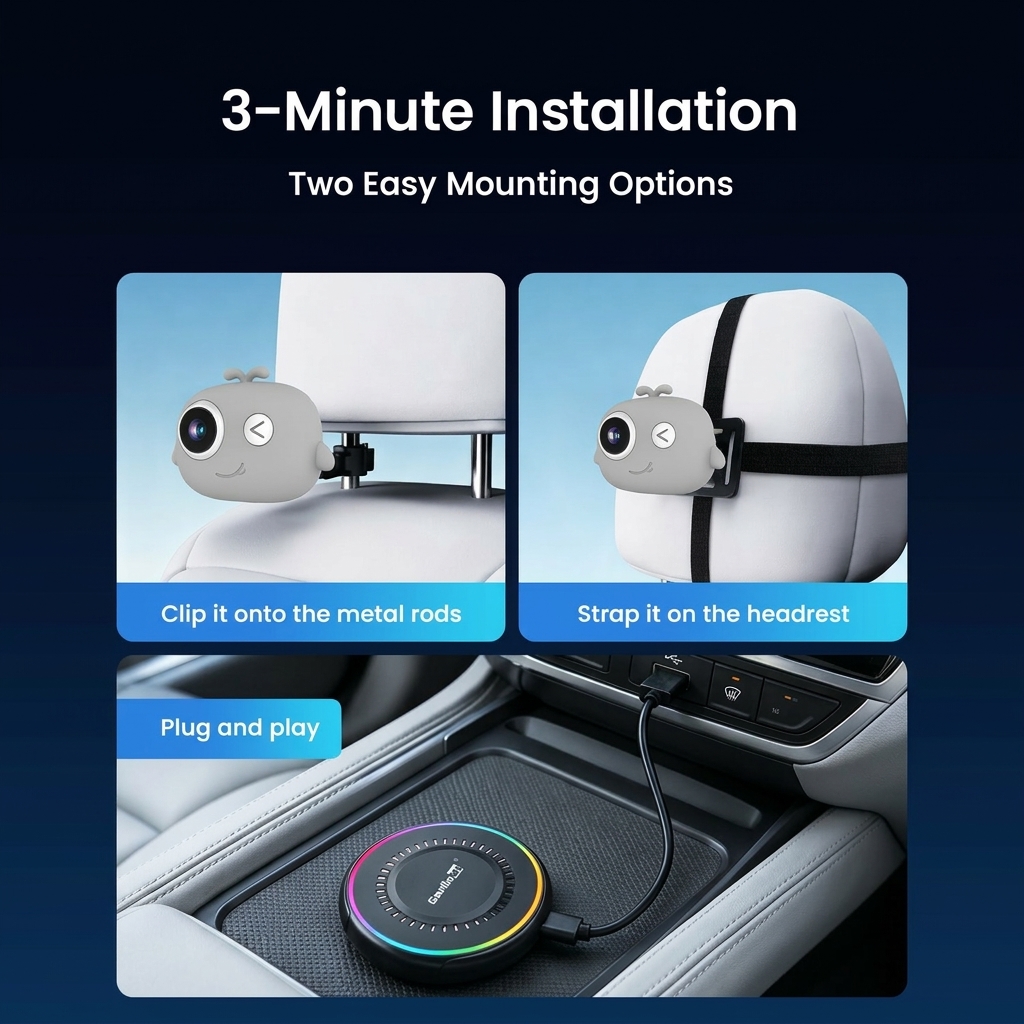
3-minute install
Plug and play, nothing in the car is changed
Use your favourite CarPlay apps – with your baby in view
Google MapsWazeApple MapsSpotifyApple MusicABC listenAudibleWhatsApp
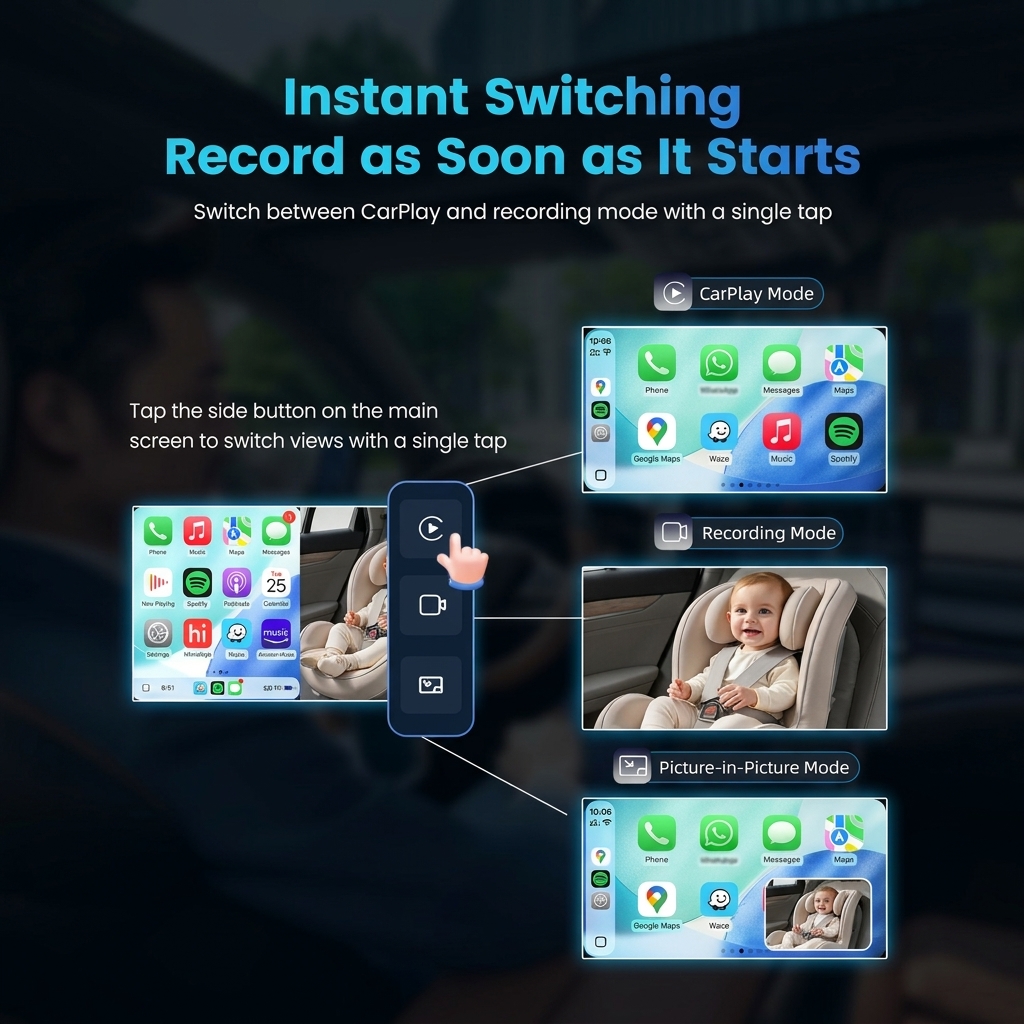
Full screen
A large, clear view of the back seat when you need it.
Split screen
Maps on one side, your little one on the other.
Picture-in-picture
A small floating camera window over CarPlay or Android Auto.
One-tap switching
Switch between CarPlay, camera and PiP with the side buttons on screen.
Made for everyday Aussie family driving
🏫 The school and daycare run
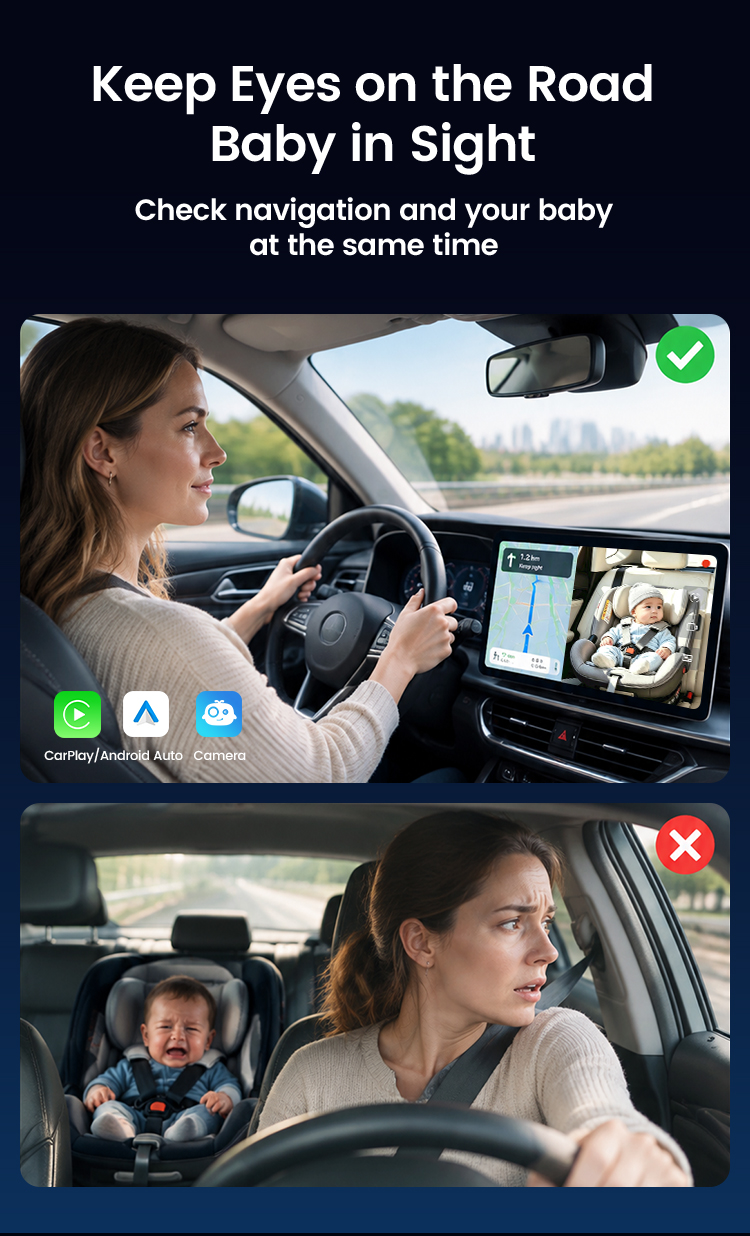
Busy morning traffic, a toddler in a rear-facing capsule. One glance at the screen tells you they're fine – no twisting around at the lights.
🌊 A road trip up the coast
Hours on the highway with the kids asleep in the back. Keep Google Maps open and the camera in a corner of the screen.
🐶 Family and furry passengers
The 125° view covers two seats – kids, grandparents, or the dog on a weekend trip to the beach.
Only glance at the screen when it's safe, and follow local road rules.
Set up in 3 steps
1
Plug in the adapter
Connect the adapter to your car's CarPlay USB port. Tap the DashVue icon on the car screen.
2
Pair your phone
Turn on Bluetooth and Wi-Fi, pick the DashVue name and pair once. It reconnects automatically after that.
3
Mount the camera
Strap it to the headrest or clip it onto the headrest posts, power it by USB and angle it at the car seat.
30-second compatibility check
Plug your iPhone into your car with a USB cable. If CarPlay appears on the screen, your car has wired CarPlay and DashVue will work.
✓ Works with
Cars with factory wired Apple CarPlay (most CarPlay cars from 2016 on)iPhone 6+ (iOS 10+) and Android 11+ phones
✕ Doesn't work with
Wireless-only CarPlay → BYD owners: BYD AI BoxNo CarPlay at all → 10" CarPlay screen
Android Auto only, aftermarket head units
Not sure? Email us your make, model and year. We also check your car again after you order, before shipping.