




Description
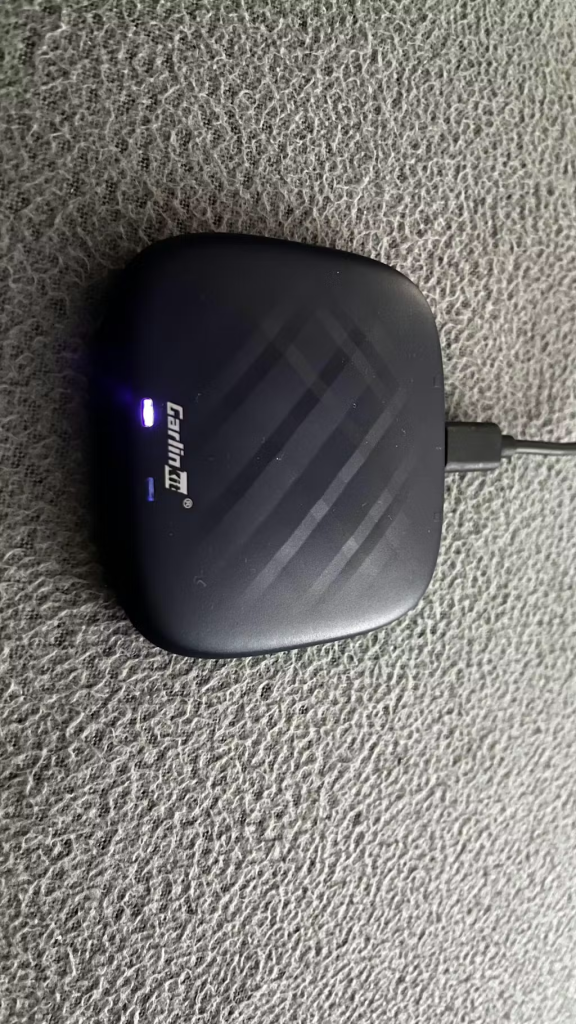
If You’re Looking For A High-Performance Multimedia Video Box, Then The CPC200-Tbox Plus With Android 13.0 Is The One For You. We’ve Listened To Our Customers And Optimized The Tbox’s Android 13.0 System To Bring You The Tbox Plus, Which Boasts Faster And Smarter Capabilities. We’ve Also Added The Superior Qualcomm 8-Core Chip To Further Enhance Its Performance. With Nearly Double The Speed And Fewer Issues Than The Tbox, The Tbox Plus Is More Powerful Than Ever. However, We Remind Our Customers That, As Always, It’s Important To Prioritize Safety And Keep Your Focus On The Road If You’re Driving.
Are You Tired Of Getting Stuck In Long Traffic Jams And Feeling Bored With Your Friend Or Kid In The Passenger And Back Seat? Don’t Know What To Do During Long-Distance Travel Breaks? Well, Look No Further! Try Out Tbox Plus!With The Latest And Most Stable Android 13.0 System And The Powerful Qualcomm 8-Core Chip Acting As A Robust Back-End CPU, Tbox Plus Offers You A More Stable System With Tons Of Features To Keep You Entertained.
TBox Plus Could Serve You In Its Way:
- Built-In GPS For Hassle-Free Navigation
- Wireless Conversion To Reduce Wire Stalking Troubles
- Large Memory, Support For Downloading Massive Apps
- Support Wireless Remote Control, Easy To Operate
- Memory Connection, Automatic Connection When Getting On Your Car
More Features & Functions Waiting For You To Discover!


What Should You Know About Tbox Plus?
Tbox Plus Basic Functions:
- Built-In 4G Full Netcom Module For Networking, And Can Also Use Mobile Phone Hotspot WIFI For Networking
- Support Wireless Carplay & Wireless Android Auto
- You Can Download A Large Number Of Apps From The Application Store
- Built-In GPS+Glonass+Beidou Satellite Positioning
Compatible Car:
The device can be used in your car as long as it is factory equipped with wired Apple CarPlay and Android auto. Individual models require an additional power cord. Individual models require Android auto to boot.
Compatible Mobile Phone :
Wireless Carplay: IPhone 6 Above And IOS 10 And Above.
Wireless Android Auto: Android Phones With Android 13.0 Or Above
Features:
Built-In Qualcomm 8-Core Chip
Tbox Plus Has A Built-In Qualcomm 8-Core Chip, Which Provides Faster Running Speed And Long-Term Stability For The Device, Providing You With A Good Functional Experience. Coupled With The 4G Network, Compared With The Tbox, The Performance Has Nearly Doubled, Which Greatly Reduces The Problems You Will Encounter When Using The Tbox. Of Course, If You Encounter Any Problems, Our After-Sales Staff Will Actively Help You Solve Them.
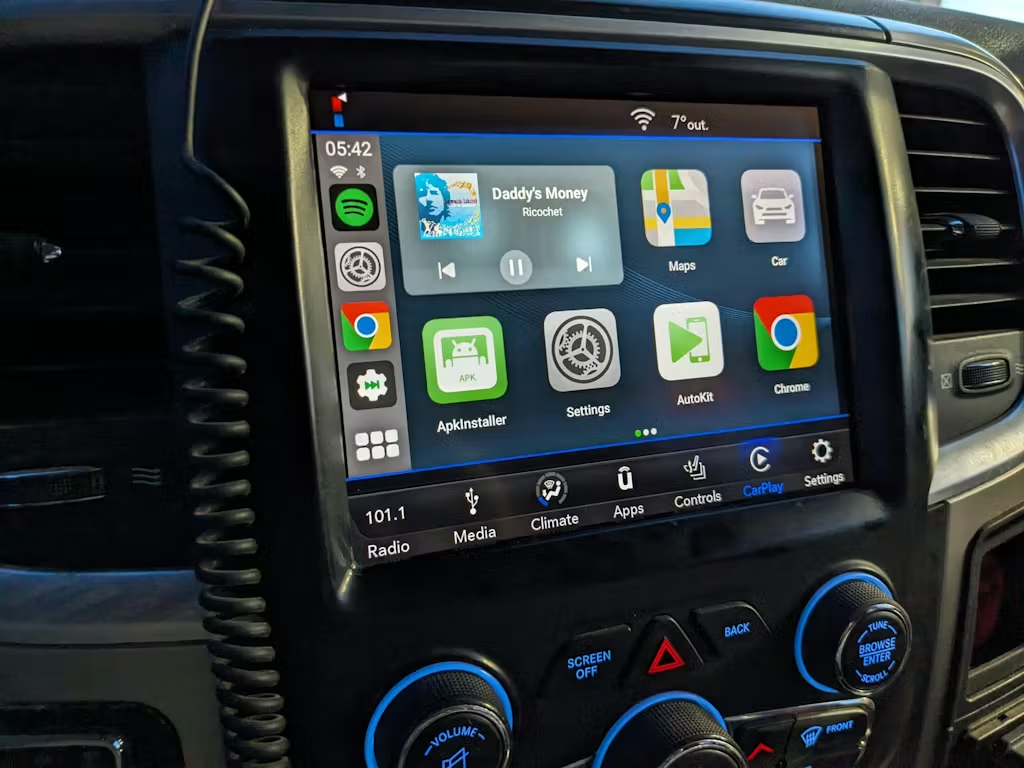
TBox Plus Convert Your Original Carplay System To Android Tablet!
TBox Plus Has A Thinner Profile Than Tbox, With Better Performance But An Easier Look, And Millions Of Apps In Google Play Could Also Be More Exciting Than DIY An Impressive Space That Is Exclusive And Driving-Video-Audio Integrated.
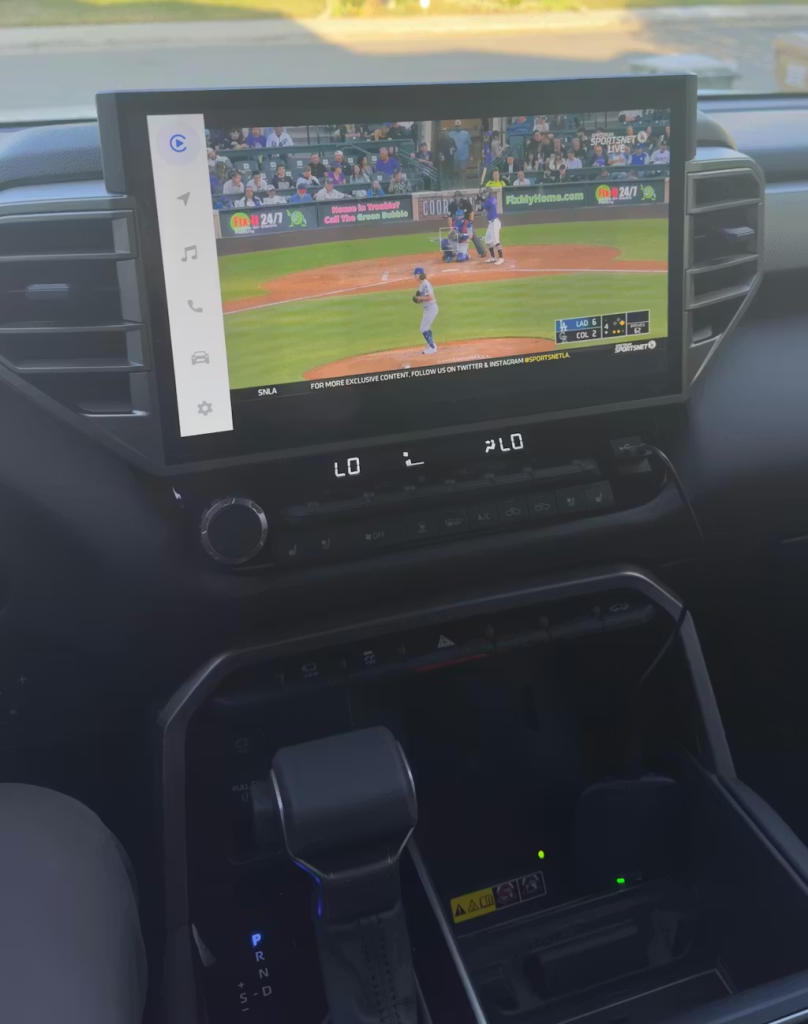
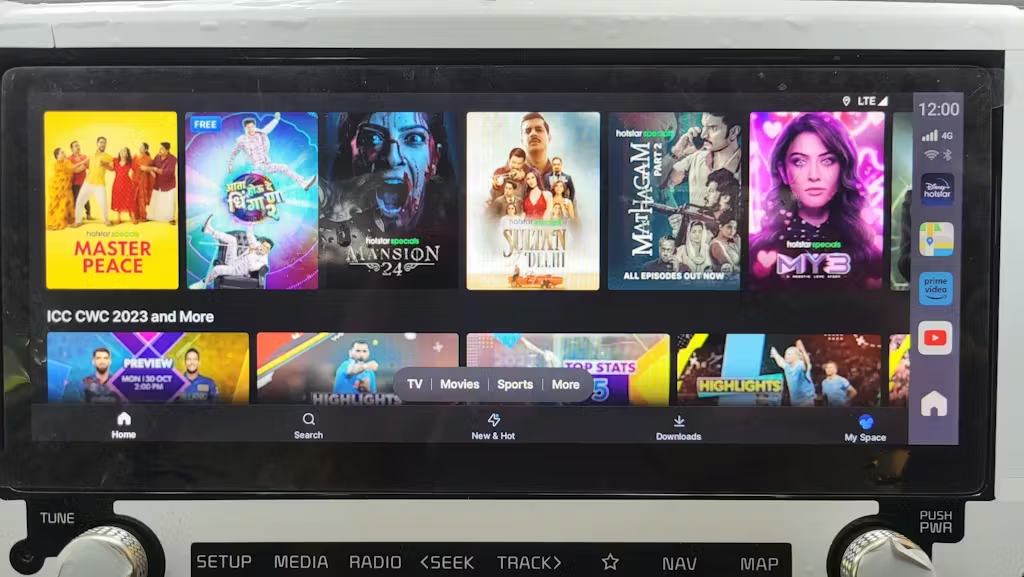
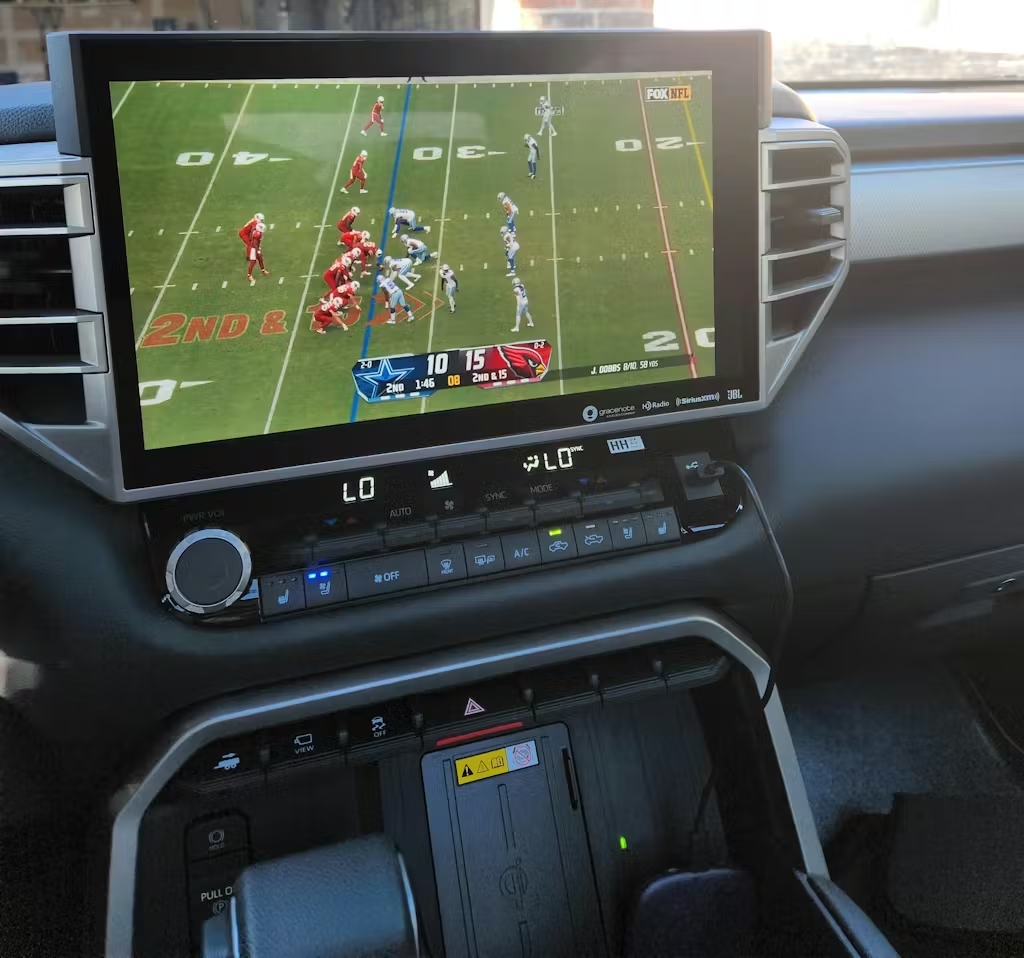
Quick To Enjoy Your Favorite Netflix Episodes, TikTok, YouTube, Audible Books, And Even Online Games. Above All, If You’re Still Chagrin By Missing Out On Supporting Your Favorite Team, Imagine The Thrill Of Being Able To See Real-Time Matches With Your Friends Henceforth.
TBox Plus Support Wireless CarPlay & Wireless Android Auto!
The Entanglement Of The Data Cable Is As Annoying As The Entanglement Of The Headphone Cable, So The Tbox Plus Has Chosen Wireless To Facilitate Your Use And Organization.
TBox Plus Can Convert Your Wired CarPlay To Wireless And Supports Wireless Android Auto. After The First Manual Connection, It Will Be Connected Automatically. Getting Rid Of The Trouble Of Cable, It Is The Easiest Way To Bring Wireless CarPlay & Autokit To Your Vehicle.
TBox Plus Is Compatible With Both IPhone And Android Smartphones. Fit For 98% Of Market Vehicles With Wired Carplay. For More Details, Please Refer To The Vehicle Support List At The Bottom.
Don’t Waste Your Money And Time On Digital Multimedia Receivers!
If You Need To Buy And Install A Digital Multimedia Digital Receiver, You Could Spend Almost 800 USD, Like The Alpine Multimedia Receiver And Pioneer Multimedia Digital Receiver.
The Wireless Carplay Adapter On The Market Average Cost About 120 USD, But You Just Need To Spend More Than 100 USD Or Less, Then You Could Get More Functions To Cost Over 800 USD.
Independent 4G High-Speed Mobile Internet.
Frequent Hotspots On Your Smartphone Will Accelerate The Aging Of The Battery. Supporting An Independent 4G Sim Card Means That Your Car Will No Longer Need To Rely On The Hotspot Of The Mobile Phone To Access The Internet, And You Can Also Share The Hotspot With Other Devices. Just Let Your Phone Lie Quietly In Your Jeans Pocket.
Turn Your Car Into A Private Online Theater!
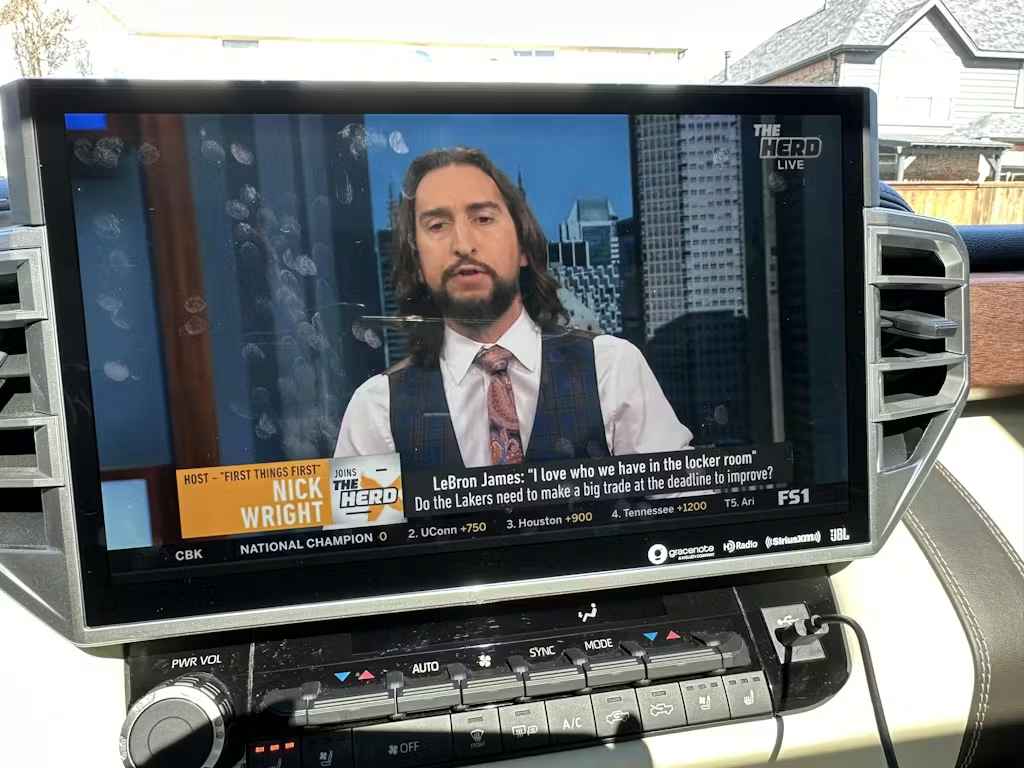
If You Need To Do Something To Pass The Time On A Long Trip, You Can Play A Movie With The Tbox Plus. If You’re Stuck In Traffic And Can’t Get Home In Time To Watch A Ball Game On TV, You Can Turn On The Tbox Plus To Watch The Live Broadcast. If Your Child Is Crying In The Back Seat And Upsetting You, You Can Use Tbox Plus To Play Cartoon Videos To Soothe Your Child’s Emotions.
Tbox Plus Is Such A Versatile And Intimate Smart Networked Box That Adds Some Entertainment To Your Life.
If You Would Like To Install And Use Any Apps Like Netflix, YouTube, Instagram, TikTok, Spotify, MetroZone, Hulu, Disney+, Google Play Games, HBO Max, Pluto TV, Xbox, Discovery+, Etc, You Deserve The TBox Plus!
You Can Watch Movies, Play Games, And Interact With The Apps At Any Time Without The Usage Of Your Mobile Phone.
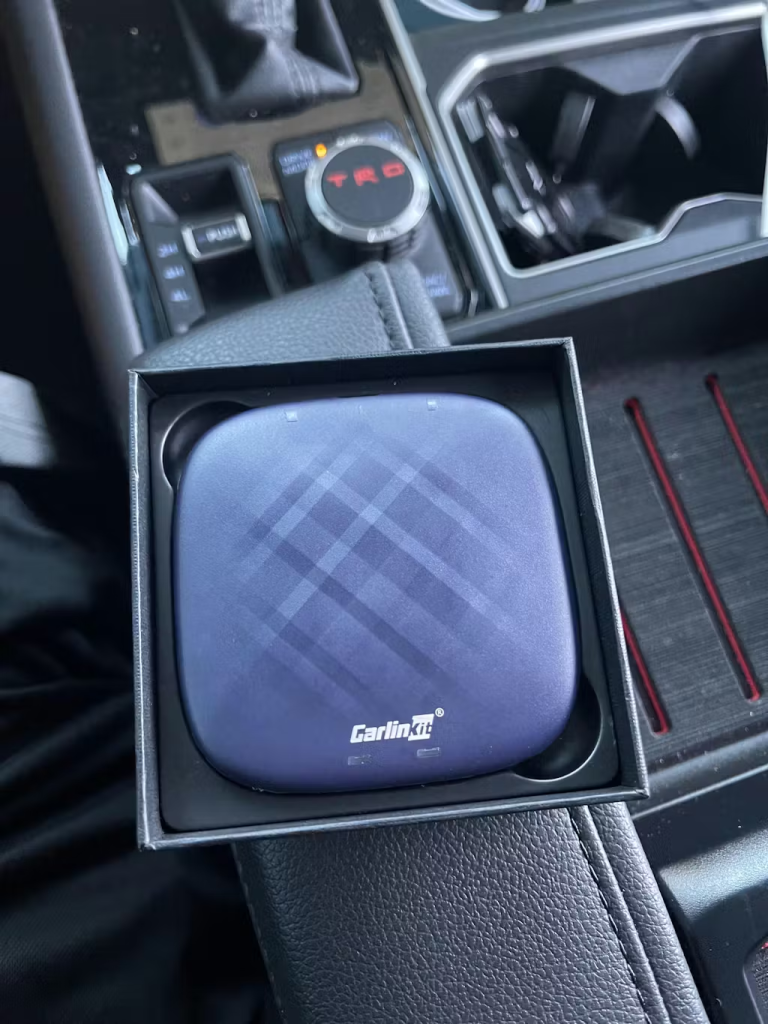
Note: There Are 668 And 138 Versions Of T-Box Plus. EM Stands For 668 And EAU/JP/NA Stands For 138. Their Upgrade Firmware Are Different, And Can Not Be Mixed To Use. Before Upgrading, Please Check If The Version Of The Device Is “668” Or “138”.
(The 138 Version Of Boxes Uses The 138 Firmware, And The 668 Version Of Boxes Use The 668 Firmware)
If The Product Cannot Be Used Normally Without Using The Correct Version To Upgrade, You Need To Send The Product Back For Repair And Bear The Corresponding High Freight And Maintenance Costs!
How To Identify The “668” Or “138” Version?
Method One:
Please Check The Version Number On The Back Of The Box.
1) “EM” Stands For The “668” Version
2) “EAU/JP/NA” Stands For “Version 138”
Method Two:
Please Click Box Settings>Version>Autokit-Box Plus Version__X9-SCXXX To Confirm The 668 Or 138 Version.
Tips:
If It Does Not Have Factory-Wired CarPlay, The T-Box May Not Suit Your Vehicle.
Only For The Vehicles That Come With Wired CarPlay.
If Your Screen Supports The Touchscreen Function, You Will Get The Best Experience.
FAQ:
Q: Is it possible to mirror the in-car display and the iPhone 15pro phone?
A: tbox is a full Android system and you cannot cast your phone into the system. Just like you can’t use your iPhone to cast your screen to your Android phone.
Q: Can I call up and watch videos through a web browser? For example, Google Chrome, Mozilla Browser, and so on.
A: Yes, tbox is a complete Android system, you can use a 4Gsim card, and WiFi network to access the Internet, using the network you can use any software that can be run within the Google system, including maps, browsers, videos, music and other software.
Q: Is it possible to operate everything from the steering wheel keypad and in-vehicle joystick?
A: This depends on whether your vehicle can use these features when using the wired carplay function.
Q: If I listen to the radio in the car, can CarPlay work at the same time? For example, is it possible to listen to GoogleMaps via Carlinkit’s CarPlay function and the radio in the car system at the same time?
A: No. The tbox is activated by the information channel of your carplay, and the signal channel of the carplay takes over the car’s playback system, so you can’t use it at the same time. Just like there is no way to use the vehicle’s FM radio to listen to the radio when you are using carplay.
Q: Does the above product have a remote control and/or can I use my phone as a remote control? For example, is there no need to control the steering wheel or joystick when watching a movie in the car?
A: For vehicles that cannot be touched, you can choose our USB model, which allows you to plug in an additional wireless keyboard with a USB port to use as a remote control.
Q: Can I use the SIM card to make phone calls without having to use my cell phone?
A: I am very sorry, but the SIM is for internet use only and cannot be used to receive calls.
Q: What do I need to consider when purchasing a cell phone in order to use the right product in Germany/Europe or worldwide?
A: Our Global versions of our products are suitable for all regions other than North America, so you can feel confident in purchasing a local SIM for use.
Q: What exactly is the technical difference between the two products mentioned above?
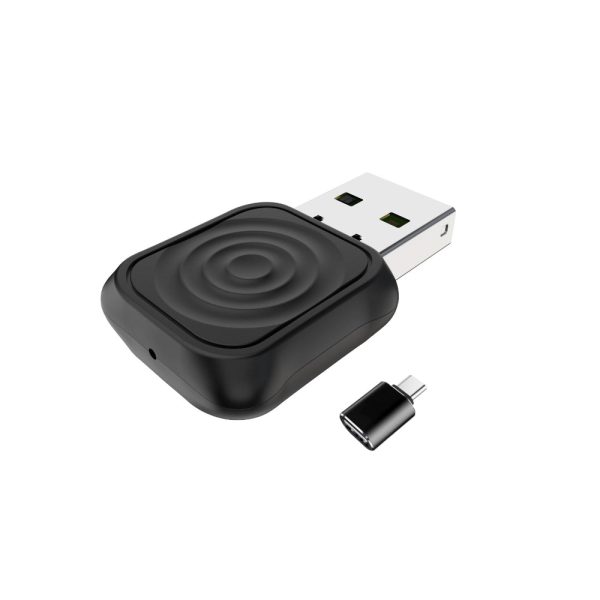
A: The difference between the USB and other models is that there is an additional USB port for Bluetooth, USB flash drives, and other USB devices.


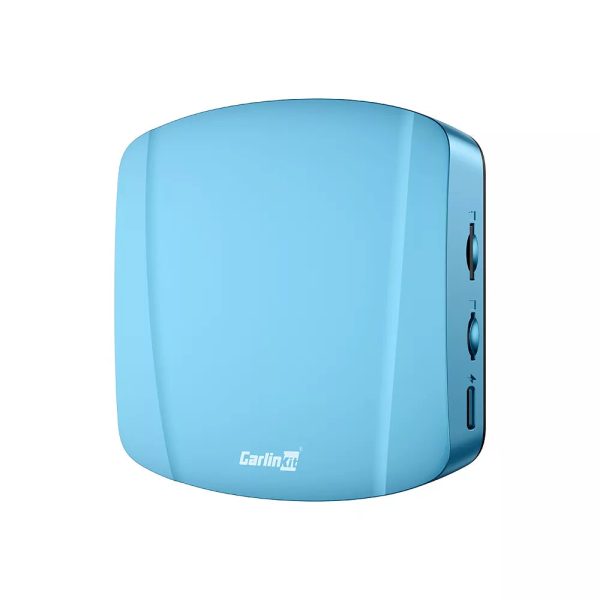

23 BGTS 4.0.
Upgraded Carlinkit AI Box enables wireless CarPlay and Android Auto, plus its own Android V13.
This small module connects to the PCM USB port. With Android 13 and a SIM slot, you can use YouTube, Ride with GPS, Waze, and more independently.
I set it to auto-connect to CarPlay. Compared to Android 12, boot speed improved—wireless CarPlay now connects in about 11 seconds.
I got the 8GB RAM + 128GB ROM.
If you only need wireless CarPlay or Android Auto on CarPlay-equipped Porsches, the standard version works fine but takes ~20+ seconds to connect.
The box works great! I can watch live TV (IPTV works best) and use Netflix.
I’m very pleased with this device, despite a few issues mostly due to my car’s infotainment system—screen navigation is tricky and buttons are easy to mis-press. I hope future updates support 5G; I used a Verizon 5G SIM but it only connects at 4G, and coverage seems limited.
I run my OBD Bluetooth app, favorite equalizer, and music player. The device fits hidden in my console and GPS navigation still works fine. Overall, I’m very happy with it.
I’m giving 5 stars because this device is great when it works. The internet hotspot isn’t working on my 2024 Toyota Tundra. Support is trying to help, but it still won’t connect. I’m currently discussing a possible exchange to the Tbox Max and waiting for their response, which usually takes 1–2 days.
Very impressed with this Android box—fast, no lag, and does exactly what I wanted.