
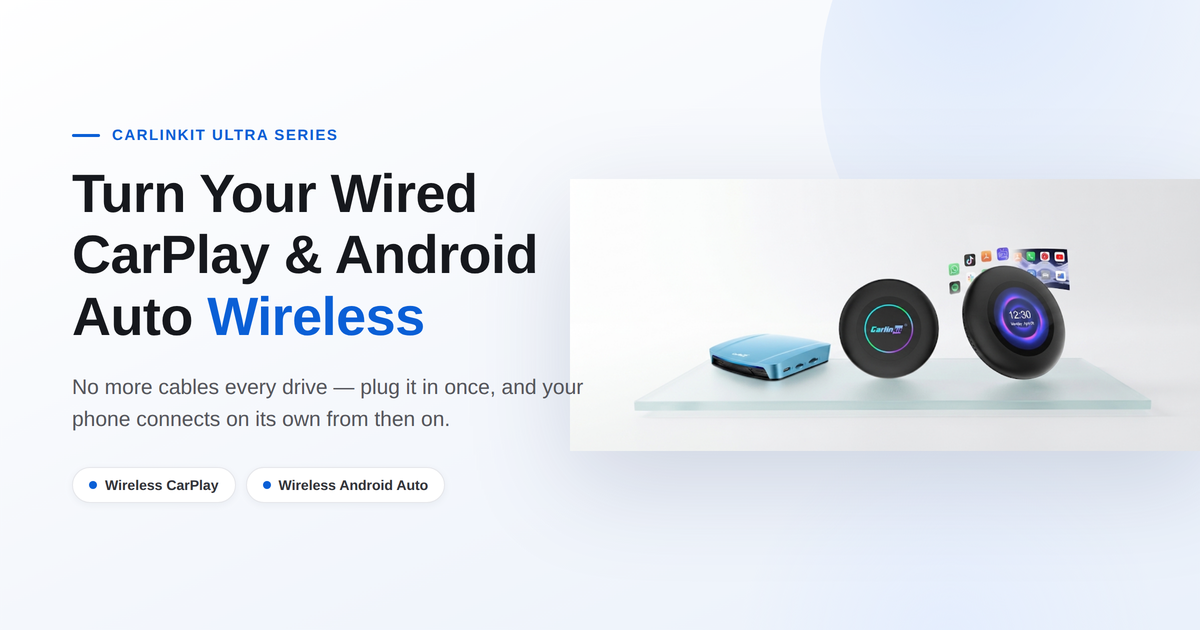
Carlinkit Ultra Series: Turn Your Wired CarPlay and Android Auto Wireless
Every time you get in the car, you dig out a USB cable, plug in your phone, and only then does CarPlay or Android Auto show up on the screen.
Do that once a day for a few years and it stops feeling like a minor inconvenience — it starts to feel like a chore built into your commute. If your car only supports wired CarPlay or wired Android Auto, the Carlinkit Ultra Series is built to remove that chore entirely.
What Are CarPlay and Android Auto, Quickly?
Already using them? Feel free to skip ahead.
CarPlay is Apple's car connectivity system for iPhone; Android Auto is Google's equivalent for Android phones.
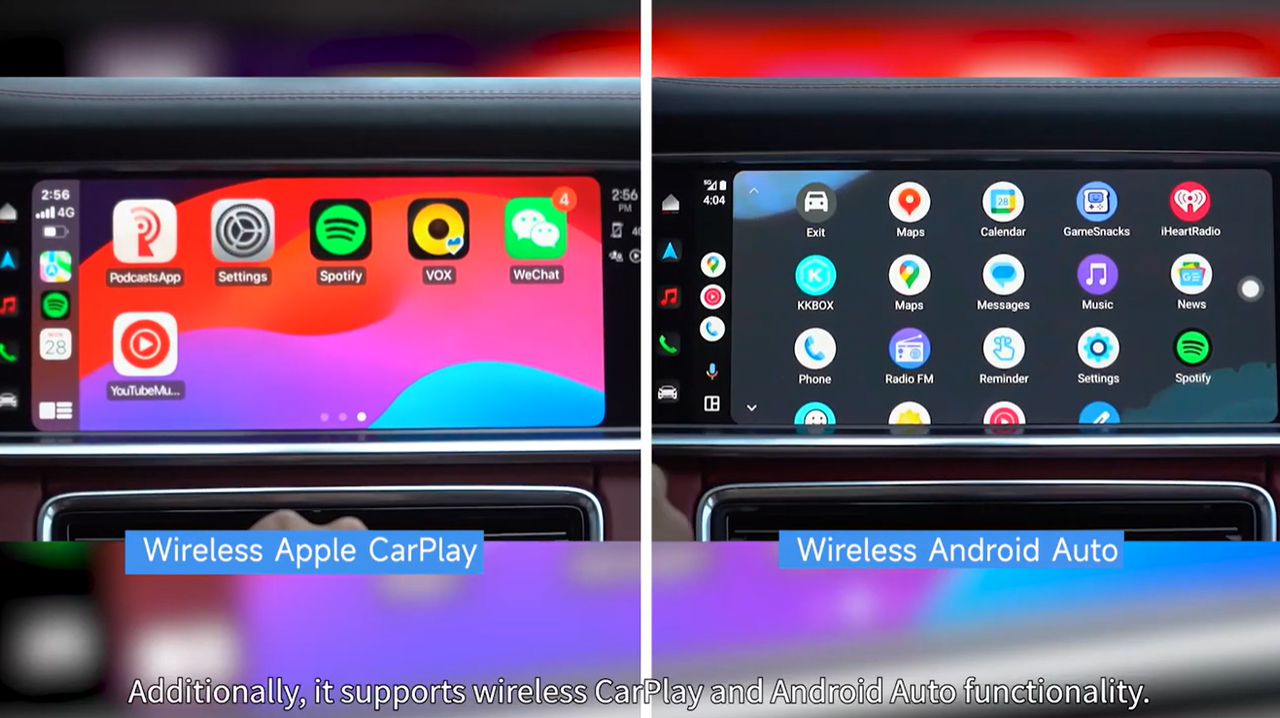
Once connected, navigation, music, calls, and messages all show up on your car's factory screen, controlled through the touchscreen, steering wheel, or voice commands.
The catch: having CarPlay or Android Auto doesn't automatically mean your car connects wirelessly. Plenty of cars only support the wired version, so your phone has to be tethered by USB every single time.
That's the exact problem the Carlinkit Ultra Series exists to fix.
How the Carlinkit Ultra Series Makes Wired CarPlay Wireless
A standard wired setup looks like this:
Phone → USB cable → Factory head unitWith the Carlinkit Ultra Series in place, your phone connects to the device over Wi-Fi and Bluetooth, while the device itself stays wired to the car via USB. The USB connection is still there — it's just moved: instead of running from your phone to the dashboard, it now runs from the device to the dashboard.
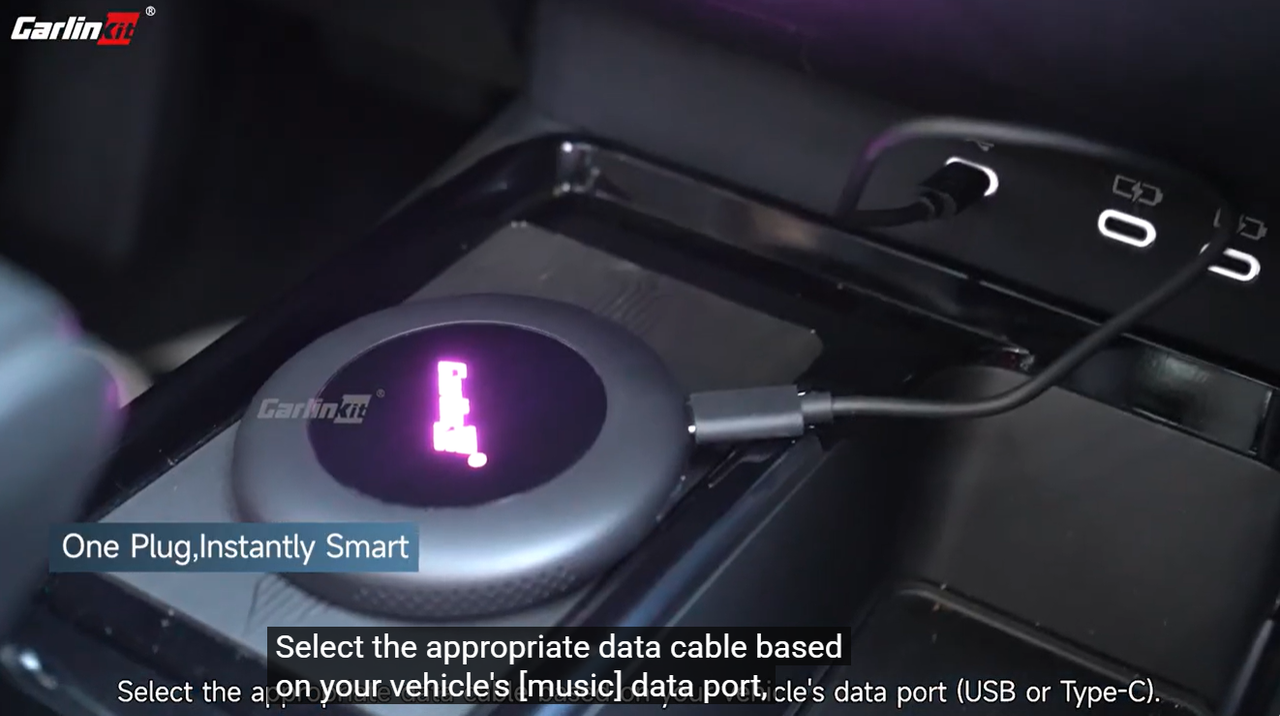
Once it's plugged into the USB port your car already uses for wired CarPlay or Android Auto, the device can live there permanently. Pair your phone once, and after that it reconnects automatically every time you get in. Bluetooth handles the pairing and initial connection; Wi-Fi carries the actual CarPlay/Android Auto data.
What Makes Each Carlinkit Ultra Model Different?
The Ultra Series includes three models, and each supports a slightly different starting point:
- TBox Ultra 1: factory wired CarPlay and wired Android Auto.
- TBox Ultra 2: factory wired CarPlay, wired Android Auto, and wireless CarPlay unlocking on some vehicles.
- TBox Ultra 3: factory wired CarPlay, wired Android Auto, and wireless CarPlay unlocking on some vehicles.
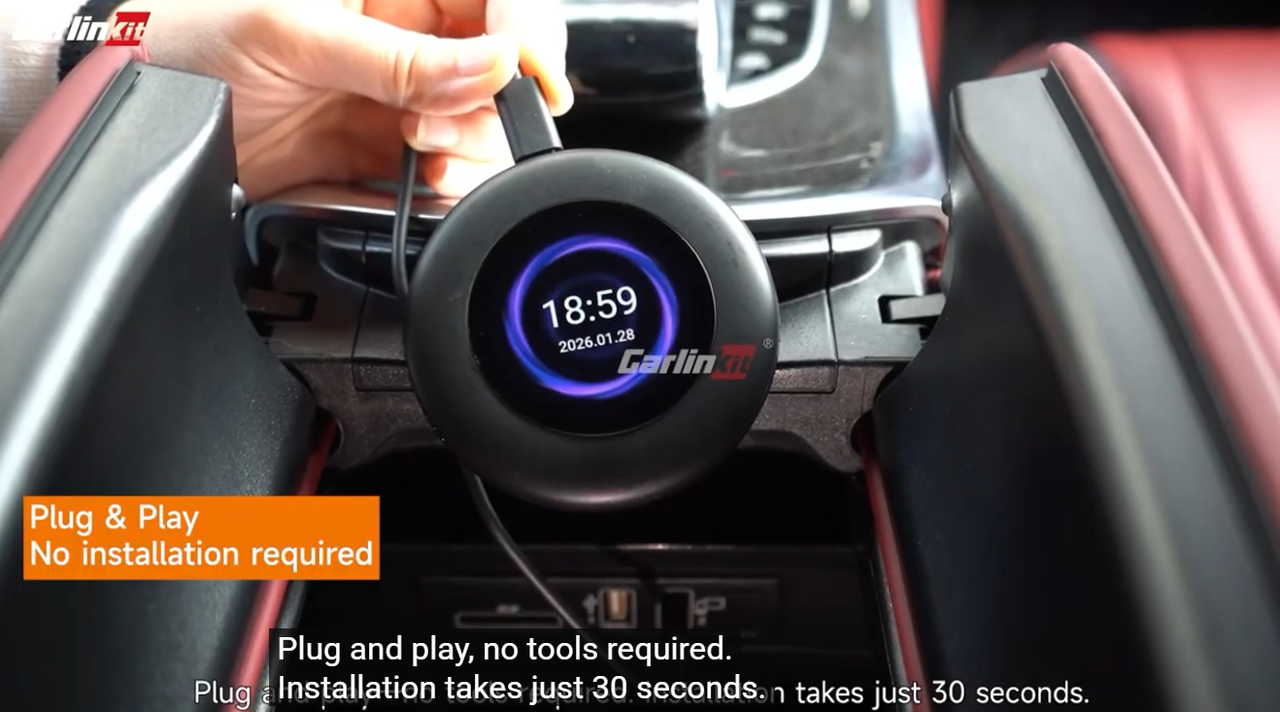
Day to day, all three feel almost identical to use. Where Ultra 3 stands apart is its design: it has a built-in LCD touchscreen. Beyond showing useful information, you can drag your finger across that screen to move the cursor on your car's factory display — effectively turning the device into a trackpad for your head unit.
Wired-to-Wireless Conversion vs. Unlocking Factory Wireless CarPlay
These two features sound alike but solve different problems.
Wired-to-Wireless Conversion (Phone Side)
In plain terms, this feature takes your existing wired connection to a wireless connection between your phone and the head unit. All three Ultra Series models support it.
Unlocking Factory Wireless CarPlay (Head Unit Side)
Some head units technically support factory wireless CarPlay but ship with it locked. TBox Ultra 2 and Ultra 3 can unlock that factory wireless CarPlay on select vehicles.
Ultra 1 doesn't do this — it only handles the wired-to-wireless conversion on the phone side.
Both roads lead to the same place, wireless CarPlay, but they solve different connection problems, so it's worth knowing which one your car actually needs.
Setting Up Carlinkit Ultra for the First Time
First-time setup takes three quick steps.
1. Connect the Device
Plug it into the USB port your car already uses for wired CarPlay or Android Auto. If your car has more than one USB port, use whichever one you'd normally use for that connection.
2. Turn On Bluetooth and Wi-Fi
Make sure both Bluetooth and Wi-Fi are switched on on your phone.
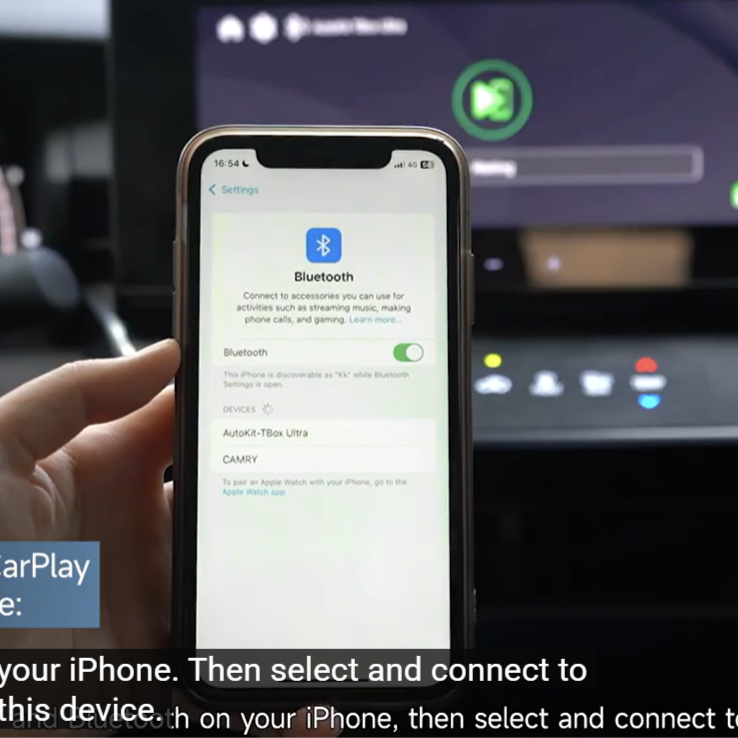
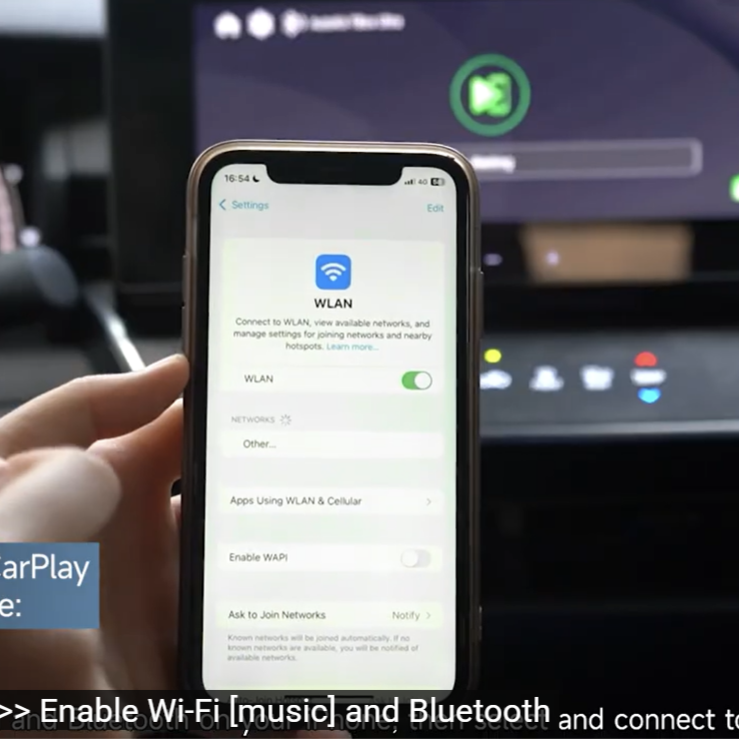
3. Pair the Device
Follow the pairing instructions shown on your car's screen.
Once that's done, leave the device plugged in. The next time you start the car, your phone will try to reconnect on its own.
What Everyday Use Actually Looks Like
It's about as simple as it sounds.
Picture a normal weekday morning: your phone is in your pocket, you start the car, and it automatically tries to connect to Carlinkit Ultra — CarPlay or Android Auto then appears on the same factory screen as always.
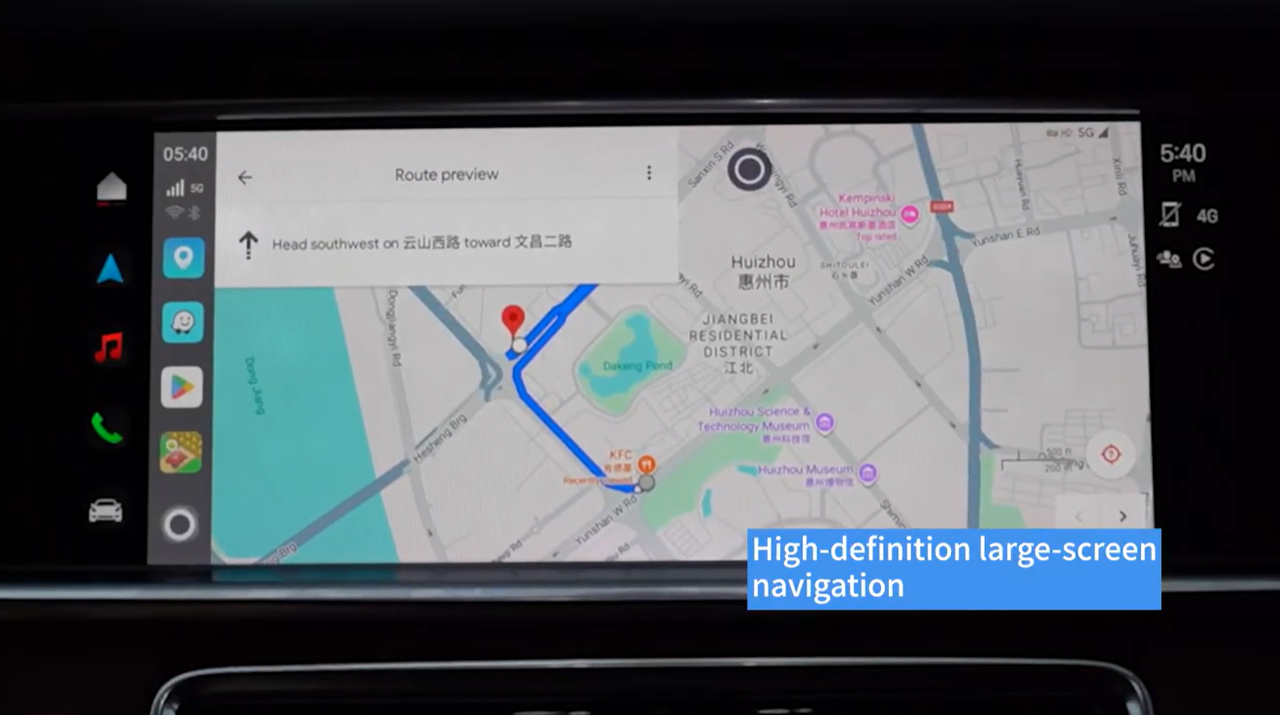
No hunting for a cable, no pulling your phone out to plug it in. Navigation, music, calls, and everything else run through the same screen and speakers you're used to.
The only thing that changes is that you stop plugging and unplugging your phone every day — everything else about using CarPlay or Android Auto stays exactly the same.
Phone and Car Requirements
Phone Requirements
iPhone
- iPhone 6 or later
- iOS 10.0 or later
Android phone
- Android 11.0 or later
Car Requirements
Your factory head unit needs to support wired CarPlay or wired Android Auto to begin with — the Carlinkit Ultra Series changes how your phone connects, it doesn't add CarPlay or Android Auto to a car that never had it.
It's compatible with roughly 98% of cars that support factory wired CarPlay or Android Auto, though actual compatibility varies by make, model year, and head unit. A few exceptions worth knowing:
- Tesla: not compatible. Carlinkit T2C is the dedicated Tesla solution.
- BMW + TBox Ultra 1: Ultra 1 doesn't work with BMW; BMW owners need a dedicated BMW solution.
- Geely + TBox Ultra 2: Ultra 2 isn't compatible with Geely vehicles.
Check your specific car model and year before buying.
Frequently Asked Questions
Can Carlinkit Ultra convert wired CarPlay into wireless CarPlay?
Yes. On a compatible vehicle, your phone connects over Wi-Fi and Bluetooth, so you don't need a USB connection every time.
Does Carlinkit Ultra still need to be connected to USB?
Yes — the device itself stays wired to the car via USB and draws power from it. Your phone is the part that no longer needs a cable.
Do I have to re-pair my phone every time I start the car?
No. After the first pairing, the device stays in the car and your phone reconnects automatically.
Does it support wireless Android Auto too?
Yes, as long as your Android phone runs Android 11.0 or later.
Can more than one phone be paired to a single Carlinkit Ultra?
Yes. A single device can be paired with multiple phones, though generally only one can be connected at a time.
Will the wireless connection change how CarPlay works?
Not in any meaningful way. Navigation, music, and calls still run through your car's factory system exactly as before. A few older head units may just take an extra few seconds to establish the connection after you power on.
The Bottom Line
If your car has factory wired CarPlay or wired Android Auto and you're tired of plugging in your phone every time you drive, the Carlinkit Ultra Series gives you a wireless connection without changing anything else about how you use it.