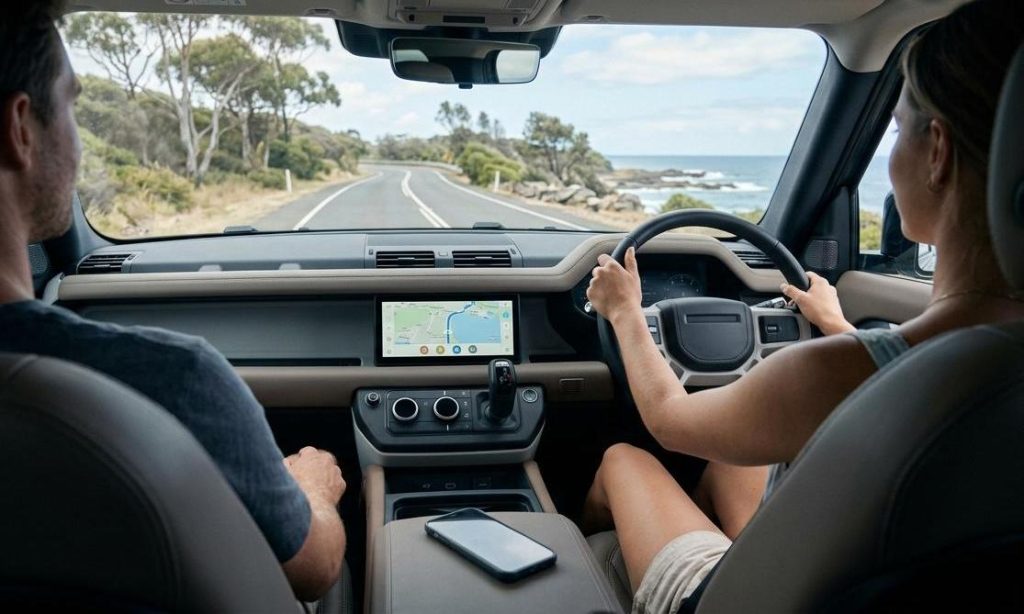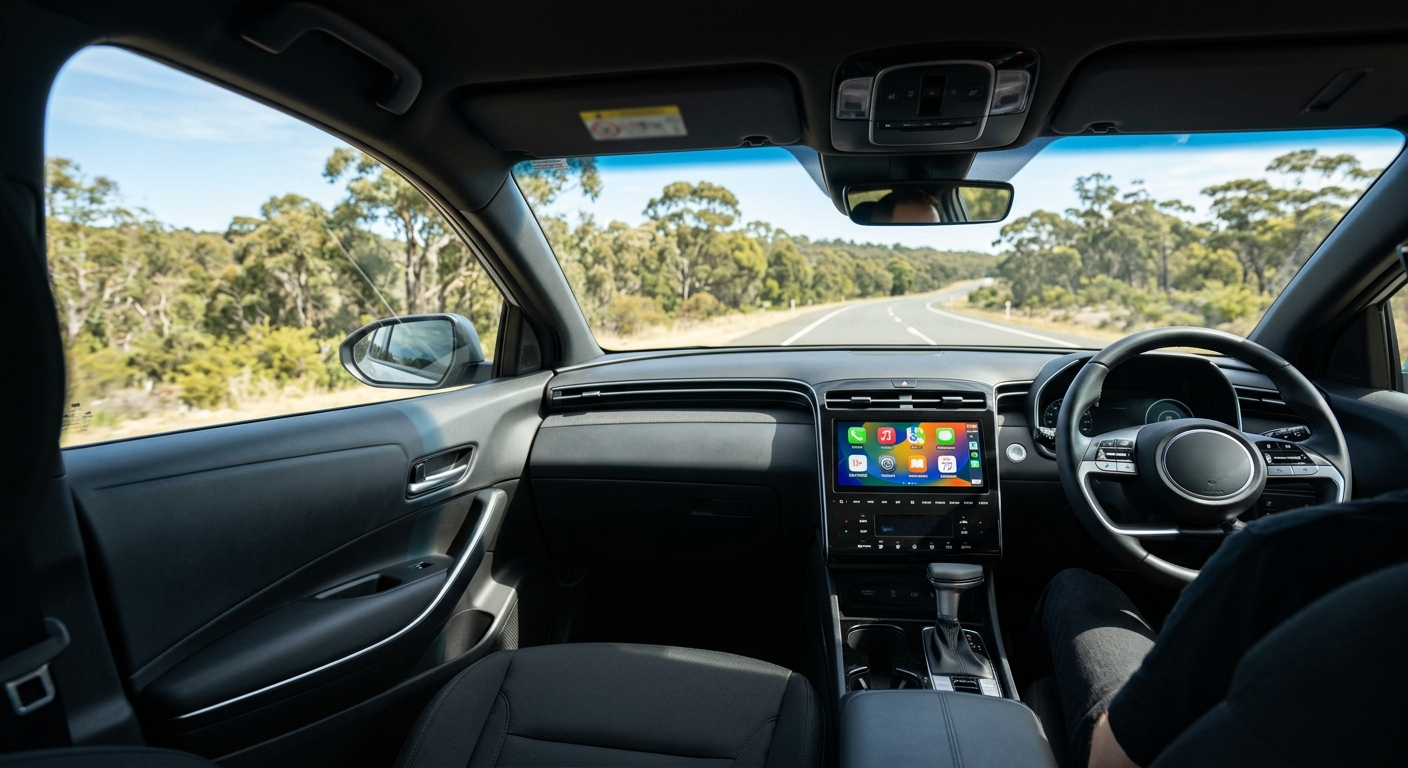
The right Apple CarPlay screen depends on what's already in your dash. No screen, or a screen without CarPlay? A portable wireless CarPlay screen is the quickest fix, or you can fit an aftermarket head unit for a factory look. Already have wired CarPlay? You don't need a new screen at all — a wireless adapter does the job.
That's the short answer. Below, you'll find how to check your car in two minutes, what each option really involves, current Australian prices, and how to mount a CarPlay screen for your car without falling foul of the road rules.
| Your car right now | Best CarPlay screen option | Typical price (AUD) |
|---|---|---|
| No screen, or a basic radio | Portable wireless CarPlay screen | about $159–$200 |
| Factory screen, no CarPlay | Portable screen, or a new head unit | $159+ portable; head units cost more, plus parts and fitting |
| Factory wired CarPlay | Wireless CarPlay adapter (keep your screen) | about $110–$126 |
| Factory wired CarPlay + you want streaming apps | Android AI box (keep your screen) | from about $155 |
| Aftermarket Android head unit | CarPlay dongle for Android head units | about $146 |
| Motorcycle | Weatherproof motorcycle CarPlay screen | about $200 |
In this guide:
- Do you really need a new head unit, or just CarPlay on the radio you have?
- Which wireless CarPlay adapter suits a car that already has wired CarPlay?
- When an AI box makes more sense than a new screen
What an Apple CarPlay screen actually does
An Apple CarPlay screen doesn't run CarPlay itself. CarPlay runs on your iPhone; the screen in the car only displays it and passes your taps, Siri requests and audio back and forth.
That's why there are three very different ways to get it:
- A screen that brings its own CarPlay receiver — portable dash screens and aftermarket head units.
- Your existing factory screen, if it already speaks CarPlay over a cable — an adapter just removes the cable.
- Your existing Android head unit, which can be taught to speak CarPlay with the right dongle.
The connection is either wired (USB cable) or wireless (Bluetooth for the handshake, then Wi-Fi for the picture and sound). Apple's own help page notes that wireless CarPlay needs both Bluetooth and Wi-Fi switched on on the iPhone.
Step one: check what your car already has
Before you spend a cent on an Apple CarPlay screen, find out which of four situations you're in. It takes two minutes and saves a return trip.
How to test for factory CarPlay in two minutes
- Plug your iPhone into the car's USB port with an Apple or MFi-certified cable. Use the port marked with a phone or data symbol — some cars have charge-only ports.
- Watch the car's screen. If a CarPlay icon or prompt appears, you have factory wired CarPlay.
- Watch your iPhone. If the car supports it, the phone may also ask whether you want to Enable Wireless CarPlay. If it does, you already have wireless CarPlay and need nothing extra.
- No prompt at all? Check the infotainment settings for a "CarPlay" or "Smartphone projection" menu, or ask the dealer or manufacturer whether your model supports CarPlay.
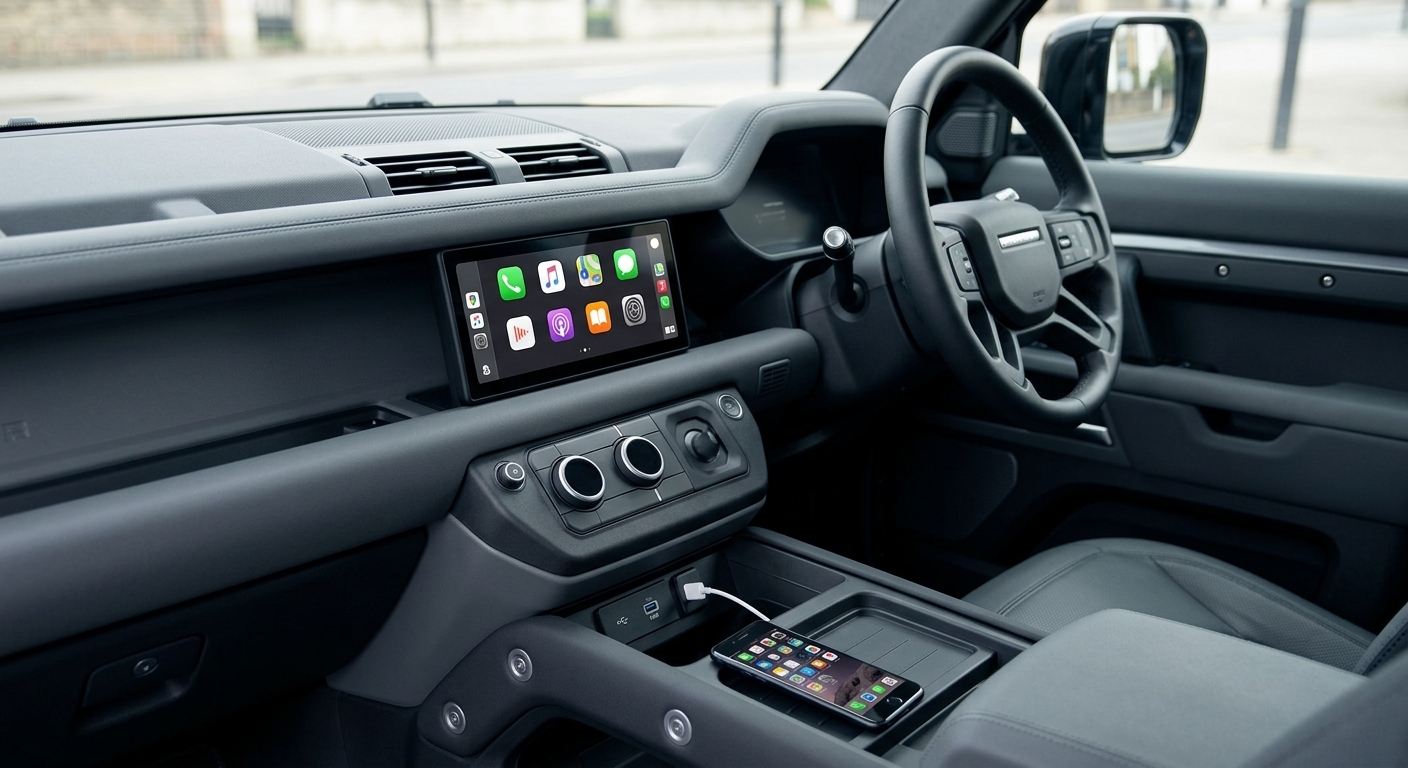
Quick tip: if nothing happens, try a second cable before you decide the car can't do CarPlay. A worn or charge-only cable is one of the most common reasons CarPlay "doesn't work".
The four situations and what each one needs
- No screen, or a screen without CarPlay → you need new hardware: a portable screen or a head unit.
- Factory wired CarPlay → keep your screen; add a wireless adapter or an AI box.
- Aftermarket Android head unit (common in imported and older cars) → add a CarPlay dongle built for Android head units.
- A motorcycle → a dedicated weatherproof bike screen, not a car unit.
Portable wireless CarPlay screens: the no-tools option
Portable wireless CarPlay screens are self-contained touchscreens that sit on your dash or windscreen and run from the car's power socket. Your iPhone connects to them wirelessly, so there's no dash removal and nothing to wire into the car's loom.
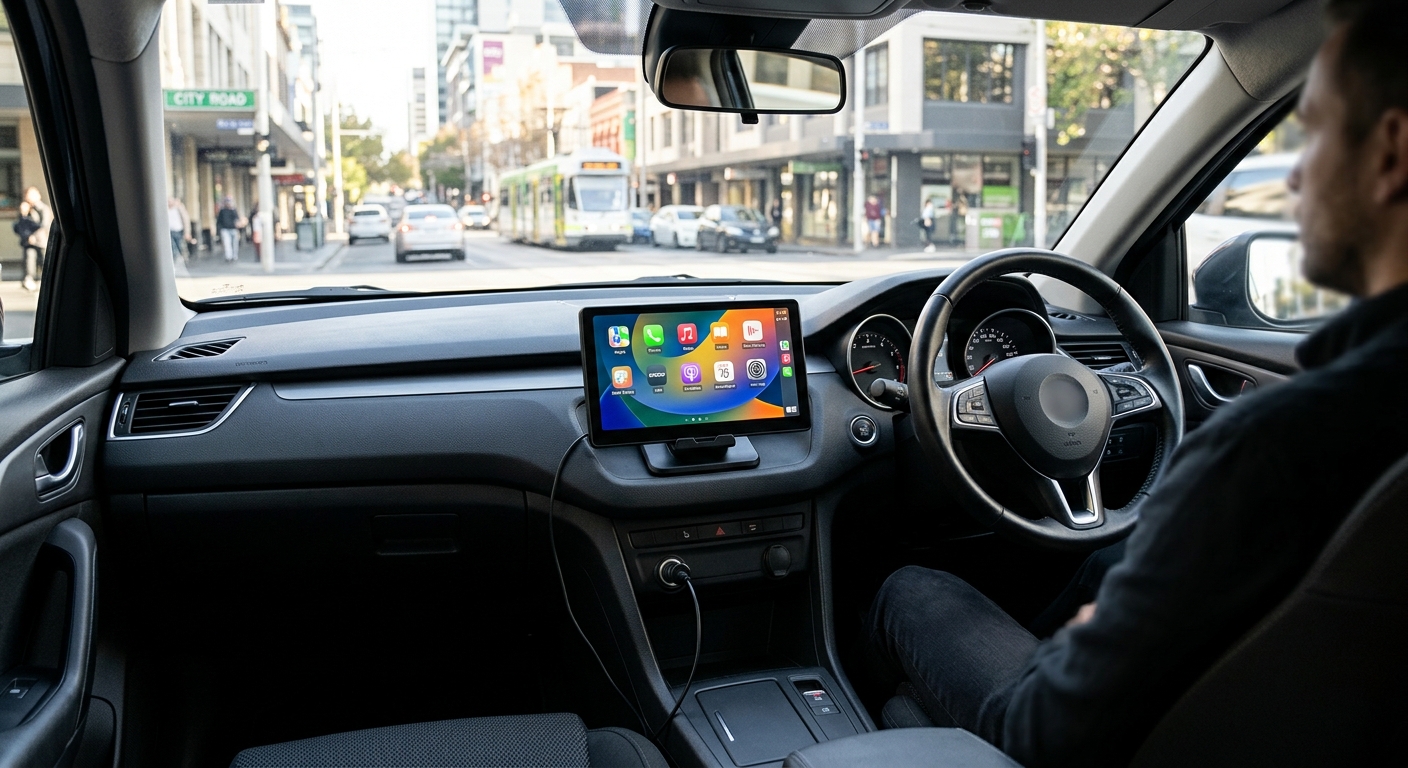
Why people choose them:
- Fit in minutes, move between cars, and leave the dash untouched (handy for leased or company cars).
- The cheapest way to get an Apple CarPlay screen into a car that never had one.
- Many models add a reversing camera or dash camera.
The trade-offs:
- Visible cables across the dash.
- Sound goes through FM or AUX rather than straight into the stereo.
- A suction mount can wobble slightly when you tap the screen — a point also raised in a published Australian hands-on review.
How the sound gets to your speakers (FM vs AUX)
This is where most buyers get caught out.
- AUX cable — the cleanest sound. If your car has an AUX input, use it.
- FM transmitter — the screen broadcasts on a spare FM frequency and you tune the car radio to match. It works in any car with a radio, but in busy metro areas a commercial station can bleed through.
Fix for FM interference: scan for a frequency with pure static on your usual commute and set both the screen and the radio to it. If you drive between cities, expect to re-tune now and then.
Panel resolution vs CarPlay resolution
Spec sheets love big resolution numbers, but CarPlay doesn't always use all of them. Our 10-inch portable unit, for example, has a 1600 × 600 panel, while its product page states that CarPlay can only use a maximum of 1024 × 600. The extra width suits split-screen and camera views, not a sharper CarPlay map.
So when you compare screens, ask what resolution CarPlay is shown at, not just what the panel is. A 1024 × 600 CarPlay picture is what both of our dash consoles list.
Mounting, power and the reversing camera
- Suction or base mount? Suction is easiest and kinder to the dash than adhesive. Our 10-inch unit has moved to an upgraded base mount, which its product page describes as more stable.
- Power: check which power connection the unit uses — the Laser 7-inch sold at JB Hi-Fi, for example, comes with a 12V cable. Check whether your socket switches off with the ignition — if it stays live, unplug the screen when you park so it can't drain the battery.
- Reversing camera: the camera cable runs from the rear of the car to the screen. Plan the route (under trim, along the headlining) before you start, and allow time for it; fitting the screen itself is the quick part.
- Placement: keep the screen low and to the side of your line of sight, and clear of any airbag panel.
Carlinkit portable screens compared
Our CarPlay dashboard console range covers the main situations:
| Model | Screen | CarPlay / Android Auto | Sound out | Cameras | Price (AUD) |
|---|---|---|---|---|---|
| Wireless Apple CarPlay Dashboard Console With Reversing Camera | 1024 × 600 | Wireless CarPlay; Android Auto via USB | FM or AUX | 720p rear-view camera, switches on in reverse | $159.99 |
| 10" Portable CarPlay & Android Auto Touchscreen | 10", 1600 × 600 panel (CarPlay max 1024 × 600) | Wireless CarPlay and Android Auto; AirPlay/AutoLink mirroring | FM or AUX | Front dash camera + rear-view camera | $199.99 |
| Motorcycle GPS CarPlay Android Auto Display Screen | 5" IPS touchscreen | Wireless CarPlay and Android Auto via Bluetooth | — | — | $199.99 |
For comparison, JB Hi-Fi lists the Laser 7-inch portable CarPlay screen (NAVC-7CP-931) at $169, with 12V power and FM output.
Aftermarket head units: the factory-look option
An aftermarket head unit replaces your car's radio with a new touchscreen stereo — single-DIN with a floating screen, or double-DIN. Brands such as JVC, Pioneer, Kenwood, Sony and Alpine make CarPlay head units, and Australian retailers such as Repco stock them.
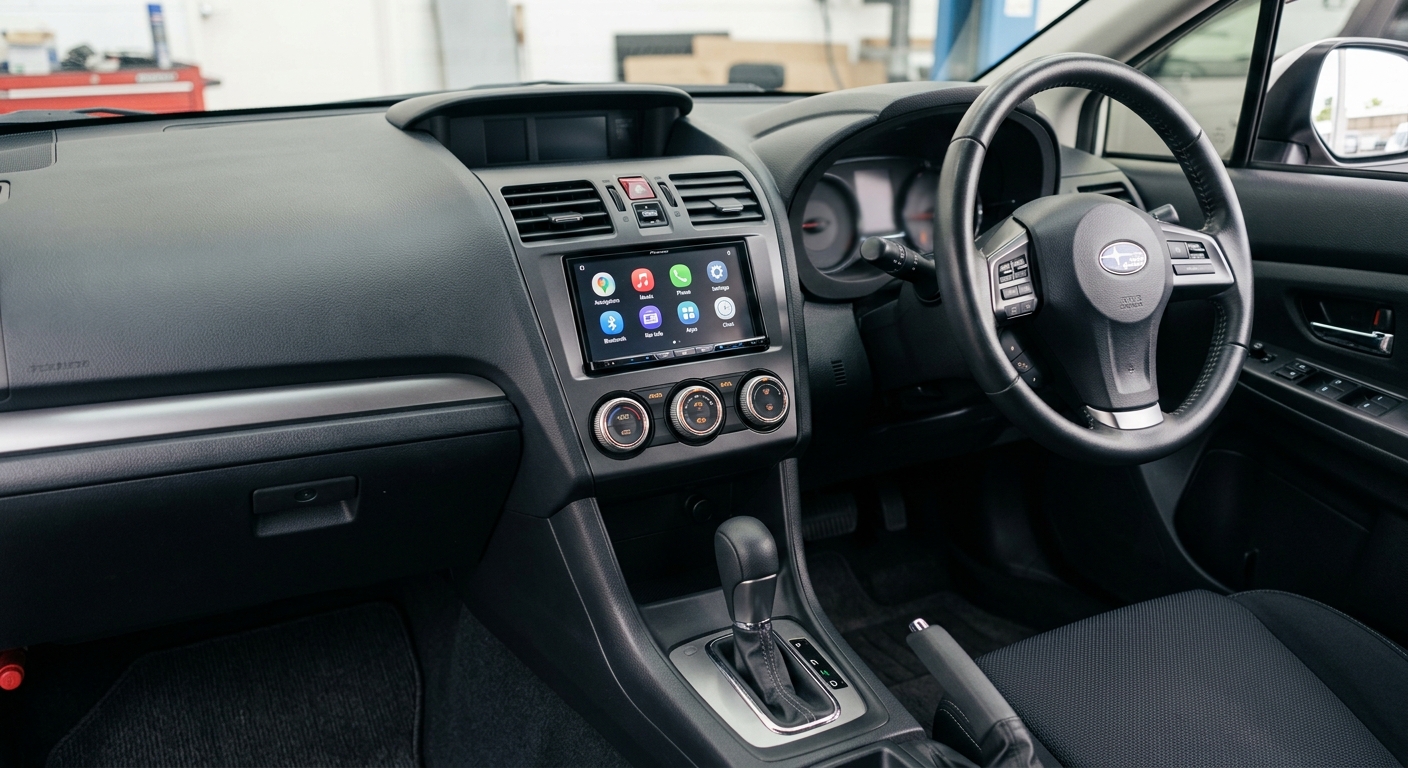
Why people choose them:
- A clean, built-in look with no cables on the dash.
- Audio goes straight to your speakers — no FM or AUX compromise.
- Inputs for a reversing camera, sub or amp.
The trade-offs:
- The highest total cost of any option.
- The dash has to come apart, and the radio may be tied into climate controls, steering wheel buttons or vehicle settings in newer cars.
- Not reversible in an afternoon.
What a new head unit really costs
The price tag on the box is only part of it. Budget for:
- The head unit — for example, Repco has listed a JVC 9-inch wireless CarPlay unit at $749 [待核实].
- A fascia (dash) kit to fit your car's opening.
- A wiring harness so you don't cut the factory loom.
- A steering wheel control interface, if you want to keep the buttons on the wheel.
- Installation, unless you're confident with car electrics.
Before you book a fitter: ask whether your car's radio also controls the air-con, parking sensors or vehicle settings. If it does, a head unit swap gets complicated and a portable screen or adapter is usually the better call.
For a deeper look at whether a full swap is worth it, see our guide on whether you really need a new head unit.
Already have an Android head unit? Add CarPlay instead
Some imported and older cars already have a large aftermarket Android screen. You don't need to replace it. The Autokit CarPlay dongle for Android head units ($145.99) plugs into the head unit and, once the AutoKit app is installed, adds wireless CarPlay.
Check these first — they're straight from the product page:
- The head unit must run Android 4.2 or later.
- It must be able to install the AutoKit.apk app.
- In AutoKit's settings, run the environment test. All three checks should show a tick. If they don't, the dongle won't work on that unit.
- Android Auto through this dongle is wired only.
Already have a factory screen? Adapters and AI boxes
If the two-minute test showed factory wired CarPlay, keep your screen. It's already the best-integrated CarPlay screen your car will ever have — it just needs the cable removed.
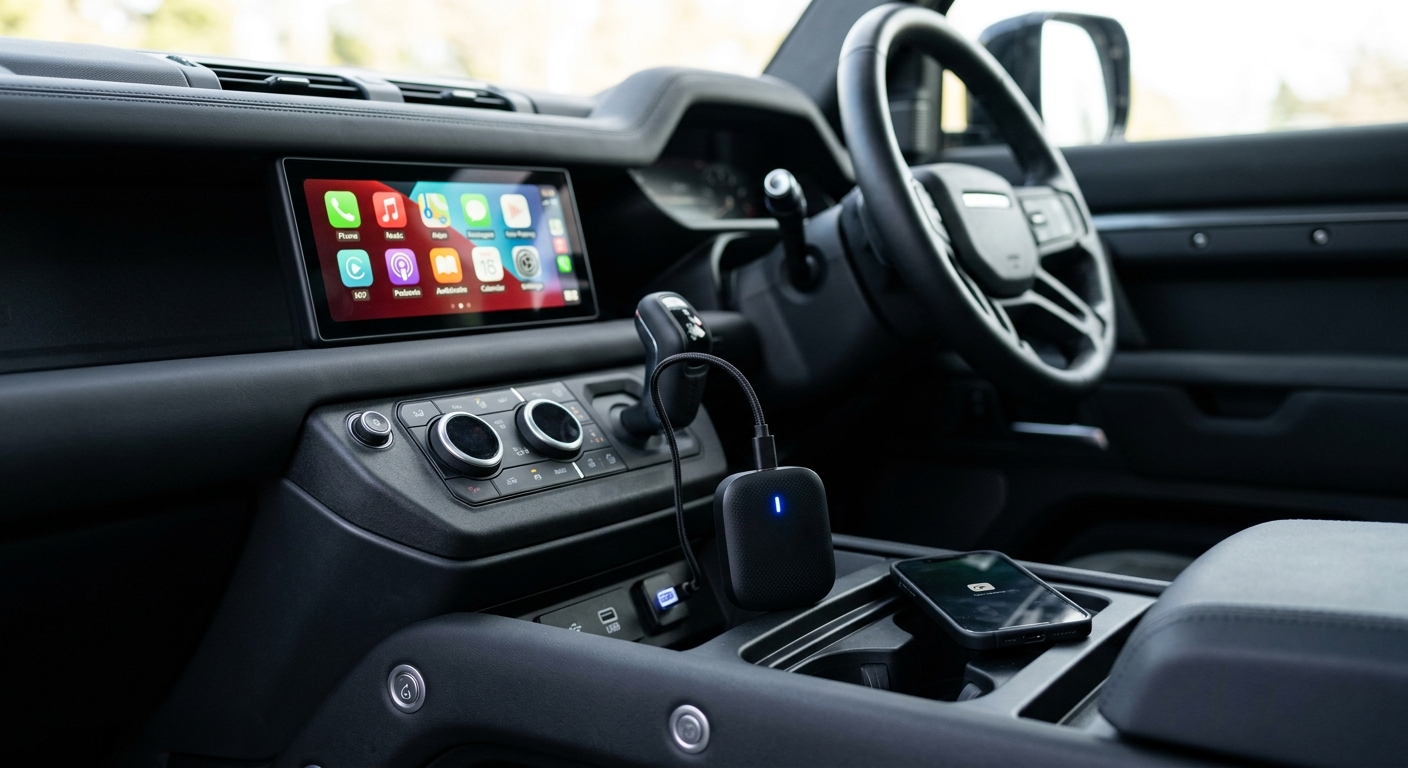
- Wireless CarPlay adapters plug into the car's CarPlay USB port and turn wired CarPlay into wireless CarPlay. Carlinkit's range runs from about $110 (Mini Ultra) to $126 (5.0 2Air); the Carlinkit 4.0 ($119.99) also converts wired Android Auto to wireless.
- AI boxes such as the Tbox S2P (from $154.99) run Android on top of wireless CarPlay and Android Auto, so you can use Android apps on the factory screen.
Two exclusions to know: both the Carlinkit 4.0 and the Tbox S2P pages state they are not compatible with Tesla or BMW, and the Tbox requires factory wired CarPlay or wired Android Auto. If your car has neither, an adapter or AI box can't help — go back to portable screens or head units.
Want to compare models? Our buying guide to the best CarPlay adapter for your car and our CarPlay box buyer's guide go into each one.
Side-by-side comparison
| Portable CarPlay screen | Aftermarket head unit | Wireless adapter | AI box | |
|---|---|---|---|---|
| Needs a factory screen? | No | No (replaces it) | Yes, with wired CarPlay | Yes, with wired CarPlay/Android Auto |
| Install | Minutes, no tools | Dash removal, wiring | Plug into USB | Plug into USB |
| Sound | FM or AUX | Direct to speakers | Through factory system | Through factory system |
| Looks | Cables on dash | Factory-style | Invisible | Invisible |
| Reversible | Yes | Not easily | Yes | Yes |
| Moves to another car | Yes | No | Yes, if that car has CarPlay | Yes, if that car has CarPlay |
| Price (AUD) | about $159–$200 | e.g. $749 for one 9-inch unit [待核实], plus parts and fitting | about $110–$126 | from about $155 |
Rule of thumb: use the best screen you already have. Only add a new Apple CarPlay screen if your car doesn't have one that speaks CarPlay.
Australian road rules for Apple CarPlay screens
Australian Road Rule 299 covers screens in vehicles. As the NRMA summarises it, a driver must not drive with a visual display unit operating if the image is visible from the normal driving position — unless the screen is being used as a driver's aid and is secured in a mounting affixed to the vehicle.
What that means for a CarPlay screen:
- Navigation and reversing camera views are the kind of driver's-aid use the rule allows, with the screen properly mounted.
- Mount it to the car. A screen sitting loose on the seat or held in your hand doesn't meet the mounting requirement — the NRMA makes the same point about phones.
- Don't block your view of the road. The NRMA notes a phone used as a GPS must be in a fixed cradle and must not obscure the driver's view.
- No video while driving. If your screen mirrors video or streaming apps, use them only when parked and only where passengers, not the driver, can see them.
Rules and penalties are set by each state and territory, and the wording varies slightly between them. Check your state's road authority if you're unsure about a particular mounting position.
Buying checklist and common mistakes
Before you buy an Apple CarPlay screen, check:
- What your car has now — use the two-minute test above.
- iPhone connection — wired, wireless, or both.
- CarPlay resolution, not just panel resolution.
- Sound path — does your car have AUX, or will you rely on FM?
- Power — power socket location, and whether it switches off with the ignition.
- Mount — suction, base or adhesive, and where it will sit relative to your sightline and airbags.
- Cameras — do you want a reversing camera, and can you route its cable?
- Exclusions — Tesla and BMW owners should check compatibility carefully before ordering an adapter or AI box.
Common mistakes to avoid:
- Buying a new Apple CarPlay screen when the car already had wired CarPlay. An adapter would have kept the factory look for a fraction of the cost.
- Testing with a charge-only cable and assuming the car has no CarPlay.
- Picking an FM frequency once and never changing it, then blaming the screen for crackly audio.
- Mounting the screen high in the middle of the windscreen, where it blocks the view and sits in direct sun.
FAQ
Can you add an Apple CarPlay screen to any car?
Almost any car with a power socket and a radio or AUX input can take a portable wireless CarPlay screen, because it brings its own CarPlay receiver and sends sound through FM or AUX. Head units depend on your dash opening and wiring, while adapters and AI boxes only work if the car already has factory wired CarPlay.
Are portable CarPlay screens legal in Australia?
Road Rule 299 allows a screen visible to the driver when it's used as a driver's aid, such as navigation or a reversing camera, and is secured in a mounting fixed to the vehicle. Keep it out of your line of sight, never watch video while driving, and check your state's rules for details.
Will a portable CarPlay screen play through my car speakers?
Yes, through either an AUX cable or the built-in FM transmitter. AUX gives the cleanest sound if your car has an AUX input. FM works with any car radio, but you may need to re-tune to a clear frequency in busy metro areas where commercial stations can interfere.
What screen size should I get?
Choose the largest screen that fits without blocking your view of the road or any airbag. Seven-inch screens suit small dashes, while 9–10-inch screens are easier to read for maps. Remember CarPlay may display at a lower resolution than the panel, so compare the CarPlay resolution, such as 1024 × 600.
Is an adapter better than a new screen if my car already has CarPlay?
Usually, yes. If your car has factory wired CarPlay, a wireless adapter keeps the integrated screen, steering wheel buttons and factory sound, plugs into USB and costs less than a head unit plus fitting. Check compatibility first, as some brands, including Tesla and BMW, aren't supported by every adapter.
Your next step
Do the two-minute USB test today.
If your car already shows CarPlay, look at a wireless adapter and keep the screen you have. If it doesn't, the most practical Apple CarPlay screen for most Australian cars is a portable unit with a reversing camera — see the Wireless Apple CarPlay Dashboard Console With Reversing Camera for full specs and current pricing.
See the CarPlay Dashboard Console