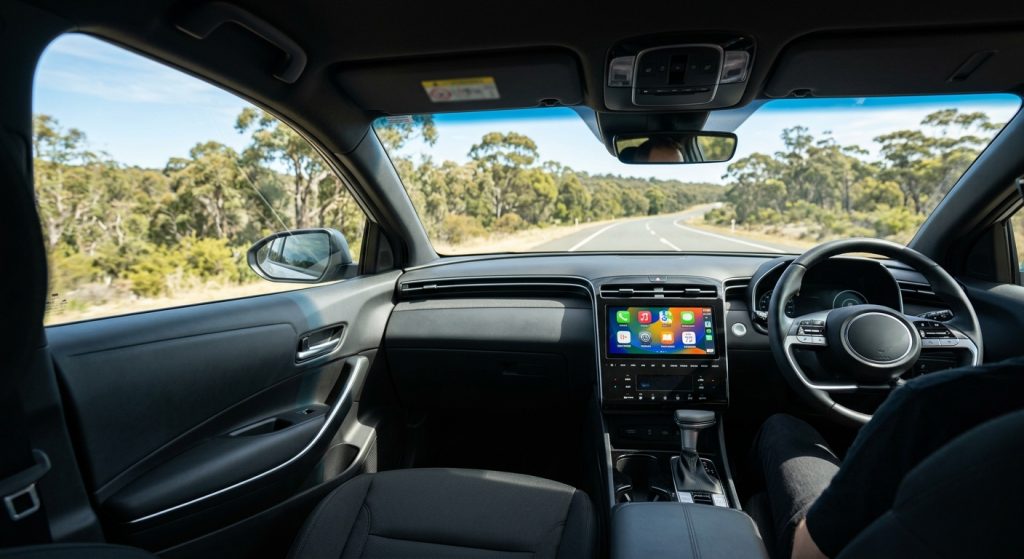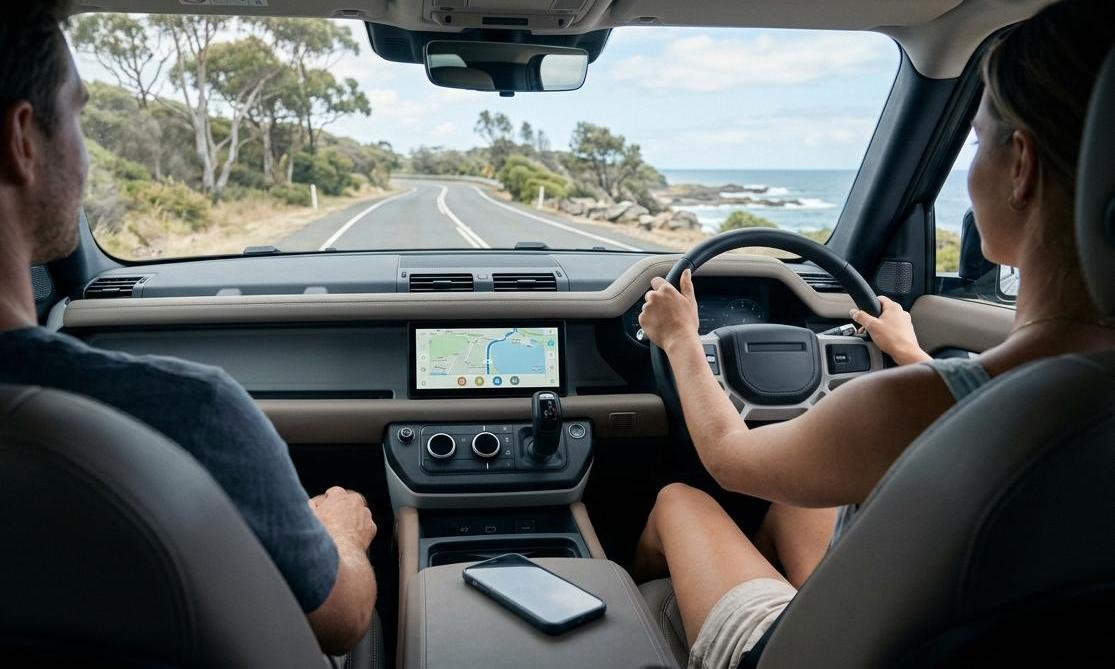
Short answer: Which cars support wireless CarPlay? It comes down to brand, trim and model year, not just the model name. Many CarPlay cars built from around 2019 onwards connect wirelessly, BMW Group cars were early adopters, and plenty of budget trims still need a USB cable. Tesla doesn't support CarPlay at all. If your car has wired CarPlay, a plug-in adapter can make it wireless. If it has no CarPlay, you'll need a screen or head unit instead.
Quick Answer: What Your Car Has and What to Do
| Your car currently has… | Wireless CarPlay? | What to do next |
|---|---|---|
| CarPlay that starts without a cable | Yes | Nothing to buy. Pair it once via the voice button (steps below) |
| CarPlay that only works with a USB cable | No, but it can be added | A wireless CarPlay adapter plugs into the CarPlay USB port |
| Both wired and wireless | Yes | Plug in once; your iPhone should offer to switch to wireless |
| A BMW with factory CarPlay | Usually already wireless | Plug-in adapters aren't compatible; BMW owners look at a BMW-specific AI box |
| A Tesla | No CarPlay at all | Adapters can't help. A separate CarPlay screen is the only route |
| No CarPlay (older radio or screen) | No | A portable CarPlay screen or a new head unit |
Jump to: Wired vs wireless · The 4-step check · Brand-by-brand guide · Adding wireless to wired CarPlay · No CarPlay at all · Fixes · FAQ
Wired vs Wireless CarPlay: What's Actually Different
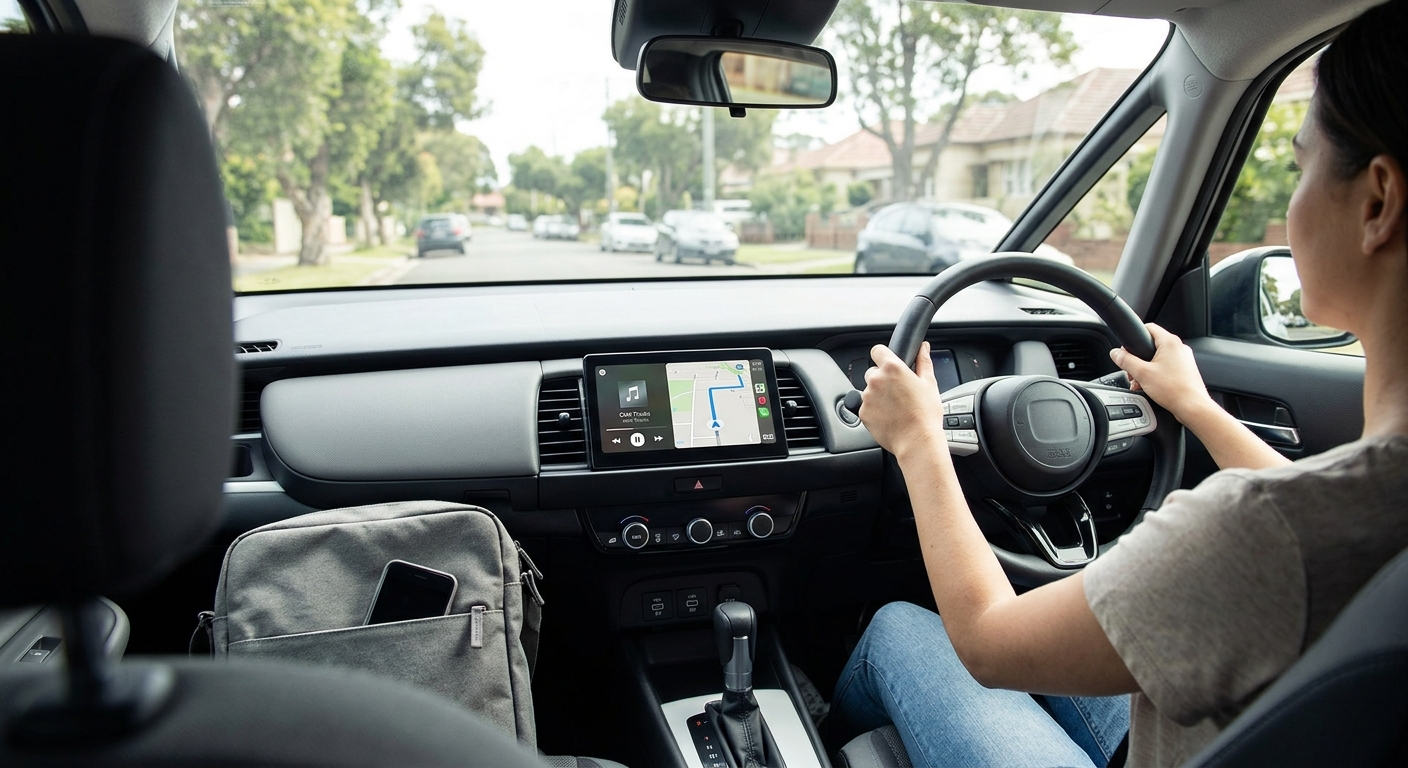
The CarPlay screen looks the same either way: same apps, same maps, same Siri. The difference is how your iPhone talks to the car.
How wireless CarPlay connects
Wireless CarPlay uses Bluetooth to find the car and Wi-Fi to carry the screen. That's why Apple's own setup steps ask you to make sure Wi-Fi is on and that your car's CarPlay network has Auto-Join enabled. Bluetooth alone can't carry CarPlay. If Wi-Fi is off on your phone, wireless CarPlay won't start, even in a car that fully supports it.
Wired CarPlay sends everything through the USB cable. It also charges your phone at the same time.
The trade-offs worth knowing
- Battery: a wired connection charges your phone. A wireless connection doesn't, so on long drives you'll want a charging pad or a charging cable.
- Convenience: for short trips (school runs, the shops, the daily commute) not having to plug in is the whole point. The phone stays in your pocket or bag.
- Stability: wireless depends on a clean Wi-Fi link. Most of the time you won't notice. When it does drop, the fix is usually a phone setting, not the car (see the fixes section).
Worth knowing: "Has CarPlay" and "has wireless CarPlay" are two different spec lines. Car ads, dealer sheets and even some reviews treat them as the same thing, and that's where most of the confusion starts.
How to Check If Your Car Supports Wireless CarPlay (Quick 4-Step Test)
You don't need the owner's manual. These checks follow Apple's own connection steps and work in the car itself. If you're not sure the car has CarPlay at all, start with our guide on how to check whether your car has CarPlay.
Step 1: Press and hold the voice button on the steering wheel
Apple's instructions for wireless-capable cars start with this: press and hold the voice command button on the steering wheel, with the stereo in wireless or Bluetooth mode. In a car that supports wireless CarPlay, this starts the pairing process and your iPhone will ask whether you want to use CarPlay.
Step 2: Look in Settings > General > CarPlay
On your iPhone, open Settings > General > CarPlay. If the car appears under "Available Cars" without a cable plugged in, it supports wireless. If the list is empty until you plug in, the car is wired only (or wireless pairing hasn't been started; go back to step 1).
Step 3: Plug in and watch for the wireless prompt
Apple notes that if your car supports CarPlay both wirelessly and with a USB cable, you plug your iPhone into the car's USB port first. A car that can do both will usually offer to switch to wireless for next time. If you're never offered that, and nothing happens when you unplug, you're on wired-only CarPlay.
Step 4: Check the exact trim and model year
If you're buying, don't rely on the model name. Ask the dealer or seller for the exact trim and build year, or check the spec sheet for that variant. Two cars with the same badge can differ: one Australian listing from 2023 showed wireless CarPlay on some Mitsubishi Outlander variants while the base ES was simply listed with "Apple CarPlay as standard".
Buying used? Take your own iPhone and a USB cable on the test drive. Try wireless first (steps 1–2), then wired. A few minutes of testing beats any spec sheet, and it also confirms the USB port works, which matters if you plan to add an adapter later.
Which Car Brands Support Wireless CarPlay in Australia?
There's no official Australian list of wireless CarPlay cars. Apple's Australian page lists more than 800 CarPlay models but doesn't mark which are wireless. The table below sticks to what published sources confirm, with their dates, so you can judge how current each point is.
| Brand | What sources confirm | Watch out for |
|---|---|---|
| BMW | First car with built-in wireless CarPlay was the 2017 5 Series; most BMWs sold here offered it early on | Plug-in wireless adapters aren't compatible with BMW |
| Mini | Part of the BMW Group's early wireless rollout | Check build year on older Minis |
| Volkswagen | Facelifted Passat was VW Australia's first wireless CarPlay model (around late 2019); other models followed at model-year changes | Pre-update cars (e.g. the then-current Touareg) launched without it |
| Skoda | Karoq listed with wireless CarPlay on a 9.2-inch screen (2023) | Screen size and trim matter |
| Toyota | Corolla listed with wireless CarPlay (2023) | RAV4 GX was listed as wired (2023) |
| Mazda | Mazda 3 listed as needing a USB connection (2023) | Older MZD Connect cars needed a dealer CarPlay upgrade |
| Kia | Facelifted Picanto announced with wireless CarPlay (2020); Sportage S listed as wireless (2023) | Varies by trim and screen |
| Hyundai | i30 listed with an 8.0-inch CarPlay screen (2023), wired or wireless not stated | Test the exact car |
| Mitsubishi | Outlander PHEV and LS listed as wireless (2023) | Entry trims may differ |
| Ford | Ranger XL listed with wireless CarPlay as standard (2023) | Check the variant |
| MG | MG ZS listed with wired CarPlay (2023) | Newer models may differ |
| Tesla | No CarPlay support | Adapters can't add it |
BMW and Mini
BMW led the way. The 2017 5 Series was reported as the first car with built-in wireless CarPlay, and an Australian report from around 2019 described wireless CarPlay as "the exclusive domain of the BMW Group" at the time, available on most BMW and Mini models sold here. If you drive a BMW with factory CarPlay, chances are it's already wireless.
What BMW owners usually want next is Android Auto or video apps, not wireless CarPlay. Standard plug-in adapters aren't compatible with BMW, which is why there's a dedicated Carlinkit box for BMW 2018–2025 models with factory CarPlay (iDrive 6, 7, 8, 8.5 and OS9).
Volkswagen and Skoda
VW Australia added wireless CarPlay with its newer infotainment system, starting with the facelifted Passat (sedan, wagon and Alltrack). Other models were flagged for model-year updates. The rule of thumb for VW cars: newer infotainment = wireless, older infotainment = usually wired. The same report doubted older cars could be retrofitted, because wireless needed the newer infotainment back-end. Skoda's Karoq was listed with wireless CarPlay on its 9.2-inch screen in 2023.
Toyota and Mazda
These two are where buyers get caught most often. A 2023 Australian guide listed the Corolla with wireless CarPlay but the RAV4 GX with wired, so even within one brand you can't generalise. Mazda's system on the Mazda 3 was described as needing a USB connection. Older Mazdas with MZD Connect could get CarPlay added as a dealer upgrade (quoted at $494.98 fitted back in 2018, so check current pricing).
Kia and Hyundai
Kia's facelifted Picanto was announced with wireless CarPlay back in 2020, and the 2023 Sportage S was listed with wireless CarPlay on its 8-inch screen. For Hyundai, the same 2023 listing gave the i30 an 8.0-inch screen with Apple CarPlay but didn't say whether it was wireless. Whether a given i30, Tucson or Santa Fe connects without a cable depends on the screen and build year, so run the 4-step test.
Mitsubishi, Ford and MG
The 2023 listings put the Outlander PHEV and LS (on a 9.0-inch screen) and the Ford Ranger XL on the wireless side, and the MG ZS on the wired side. Ute and SUV buyers should check the exact variant, because screen size and CarPlay type can change between trims of the same model.
BYD and other newer brands
For BYD, GWM and other brands that are newer to Australia, we haven't found a reliable published list, so confirm the specific car rather than the badge. For BYD specifically, our guide to whether BYD has Apple CarPlay covers wired, wireless and upgrade options model by model.
Tesla
Tesla doesn't support CarPlay, wired or wireless. Some online lists claim otherwise; they're wrong. Wireless CarPlay adapters also don't work with Tesla, because there's no CarPlay system for them to connect to.
Why Wireless CarPlay Lists Disagree (and Why Your Trim Matters)
If you've searched which cars support wireless CarPlay before, you've probably found lists that contradict each other. There are three main reasons:
- They're written for another market. UK and US lists describe UK and US trims. Australian-delivered cars often get different screens and equipment packs.
- They're out of date. Carmakers add wireless CarPlay at facelifts and model-year changes, so a list from 2021 can be wrong for a 2024 car of the same name, and vice versa for used cars.
- They're written by brand, not by trim. "Brand X has wireless CarPlay" is rarely true across every model and every trim.
Treat any list, including the table above, as a filter, not a verdict. The final word is the car in front of you and your own iPhone.
Your Car Only Has Wired CarPlay? Add Wireless with an Adapter
This is the easy case, and the most common aftermarket Apple CarPlay upgrade. A wireless CarPlay adapter plugs into the USB port you'd normally use for CarPlay. Your iPhone then connects to the adapter wirelessly, and the adapter talks to the car over USB. The car still thinks it's running wired CarPlay.
What an adapter needs
- Factory wired CarPlay that already works. The adapter makes wired CarPlay wireless; it can't create CarPlay in a car that never had it.
- A USB port that carries CarPlay. Not every USB port in the car does. Use the one you normally plug into for CarPlay. Many adapters plug in via USB-A, and some come with a USB-C converter (the Carlinkit Mini Ultra includes one).
- A supported phone. For example, the Carlinkit Mini Ultra lists iPhone 6 or later on iOS 10 or later, and Android 11 or later for wireless Android Auto.
Cars adapters won't fix
- Cars with no CarPlay at all. Nothing for the adapter to connect to.
- Tesla. No CarPlay system.
- BMW. Carlinkit lists BMW as not compatible with its plug-in adapters, such as the Mini Ultra and 5.0. BMWs with factory CarPlay are usually wireless already, and BMW owners wanting more (Android Auto, video apps) use the BMW-specific box mentioned above.
Tip: Carlinkit says it manually checks vehicle compatibility after you order from its official site. If you're unsure whether your car qualifies, have the make, model, year and trim ready.
What setup looks like
- Start the car and make sure wired CarPlay works with a cable.
- Unplug the cable and plug the adapter into the same port.
- On your iPhone, turn on Bluetooth and Wi-Fi, and pair with the adapter when prompted.
- Next time you start the car, the adapter reconnects automatically. Leave Bluetooth and Wi-Fi switched on.
For a deeper look at what happens inside the dongle, see our explainer on how wireless CarPlay adapters work.
No CarPlay at All? Your Apple CarPlay Upgrade Options
If the 4-step test shows no CarPlay at all, an adapter won't help. Your Apple CarPlay upgrade options in Australia look like this:
| Option | Best for | Typical cost (AUD) | Install |
|---|---|---|---|
| Wireless CarPlay adapter | Cars with factory wired CarPlay | $99.99–$125.99 (Carlinkit wired-to-wireless adapters) | Plug in, no tools |
| Portable CarPlay screen | Any car, no CarPlay, no modifications | $159.99–$199.99 (Carlinkit portable screens) | Dash or windscreen mount + power |
| New CarPlay head unit | Cars with a replaceable radio | Roughly $500–$1,400 fitted, depending on the car | Professional install |
| Model-specific retrofit | Certain models only | e.g. $1,199 fitted for one VF Commodore/HSV kit | Specialist install |
A few practical points:
- Portable screens are the least invasive option. Some models add extras such as a dashcam and reversing camera, like this 10-inch portable CarPlay and Android Auto touchscreen. They're also the practical CarPlay route for a Tesla.
- Head unit swaps need checking for steering wheel controls, reversing camera and factory amplifier compatibility. Each can add cost, so get a quote for your exact car.
- Older cars have their own considerations. Our guide to installing Apple CarPlay in an old car walks through costs and steps.
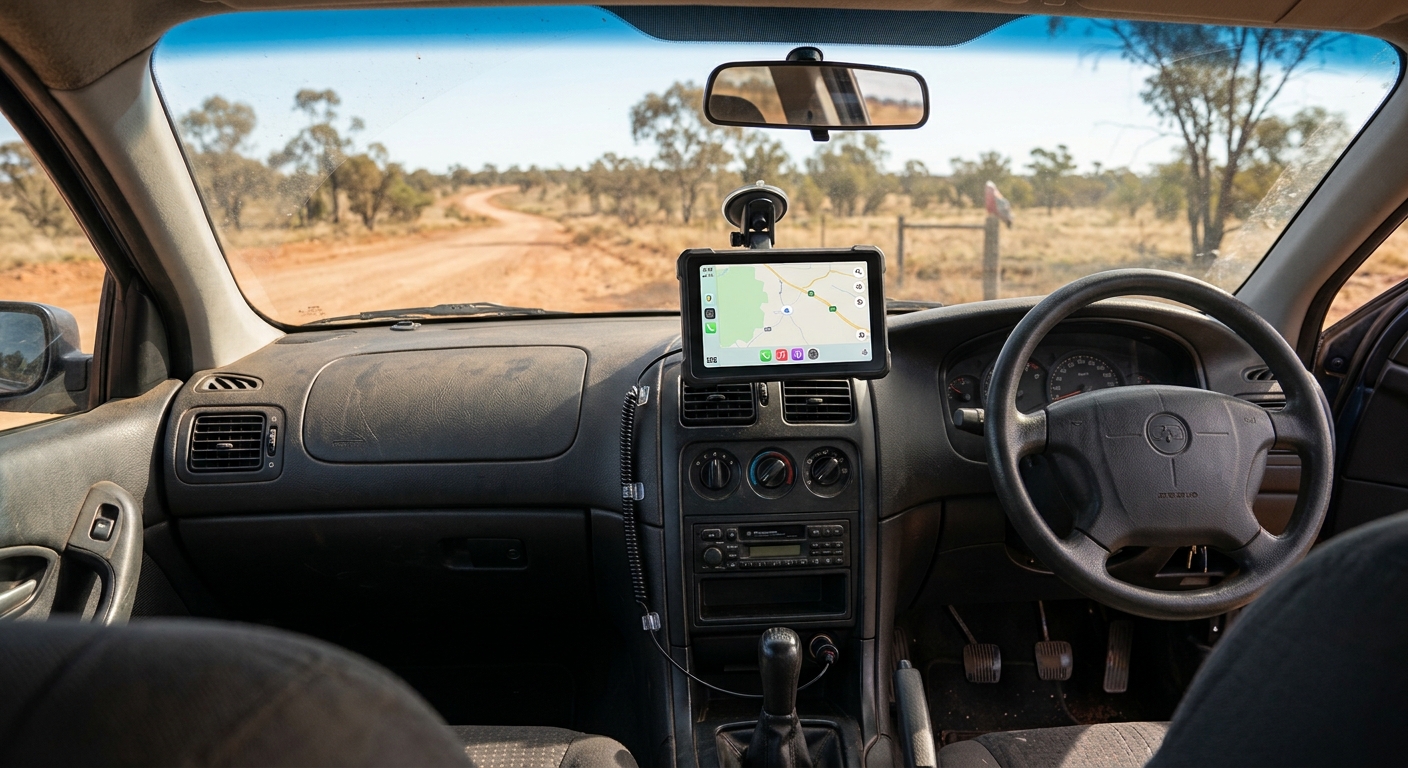
If you're comparing screens, our Apple CarPlay screen and head unit buyer's guide covers sizes, mounting and what to look for.
Common Wireless CarPlay Problems and Quick Fixes
Even in cars with factory wireless CarPlay, a few issues come up again and again:
- CarPlay won't start wirelessly: check that Wi-Fi is on (not just Bluetooth). In Settings > Wi-Fi, tap the info button next to your car's network and turn on Auto-Join.
- The car isn't listed on the phone: start pairing from the car by holding the voice button, with the stereo in wireless or Bluetooth mode.
- It connects to the wrong phone: in a two-iPhone household, both phones may try to connect. In Settings > General > CarPlay, remove the car from the phone that shouldn't connect.
- Drop-outs on longer drives: heat and a low battery affect phones. Keep the phone charging and out of direct sun.
- Adapter won't connect: confirm wired CarPlay works in the same USB port first. If the cable works and the adapter doesn't, the port is fine and the issue is pairing or firmware.
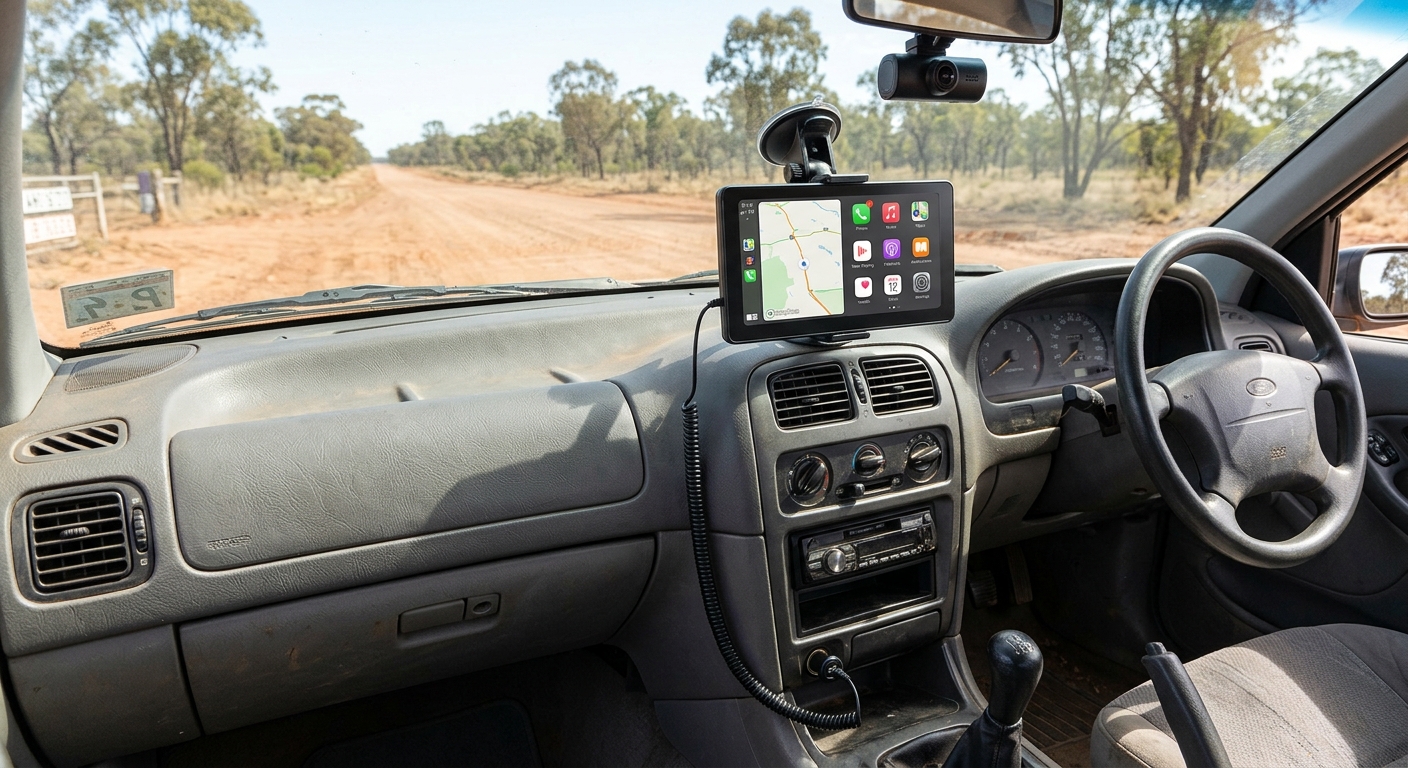
For a full troubleshooting list, see our guide for when CarPlay keeps disconnecting.
FAQ
Do all new cars have wireless CarPlay?
No. Many new CarPlay cars connect wirelessly, but plenty of trims, including some entry-level versions, still need a USB cable, and some brands (like Tesla) don't offer CarPlay at all. Check the exact trim and model year, or test it in the car using the voice button and your iPhone's CarPlay settings.
Can I add wireless CarPlay to a car with wired CarPlay?
Yes. A wireless CarPlay adapter plugs into the USB port you use for CarPlay and connects to your iPhone over Bluetooth and Wi-Fi. The car must already have working factory wired CarPlay. Carlinkit's plug-in adapters aren't compatible with BMW or Tesla.
Does Tesla support wireless CarPlay?
No. Tesla doesn't support Apple CarPlay, wired or wireless, so wireless CarPlay adapters won't work either. If you want CarPlay in a Tesla, the practical route is a separate portable CarPlay screen mounted in the cabin and powered from the car, rather than anything connected to Tesla's own screen.
Why won't my car connect to CarPlay wirelessly?
The most common cause is Wi-Fi being off on your iPhone, since wireless CarPlay needs both Bluetooth and Wi-Fi. Also check that Auto-Join is on for the car's network, that the stereo is in wireless or Bluetooth mode, and that the car actually supports wireless CarPlay rather than wired only.
Does wireless CarPlay drain my iPhone battery faster?
It can feel that way, because a wireless connection doesn't charge your phone the way a USB cable does, and navigation and streaming keep the screen and radios busy. On longer drives, use a wireless charging pad or a charging cable. For short trips, most people don't notice.
Your Next Step
Run the 4-step test in your car today. If CarPlay only works with a cable, you're one plug-in adapter away from going wireless. Browse the wireless CarPlay and Android Auto adapter range and check that your car is on the compatible side. And if you're still working out which cars support wireless CarPlay before you buy, take your own iPhone on the test drive. It's the quickest answer you'll get.
Browse wireless CarPlay adaptersRelated guides: Does my car have CarPlay? How to check · Wireless Apple CarPlay: everything you need to know