
For many Android drivers in Australia, using Android Auto still means plugging in a USB cable every time you start the car. It works, but it isn’t the most convenient. Have you ever been annoyed by tangled cables on the centre console?
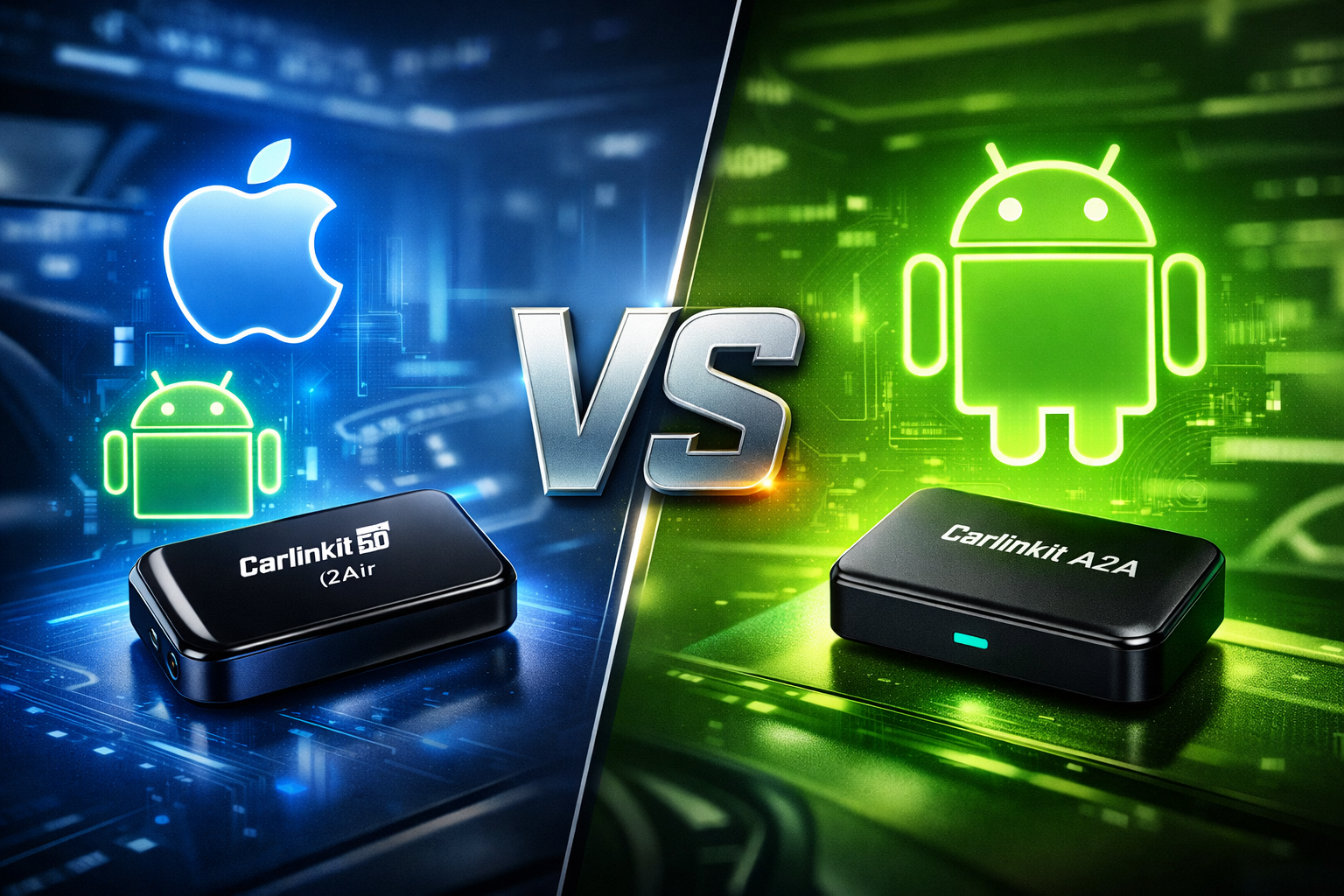
A wireless Android Auto adapter can fix this by converting your car’s wired system into a wireless experience. Two popular options are Carlinkit 5.0 (2Air) and Carlinkit A2A. While both achieve the same goal, they serve slightly different users. This guide compares Carlinkit 5.0 vs A2A so you can choose the best wireless Android Auto adapter for your car and smartphone setup.
Why Upgrade to a Wireless Android Auto Adapter?
Even if your car supports wired Android Auto, there are some common frustrations:
Common Issues with Wired Android Auto
- Every drive starts with plugging in your phone
- USB cables wear out or snap over time
- Centre console gets cluttered
- Repeated plugging interrupts your driving flow
Benefits of Wireless Android Auto
A wireless adapter connects via Bluetooth and Wi-Fi, removing cables from the equation. Once set up:
- Start the car
- Phone connects automatically
- Android Auto launches instantly
Have you noticed how much tidier your dash could look without cables? Wireless adapters make it easier to keep things neat and convenient.
Compatibility requirements:
- Vehicle must support wired Android Auto
- Phone should run Android 11 or newer
Carlinkit 5.0 (2Air) Overview: The Versatile All-Rounder
The Carlinkit 5.0 (2Air) supports both Apple CarPlay and Android Auto, making it ideal for households with mixed smartphones.
Key Features & Hardware:
- Converts wired CarPlay/Android Auto to wireless
- Supports Wireless CarPlay + Wireless Android Auto
- Automatic reconnection when starting the car
- OTA firmware updates for ongoing improvements
- Compatible with Android 11+ and iOS 10+
Hardware highlights:
- Dual-band Wi-Fi (2.4GHz + 5GHz)
- Bluetooth pairing
- Plug-and-play installation, typically under 2 minutes
- Practical detail: Some vehicles may require the first connection to be made with the phone screen unlocked; otherwise pairing may fail.
Pros and Cons for Android Users:
Pros:
- Supports both CarPlay and Android Auto
- Flexible if you switch phone platforms
- Broad compatibility with Australian cars
Cons:
- Slightly higher price than Android-only adapters
- Extra features may be unnecessary if you only use Android
Carlinkit A2A Overview: The Dedicated Android Specialist
The Carlinkit A2A focuses purely on Android Auto, simplifying setup and optimising performance.
Why a Dedicated Android Auto Adapter Matters
- Faster connection times
- Optimised software for Android Auto
- Simplified system architecture
- Stable, reliable connection
Technical features
- Dual-band Wi-Fi (2.4GHz + 5GHz)
- Bluetooth pairing
- Supports Android 11+
Design and Setup
- Compact design keeps dashboard tidy
- Plug into USB and pair via Bluetooth
- Android Auto connects automatically in 1–2 minutes
Carlinkit 5.0 vs A2A: Head-to-Head Comparison
| Feature | Carlinkit 5.0 | Carlinkit A2A |
| Supported System | CarPlay + Android Auto | Android Auto only |
| Connection | Bluetooth + Wi-Fi | Bluetooth + Wi-Fi |
| Boot Speed | Fast | Very fast |
| Best For | Mixed phone users | Android-only drivers |
| Price | Higher | More affordable |
Key differences:
- Flexibility: 5.0 supports two systems
- Simplicity: A2A focuses purely on Android Auto
- Value: A2A is more budget-friendly
Both adapters provide a smooth wireless Android Auto experience once installed.
Which Adapter Should You Choose? (Decision Guide)
Choose Carlinkit 5.0 If…
- Household includes iPhone users
- You want CarPlay + Android Auto
- You might switch smartphone platforms later
- Prefer a versatile adapter
Choose Carlinkit A2A If…
- You only use Android smartphones
- Want a simple wireless setup
- Prioritise fast connection
- Looking for better value
How to Install a Wireless Android Auto Adapter?
Setup steps:
- Plug adapter into USB port
- Turn on Bluetooth on your phone
- Pair the device
- Android Auto connects automatically
Small trick: For first-time connection, keep the phone within 20cm of the console to reduce failed pairing.
No dashboard removal, no extra apps, no stress. Subsequent connections auto-reconnect reliably.
Carlinkit Factory offers:
Lifetime Firmware & Testing Access: Get lifetime access to official firmware updates and exclusive testing permissions.
Real-Time Technical Support: Receive personalized, real-time help from our professional technicians.
Comprehensive Warranty: Every order includes a two-year manufacturer’s warranty, with an option for a one-year extension available for extra peace of mind.
FAQ: Common Questions About Wireless Android Auto Adapters
Q1:Do I need wired Android Auto in my car?
Yes, the adapter converts an existing wired system to wireless.
Q2:Will it drain my phone battery?
Minimal effect; most drivers charge while driving.
Q3: Will it work with my car?
Supports vehicles with Android Auto. Common brands: Toyota, Mazda, Ford, Hyundai, Kia.
Q4: Is there any lag?
Wi-Fi transmission keeps delay very low. Navigation and music feel almost identical to wired connection.
Final Verdict: The Best Wireless Android Auto Adapter for Your Needs
- Ideal for Android-only drivers
- Simple, focused design
- Typically more affordable
- Best for mixed households
- Supports CarPlay + Android Auto
- More flexible long-term
Ready to upgrade your car to wireless Android Auto?
Don’t wait—make your drive smarter and clutter-free today!