
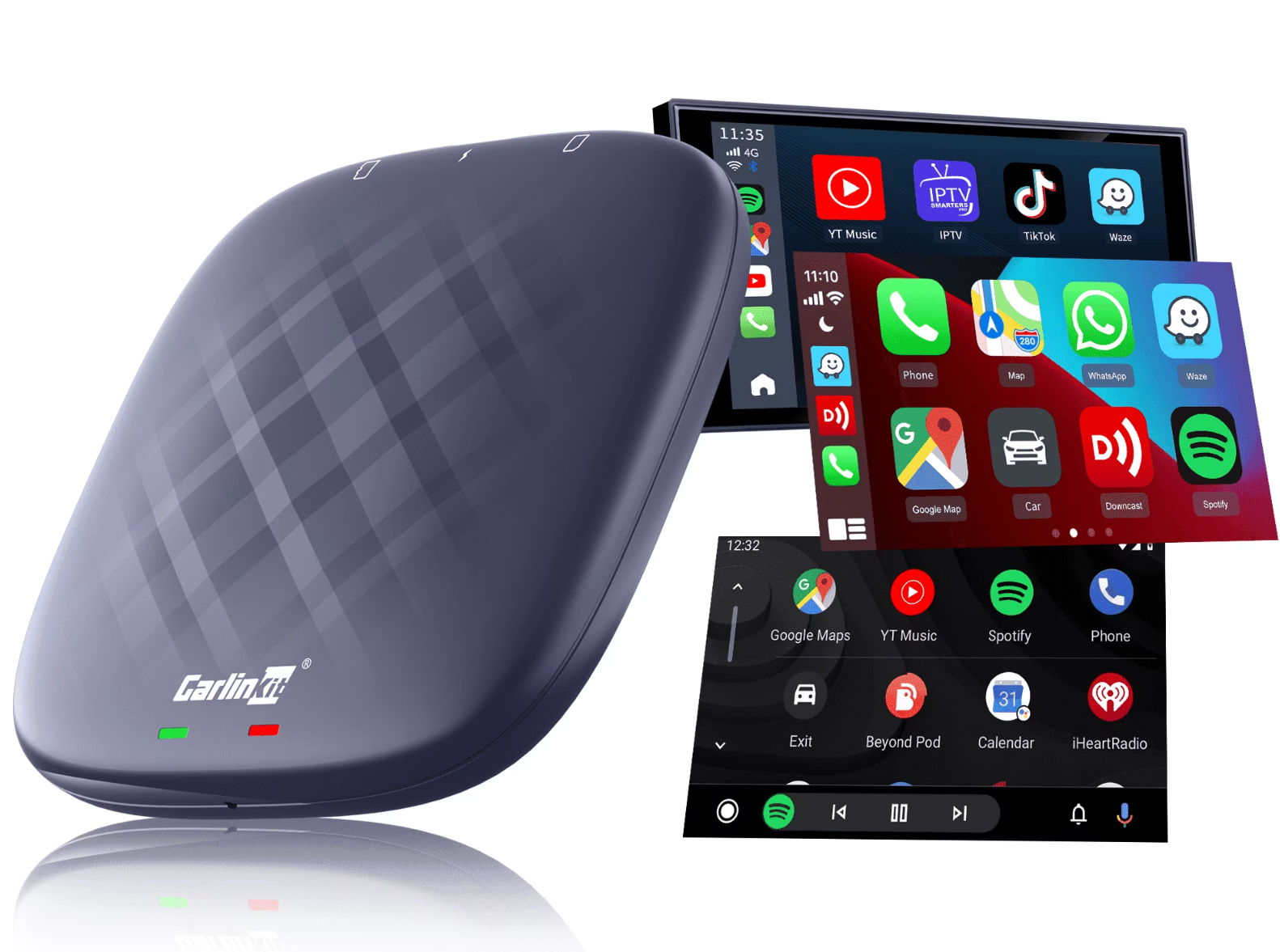
Modern vehicles deserve modern technology. The Carlinkit AI Box with Android 13 transforms your car’s infotainment system into a fully featured entertainment center with wireless CarPlay, Android Auto, and unlimited app possibilities. In this comprehensive guide, we compare the four top models and help you choose the perfect option for your needs.
What Is a Carlinkit AI Box?
An AI Box is an intelligent adapter system that turns your existing car display into an Android-powered multimedia center. Unlike traditional CarPlay adapters, the Carlinkit AI Box provides full access to the Google Play Store, enables streaming services such as Netflix and YouTube, and simultaneously supports wireless CarPlay and Android Auto.
Four Carlinkit AI Boxes with Android 13
Tbox UHD – The Family Solution
The Tbox UHD is the only model equipped with an HDMI output and is specifically designed for families. Powered by the Qualcomm SDM660 processor with 8GB RAM and 128GB storage, it delivers solid performance. Its key highlight is the HD output, which allows you to connect a second display for rear-seat passengers—perfect for long journeys with children.
CPC200-Tbox Plus – The Best Value Choice
With the modern Snapdragon QCM6125 chipset, the Tbox Plus positions itself as a well-balanced mid-range solution. Available in two configurations (4GB+64GB or 8GB+128GB), it offers flexibility for different budgets. For beginners seeking essential AI Box features without compromising on up-to-date software, this model is an ideal choice.
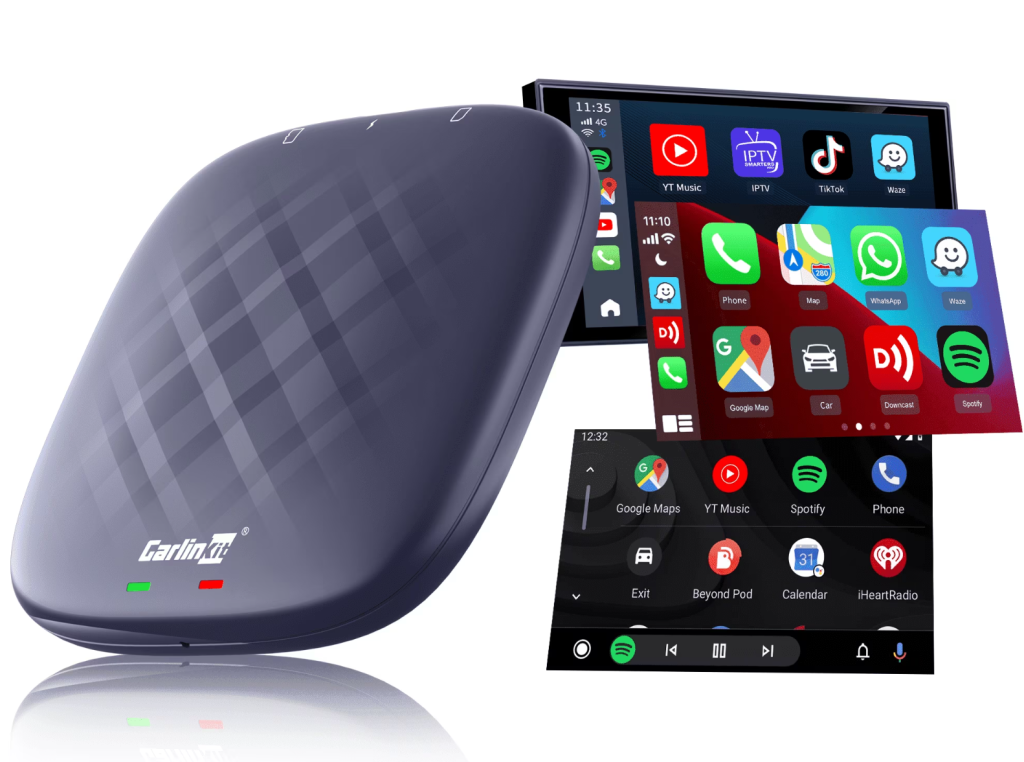
Tbox Max (Ambient) – The Performance Champion
The Tbox Max Ambient sets new standards with its Qualcomm Snapdragon 6225 octa-core processor. It easily handles demanding multitasking and intensive split-screen usage. The elegant LED design also makes it a visual highlight. Users who want top-tier performance and refined aesthetics will find their ideal device here.
Tbox Max (USB) – The Flexible Option
The Tbox Max USB combines the proven Snapdragon SM660 octa-core processor with a practical USB port. This setup is ideal for users who want to integrate USB drives, external hard drives, or dashcams. With 8GB RAM and 128GB storage, it also provides generous resources for extensive multimedia usage.
Important Compatibility Requirements
Important: Your vehicle must be equipped with factory-installed wired Apple CarPlay or wired Android Auto. The AI Box uses this existing wired connection to project the extended Android system onto your vehicle’s display. Vehicles without factory CarPlay or Android Auto support are not compatible.
Tesla and BMW vehicles require dedicated solutions: the T2C Wireless Adapter for Tesla or the Multimedia AI Box for BMW.
RAM and Storage: Which Configuration Do You Need?
4GB vs. 8GB RAM
The 4GB version is sufficient for basic use such as navigation, music streaming, and occasional Netflix viewing. However, for intensive split-screen usage, multiple apps running simultaneously, or gaming applications for children, we recommend 8GB RAM. This choice also ensures better future-proofing for the next 3–5 years.
64GB vs. 128GB Storage
64GB provides sufficient space for everyday use and is ideal if you primarily rely on cloud services. The 128GB version significantly expands storage capacity and allows you to store offline maps for multiple countries as well as downloaded media.
Android 13 and App Versatility
All four models run on Android 13, ensuring optimal security, stability, and compatibility with modern applications. The split-screen function allows two apps to run simultaneously—for example, Google Maps for navigation while Spotify plays music in a second window.
Streaming services such as Netflix, YouTube, Disney+, and Amazon Prime Video work smoothly. Please note: video streaming should only be used while the vehicle is parked to ensure driving safety.
Installation and Setup
Installation is straightforward: connect the AI Box to your vehicle’s USB port, complete the initial setup, and pair your smartphone. The entire process takes approximately 10–15 minutes. After the first setup, the device automatically connects when the engine starts.
Exclusive Shop Benefits
Purchasing through the official website gives you access to premium services: manual vehicle compatibility checks before shipping, lifetime access to official firmware updates, a two-year manufacturer warranty with optional extension, and real-time personal support from qualified technicians. You also benefit from a 30-day money-back guarantee and worldwide free shipping.
Buying Recommendation: Which Model Is Right for You?
- For families: The Tbox UHD with HDMI output provides entertainment for rear-seat passengers and makes long trips more enjoyable.
- For beginners: The Tbox Plus delivers modern technology at a fair price. The 8GB+128GB version is recommended for long-term satisfaction.
- For performance enthusiasts: The Tbox Max Ambient offers the most powerful processor combined with an elegant LED design.
- For power users: The Tbox Max USB combines high performance with a practical USB port for maximum flexibility.
Conclusion
The Carlinkit AI Box with Android 13 revolutionizes your driving experience by perfectly combining wireless CarPlay and Android Auto with a full Android system. All four models offer solid core functionality—the right choice depends on your specific needs. Before purchasing, ensure your vehicle’s compatibility and select the storage configuration that matches your usage habits. With the excellent customer service provided by the official website, you are making a secure investment in modern in-car entertainment.