






Description



Key Features and Benefits
📱 Seamless Wireless Integration
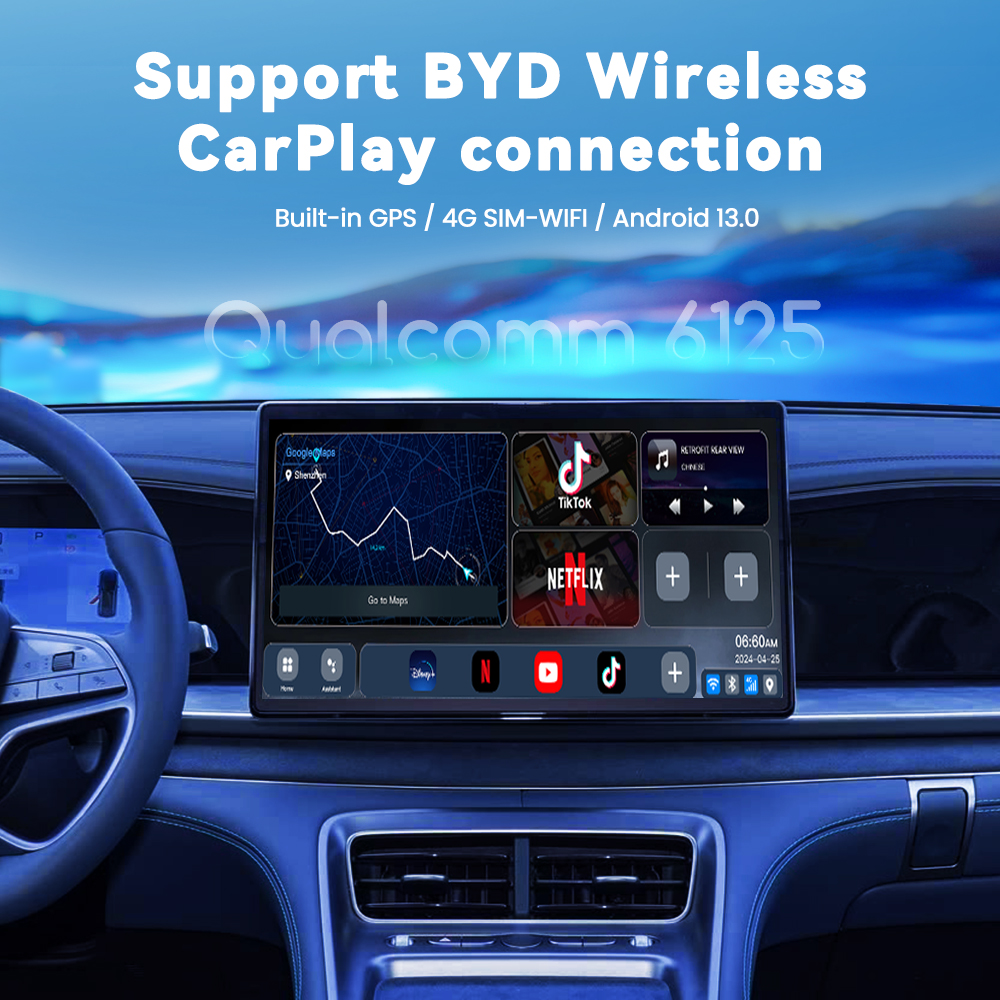
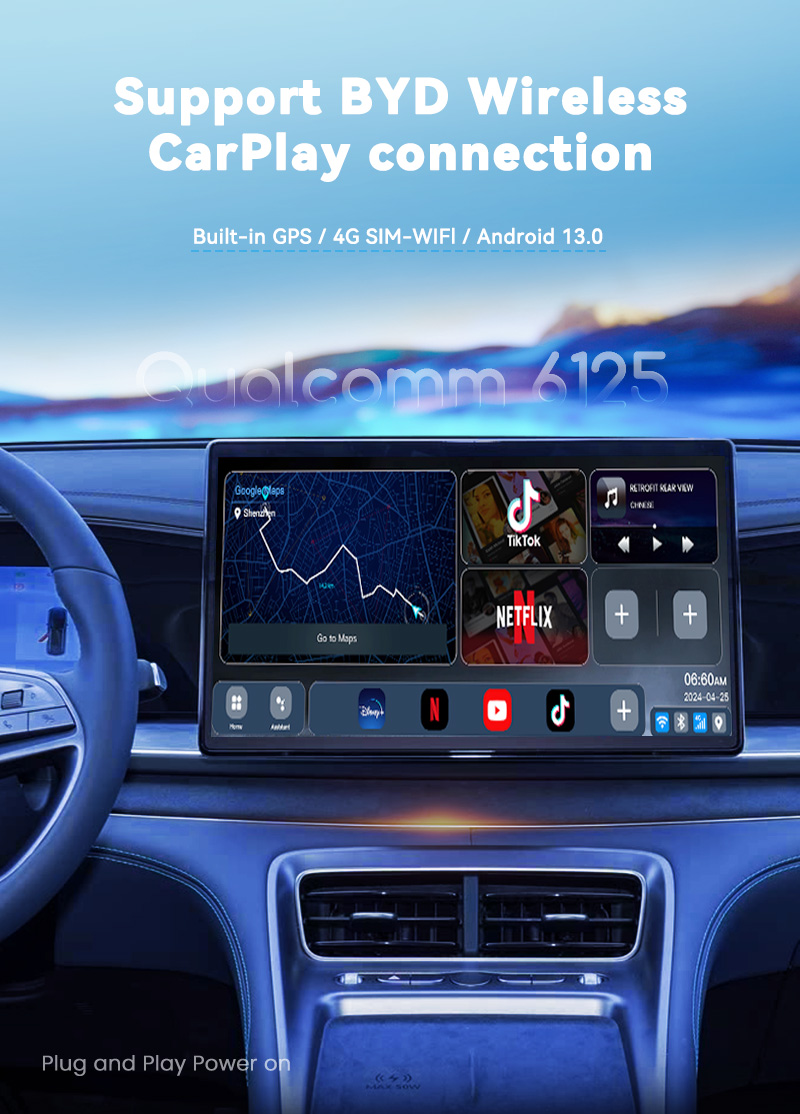
Easy Connectivity: Your iPhone (CarPlay) or Android phone (Android Auto) automatically connects wirelessly after you start your car. Forget about cables.
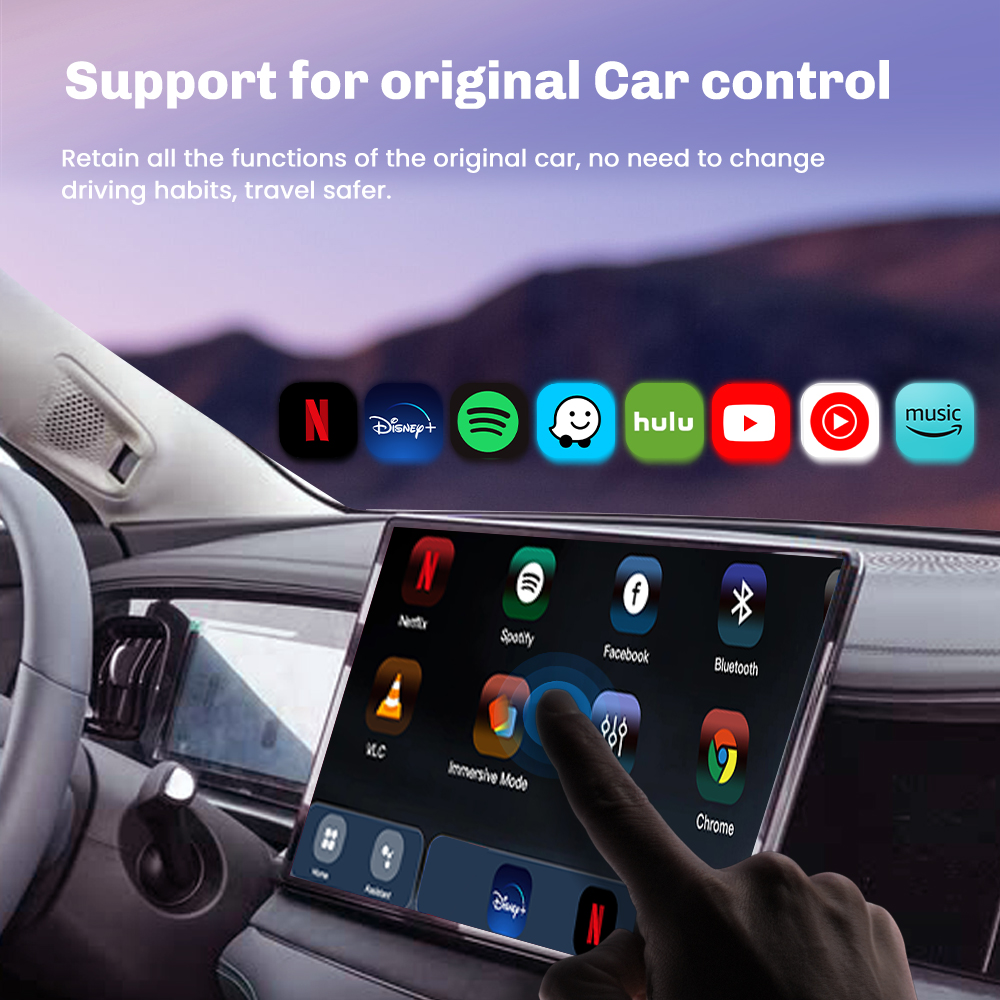
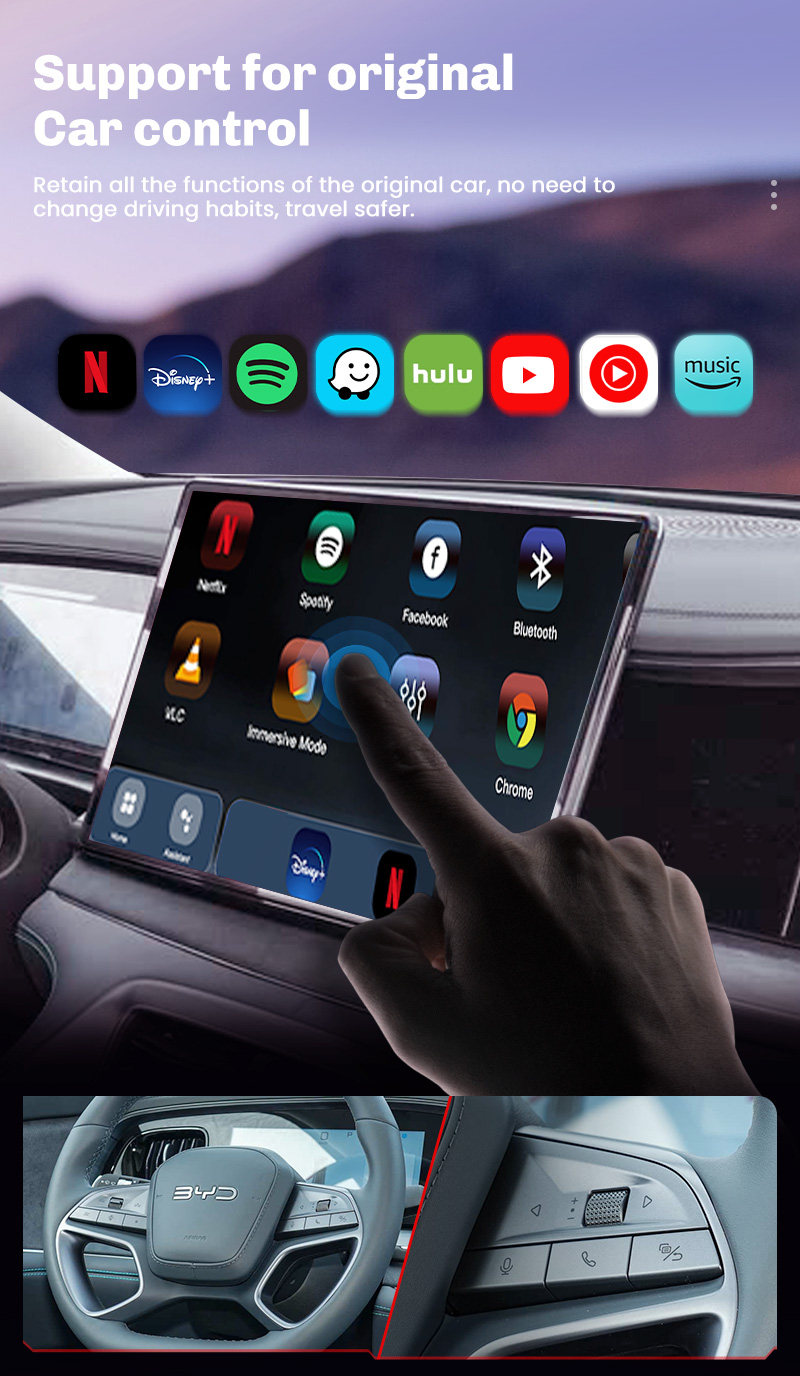
Preserves Original Car System: This system works in parallel with your vehicle’s operating system. You can switch back to your car’s original system at any time using touch or voice commands.
🌐 Standalone 4G Smart Device
Completely independent: Access the internet by inserting a SIM card (or via built-in Wi-Fi). Play music, watch videos, and use navigation apps directly on your device, saving data and battery.
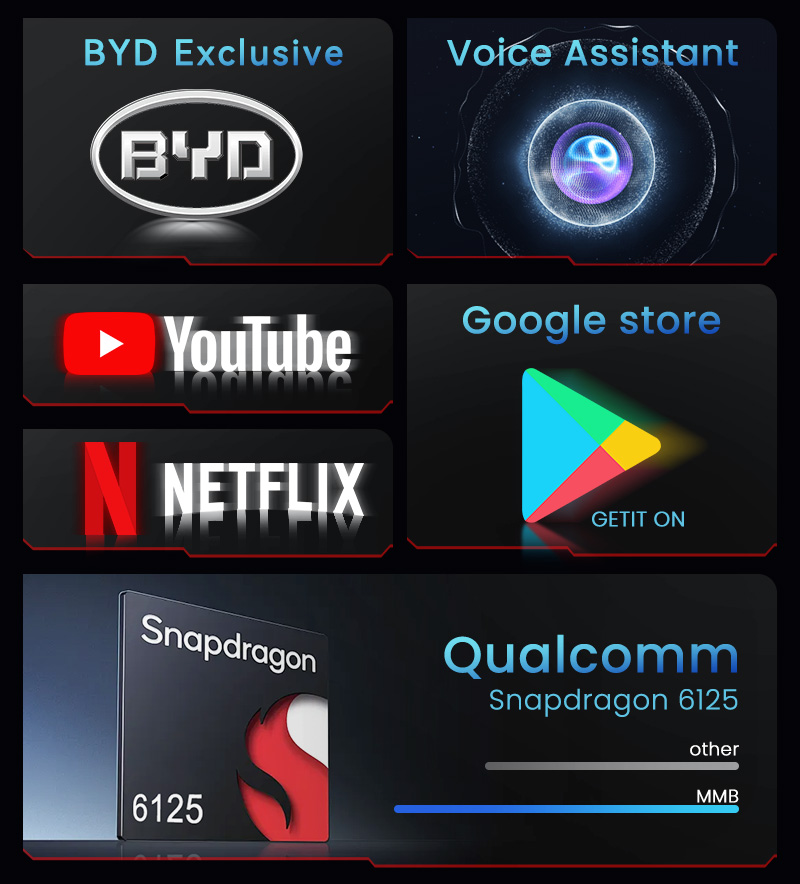
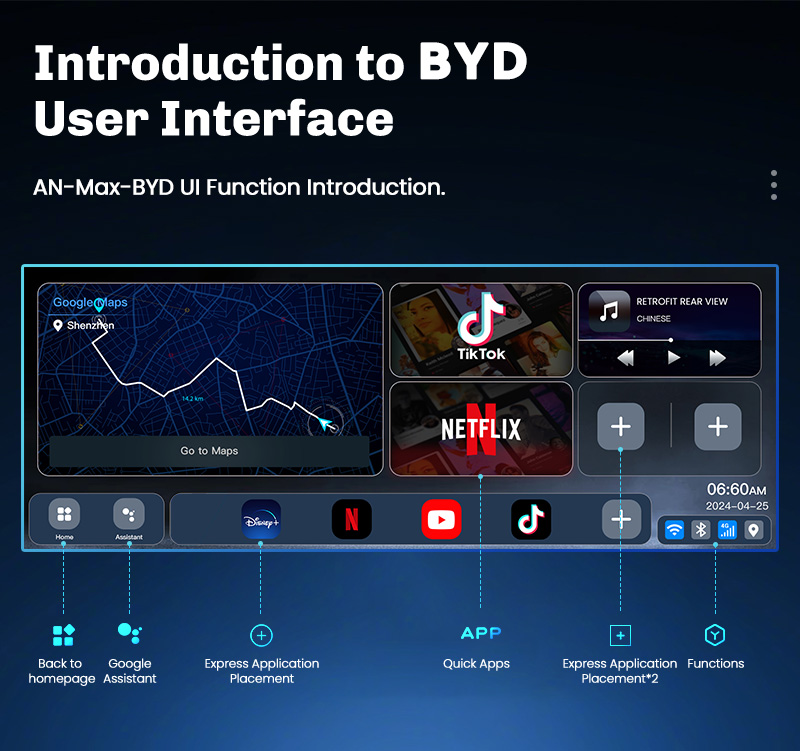
Access the Google Play Store: Download your favorite apps like YouTube, Netflix, Disney+, Spotify, Waze, and thousands of games and tools.
🎮 Enhanced In-Car Entertainment System
HD Video Playback: Supports up to 4K video for an immersive viewing experience on your car’s screen. Ideal for entertainment at charging stations or for passengers. Multitasking and Gaming: Run multiple apps in the background. You can use navigation while listening to music.
🗣️ AI Voice Assistant and Phone Control
Dual Voice Control: Use the built-in Google Assistant simultaneously. Give commands to your car’s voice control function.
Screen Mirroring (Miracast): Wirelessly mirror your phone’s screen, including incompatible apps.
⚙️ Plug and Play Installation
Universally Compatible Design: Designed specifically for vehicles equipped with wireless CarPlay, ensuring seamless compatibility and integration. No wire cutting or modifications required.
Frequently Asked Questions (FAQ)
Q: Hi, I want to install Android Auto in my car. Will this device work? My car has CarPlay, but I don’t use an iPhone.
A: Yes, as long as your vehicle is equipped with wireless CarPlay, you can use this device. This is because the device uses the vehicle’s wireless CarPlay function to activate the Android interface.
Q: Can I connect my Android phone and the AI Box simultaneously?
A: Yes, you can use the AI Box to connect your phone via Bluetooth for calls or use the Wi-Fi signal (hotspot) to access the internet. You can also activate the wireless Android Auto function through the AI Box.
Q: How do I use Android Auto or CarPlay after turning it on?
A: After turning it on, go to the software settings page and select Android Auto or CarPlay. Follow the instructions to complete the pairing.
Q: What is a wireless CarPlay media adapter? A: It’s a plug-and-play device that upgrades your vehicle’s CarPlay functionality to a full Android system. This provides additional features such as the Google Play Store, streaming services (Netflix, YouTube), and internet access via a 4G SIM card.
Q: Which car models are compatible with this AI Box? A: This adapter is designed for vehicles with standard wireless CarPlay. Please check your vehicle’s specifications to confirm compatibility.
Q: Can I use the AI Box with my iPhone or Android phone? A: Yes, the device is compatible with both, as long as the vehicle supports wireless CarPlay for charging the AI Box.
Q: How do I install the AI Box in my car? A: Connect it to the USB port your car usually uses for CarPlay. Activate CarPlay on your car’s audio system and wait for the AI Box to launch. (Tip: If necessary, remove any previous Bluetooth/Wi-Fi connection between your phone and car before the initial setup.)
Q: Do I need a separate network connection? A: The AI Box works best with its built-in SIM card (4G), but you can also connect it to your phone’s Wi-Fi hotspot.
Q: Can I download apps directly to the device? A: Yes, with its built-in Android system, you can install apps like Spotify or Netflix directly to your device from the Google Play Store.
Q: How much storage does this adapter have? A: The device has 128GB of internal storage and supports external TF (microSD) cards up to 256GB.
Q: Is this device compatible with navigation apps?
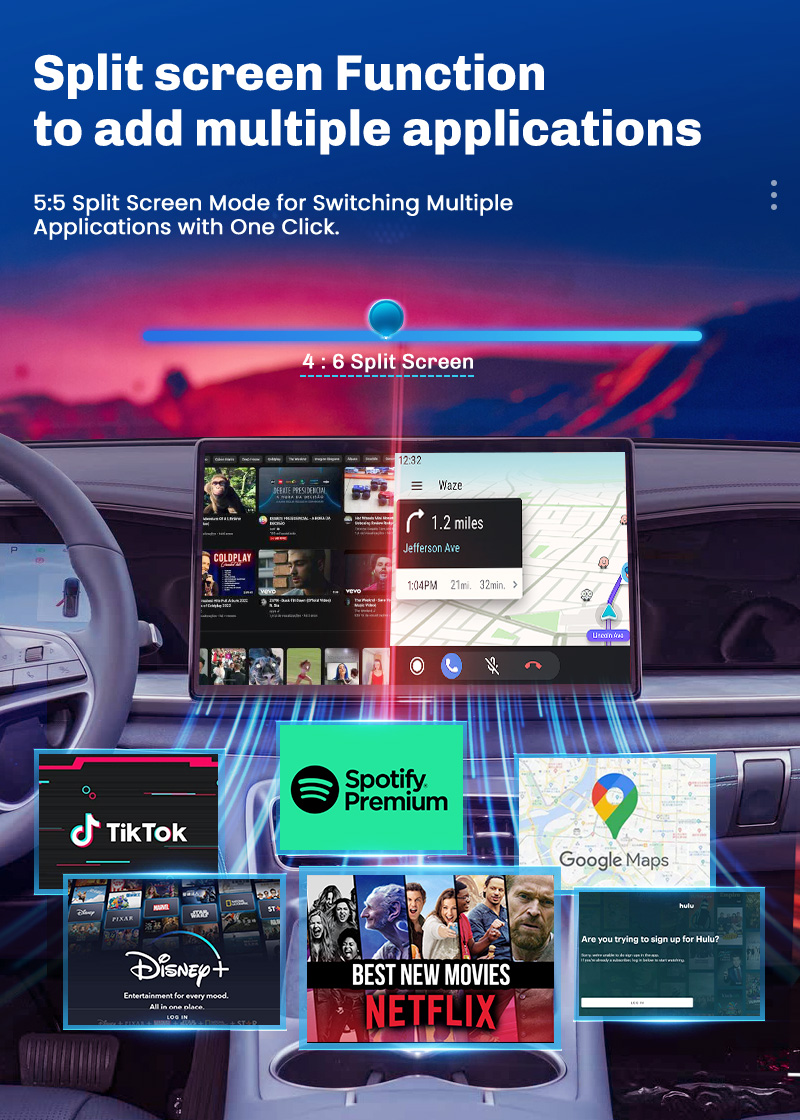
A: Yes, it has built-in GPS, GLONASS, and BeiDou navigation systems for accurate navigation. Additionally, thanks to the split-screen function, you can navigate and watch multimedia content simultaneously on the same screen.
Q: Why can’t I sometimes download software from the Play Store?
A: First, check your network connection and storage space. If you can’t download an app from the Play Store, you can usually update it manually through a browser or other sources like APKPure.


-商标.1-scaled-1-600x600.jpg)