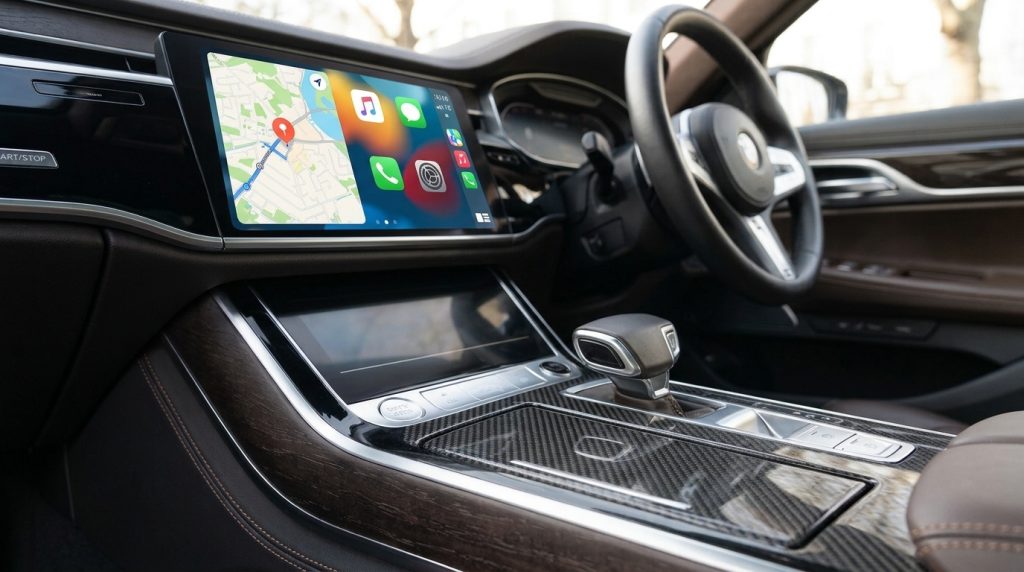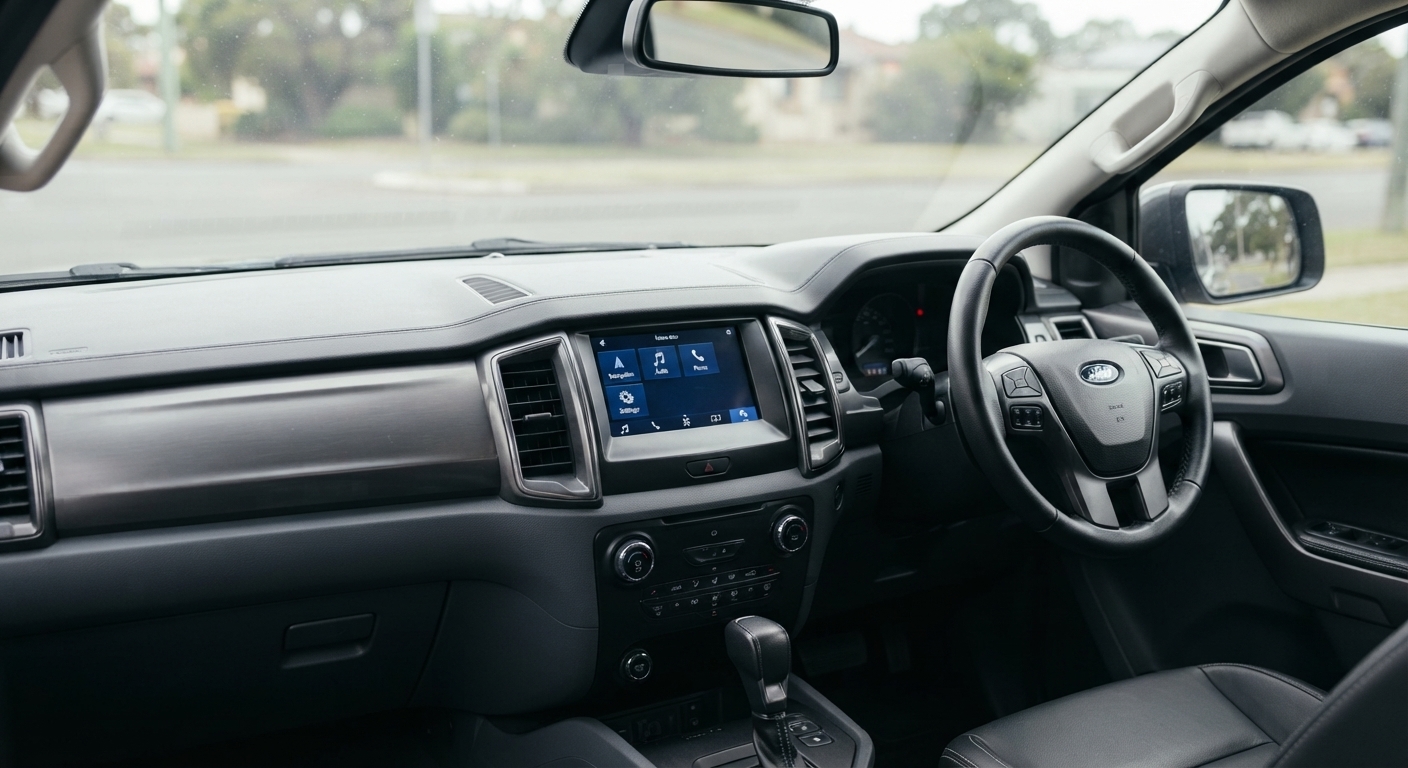
A Ford Ranger SYNC 3 wireless Android Auto adapter can work if your Australian Ranger already runs wired Android Auto through its factory USB port. Test that connection before buying. Choose the Carlinkit A2A for Android only, or the Carlinkit 5.0 (2Air) if you also want to use an iPhone wirelessly and wired CarPlay works.
| What your Ranger does now | What to do |
|---|---|
| Factory SYNC 3 launches Android Auto over USB | Consider the A2A for Android or the 2Air for a ute shared with an iPhone user. |
| The phone charges or plays Bluetooth audio, with no Android Auto on screen | Check the system, cable and USB data port before buying. |
| Wired Apple CarPlay works, but wired Android Auto has yet to work | Hold off on both adapters for Android Auto until you establish a working wired Android Auto connection. |
| SYNC 4A already connects to your phone wirelessly | Use Ford’s built-in wireless Android Auto. |
| The screen or USB module has been replaced | Confirm the fitted hardware and projection support with the installer before ordering. |
This guide compares Ford Australia’s documentation with Carlinkit’s published specifications. Use the checks below to verify the setup in your own ute.
Which SYNC system is in your Ranger?
Check the screen before using the registration year to narrow down the options. Use Ford Australia’s SYNC identification guide to check the software version in your SYNC settings. If the menus differ, use the owner’s manual for your vehicle or ask a Ford dealer to identify the system using the VIN. On a used ute, ask whether the head unit or console USB module has been replaced.
PX MkII and PX MkIII
Use those generation names as a starting point when checking an older Ranger. For example, Ford Australia’s 2021.25 model-year brochure lists SYNC 3 on XLT and Wildtrak configurations and details smartphone integration by variant. For an earlier PX MkII, use the manual or vehicle build details to check the exact setup. If you’re inspecting a used ute, ask the seller to show you the SYNC version and let you try your phone while parked. A photo of the home screen can help identify the system. Ask for a demonstration of Android Auto opening over USB before you choose an adapter. The USB test is what tells you whether the Android Auto path works in your ute.
The 2022 changeover
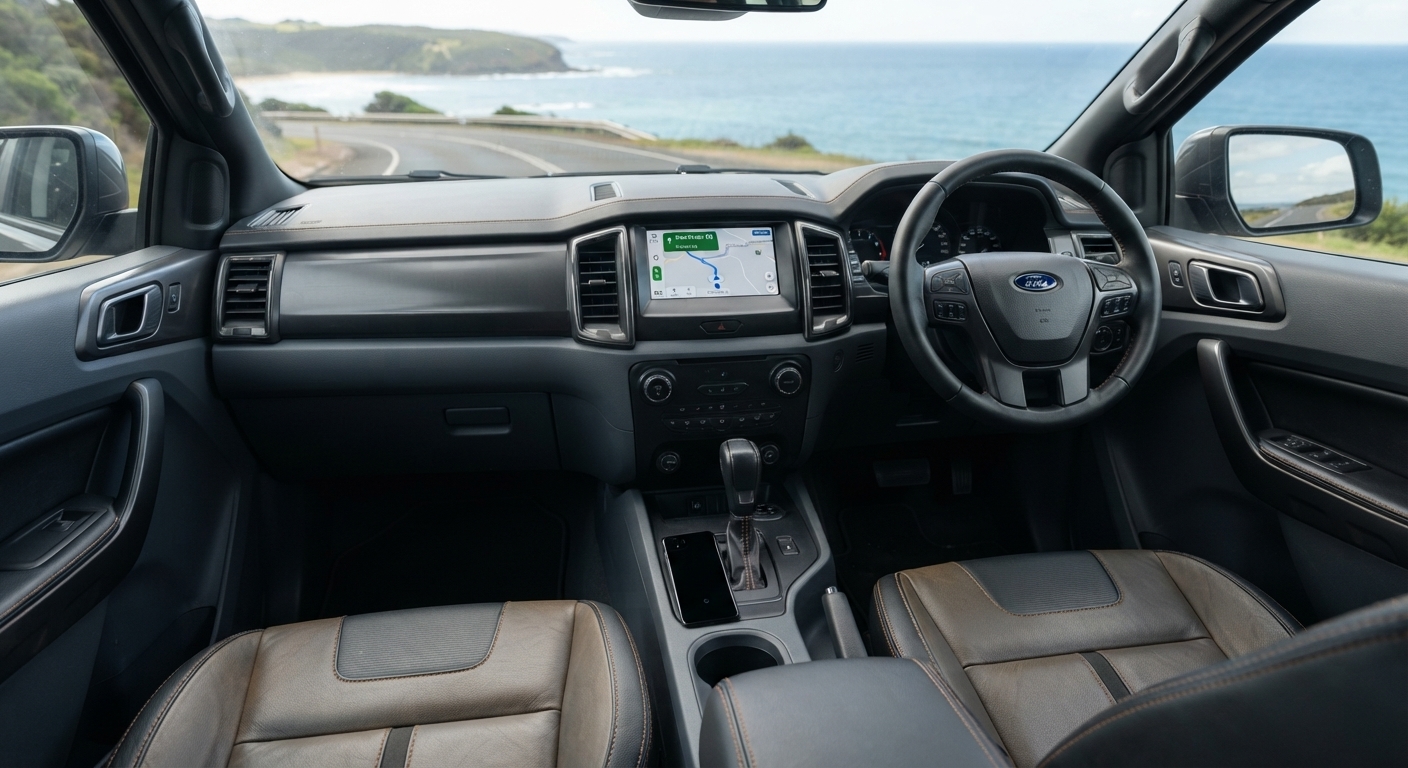
Ford Australia describes wireless Android Auto as built into the SYNC 4A system of the 2022 Next-Generation Ranger. If your Ranger is from around the changeover, check which generation you actually have. Try Ford’s native pairing process on SYNC 4A first. If you have factory SYNC 3, test wired projection before shopping for a wireless Android Auto adapter.
Test wired Android Auto before buying
Find the USB port that actually projects
- Park the ute and turn on the infotainment system. Unplug any adapter and disconnect any iPhone that is already projecting.
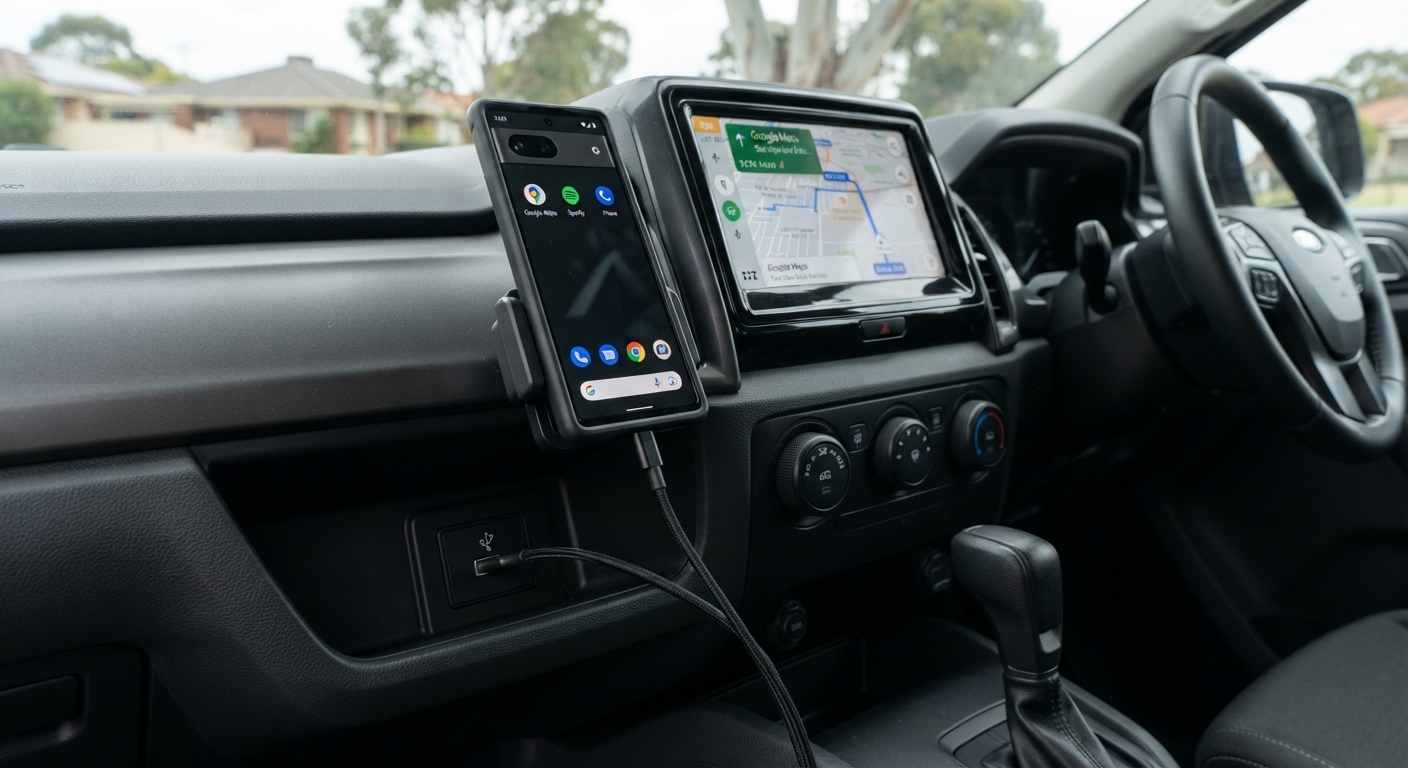
- Plug your compatible Android phone directly into the factory media USB port with a known-good data cable. Unlock the phone and follow any prompts on the phone and Ford screen.
- Confirm Android Auto opens on the Ranger’s screen. Open Maps while parked so you can tell projection is active, even if the phone was already playing music via Bluetooth.
- If there are several sockets, repeat with the same phone and cable. Note the socket location and whether Android Auto opens. Use the working socket for the adapter. Follow Ford Australia’s SYNC 3 Android Auto instructions if you need help with the prompts.
If plugging in only charges the phone
Start with a cable you know carries data. Remove any hub or extension, then try the other factory media socket if fitted. Check the vehicle’s manual for the Android Auto settings and whether you need to enable projection. If possible, try another compatible Android phone to narrow the issue down to the original phone or the ute.
Write down where each socket is and what happened when you plugged in. Note whether the phone charged, launched Android Auto or gave no response. If you need to swap cables or phones, try the replacement in the same socket first so you can tell which change made a difference.
If the port or head unit was replaced, tell the installer which socket you tried and what appeared on screen. Ask which socket is wired for projection. Record any changes around the console before discussing a replacement USB module with a Ford dealer. If wired Android Auto still fails, resolve that fault before buying a converter. If your fitted system lacks wired Android Auto altogether, ask an installer about a compatible head unit or retrofit for your Ranger’s build and trim.
Carlinkit A2A or 2Air?
Both choices below assume wired Android Auto already works in your factory SYNC 3 Ranger (see our detailed Carlinkit 5.0 vs A2A comparison for a closer look). For wireless projection, Google calls for a compatible phone, an active data plan and 5 GHz Wi-Fi support. Check your phone against Google’s current requirements and the manufacturer’s requirements for the adapter.
| If you want to use | Which adapter to consider | Check first |
|---|---|---|
| An Android phone | Carlinkit A2A | Android Auto starts over USB in your Ranger. |
| An Android phone and, on other trips, an iPhone | Carlinkit 5.0 (2Air) | Android Auto starts over USB with the Android phone, and CarPlay starts over USB with the iPhone. |
Android only
The Carlinkit A2A specifications list factory wired Android Auto as the vehicle requirement. If you use Android every day and nobody needs wireless CarPlay in the ute, that is the feature to shop for. Check the shape of the working USB socket so you can use the appropriate lead when the adapter arrives.
Android and iPhone in the same ute
The Carlinkit 2Air specifications describe separate conversion for each wired system. It makes the Ranger’s wired Android Auto connection wireless for an Android phone and does the same for wired CarPlay with an iPhone. Try each phone directly before ordering. If one phone works over USB and the other does not, you have confirmed only the working phone’s projection path. If Android Auto opens but the iPhone only charges, the Android Auto test is a pass. Check the iPhone connection separately before relying on wireless CarPlay.
Set up the adapter and check it reconnects
With the ute parked, plug the adapter into the same socket you used for wired Android Auto. Enable Bluetooth and Wi-Fi on your phone and follow the adapter’s pairing instructions. For the first connection, keep the other driver’s phone disconnected so you can verify which phone connects.
Open Android Auto on the Ranger’s screen and check that your usual navigation and audio apps appear. After the infotainment system shuts down, start it again and check that the phone reconnects. If pairing succeeds but projection fails, unplug the adapter and repeat the direct USB test. When the wired connection still works, check the adapter’s pairing steps. When it also fails, go back to the cable, socket and phone checks first.
Frequently asked questions
Why does my Ranger charge the phone without launching Android Auto?
Charging shows the socket delivers power. For Android Auto, the socket and cable must also carry data to a compatible head unit. Try a known-good data cable in the factory media port and follow any prompts. If you still only see charging, diagnose the wired connection before ordering.
Can I use one of these adapters if only wired CarPlay works?
For Android Auto, wait until you can launch Android Auto over USB with a compatible Android phone. The A2A requires factory wired Android Auto. The 2Air can use working wired CarPlay for an iPhone, while its Android Auto mode uses the Ranger’s wired Android Auto connection.
Do I need to replace the Ranger’s USB module?
Keep the existing module if the factory socket already launches wired Android Auto reliably. If it fails with a known-good cable and compatible phone, check the head unit, port and any prior modifications. A Ford dealer can use the VIN and fitted module details to assess a replacement.
Does a 2022 Ranger need a wireless adapter?
Start by identifying the fitted SYNC system. Ford Australia documents built-in wireless Android Auto for the 2022 Next-Generation Ranger with SYNC 4A. If your ute has factory SYNC 3, run the wired Android Auto check on its actual USB socket before choosing an adapter.
Before you order
When choosing a Ford Ranger SYNC 3 wireless Android Auto adapter, note your build date, SYNC version and which USB socket launched Android Auto. Send those details to support if you need help confirming the fit.