
Watch Netflix on Apple CarPlay
Every working method — from the most reliable AI box to screen mirroring and HDMI — tested in the car, with the one we'd actually buy.
Yes, you can watch Netflix on Apple CarPlay — just not through the native interface. Apple blocks video apps from CarPlay itself. A CarPlay AI Box is the method that actually works well; screen mirroring and HDMI devices are fallback options.
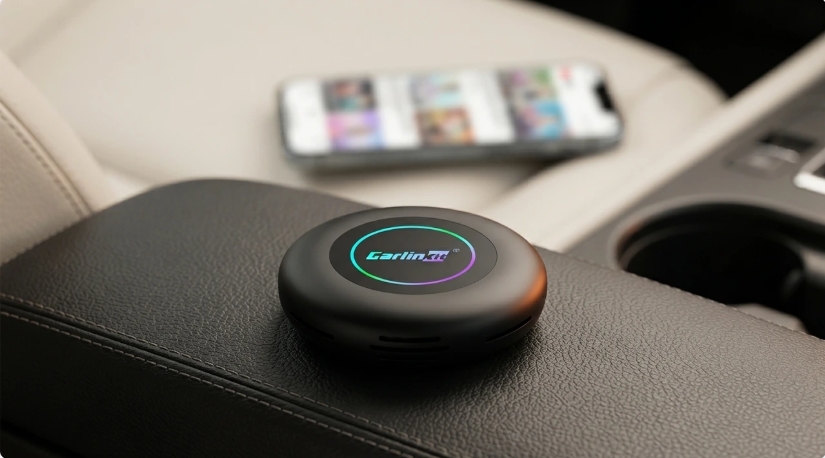
Why Doesn't CarPlay Support Netflix Natively?
Apple pursues a clear safety strategy with CarPlay, aiming to keep distractions during driving as low as possible. Only app categories that can be used sensibly while driving are allowed — navigation, music streaming, and communication apps. Video content would distract drivers significantly more, which is why Apple prohibits video streaming directly within the CarPlay interface. This restriction applies to every iPhone and every CarPlay-equipped vehicle, regardless of car brand.
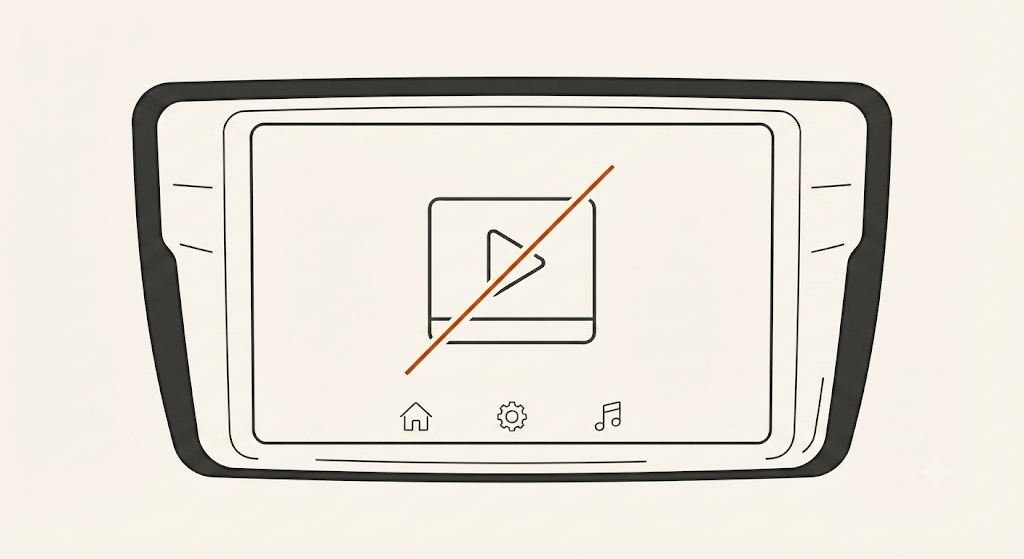
Even so, there are many legitimate moments when drivers and passengers want Netflix in the car: waiting times in a parked vehicle, breaks on long road trips, camping or travelling, and — especially for EV owners — charging stops that typically last 20 to 40 minutes.
Every Working Method (2026)
Even though CarPlay itself doesn't support video apps, there are three main approaches drivers use to get around that. They are not equally reliable — here's how they compare, starting with the one we'd actually recommend.
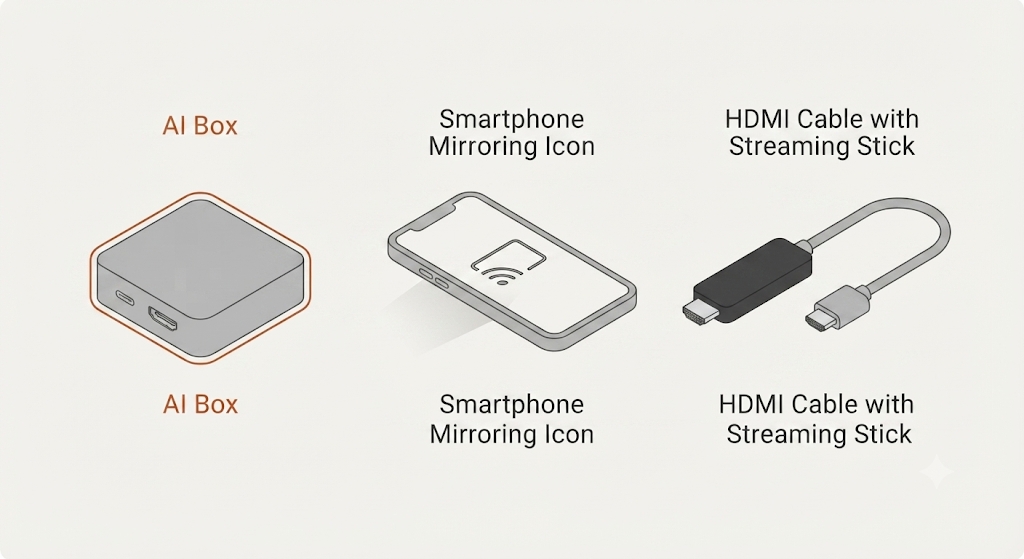
01A CarPlay AI BoxRecommended
A CarPlay AI Box is a small device that connects via your car's CarPlay USB port and works like a mini Android computer running directly on the vehicle display. This unlocks apps that are never available in stock CarPlay — Netflix, YouTube, Prime Video, Disney+, Twitch, Spotify, and Plex/Kodi for your own media.
- No jailbreak required
- No modification to the vehicle necessary
- Easy plug-and-play installation
- Original Apple CarPlay functionality is retained alongside it
- Runs Netflix in the background via picture-in-picture or split-screen while you navigate safely
This is the method the rest of this guide focuses on — it's the only one genuinely stable enough to recommend. Jump to picking a model or setup steps.
02Screen MirroringFallback
Screen mirroring projects your smartphone's display directly onto the car screen. It generally requires extra apps, can suffer from connection problems and noticeable video delay, and isn't supported by every vehicle — which is why it's usually seen as the least stable option.
03HDMI / External Media DevicesFallback
Some drivers connect an external streaming device — a Fire TV Stick, Android TV box, or similar media player — to the car display via HDMI. The catch: many vehicles don't have an HDMI input, and installation typically needs extra adapters, making this the most complicated of the three methods.
Which Carlinkit TBox Should You Choose?
All current TBox models support wireless Apple CarPlay and Android Auto, run on Android, and allow the installation of virtually any app — but they differ in processor, storage, connectivity, and a few standout features: the UHD's HDMI output for a second screen, the Max's split-screen + LED ambient lighting, and the new Ultra 3's built-in LCD touchscreen and 5G LTE.
TBox Plus has been discontinued and is no longer available to order. If you're after the everyday, balanced-price option it used to fill, the TBox Max below is the closest current replacement.
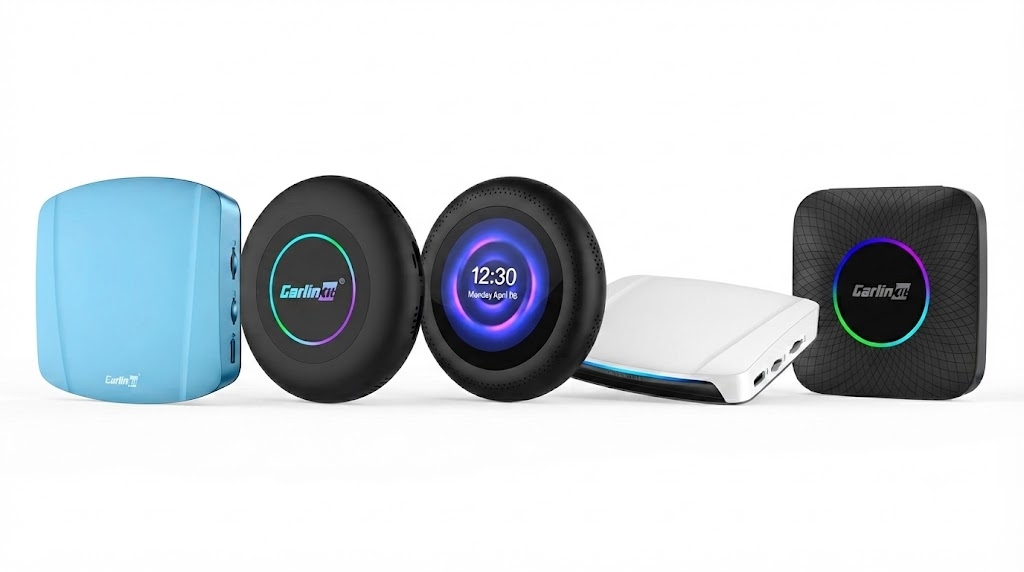
| Model | Android | Processor | RAM / Storage | SIM | Standout |
|---|---|---|---|---|---|
| TBox Ultra | 15 | SM6350 | 8+128GB (→512GB) | ✅ 4G/5G | Max storage, own SIM |
| TBox Ultra 2 | 15 | SM6350 | 8+128GB (→512GB) | ✅ SIM/TF slot | Redesigned cooling, compact |
| TBox Ultra 3 | 15 | SM6350 8-core | 8+128GB (→512GB) | ✅ Built-in 5G LTE | Integrated LCD touchscreen, 3 CarPlay protocols — built for BMW |
| TBox UHD | 13 | SDM660 | 8+128GB (→512GB) | ✅ 4G | HDMI 2nd screen (output only) |
| TBox Max | 13 | SM6225 8-core | 4+64 or 8+128GB | ✅ 4G | Split-screen + LED |
- TBox Ultra: best for long trips and offline downloaders — its own 4G/5G SIM keeps streaming alive when your phone signal drops, with 8+128GB storage expandable to 512GB.
- TBox Ultra 2: the redesigned unit with an upgraded dual-sided cooling system, for max performance and the latest Android build in a more compact body.
- TBox Ultra 3: the newest and most powerful model, with a built-in LCD touchscreen and its own 5G LTE module. Purpose-built for BMW's factory wireless CarPlay, and also works with most other wired CarPlay/Android Auto cars — just not Tesla.
- TBox UHD: the pick for families — HDMI output feeds a second monitor or rear headrest screens independently of the front display (output only — the rear screen isn't touch-enabled).
- TBox Max (LED Plus / Ambient): split-screen navigation + video, plus customisable LED ambient lighting, at the most accessible price in the lineup.
vs. Other AI Boxes on the Market
| Device | OS | Netflix | SIM | Storage |
|---|---|---|---|---|
| AutoSky AI Box | Android 11 | ✓ | ✗ | 2+16GB |
| Magic Box 3.0 Max | Android 12 | ✓ | ✗ | 4+32GB |
| Ottocast P3 | Android 12 | ✓ | ✗ | 4+64GB |
| TBox Ultra (AU) | Android 15 | ✓ | 4G/5G | 8+256GB |
Budget competitors depend entirely on your phone's hotspot — if signal drops on a remote road, streaming stops. The TBox Ultra's own SIM keeps it online independently, so navigation runs on your phone while passengers stream through the box separately.
Thermal reliability matters more than most buyers expect. Cheap dongles can overheat and disconnect after a couple of hours, especially in Australian summer heat — the TBox's Octa-Core chipset and improved heat dissipation are built to keep a constant response speed under sustained use.
Setting Up Netflix on a CarPlay AI Box
Setup takes only a few minutes and needs no tools or technical knowledge.
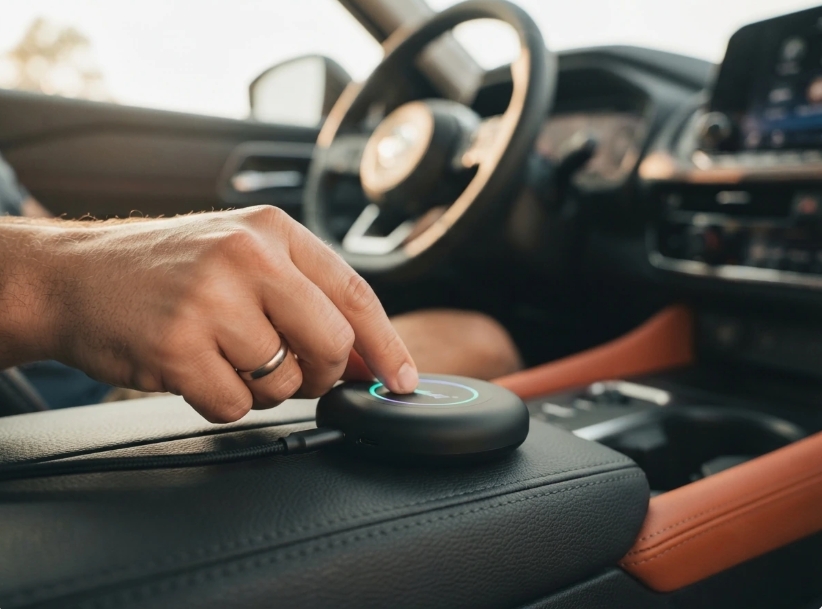
Connect the box. Plug the TBox into your car's USB-CarPlay port — the one marked with a smartphone icon. On dual-USB vehicles like the Ford Ranger or Toyota HiLux, the secondary port is often charge-only and won't recognise the box. On BYD Atto 3 or Seal models, the interface auto-adapts to the rotating screen.
Connect to the internet. Use your phone's hotspot (5GHz recommended), or on SIM-enabled models like the TBox Ultra, insert a nano SIM for an independent connection.
Pair via Bluetooth to switch between the Android interface and wireless CarPlay / Android Auto whenever you like.
Install Netflix from the Google Play Store, or side-load the official APK via the browser.
Enjoy Netflix — sign in, pick a profile, and optionally save content for offline playback first.
Before your trip: log into Netflix on home WiFi and download content in advance. On a high-storage model that's 30–50 full HD movies or entire series, playable with zero connection on the road.
Compatibility: Will an AI Box Work With My Car?
These devices only work in vehicles with wired Apple CarPlay or wired Android Auto from the factory — roughly 98% of vehicles built from around 2016/2017 onward, including VW, Audi, Mercedes, Hyundai, Toyota, Ford, Honda, Nissan, Renault, Opel, and more.
Tesla and BMW vehicles are not compatible with the standard TBox range — Carlinkit makes separate dedicated devices for both. For BMW specifically, the TBox Ultra 3 is purpose-built to work with BMW's factory wireless CarPlay (still not compatible with Tesla). The Ultra-series boxes (Ultra / Ultra 2) also aren't currently compatible with Geely vehicles.
The box connects only as an external USB peripheral. It never modifies, replaces, or accesses the vehicle's internal systems — factory CarPlay, steering wheel controls, reverse camera, and climate controls all keep working exactly as before. Unplug it and the car is back to factory state.
Exclusive Benefits When Buying From Our Shop
- Manual compatibility check — our experts verify your car before shipping.
- Lifetime firmware & test access — every official update, exclusively for our customers.
- 2-year manufacturer warranty, extendable to 3 years.
- Real-time personal support from our technicians.
- 30-day return guarantee, risk-free.
- Free worldwide shipping.
Benefits apply exclusively to orders placed through our official website.
Safety & Usage Guidelines
- Watch video content only when the car is parked — never while driving.
- Audio-only use (podcasts, music via YouTube) is fine while driving.
- Rear-seat passengers can generally watch freely while moving — check your state or country's specific laws.
- Keep the box and apps updated for best performance and security.
Frequently Asked Questions
Can Netflix run directly inside Apple CarPlay?
No. Apple doesn't allow video-streaming apps in the native CarPlay interface — you need one of the workaround methods above to get it on screen.
Which method actually works best?
A CarPlay AI Box, by a clear margin. Screen mirroring is laggy and inconsistent, and HDMI devices need hardware most cars don't have. An AI Box needs no jailbreak, no vehicle modification, and keeps your original CarPlay intact.
Do I need to jailbreak my iPhone?
No. A CarPlay AI Box operates completely independently of your iPhone's software.
Do I need a smartphone at all?
Only to provide a hotspot if your model doesn't have a SIM slot — the box runs independently once connected. SIM-enabled models like the TBox Ultra don't need your phone's data at all.
Can I switch back to standard wireless CarPlay?
Yes — one tap switches between the Android interface and wireless CarPlay or Android Auto at any time.
What if there's no WiFi or phone signal?
On SIM-enabled models, insert any nano SIM for independent mobile data. Otherwise, download Netflix content in advance over home WiFi and it plays entirely offline.
Will it damage my car's system?
No. It's an external USB peripheral only — it never modifies the vehicle's internal systems. Unplug it and the car returns to factory state.
What's the difference vs. a regular wireless CarPlay adapter?
A regular adapter (like the Carlinkit 5.0) only converts wired CarPlay to wireless — same app restrictions. A TBox AI Box runs a full independent Android system, giving you every Play Store app, including Netflix and YouTube, on your factory screen.
Verdict: Which Method & Which Device?
Of the three working methods, a CarPlay AI Box is the one worth actually buying — screen mirroring and HDMI devices are fallback options at best. Once you've decided on an AI Box, the model comes down to how you'll use it:
- 🎯 TBox Max — solid, most affordable all-rounder for everyday drivers (replaces the now-discontinued TBox Plus).
- 🛣️ TBox Ultra — long-distance and offline downloaders, own SIM + max storage.
- ⚡ TBox Ultra 2 — power users who want the latest chip and upgraded cooling in a compact body.
- 📱 TBox Ultra 3 — BMW owners, or anyone who wants the newest hardware: built-in LCD screen + its own 5G LTE.
- 👨👩👧 TBox UHD — families who want a second HDMI-fed rear screen.
Ready to Upgrade Your CarPlay?
Order through our official store and get lifetime firmware access, real support, and a hassle-free warranty on every TBox.
Shop the TBox Range →