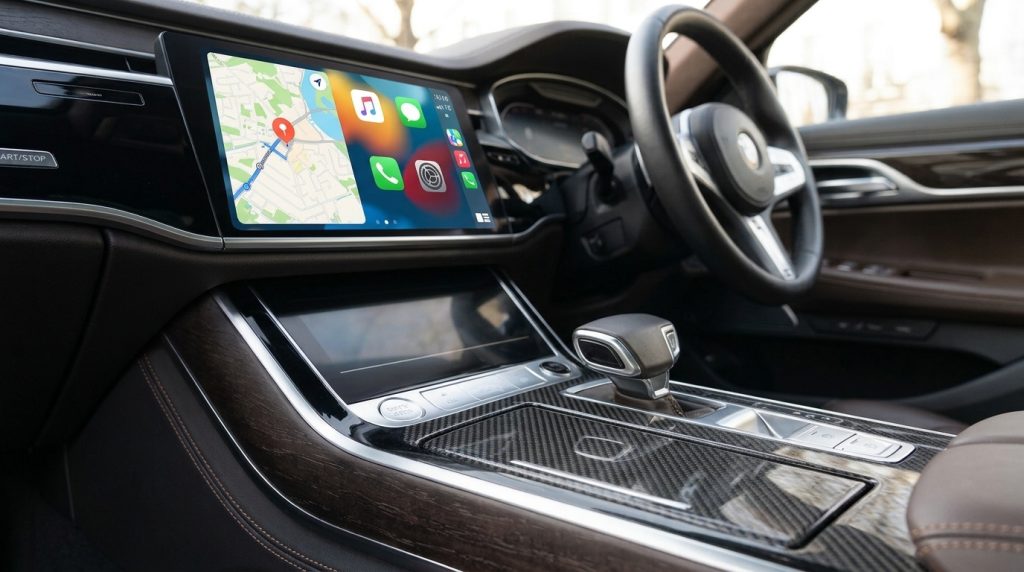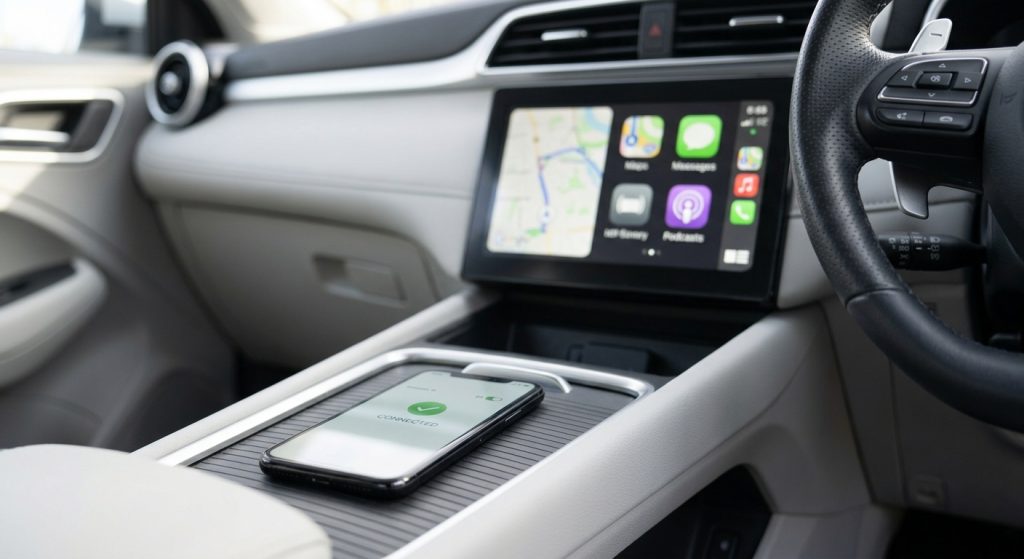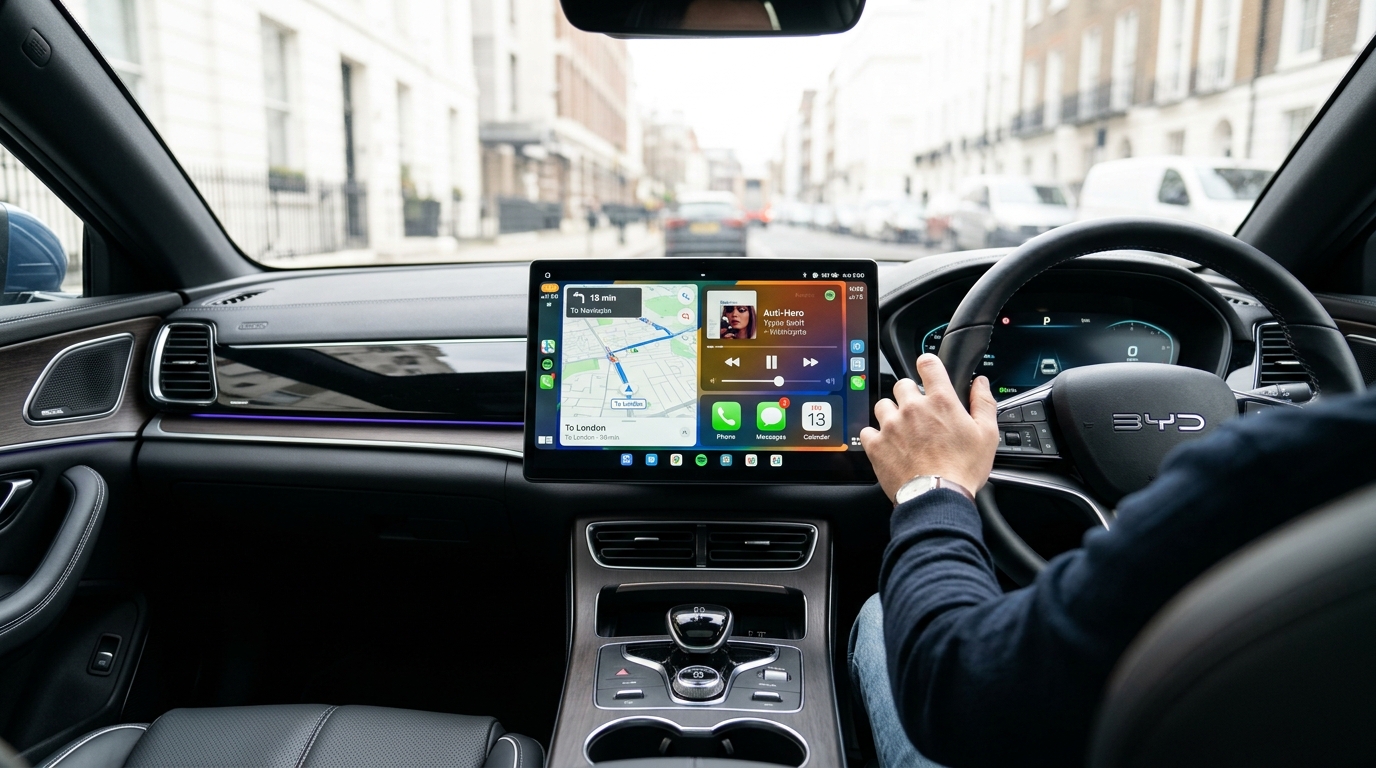
Short answer: BYD Apple CarPlay wireless setup comes down to three things on any BYD that has the feature: turn on Siri, Bluetooth and Wi-Fi, pair the phone with the car, then accept the CarPlay prompt and switch on Auto-Join for the car's Wi-Fi network. Australian BYD models generally support wireless CarPlay now. The early Atto 3, Dolphin and Seal only got it through the V1.8.0 over-the-air update in July 2024.
Not sure what your car supports? Start with our model-by-model guide, Does BYD Have Apple CarPlay?, then come back here to set it up or pick an upgrade.
| Your situation | What to do | Typical cost |
|---|---|---|
| CarPlay works wirelessly but drops out | Follow the fixes below | Free |
| Atto 3, Dolphin or Seal that's only wired | Install the V1.8.0 (or later) software update | Free (OTA) |
| Wired-only CarPlay, you just want no cable | Wired-to-wireless adapter | A$125.99 (Carlinkit 2air) |
| Factory wireless CarPlay, you want apps like YouTube | BYD AI Box | A$368.99 |
| Wired-only CarPlay, you want wireless and apps | Max Ultra AI Box | A$409.11 |
Step 1: Check Your BYD Can Do Wireless CarPlay
Before you start your BYD Apple CarPlay wireless setup, confirm your car actually has BYD wireless CarPlay. Most setup headaches come down to this.
Which BYD models have it
According to CarExpert's July 2024 report, every BYD sold locally now offers wireless Apple CarPlay. That includes the Sealion 6 plug-in hybrid. Android Auto has always come in both wired and wireless versions on BYD vehicles.
Newer arrivals such as the Atto 1, Atto 2, Sealion 5, Sealion 7 and Shark 6 are listed on our product page as models with factory wireless CarPlay. Still, check your own screen before buying anything. Software builds can differ between early and late deliveries.
The V1.8.0 check for Atto 3, Dolphin and Seal
These three were the first BYDs to arrive in Australia, and they started out wired-only. The Atto 3 first got CarPlay through an over-the-air update in early 2023, and that version needed a USB cable. Wireless CarPlay came with V1.8.0 in July 2024.
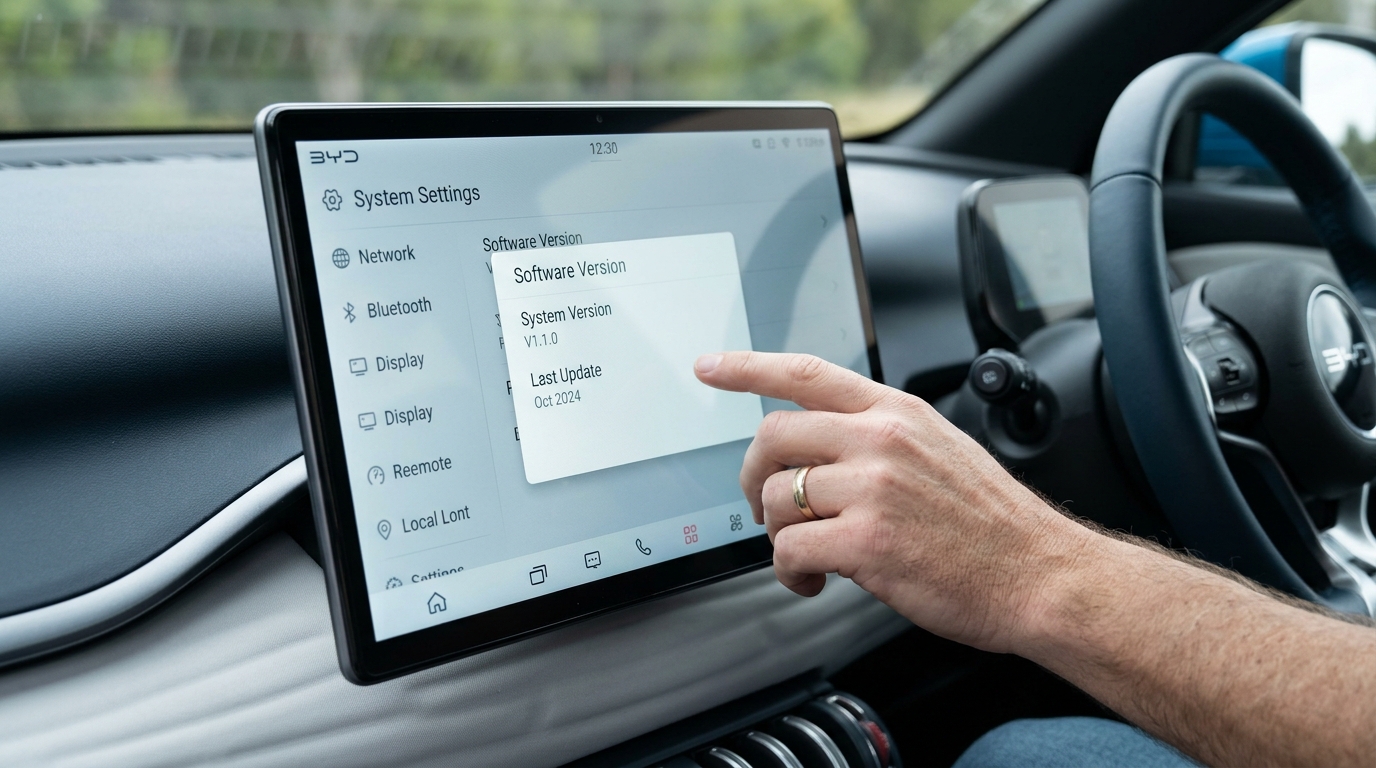
Quick test: Open the software or system information page on the infotainment screen. If it shows a version below 1.8.0, connect the car to Wi-Fi and run the update before anything else. Menu names vary between software versions, so check your owner's manual if you can't find the page.
How to Set Up BYD Wireless CarPlay (Factory System)
These steps follow Apple's official instructions for wireless CarPlay, matched to how BYD's system works:
- Park the car with the system on. On your iPhone, make sure Siri is turned on. CarPlay won't start without it.
- Turn on Bluetooth and Wi-Fi on the iPhone. Wireless CarPlay needs both: Bluetooth for the handshake, Wi-Fi for the actual CarPlay connection.
- Pair the phone with the car over Bluetooth from the BYD screen's connection menu. If your iPhone asks to use CarPlay, tap Use CarPlay.
- On the iPhone, go to Settings > Wi-Fi. Tap the info button next to the car's CarPlay network and check that Auto-Join is on.
- Go to Settings > General > CarPlay and select your BYD.
Tip: If your BYD has a CarPlay-capable USB port, Apple says plugging in once can also start the process. After that first connection, the iPhone offers wireless CarPlay on later drives.
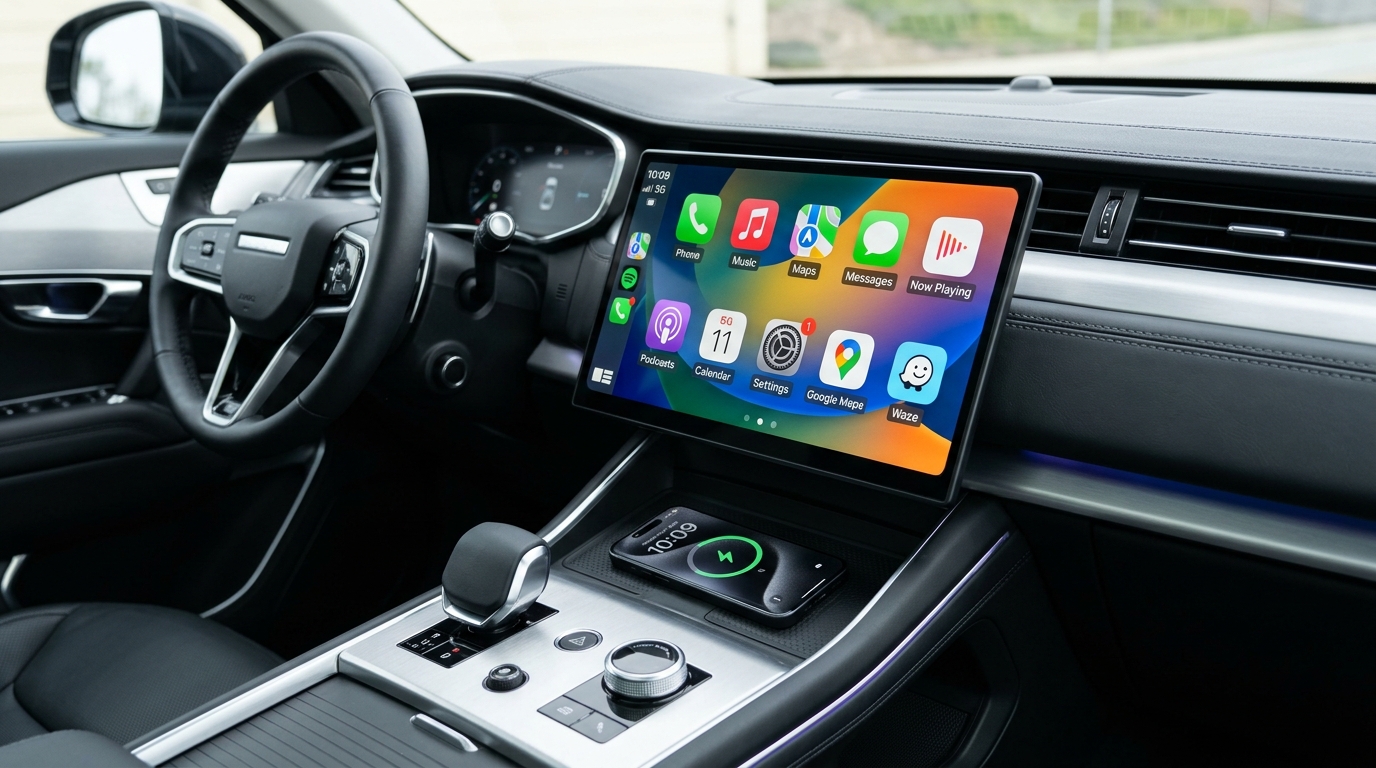
For a full walkthrough of wired and wireless pairing, see our guide on how to connect iPhone to BYD.
BYD Wireless CarPlay Upgrade Options
If your BYD already has factory wireless CarPlay, you don't need an adapter just to lose the cable. Upgrades make sense in two cases: the car is stuck on wired CarPlay, or you want more than CarPlay offers, such as streaming apps on the big screen while parked.
| Option | What it does | Needs | Price (AUD) |
|---|---|---|---|
| OTA software update | Adds factory wireless CarPlay (Atto 3, Dolphin, Seal) | V1.8.0 or later | Free |
| Carlinkit 5.0 (2air) | Turns wired CarPlay / Android Auto into wireless | Factory wired CarPlay or Android Auto | A$125.99 |
| BYD AI Box (Android 13) | Adds Android apps and wireless CarPlay / Android Auto | Factory wireless CarPlay | A$368.99 |
| Max Ultra AI Box (Android 15) | Android apps plus wireless CarPlay / Android Auto | Factory wired CarPlay or Android Auto | A$409.11 |
Which one fits your car?
- Wireless CarPlay already works → If you only want apps, go for the BYD AI Box.
- Wired only and you can't update → An adapter like the 2air is the simplest fix. If you also want apps, choose the Max Ultra.
- Wired only on an Atto 3, Dolphin or Seal → Run the update first. It's free, and it opens up the BYD AI Box option.
The trap to avoid: The BYD AI Box starts up through your BYD's factory wireless CarPlay. Our product page says plainly that if your BYD doesn't have factory wireless CarPlay, the box won't work. Check Step 1 before you order.
How to Set Up the BYD AI Box
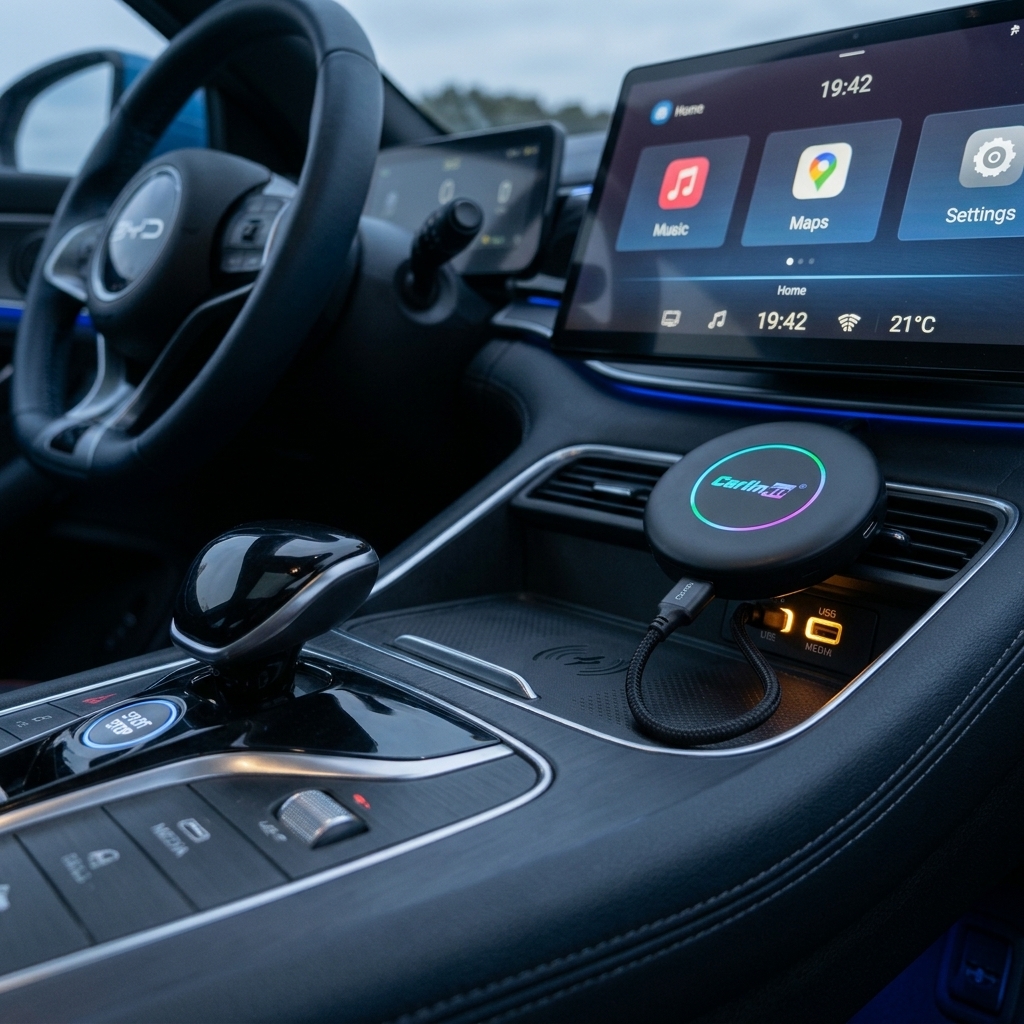
The box plugs into the car's USB port. There's no wiring, and setup has three steps:
- Clear old connections. Delete the existing CarPlay, Bluetooth and Wi-Fi pairings between your phone and the BYD, on both the phone and the car. Leftover pairings are the usual reason the box seems to "do nothing" when you first plug it in.
- Plug it into the USB port and make sure wireless CarPlay is switched on in the BYD. Wait for the box to boot.
- Finish on screen. Sign in to Google Play, install your apps, then pair your phone for CarPlay or Android Auto.
You control the box with the BYD touchscreen, the controller and the steering wheel buttons. For mobile data, it takes a 4G SIM (not included) or connects to Wi-Fi or your phone's hotspot. After the first pairing, the phone reconnects on its own each time you get in.
Safety note: Watch video only when the car is parked, or leave it to passengers. While driving, stick to navigation, music and calls.
BYD Wireless CarPlay Not Connecting? Quick Fixes
If your BYD Apple CarPlay wireless setup isn't working, go through these in order. Each one addresses a common symptom:
- CarPlay only works with the cable → Check your software version (Step 1). On Atto 3, Dolphin and Seal, versions before V1.8.0 are wired-only.
- Phone connects for calls and music, but CarPlay doesn't appear → Wi-Fi is off, or Auto-Join is off for the car's network. Wireless CarPlay needs Bluetooth and Wi-Fi.
- Nothing happens at all → Check that Siri is on. Also check Screen Time: content and privacy restrictions can block CarPlay.
- It connected yesterday but not today → Forget the car on the iPhone (Settings > General > CarPlay), delete the phone from the BYD's Bluetooth list, then pair again from scratch.
- Two phones in the car → The car may connect to the other phone first. Turn off Bluetooth on the second phone and try again.
- Still stuck → Update iOS and the car's software, then restart both.
FAQ
Does BYD have wireless CarPlay?
Yes. CarExpert reported in July 2024 that every BYD sold in Australia offers wireless Apple CarPlay, including the Sealion 6. Early Atto 3, Dolphin and Seal cars had to install the V1.8.0 over-the-air update to get it. Before that, they only supported wired CarPlay over USB. Check your software version if yours still needs a cable.
Why does my BYD only connect CarPlay with a cable?
The most likely cause is software older than V1.8.0. That applies to Atto 3, Dolphin and Seal models delivered before mid-2024. Update the car over Wi-Fi first. If it's up to date, check that Wi-Fi and Auto-Join are on for the car's CarPlay network on your iPhone. Wireless CarPlay won't run on Bluetooth alone.
Do I need an adapter for wireless CarPlay in a BYD?
Usually not. Current Australian BYDs have factory wireless CarPlay, so an adapter adds nothing just to remove the cable. A wired-to-wireless adapter only makes sense if your car is stuck on wired CarPlay and can't be updated. If you want streaming apps as well, an AI box is the better fit.
Will the BYD AI Box work if my car only has wired CarPlay?
No. The BYD AI Box starts through the car's factory wireless CarPlay, so it won't work on a wired-only system. For an Atto 3, Dolphin or Seal, install the V1.8.0 update first. If wireless CarPlay isn't available, the Max Ultra AI Box is the alternative, because it works with factory wired CarPlay.
Can I watch Netflix on my BYD screen?
CarPlay itself doesn't run video apps, but an Android AI box adds Google Play apps such as Netflix and YouTube to the BYD screen. Use video only while the car is parked. For options, see our BYD AI Box & Accessories page. Before buying, confirm your model has factory wireless CarPlay.
Ready to Upgrade Your BYD In-Car Experience?
Check your software version today to ensure your vehicle is ready. If you want to unlock full Android apps, YouTube, and Netflix on your factory wireless CarPlay screen, explore the compatible Multimedia AI Box options designed specifically for BYD.
Explore BYD AI Box