
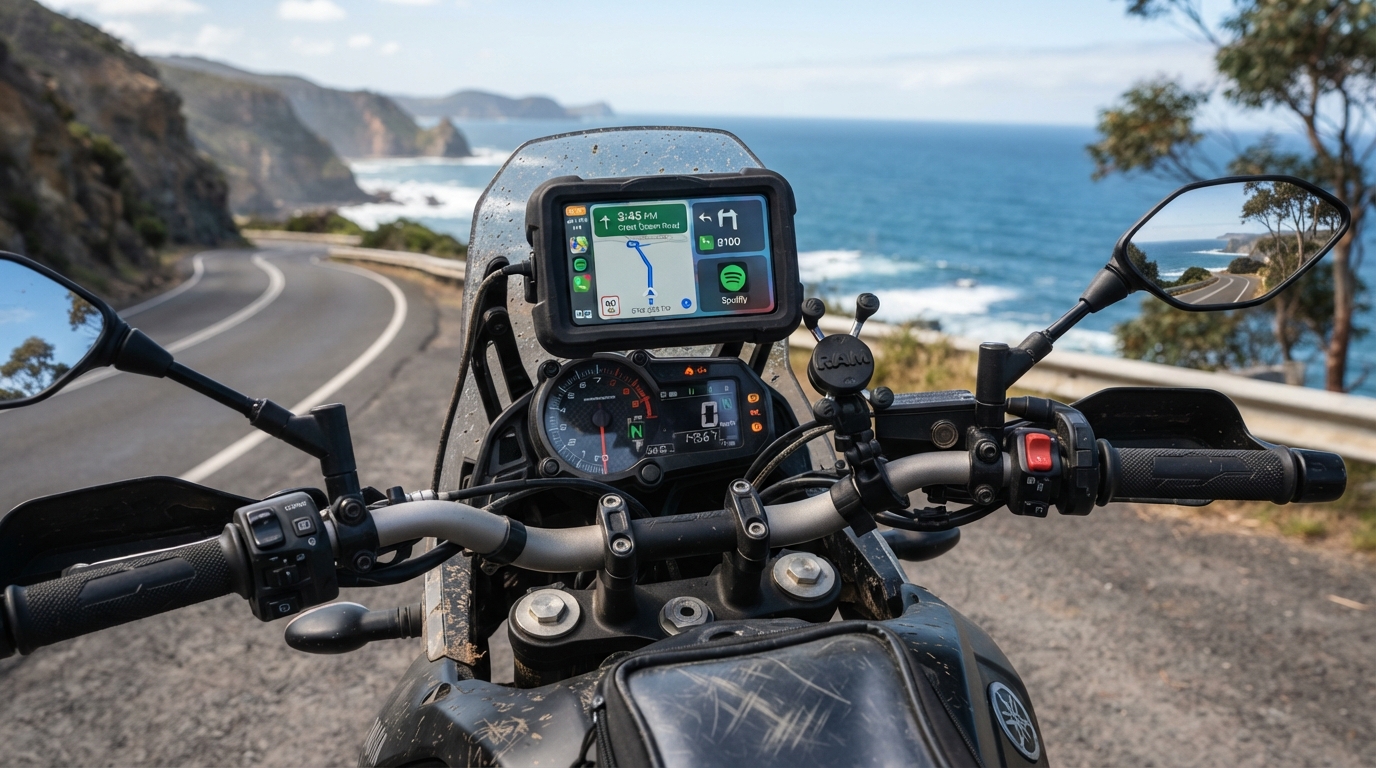
Motorcycle CarPlay Screen Mounting & Setup Guide
For motorcycle CarPlay screen mounting, pick a position that keeps your tank, switchgear, and instruments completely clear at full steering lock. Before ordering, confirm how the harness connects to switched accessory power and what the weather rating covers. For Australian commuting and touring, test screen readability and glove response while parked.
| Check Area | What to Confirm Before You Buy |
|---|---|
| Mount & Clearance | Bracket fits your bar or mount diameter without blocking gauges, levers, or full-lock steering. |
| Power & Shutdown | Supplied harness matches your bike's switched power circuit and shuts off cleanly when parked. |
| Weather Protection | Maker specifies ingress protection for both the display unit and exposed inline connectors. |
| Daylight Readability | Next-turn prompts stay legible from your normal riding posture in bright sun and shade. |
| Glove Operation | Your regular riding gloves register deliberate taps while parked (confirm wet-use guidance separately). |
1. Choose a Mounting Point That Clears the Controls
Measure the mounting spot and housing footprint
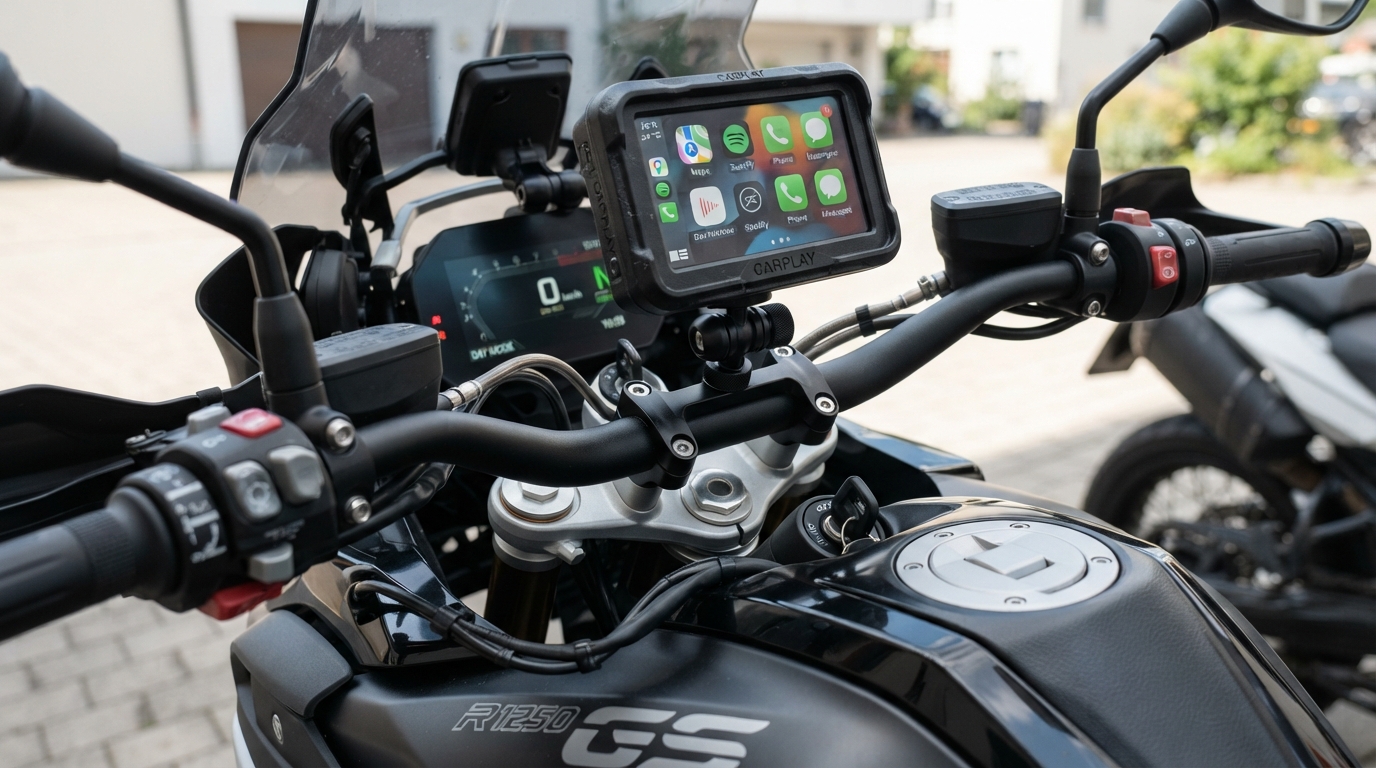
A motorcycle CarPlay screen typically mounts to a handlebar, dash crossbar, or mirror stem depending on the brackets included in the kit. Measure both the bar diameter (especially on tapered bars) and the straight clamping width available between switchgear and risers. On bikes with clip-ons or tight cockpits, confirm compatible bracket options with the seller first.
Cut a cardboard template matching the housing dimensions in the product listing and hold it in place while seated on the stationary bike. Leave space behind the housing for the bracket arm and cable exit, and verify that your speedo, warning lights, and mirrors remain unobstructed.
Check full-lock steering and cable slack
With the bike stable and engine off, turn the handlebars gently to full lock left and right. Confirm the display and mount clear the fuel tank, windscreen, fairing, and any tank bag, and do not foul brake hoses or control cables. Once wired, repeat the full-lock sweep to ensure the power loom has smooth slack without tension on the connector or pinch points.
2. Confirm Power Wiring Before Fitting
Match the harness to switched accessory power
While the phone connects via wireless Apple CarPlay and Android Auto, the screen itself requires a reliable power feed—typically a switched accessory (ACC) circuit. Confirm which harness, input voltage, and fuse protection come with your exact kit, and check your owner's manual or ask a motorcycle technician before tapping an unused factory plug. If you plan to power the unit via USB, confirm USB power compatibility explicitly.
Run a parked ignition cycle test
In a well-ventilated area, test the screen through key-on, engine start, and key-off. Verify that the display powers down as intended after ignition-off (accounting for any built-in shutdown delay) so it will not flatten the battery overnight, then restart to confirm wireless auto-reconnection.
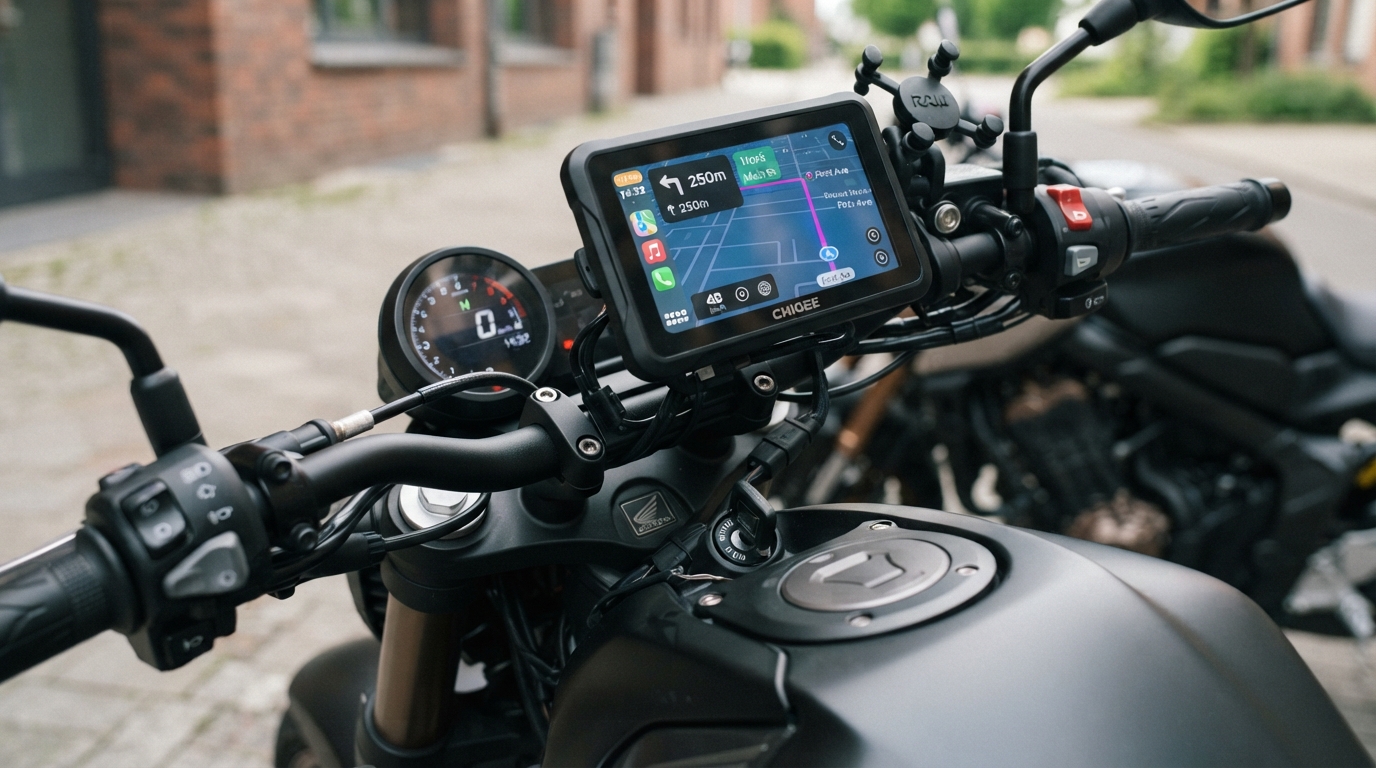
If the display reboots every time the starter cranks, ask your technician whether the chosen ACC circuit drops power during cranking. If the screen stays powered while only the map drops out, check your phone's wireless link and navigation app settings.
3. Check Weather Protection on Screen and Connectors
Request the written ingress protection specification for the exact SKU you are buying, rather than relying on general weatherproof claims. An IP rating only applies under defined test conditions—check whether the rating covers the display with the power cable attached, which port caps must remain closed, and where inline plugs sit behind your windscreen.
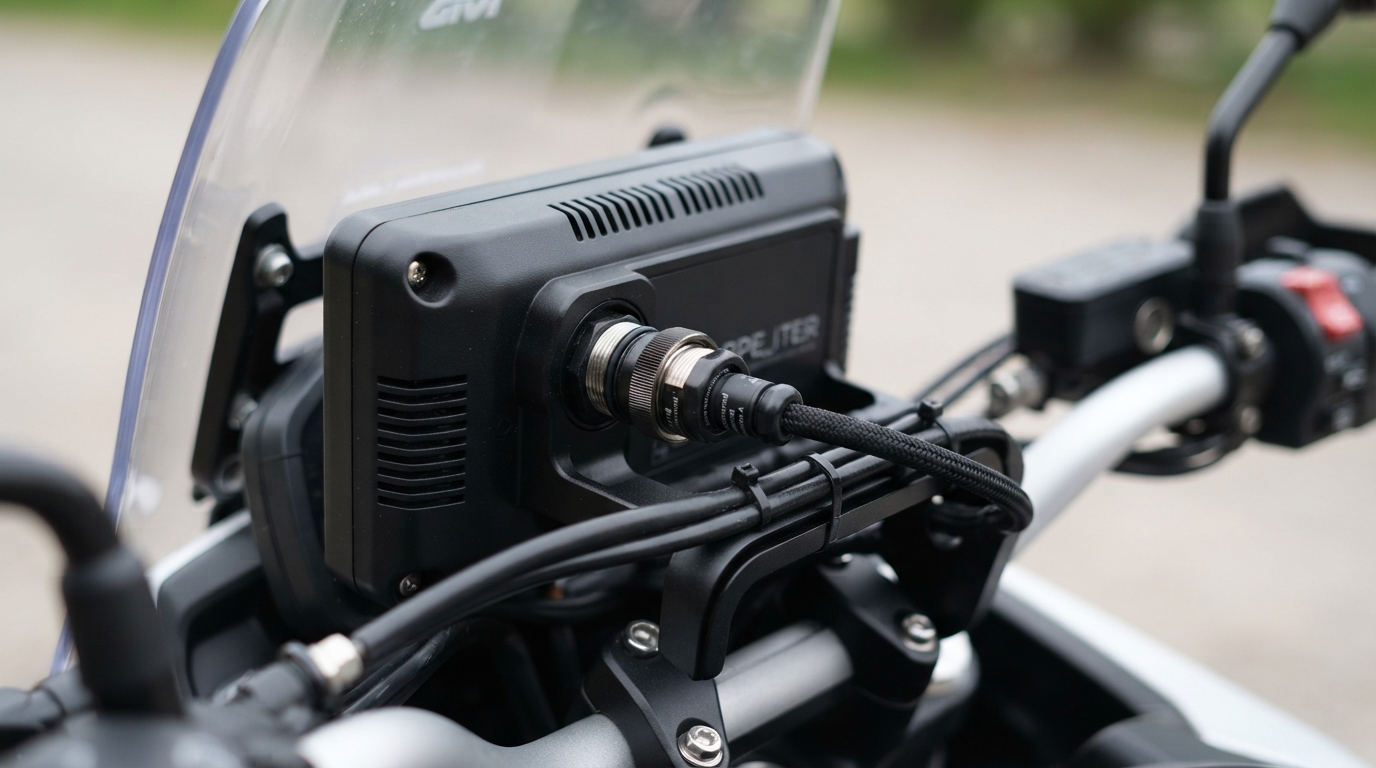
Follow the manufacturer's cleaning guidance, avoid pointing high-pressure washers at the screen or wiring, and confirm how to cap or protect exposed connectors if you detach the screen between rides.
4. Test Readability and Glove Control from the Saddle
Sit on the parked bike in both bright sunlight and shade wearing your regular helmet visor or polarised sunnies. Check that street names and turn arrows remain crisp at your natural eye distance, and fine-tune the tilt angle (re-checking full-lock clearance afterward) if sky glare washes out the screen. If you commute at night, check that the display dims comfortably.
Test deliberate taps and swipes while parked using your actual summer and winter riding gloves. Confirm with the seller whether touchscreen sensitivity is rated for wet gloves or rain droplets before relying on touch input in wet weather.
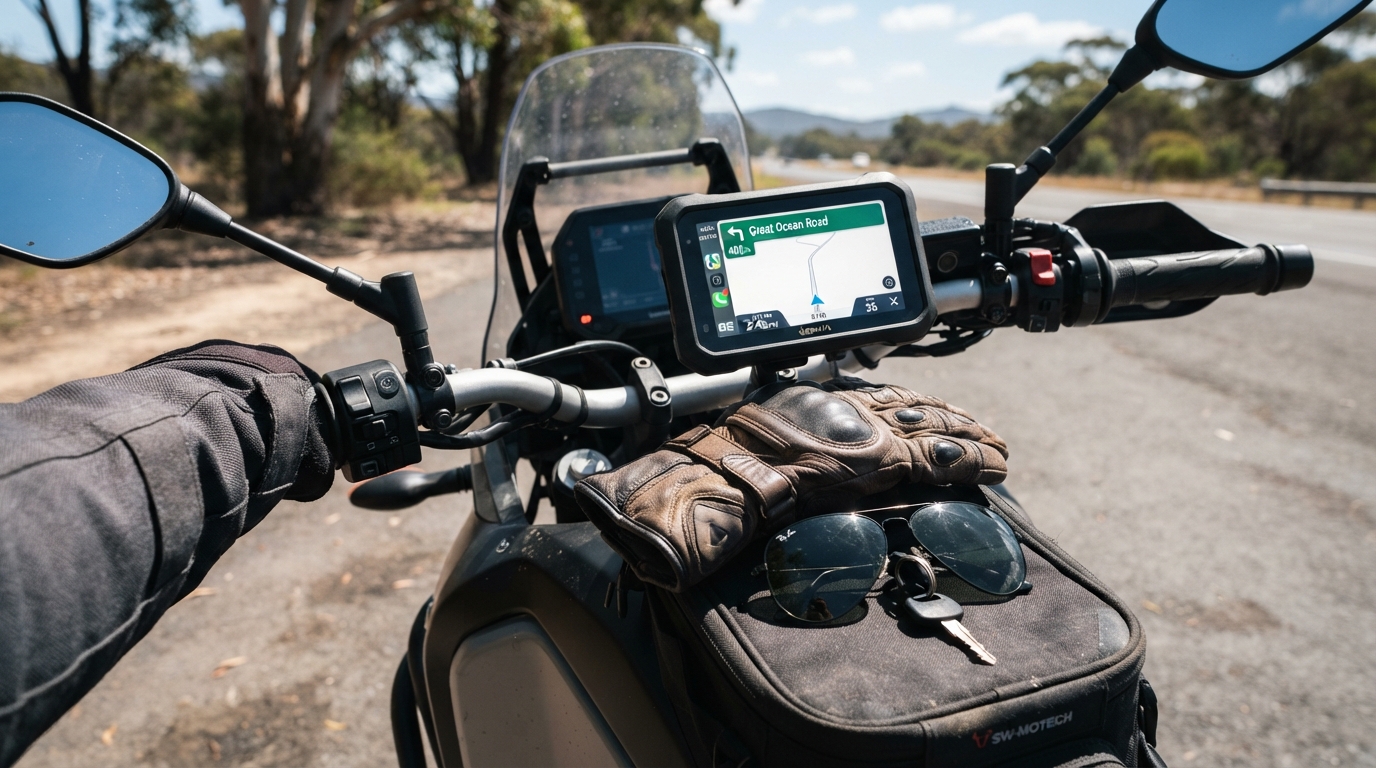
Australian road rules reminder: Program your route before riding and pull over safely before adjusting settings. Check the digital screen and GPS rules for your state or territory and licence class—for example, review the NSW Government guidance on mobile phones, digital screens and GPS.
Frequently Asked Questions
Can I add CarPlay if my motorbike has no factory screen?
Yes. A stand-alone motorcycle CarPlay display mounts to your bars or dash and pairs wirelessly with a compatible iPhone (or Android phone for Android Auto). Confirm phone OS requirements, included brackets, and power wiring before ordering.
Will a motorcycle CarPlay screen fit any handlebar?
Not automatically. Fitment depends on clamp diameter, straight bar space between controls, and clearance around the tank and fairing at full steering lock. Measure your mounting point and test clearance with a cardboard template first.
Will the screen drain my battery after I park?
Wiring the display to a properly switched accessory (ACC) circuit cuts power when the ignition is off (subject to any brief shutdown delay). Verify complete shutdown during a parked ignition cycle, and have a technician inspect the circuit if the screen stays active.
How do I tell if a screen will handle rain?
Confirm the official IP rating and test conditions for the exact variant, including whether inline connectors and closed port caps are covered when installed. Follow the maker's wet-use and washing instructions.
Will thick winter gloves work on the touchscreen?
Touch response varies by glove thickness, material, and moisture. Test taps and swipes with your dry riding gloves while parked, and check the manufacturer's guidance before using touch controls in the rain.
Before You Order
Confirm your bike make, model, year, and mounting point with the seller so you get the right bracket and power harness for your setup.
View the Motorcycle CarPlay Display