
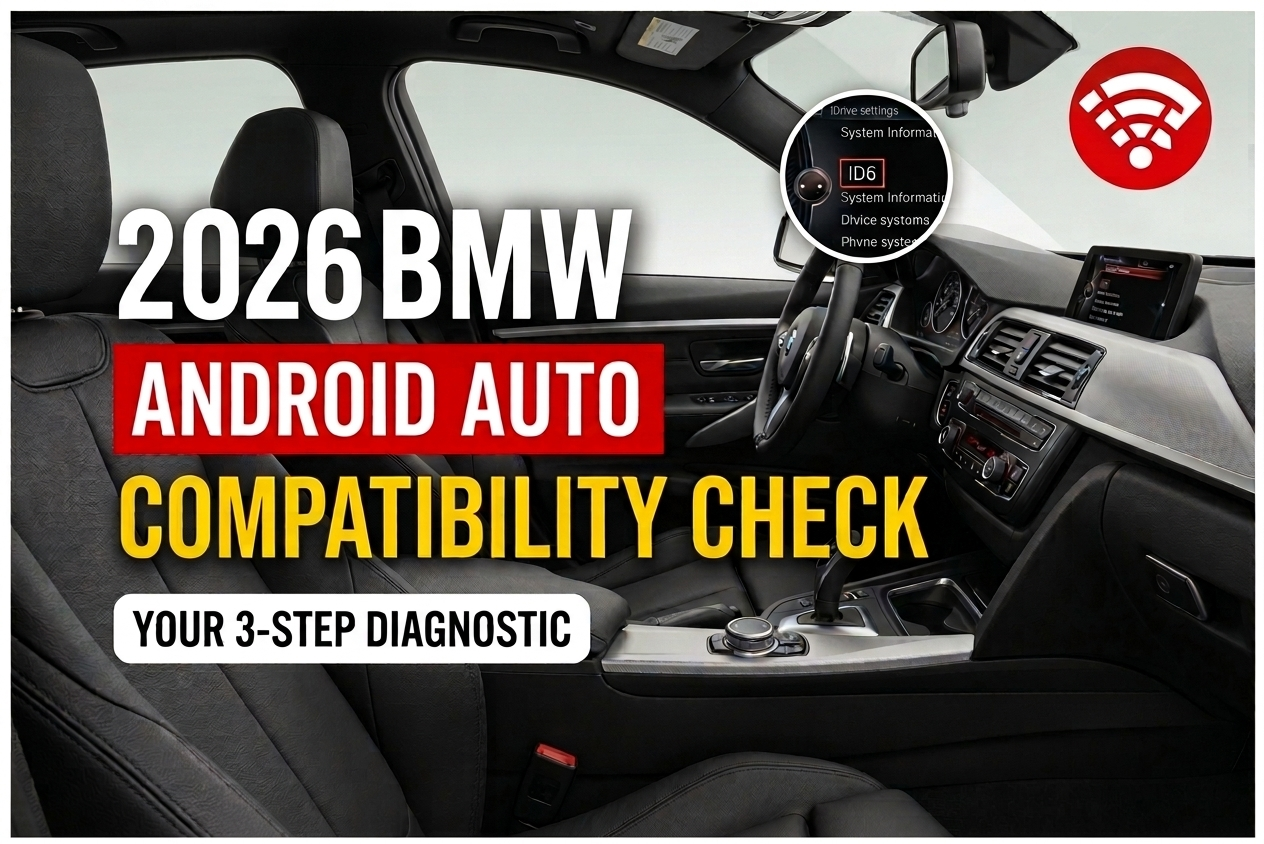
Does Your 2017 BMW Support Android Auto? Full Compatibility Check
A three-step diagnostic to settle it — no dealership visit required.
So — does your 2017 BMW support Android Auto? Honestly, it depends, and that's the frustrating part.
2017 sits right in the middle of BMW's messiest transition period for smartphone integration. Some cars from that year got Android Auto. Many didn't.
We've answered this exact question for customers more times than we can count. One story that sticks with us: a 2017 5 Series owner — we'll call him "Dave" for privacy — who spent two weeks convinced his unit was defective, before we found out his car simply never had the feature to begin with.
The good news? You don't need a dealer visit to find out where you stand. Run through three checks in your own car, and if it turns out your BMW doesn't offer native support, we'll point you to the fix — including the exact unit we recommend, the Carlinkit Tbox Ultra 3.
Why 2017 BMW Owners Are Confused About Android Auto
The short answer: BMW built most 2017 models around Apple CarPlay, not Android Auto.
Here's what that actually means for you:
- A lot of 2017 BMWs shipped with CarPlay-capable hardware but zero Android Auto software
- The system version matters more than the model year — two 3 Series cars built six months apart can behave completely differently
- "Newer car, more features" isn't how BMW rolled this one out, and it trips people up constantly
Ever assumed your car "should" have a feature just because it's fairly recent? You're not the only one.
Step 1 — Identify Your iDrive System Version
Your iDrive version determines everything else. So let's find it first.
How to Check Your iDrive Version
Open your iDrive menu. Go to Settings → System Information. Look for ID5 or ID6 on screen.
That single label tells you whether you're running NBT or EVO.
NBT vs EVO — What's the Difference?
| System | Also Known As | Android Auto Readiness |
|---|---|---|
| NBT | ID5 | CarPlay only, no native Android Auto |
| EVO | ID6 | CarPlay only, no native Android Auto |
Neither system left the factory with Android Auto built in during 2017. Both, however, work fine with a retrofit solution — more on that shortly.
Which 2017 BMW Models Use Which System
Most 2017-built 3 Series (F30), 5 Series (F10), X3 (F25), and 4 Series (F32) models run NBT or EVO depending on build date. We've seen two F30s from the same production month register different system versions on the menu.
That's why checking your own car beats trusting the model name alone.
Step 2 — Check for Factory Wireless Apple CarPlay
This matters even if you've never touched an iPhone. Here's why.
Why Wireless CarPlay Support Matters Even for Android Users
Every retrofit solution — including the one we recommend below — works by riding on the existing wireless CarPlay channel already built into your car. A wired-only CarPlay port isn't the same thing, and it won't give the device a channel to connect through.
How to Verify Wireless CarPlay in Your Settings
Head to iDrive → Settings → General → Add-on Services. See Apple CarPlay listed — and confirm it's the wireless version, not a wired-only setup? Good, your hardware foundation is in place.
Don't see it, or only see a wired option? Wireless CarPlay may need dealer activation first.
Step 3 — Confirm Your USB Port Type
Not every USB port in your BMW does the same job. This one catches people out more than any other step.
This is what came up most often in our own bench tests:
- The port marked with a phone icon is usually the true data port
- Charge-only ports look identical but won't recognize a connected device
- A classic symptom: the box powers on, the light comes on, but nothing ever appears on the iDrive screen — that's almost always a charge-only port, not a faulty unit
Test the port before you assume anything's broken. It saves a lot of guesswork.
What If Your 2017 BMW Isn't Factory Compatible?
A software update won't fix this one. This is a hardware-and-protocol gap, not a bug BMW can patch over the air.
The practical route is a plug-and-play AI Box that borrows your existing wireless CarPlay connection to run a full Android environment on your factory screen. No dashboard disassembly. No rewiring. Fully reversible.
If your 2017 BMW passed the wireless CarPlay check above, our guide on installing wireless Android Auto on a 2017 BMW walks through the exact setup, start to finish.
Our Recommendation: Carlinkit Tbox Ultra 3
If you're choosing hardware, this is the unit we'd point you to. Here's why it fits the 2017 BMW use case so well.
The Carlinkit Tbox Ultra 3 is built specifically for BMW models running factory wireless CarPlay — exactly the setup Step 2 walks you through checking. That match matters: a device designed generically for "any CarPlay car" doesn't always handle BMW's specific handshake as cleanly.
What stands out on the spec sheet:
- Android 15 on a Qualcomm 6350 8-core processor — noticeably newer than the Android 13 chips found in older-generation boxes
- 8GB RAM + 128GB storage, expandable via microSD if you install a lot of apps
- Built-in LCD touchscreen — a feature most competing boxes in this category don't include
- Its own 5G LTE connection, so the box doesn't lean on your phone's hotspot or battery
- 2-year manufacturer's warranty, with an optional 1-year extension for longer coverage
If you're on an older NBT/EVO system from 2017 and want the retrofit path to feel like a real upgrade rather than a stopgap, this is the one we'd suggest starting with.
Quick Compatibility Checklist
Before you buy anything, confirm all three:
- iDrive version shows ID5 or ID6
- Wireless Apple CarPlay (not wired-only) appears under Add-on Services
- USB data port is identified and tested — not just any port that lights up
"Nine times out of ten, when someone tells us the box 'isn't working,' it's plugged into the charging port." — a pattern we've seen repeat across dozens of BMW installs.
Frequently Asked Questions
No. It comes down to your iDrive version and wireless CarPlay status — not the model year by itself.
Yes — but it needs to be wireless CarPlay specifically. A wired-only CarPlay port doesn't give the AI Box the channel it needs to run a full Android system, Android Auto included.
Non-destructive, plug-and-play installs generally leave your warranty intact, though policies vary by dealer. Worth a quick local check if you want peace of mind.
Not really. Most installs wrap up in under 20 minutes, no tools or dashboard removal needed.
For most 2017 NBT/EVO cars with factory wireless CarPlay, we point people to the Carlinkit Tbox Ultra 3. It's purpose-built for BMW's wireless CarPlay setup and runs Android 15 on newer hardware than most alternatives in its category. Note: it requires wireless CarPlay specifically — a wired-only setup won't work with it.
That's usually fixable. Check our breakdown of why BMW Android Auto keeps disconnecting and how to fix it for troubleshooting steps that apply across most iDrive generations.
Final Verdict
Checking whether your 2017 BMW supports Android Auto really comes down to three things: your iDrive version, your wireless CarPlay status, and your USB port type.
Run through this checklist once. You'll know exactly where you stand — and exactly what to do next.
If your car checks out for wireless CarPlay but not native Android Auto, the Carlinkit Tbox Ultra 3 is the unit built for exactly that situation.